
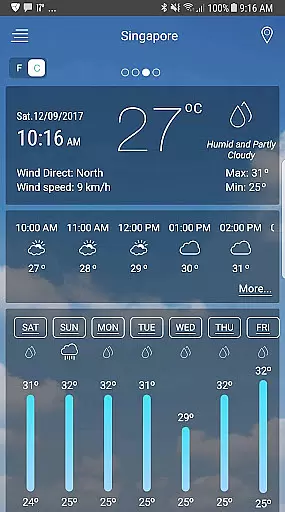
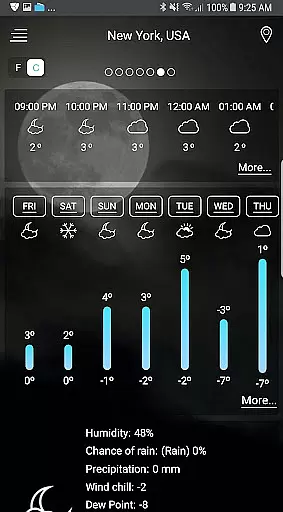
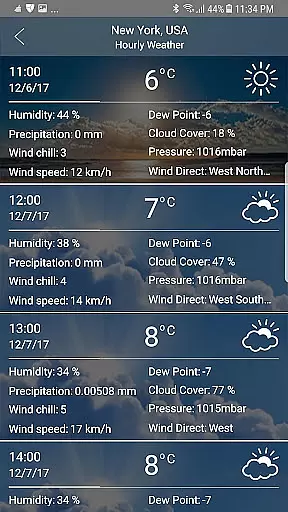
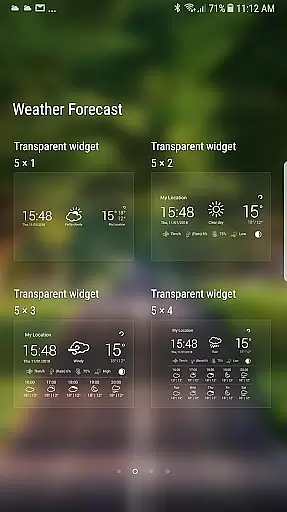
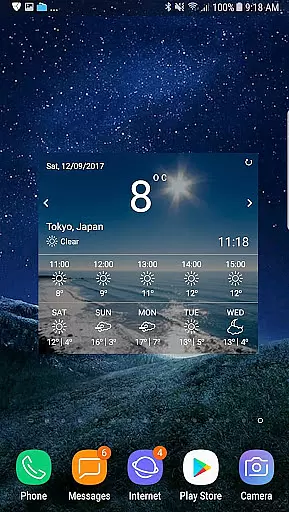
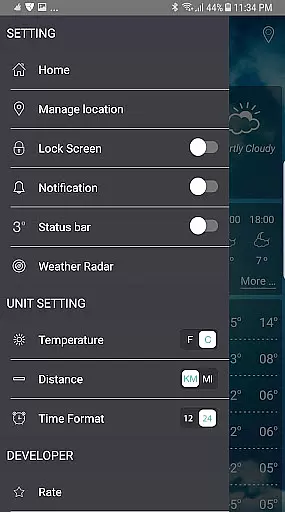
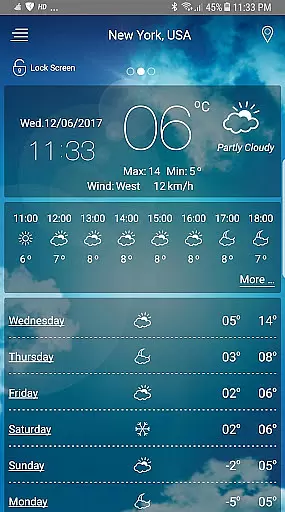
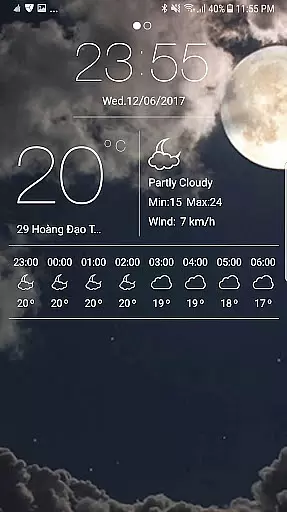
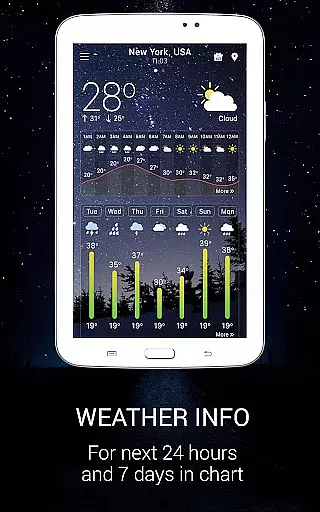
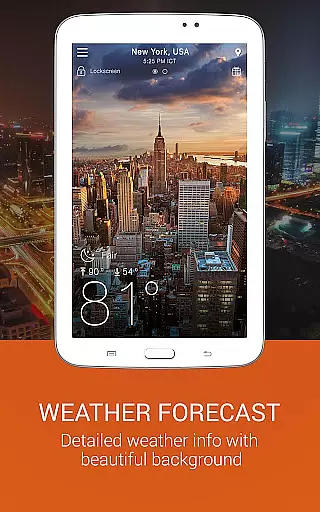
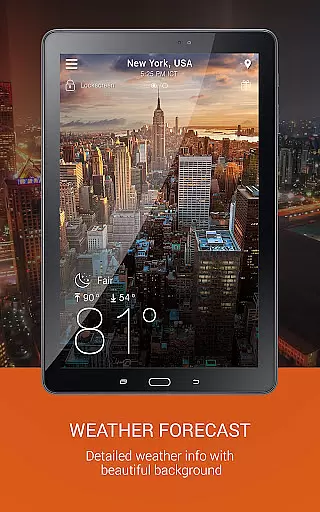
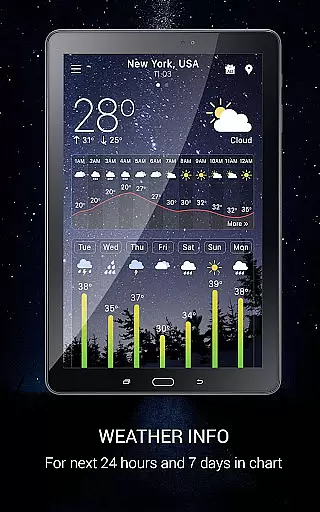
Weather app is a comprehensive weather forecasting application that provides users with detailed local and global weather information. The app offers current temperature readings in both Celsius and Fahrenheit, sunrise and sunset times based on city time zones, and atmospheric conditions such as pressure, visibility, humidity, and wind speed and direction.
In addition to real-time weather data, the app features an hourly and daily forecast function, animated weather conditions with live background images, and specialized tools like storm warnings, temperature converters, and wind speed indicators. Users can track weather in multiple locations, receive local weather alerts, and access a weather map service with radar scopes for rain, snow, temperature, and more.
This app is particularly useful for planning trips, work, and daily life activities by providing accurate weather predictions up to ten days in advance. Its user-friendly interface and customizable widgets make it easy to receive and understand weather conditions at a glance.
Weather app stands out with its rich feature set tailored to meet the needs of weather enthusiasts and casual users alike. One of its key features is the detailed weather map service, which includes radar scopes for various weather phenomena such as rain, snow, temperature, pressure, wind, clouds, humidity, waves, and storm tracking.
The app also excels in its forecasting capabilities, offering an hourly forecast, daily predictions for up to seven days, and even a ten-day outlook. Users can customize their experience with beautiful weather widgets that display the current weather, clock, and forecast information directly on their home screen.
Additional innovative features include storm warnings and notifications, a temperature converter that automatically detects the appropriate unit based on the user's location, and a wind guru tool that provides detailed wind forecasts. These features ensure users are well-informed and prepared for any weather condition they may encounter.
Forecast accuracy and data credibility are essential components of any reliable weather application. This Weather app ensures that users receive precise and trustworthy weather information tailored to their specific locations. By leveraging advanced forecasting models and real-time data collection, the app delivers accurate predictions for temperature, precipitation, wind speed, and other critical weather parameters.
The app's forecasting capabilities extend from hourly updates to a comprehensive seven-day outlook, ensuring users can plan their activities with confidence. Each forecast is meticulously generated using data sourced from reputable meteorological organizations, enhancing the reliability of weather insights provided. Additionally, the app offers localized weather maps and radar imagery, allowing users to visualize approaching weather systems and make informed decisions.
For users who require detailed weather analysis, the app provides atmospheric pressure readings, visibility distances, and humidity levels in various units. These features not only cater to casual users but also appeal to professionals who depend on precise weather data. The inclusion of sunrise and sunset times further enriches the user experience by offering contextual information relevant to daily planning.
The temporal and spatial forecast range is a crucial aspect of this Weather app, enabling users to access weather predictions across different timeframes and geographical areas. With its extensive coverage, the app supports both local weather inquiries and global forecasts, making it an invaluable tool for travelers and international planners. Users can effortlessly switch between cities and time zones, receiving timely updates aligned with their current or intended locations.
This app stands out by providing animated weather conditions with live background images, enhancing the visual representation of weather patterns over time. Whether monitoring storm warnings or tracking temperature fluctuations, users benefit from dynamic visuals that simplify complex meteorological data. The app's storm tracker and rain alarm functionalities further augment its spatial capabilities, alerting users to severe weather events within their vicinity.
Additionally, the app facilitates multi-location tracking, allowing users to monitor weather conditions in various places simultaneously. This feature is particularly beneficial for individuals managing properties or operations across different regions. By delivering consistent and accurate updates, the app empowers users to stay ahead of weather changes, ensuring they are always prepared regardless of their location or schedule.
User-friendly interface
Accurate forecasting
Customizable widgets
Comprehensive weather data
Global coverage
No GPS functionality
Occasional inaccuracies
Ads in free version
Complex for beginners
Limited advanced features

Moon phase calendar with live wallpaper, lunar widget, & 3D simulation.
 3.60
3.60
Accurate Thermometer: indoor & outdoor temperature, humidity, pressure, and wind
4.50
Check forecasts, watch live news & track storms with FOX Weather.
3.80
Accurate weather forecast, daily weather changes are easy to grasp
4.90
Powerful US and worldwide earthquake feed with earthquake alerts and maps.
4.60
Industry leading whitetail movement predictor & hunting app.
4.60
Accurate Local Weather Forecast, let you easily understand the nearby weather!
4.20
Weather watch face for Wear OS 5+
4.10
Advanced weather toolkit, providing detailed weather information for any season!
3.50
No ads, No data collected. Beautiful and powerfully customizable weather app
4.90
Weather - Local weather forecast, weather daily & hourly, weather radar
4.80
Weather Forecast, Trending News, Hurricane & Storm Tracker, Alerts & Live Radar.
4.80
weather forecast, weather radar, weather widget in one local weather app
4.70
Your ultimate app for real-time weather information!
4.70
Get the ad-free version of the highly rated WeatherBug app for accurate weather!
4.50
Weather watch face for Wear OS 5
4.40
Your Personal Weather Assistant
4.00
Storm Radar, Alerts & Live Weather Forecasts Right on Your Home Screen
3.70
Get instant weather & temperature predictions right on your Wear OS smartwatch!
4.2


User Reviews