
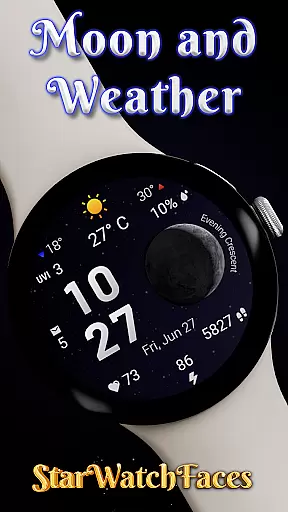
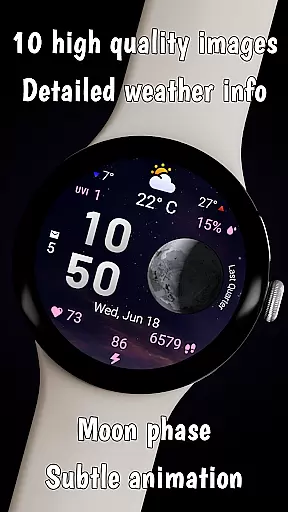
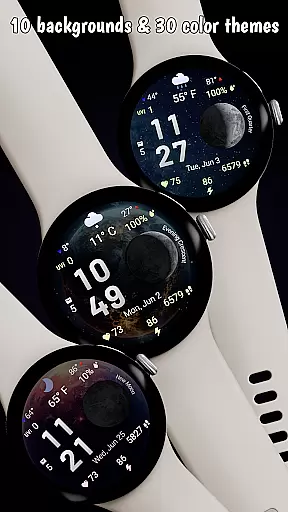
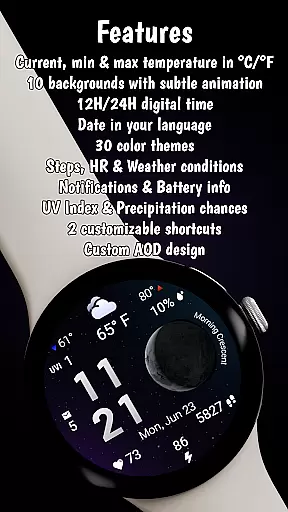
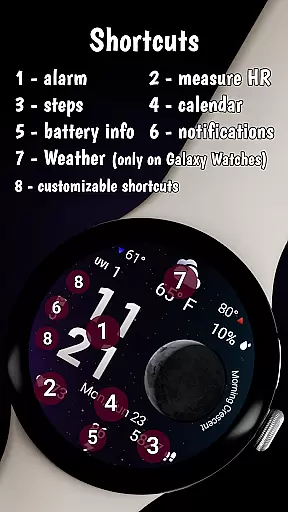
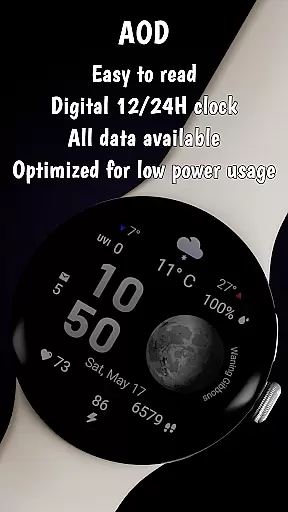

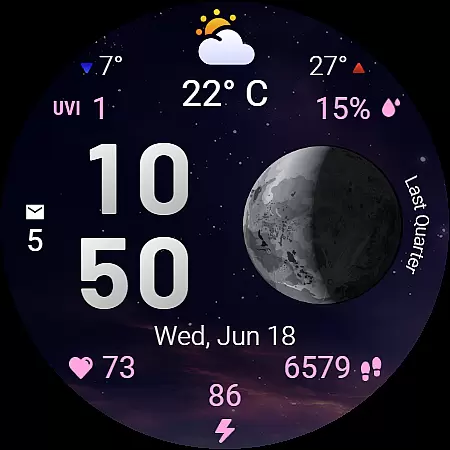
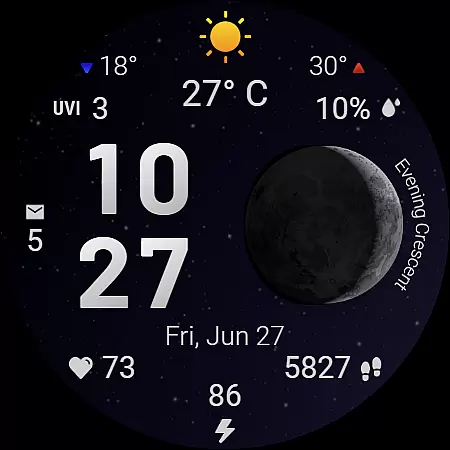
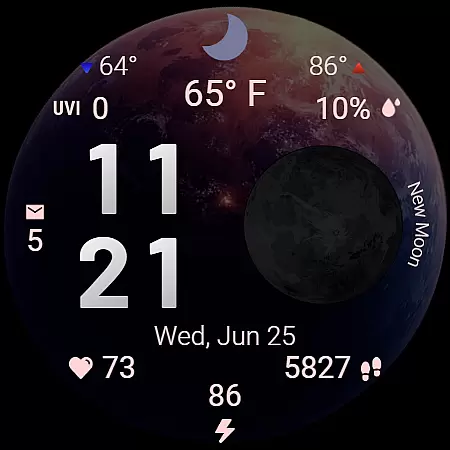
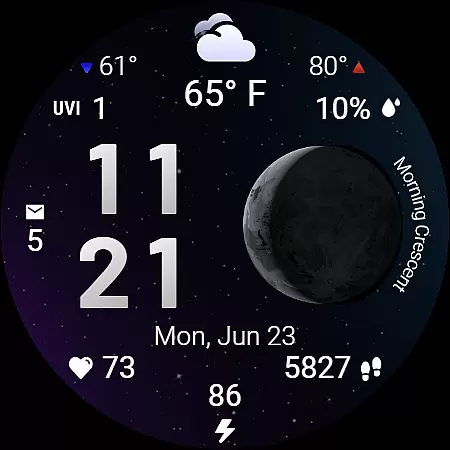
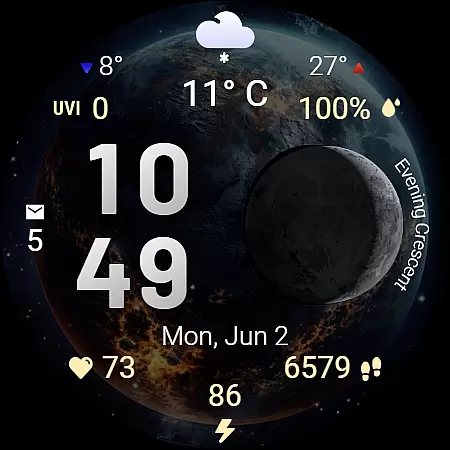
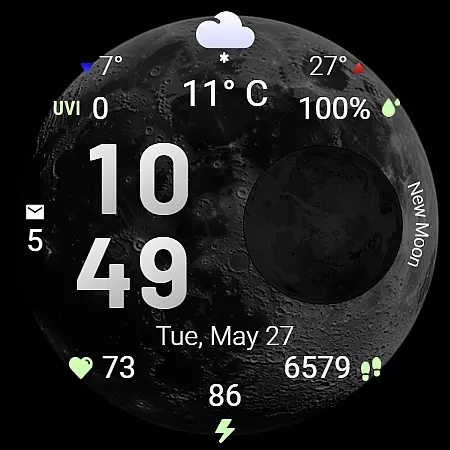
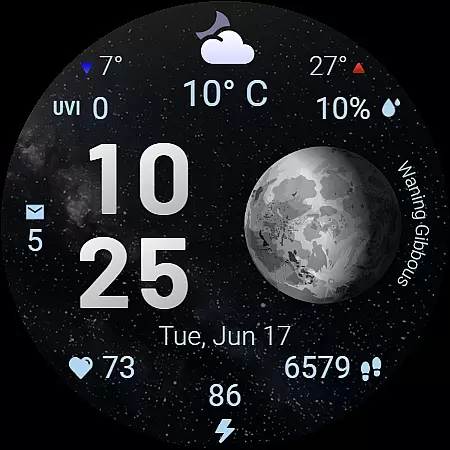
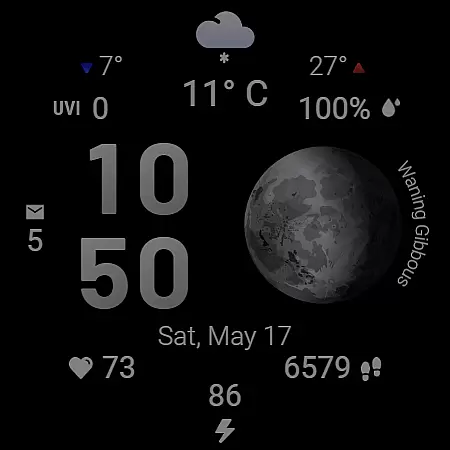
Moon & Weather is a premium Wear OS watch face that combines astronomy, weather data, and health monitoring into an elegant, animated display. Featuring 10 space-themed backgrounds with subtle animations, it brings the cosmos to your wrist while providing practical information at a glance.
The watch face offers detailed weather insights including current temperature, UV index, and precipitation chances alongside health metrics like heart rate and step count. With customizable color themes, app shortcuts, and Always-On Display support, it balances aesthetics with functionality for Galaxy Watch users.
This watch face stands out with its live moon phase visualization, displaying accurate phases like 'Full Moon' or 'Evening Crescent.' The 30 color themes enhance both legibility and mood, adapting seamlessly to different lighting conditions.
Weather features include min/max temperatures with directional indicators and condition-specific icons. Health enthusiasts will appreciate real-time heart rate monitoring and step tracking. The two customizable shortcut areas allow quick access to frequently used apps, making this watch face as practical as it is beautiful.
Forecast Accuracy & Data Credibility are crucial for any weather application, and Moon & Weather watch face excels in delivering precise meteorological data directly to your wrist. The app sources its weather information from reliable providers, ensuring that users receive the most accurate forecasts available.
The watch face displays current temperature, daily minimum and maximum temperatures, UV index, and precipitation chances with clear indicators. This detailed breakdown allows users to plan their day effectively, whether they need to carry an umbrella or apply extra sunscreen.
By integrating seamlessly with Wear OS devices, the app ensures real-time updates, keeping you informed about sudden weather changes. This reliability is essential for outdoor activities, offering peace of mind when stepping out.
Ultimately, the credibility of the data presented by Moon & Weather enhances user trust, making it an indispensable tool for anyone who relies on accurate weather predictions.
Temporal & Spatial Forecast Range refers to the ability of a weather application to provide timely and geographically relevant forecasts. Moon & Weather watch face stands out by offering localized weather insights tailored to the user's current location.
With features like live moon phase visualization and adaptive date display based on device language, the app ensures that temporal data is both comprehensive and personalized. Users can easily understand what to expect at different times of the day, enhancing their planning capabilities.
Spatially, the app supports various units of measurement such as u00b0C or u00b0F for temperature and provides weather condition icons that reflect local atmospheric conditions. These elements combine to create a hyper-localized experience that keeps users well-prepared regardless of their whereabouts.
By focusing on both time and space dimensions, Moon & Weather delivers a robust forecasting tool that empowers users to stay ahead of weather patterns, wherever they go.
Stunning space-themed visuals
Accurate moon phase tracking
Comprehensive weather data
Health metrics integration
Customizable interface options
Limited third-party compatibility
Feature restrictions on non-Samsung devices
Requires Wear OS 5+
Premium price point
Weather updates need active connection

Live local weather updates: various widgets & radar maps & hourly forecast.
 4.70
4.70
Personal Weather Station PRO - Meteo monitor to check your WU info and charts.
4.20
Get instant weather & temperature predictions right on your Wear OS smartwatch!
4.1
The reliable and trusted global air quality, wildfire, pollen, PM2.5 forecast
4.70
weather forecast, weather radar, weather widget in one local weather app
4.70
Stay ahead of the weather with Daily Weather
4.10
Download now and give your smartwatch a fresh, premium look!
4.20
Weather watch face for Wear OS 5+
4.10
Advanced weather toolkit, providing detailed weather information for any season!
3.50
NOAA forecast & radar for your exact location.
4.80
Live Alabama weather from James Spann—forecasts, radar, alerts, Spanncams.
4.70
Road weather, live radar, wind, snow, and conditions along your driving route.
4.70
Powerful US and worldwide earthquake feed with earthquake alerts and maps.
4.70
72-hour weather & daily forecasts with extreme weather alerts
4.60
Weather radar map, storm tracker, local forecast, live rain alerts & daily news.
4.60
Accurate Thermometer: indoor & outdoor temperature, humidity, pressure, and wind
4.50
14-day & 24-hour Forecast | Real-time Alert | Accurate & Fast
4.40
Weather forecast & live radar map
4.20
Storm Radar, Alerts & Live Weather Forecasts Right on Your Home Screen
3.70


User Reviews