
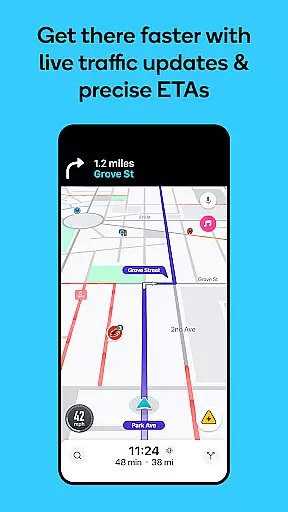
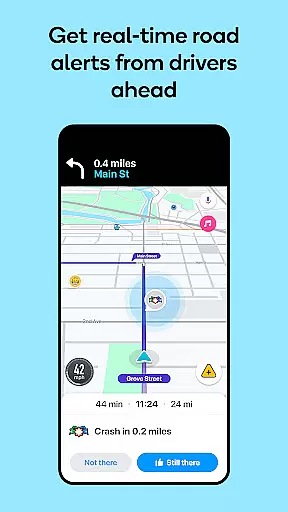
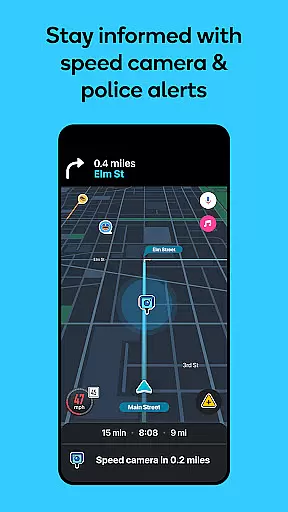

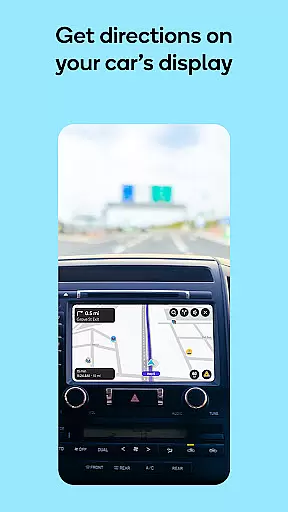
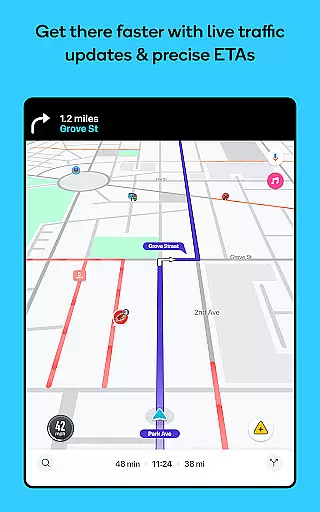
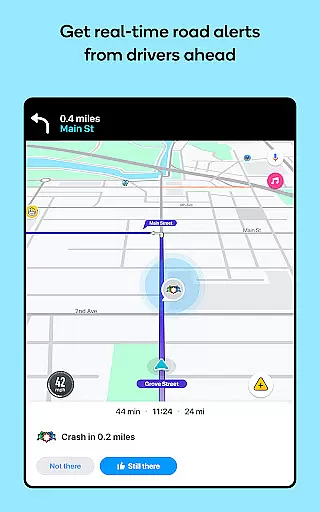
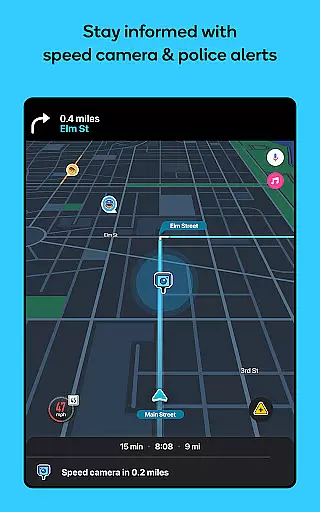

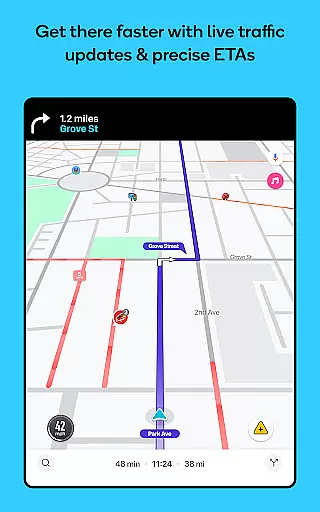
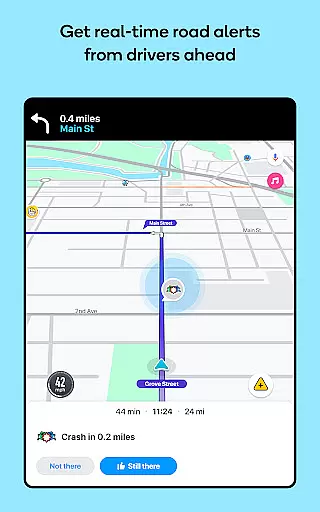
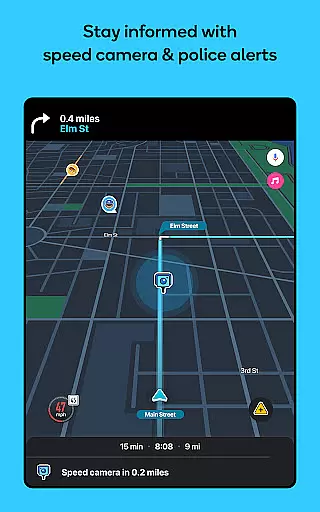

Waze Navigation & Live Traffic is a cutting-edge GPS navigation app that leverages real-time data from millions of drivers worldwide. This live map application provides users with accurate ETAs, automatic rerouting based on current traffic conditions, and crucial safety alerts such as accidents, roadworks, and police presence. Drivers can make informed decisions to avoid traffic jams and road hazards, ensuring a smoother and safer journey.
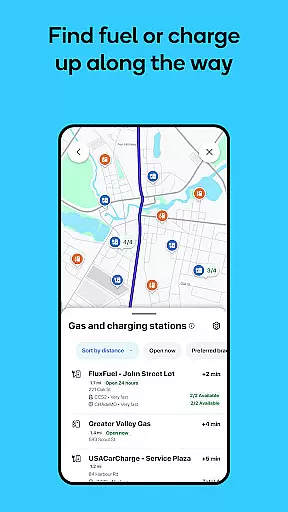
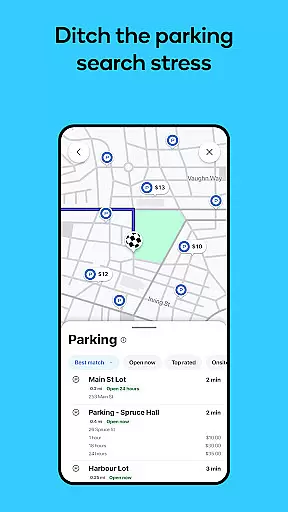
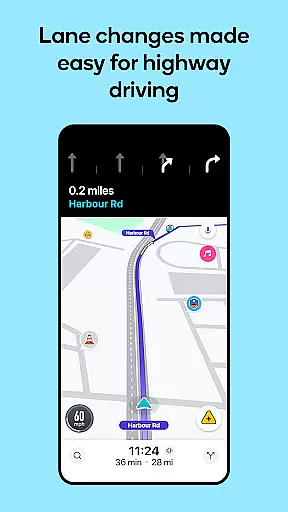
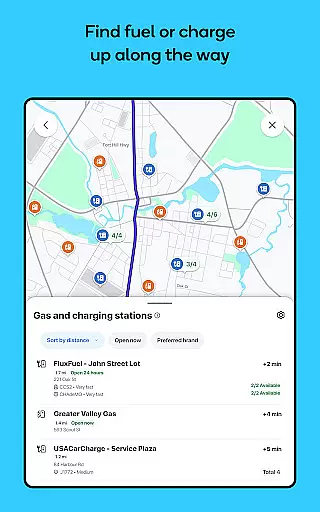
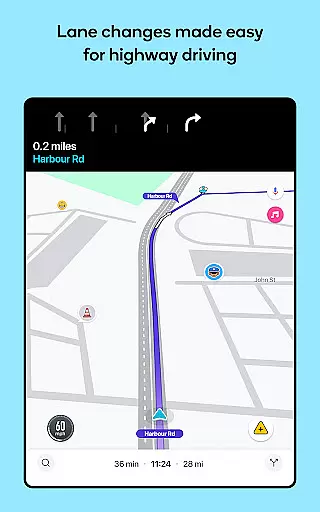
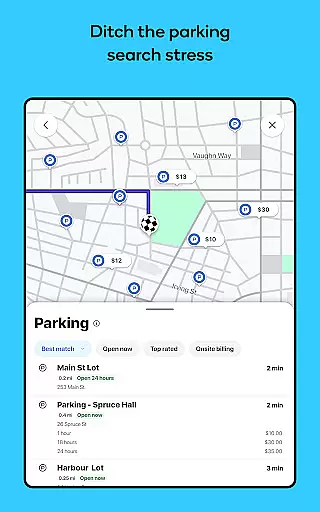
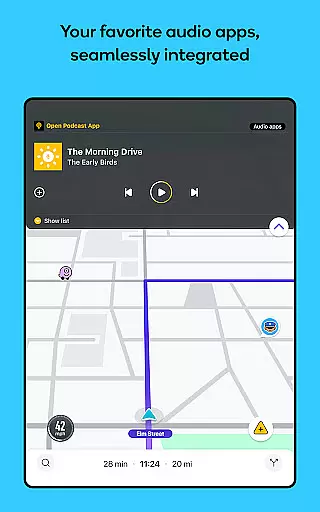
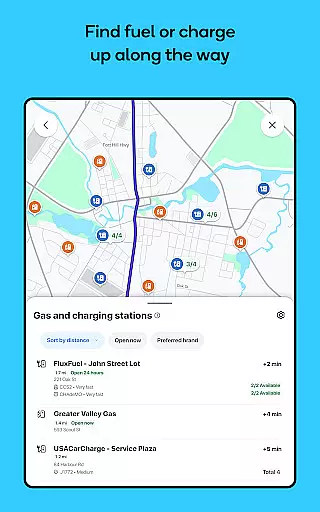
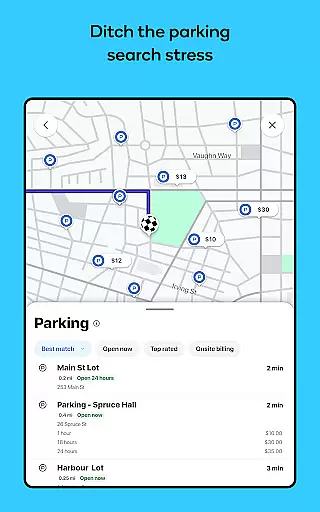
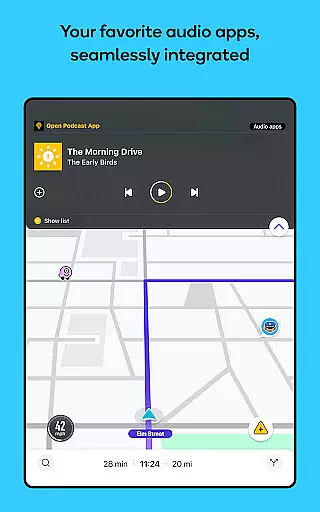
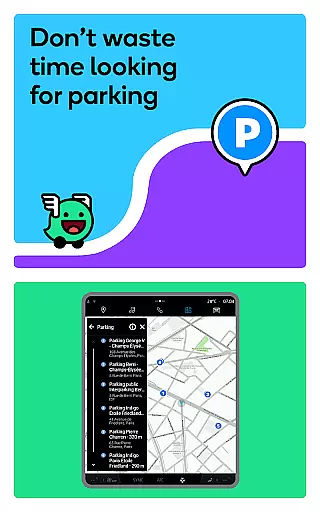
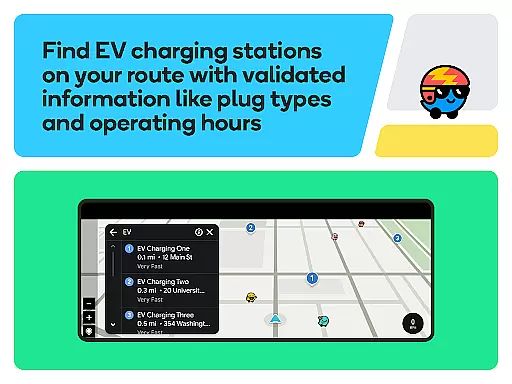
Beyond basic navigation, Waze offers advanced features like multi-lane guidance, speed limit notifications, and information on petrol stations, EV charging points, and parking availability. The app also integrates with audio apps for entertainment and supports Android Auto for seamless in-car use. Whether commuting to work or planning a road trip, Waze makes each drive more predictable and stress-free by providing comprehensive, real-time traffic updates and detailed route information.
Waze stands out with its robust feature set tailored for modern drivers. The app provides real-time directions and automatic rerouting based on live traffic data, ensuring optimal route selection. Users receive instant alerts about accidents, road closures, and other potential hazards, allowing them to navigate safely.
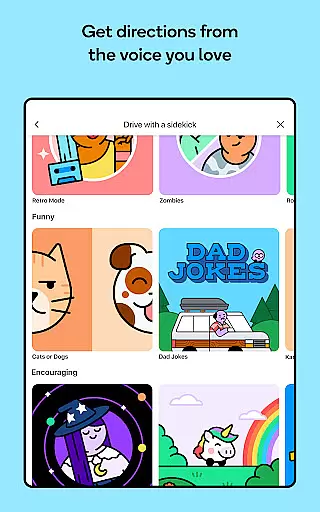
Additional functionalities include voice-guided navigation in multiple languages and accents, integration with audio apps for an enriched driving experience, and compatibility with Android Auto for ease of use. Waze also offers practical tools such as toll pricing information, speed limit notifications, and details on nearby fuel stations and parking facilities. These features collectively enhance driver awareness and convenience, making every trip more efficient and enjoyable.
Map accuracy is essential for any navigation app, and Waze excels in this area by providing real-time data powered by its vast community of drivers. The app constantly updates its maps based on user reports, ensuring that drivers have the most current information about road conditions, closures, and other critical details.
Waze's strength lies in its ability to harness local knowledge from millions of users worldwide. This crowd-sourced approach allows the app to offer highly accurate and up-to-date maps that traditional map services might miss. Users can report various incidents such as accidents, roadworks, and even speed checks, which are then quickly verified and reflected on the map.
The benefit to users is clear: with Waze's accurate maps, drivers can avoid unexpected delays and make informed decisions about their routes. Whether it's avoiding a sudden road closure or taking advantage of a lesser-known shortcut, Waze ensures that drivers reach their destinations more efficiently and with fewer surprises along the way.
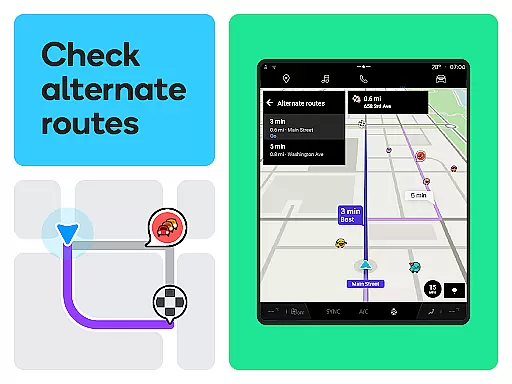
Route planning is another core feature where Waze shines, offering dynamic routing based on live traffic data and user-reported incidents. Unlike static GPS systems, Waze recalculates routes on the fly, providing alternative paths when there are traffic jams, accidents, or road closures.
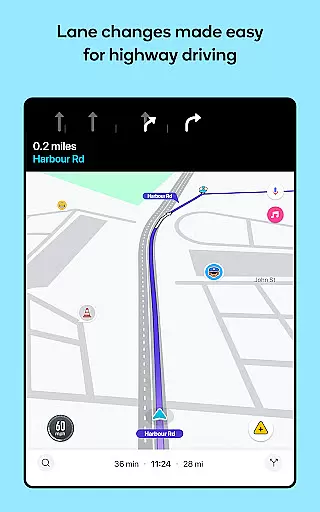
What sets Waze apart is its multi-route system that suggests different options to drivers, allowing them to choose the best path based on their preferences. It also provides detailed lane guidance and alerts for upcoming tolls, speed limit changes, and other important road features. This level of detail helps drivers stay prepared and reduces the stress of navigating unfamiliar roads.
For users, this means a smoother, more predictable driving experience. With Waze's intelligent route planning, drivers can save time, reduce fuel consumption, and enjoy a more relaxed journey, knowing they have the most efficient path at their fingertips.
User-friendly interface
Real-time traffic updates
Comprehensive safety alerts
Voice-guided navigation
Integration with Android Auto
Limited features in some countries
Not suitable for emergency vehicles
Dependent on user reports
Occasional inaccuracies
Requires constant internet

Start your next adventure confidently using our Accurate Compass App
 3.70
3.70
Route schedules, maps, and real-time tracking of MTA buses in New York City.
4.20
GPX Viewer PRO shows tracks, routes and waypoints from gpx and kml files.
4.60
Complete offline 1:50k South Island topo map including DOC Hunting Permit Areas
4.60
OpenCPN is a full featured ChartPlotter and Navigator for Android.
3.60
"Balad" is a map and navigator with a Persian voice assistant and a complete city guide
4.40
GPS Navigation: Get map directions and find the shortest routes to avoid delays!
4.00
Explore Earth with live GPS, satellite view & street navigation
3.60
Track friends in real-time and explore worldwide live cameras.
4.60
Explore with GPS Navigation with GPS offline, voice GPS, speed camera radar
4.60
Track accurate speed & distance with GPS Speedometer. Check speed limit & time.
4.50
Find radar, speed camera, flight tracker. Use hud, location tracker, speedometer
4.20
Lets explore the world's famous places by using Live Cams, GPS & Satellite View.
4.20
Drive safe with real-time speed camera radar, police, and traffic alerts
3.80
NJ TRANSIT information and ticketing at your fingertips
3.70
Gas Station & Fuel Rewards Points
3.70
Live Satellite view app for find GPS navigation Direction and live location map
3.70
Compass is an accurate compass and a great tool for any outdoor activities
4.2
Find 93 Octane Gas: Locate Gasoline Stations Selling Premium 93 Octane or Higher
4.0


User Reviews