
Balad is a comprehensive map and navigation application designed to optimize urban and rural travel experiences. The app provides intelligent routing that considers real-time traffic conditions, air quality levels, and even city-specific regulations like odd-even traffic restrictions. With access to over one million detailed points of interest, users can effortlessly locate addresses, businesses, and services while receiving accurate voice-guided directions that minimize the need to look at their screens.
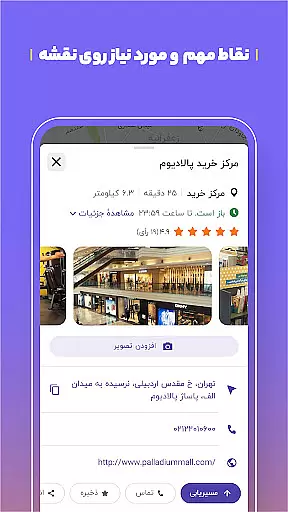
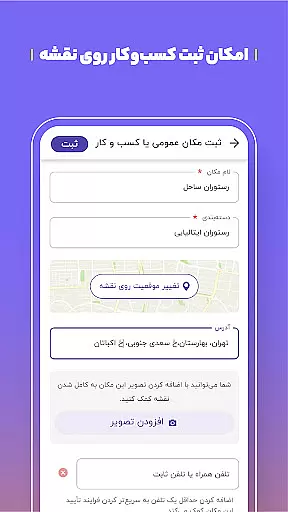
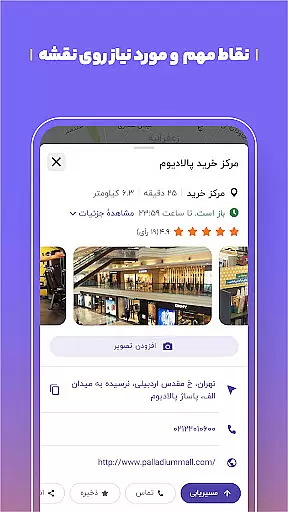
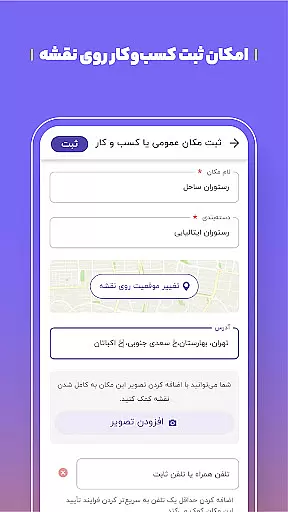
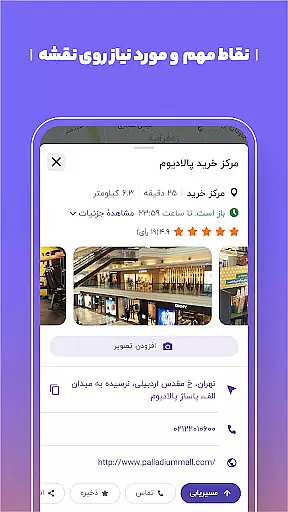
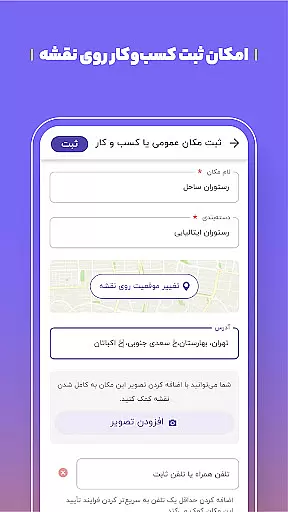
One of Balad's standout features is its dynamic, user-driven map content. Thousands of locations are updated daily by the community, ensuring the most current information on public places such as restaurants, gas stations, and government offices. This collaborative approach makes Balad not just a navigation tool but also a reliable local guide for both drivers and pedestrians. Whether commuting within the city or planning excursions to remote areas, Balad ensures users reach their destinations efficiently and safely.
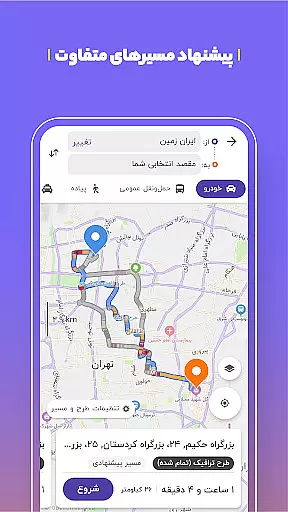
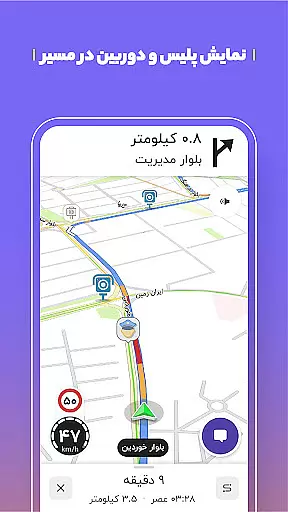
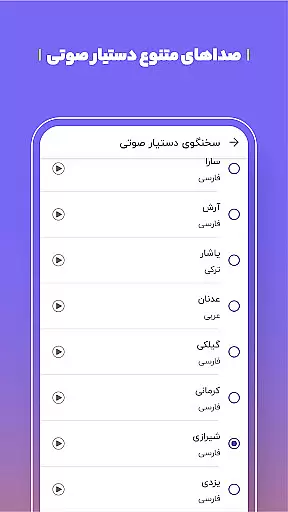
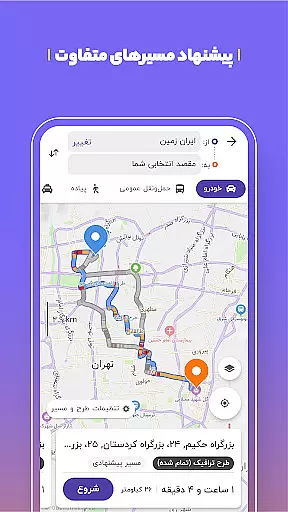
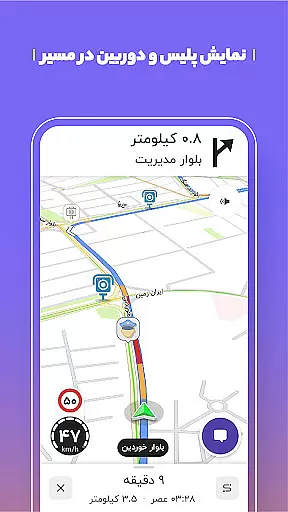
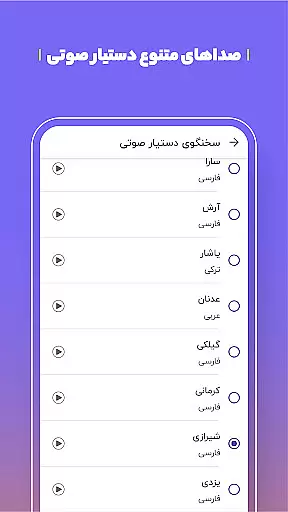
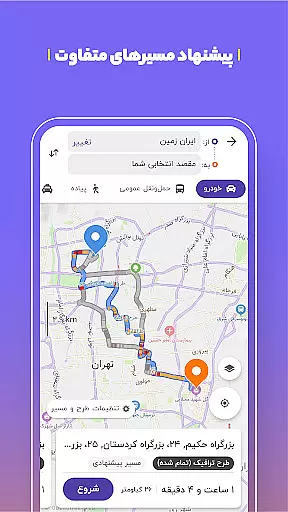
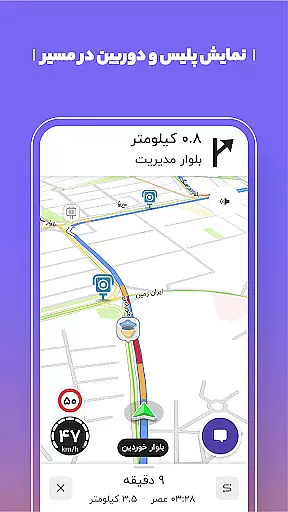
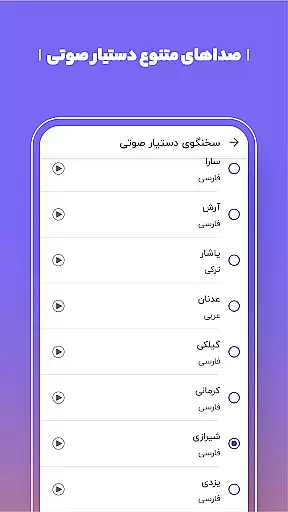
Balad offers an array of advanced features tailored to enhance navigation and location-based services. Its intelligent routing system evaluates multiple factors including live traffic updates, speed checks, and accident reports to recommend the fastest and safest routes. The app also includes a smart voice assistant that reads out street names, reducing distractions for drivers. Additionally, Balad supports combined routing options for public transportation, integrating buses, metros, and taxis into a single journey plan.
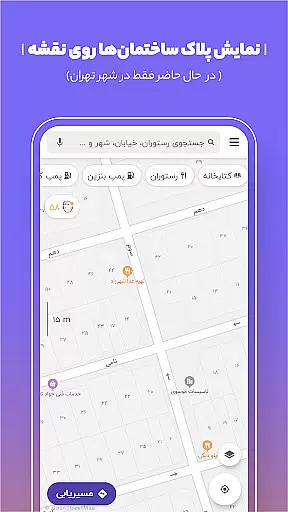
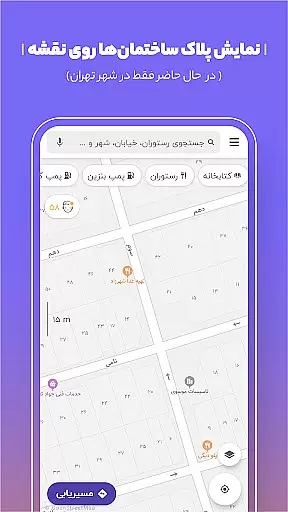
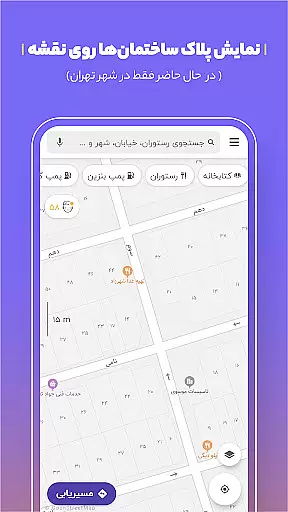
Another key feature is the app's ability to display building numbers and license plates, aiding precise location identification—especially useful for delivery drivers and ride-sharing services. Balad also incorporates environmental considerations, offering an air pollution layer that helps users make informed travel decisions. With functionalities like voice search, middle destination additions, and GPS-based location sharing, Balad caters to a wide range of navigational needs while encouraging community participation in map improvements.
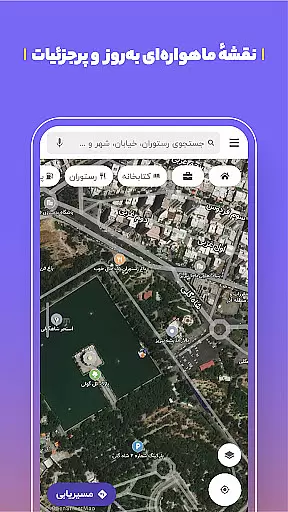
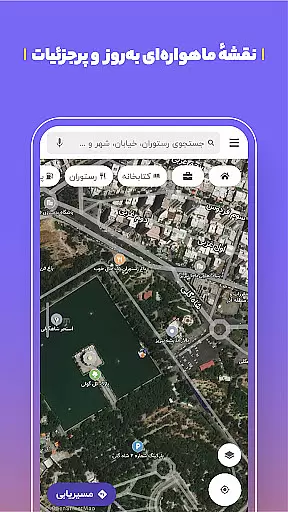
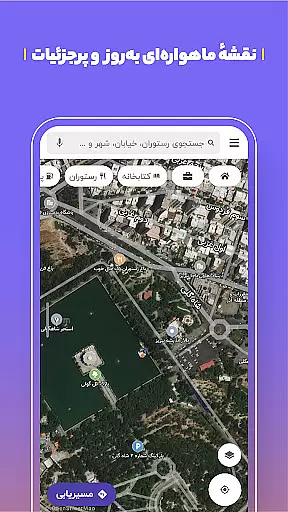
Map accuracy is a critical feature for any navigation app, and Balad excels in this area. The application provides users with a comprehensive and detailed map that covers over one million points of interest. This includes not only basic street names but also specific details such as building numbers, making it easier to pinpoint exact locations.
Balad's map data is continuously updated through user participation, ensuring that the information remains current and reliable. With thousands of new public places being added daily, users can trust that they are navigating with the most up-to-date information available. This dynamic updating process helps maintain the app's position as a leading reference for public place searches.
The accuracy of Balad's maps extends beyond just roads and addresses. It includes real-time updates on traffic conditions, speed checks, and other incidents that could affect travel. By providing precise warnings about potential obstacles, Balad ensures that drivers can make informed decisions and avoid unnecessary delays or fines.
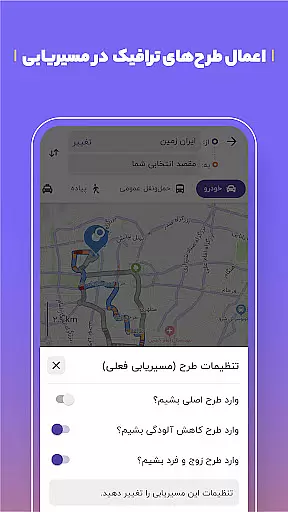
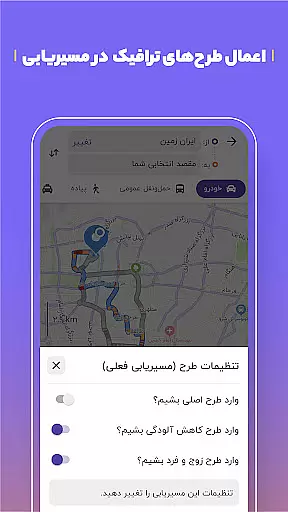
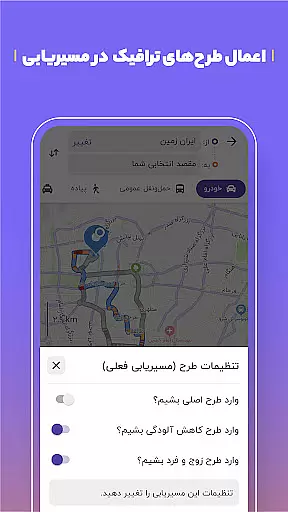
Route planning is another standout feature of Balad, designed to optimize both inner-city and extra-urban travel. The app uses intelligent routing algorithms that take into account various factors such as current traffic patterns, air pollution reduction plans, and even odd-day driving restrictions. This holistic approach ensures that users receive the best possible routes tailored to their specific needs.
In addition to standard car navigation, Balad offers combined routing options that integrate different modes of transportation. Users can plan trips using buses, metros, and taxis, allowing for seamless transitions between public transit systems. This flexibility makes Balad an invaluable tool for urban commuters who rely on multiple forms of transport to reach their destinations efficiently.
Balad further enhances route planning by offering features like the ability to add intermediate destinations. For example, if you need to stop at a gas station along your journey, Balad can suggest nearby options without deviating significantly from your primary route. This level of customization ensures that users can tailor their trips to include necessary stops while still maintaining overall efficiency.
User-friendly interface
Accurate voice guidance
Real-time traffic updates
Comprehensive POI database
Community-driven updates
Occasional GPS inaccuracies
Heavy battery consumption
Limited offline functionality
Interface can feel cluttered
Dependent on user contributions

Find AI powered cameras, ALPRs, and other surveillance infrastructure near you
 4.70
4.70
The fastest and most convenient way to pay for parking on our lots.
4.40
Find trails, organize your locations and navigate with offline maps.
4.60
Turn your tablet or Android powered unit into a full blow Android Auto headunit.
2.30
Parcel map, property lines, owner, acres, land use, zoning and more from Regrid.
4.60
Explore with GPS Navigation with GPS offline, voice GPS, speed camera radar
4.60
Truck Safe GPS Navigation & Maps: Parking, Fuel, Diesel, Weight Station
4.80
Get route, find shortest path, near by places and weather update
3.90
Get there with the Waymo Driver — The World’s Most Experienced Driver™
4.90
GPS Speedometer & Odometer: Track car, bike, truck speed & distance in real-time
4.70
Ride or drive at YOUR price
4.70
Complete offline 1:50k South Island topo map including DOC Hunting Permit Areas
4.60
Explore a light pollution map to find suitable dark sky locations for observing.
4.30
Simple & easy to use a compass app. Get accurate directions.
4.20
GPS phone tracker, family locator, secure location sharing app
4.20
Number locator, real connection map
4.10
Drive safe with real-time speed camera radar, police, and traffic alerts
3.80
Start your next adventure confidently using our Accurate Compass App
3.70
Navigate via GPS Maps of GPS Voice Navigation, driving directions to find routes
3.60


User Reviews