
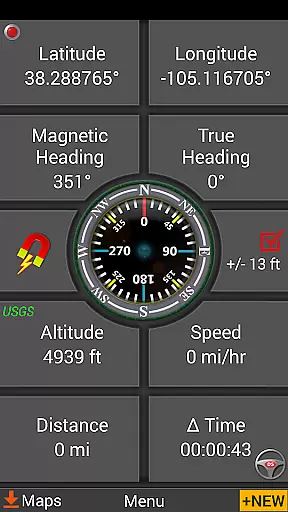
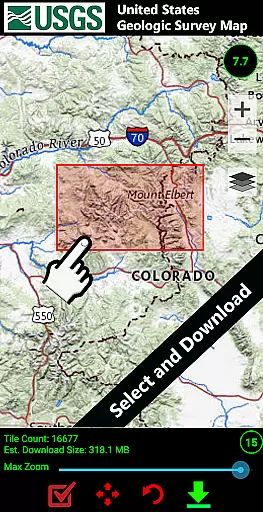
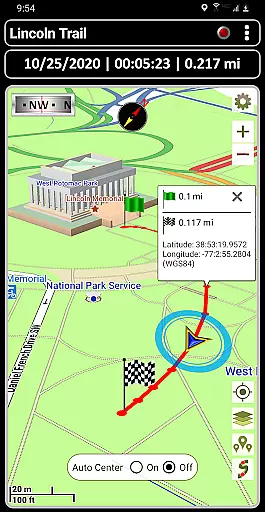
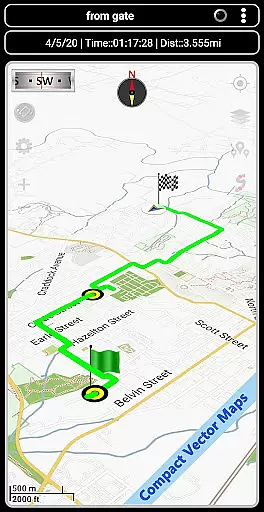
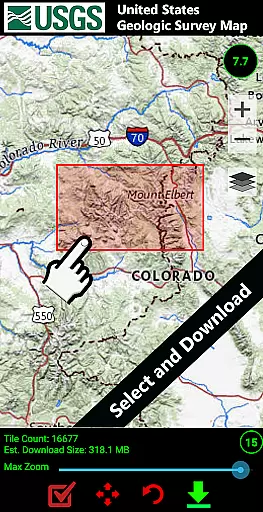
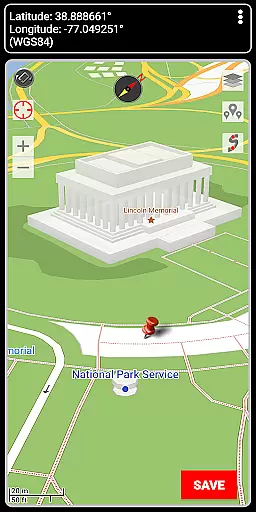

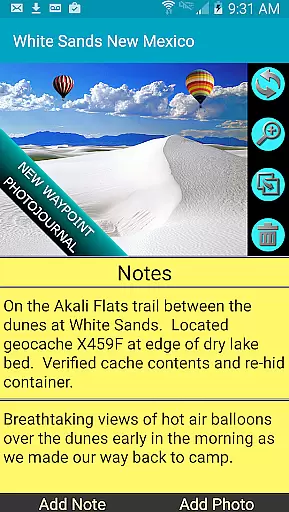
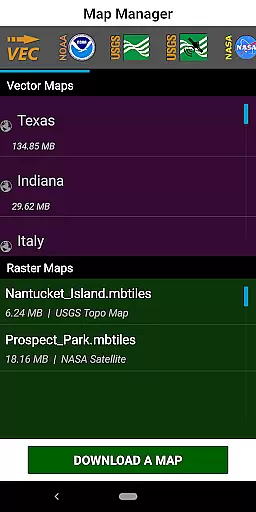
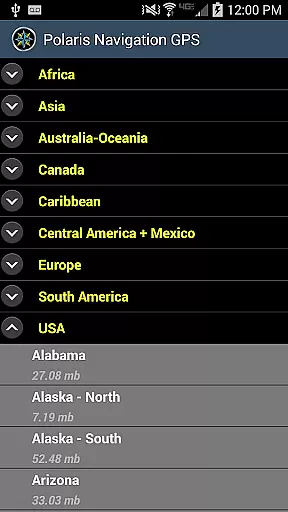
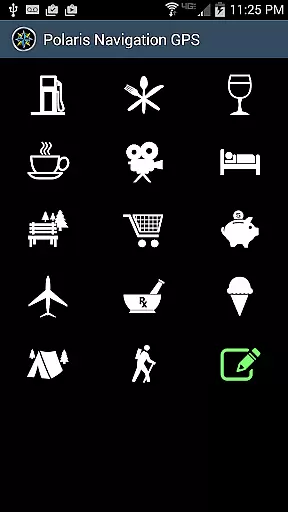
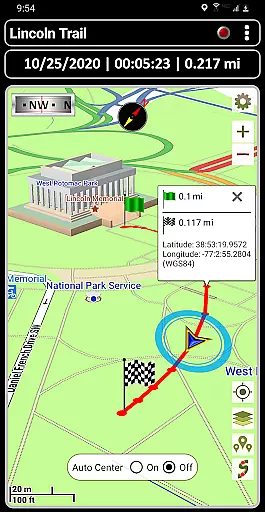
GPS Waypoints Navigator is a comprehensive navigation app that transforms your smartphone into a powerful GPS tool, ideal for outdoor enthusiasts and professionals alike. The app provides offline maps and tools, ensuring reliable navigation even without network coverage. With over 400 maps available in its 3D vector map library, users can download maps for offline use and transfer them to an SD card to save internal memory.
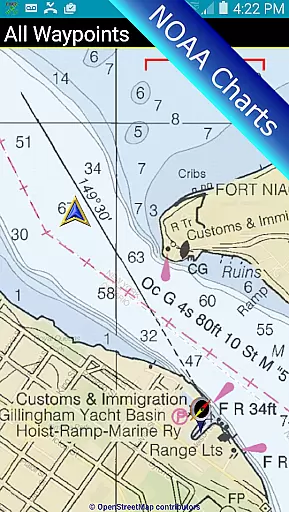
The app supports multiple map sources including Topo Maps, Google Maps, Satellite Maps, and specialized charts like NOAA Nautical Charts. It offers advanced features such as searchable waypoint management, trail recording, and the ability to attach coordinate-tagged photos to waypoints. Whether you're hiking trails, navigating waterways, or exploring urban areas, GPS Waypoints Navigator equips you with all necessary tools to navigate confidently.
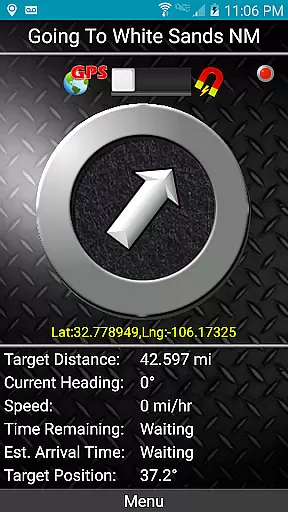
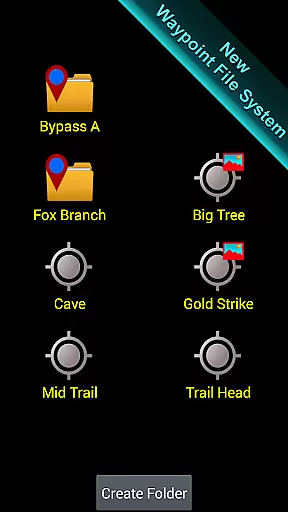
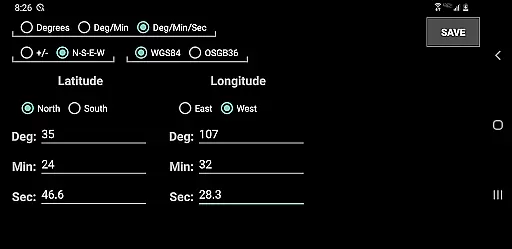
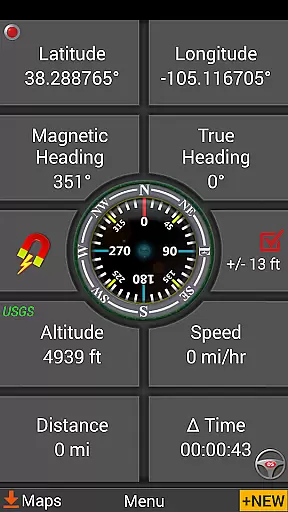
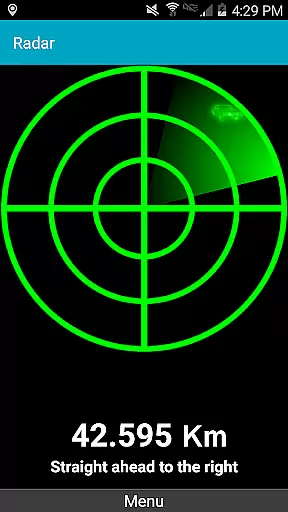
GPS Waypoints Navigator stands out with its extensive feature set tailored for diverse navigation needs. The app includes two waypoint guidance systems, dynamic waypoint compasses, and GPS Reflected Pseudo-Radar, which enhance precision when navigating to specific locations. Users can create waypoints through various methods: entering coordinates, dropping a pin on the map, saving the current position, or inputting an address.
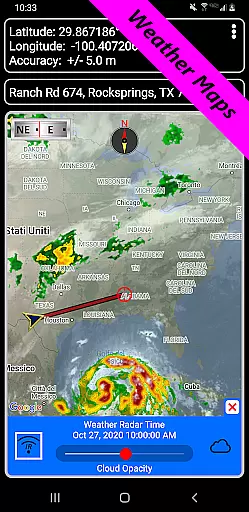
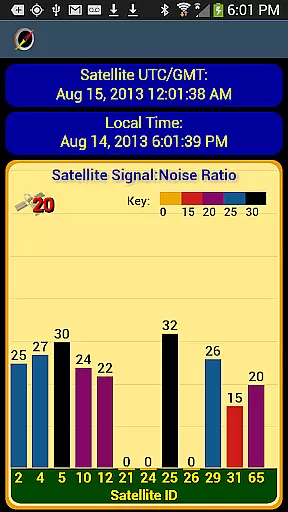
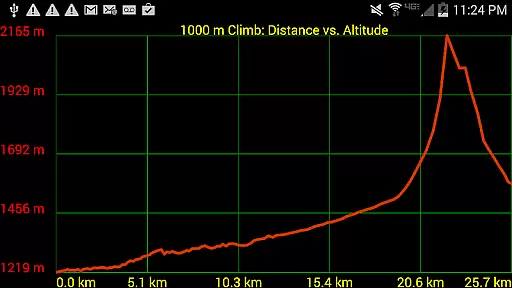
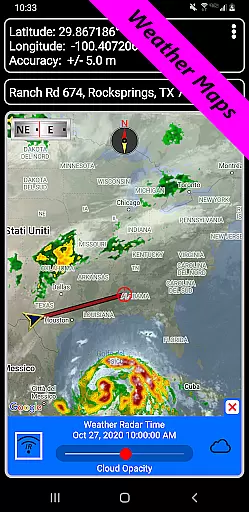
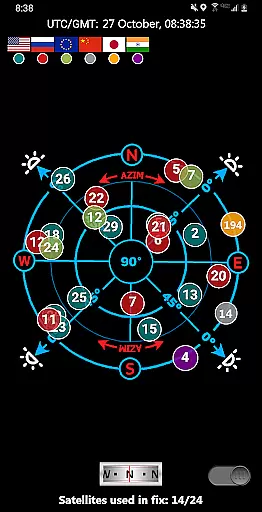
Additional functionalities include a reporting panel for GPS parameters, weather maps with live Doppler radar, and navigational compasses. The app also supports importing and exporting KML, GPX, and KMZ files, enabling seamless data sharing with platforms like Google Earth. Furthermore, it offers altitude profiles for trails, proximity alerts, and measurement tools for distances and bearings, making every navigation experience smooth and efficient.
Map accuracy is a critical feature for any navigation app, and GPS Waypoints Navigator excels in this area. The application offers access to over 400 maps in its 3D vector map library, ensuring users have detailed and precise mapping data at their fingertips. These maps are downloadable for offline use, which means even when you're out of network reach, you can still rely on highly accurate maps.
The app supports multiple map sources including Topo Maps, Google Maps, Satellite Maps, and specialized options like NOAA Nautical Charts. This variety ensures that whether you're hiking through wilderness, navigating waterways, or exploring city streets, the map data reflects real-world conditions with precision. Users can also transfer maps to an SD card, optimizing device storage while maintaining access to extensive mapping resources.
What sets GPS Waypoints Navigator apart is its integration of live environmental data such as Doppler radar and cloud patterns. This dynamic layer enhances traditional map data by providing real-time weather updates, crucial for planning safe routes. With these features combined, users gain not only geospatial accuracy but also contextual awareness that's essential for successful navigation.
Effective route planning is vital for successful navigation, and GPS Waypoints Navigator provides robust tools to ensure users can chart their courses with confidence. The app allows for the creation and organization of waypoints, enabling users to mark significant locations and create detailed itineraries for their journeys. Whether you're trail hiking, navigating off-road terrain, or exploring urban environments, these waypoint management systems help streamline your travel plans.
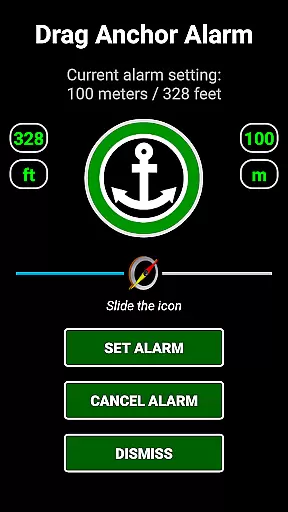
In addition to basic waypoint functionality, the app includes advanced features like drag anchor alerts and proximity notifications. These tools allow users to set specific parameters for their routes, such as drift radius when stationary or alerts when approaching designated points. Such capabilities are particularly useful for maritime navigation or camping trips where precise positioning is crucial.
GPS Waypoints Navigator also integrates seamlessly with other navigation technologies. Users can export GPX files to share tracks and waypoints across platforms or import data from devices like Garmin. Furthermore, turn-by-turn driving directions via Google Maps provide additional support for road travel. With these comprehensive route planning features, users can execute complex navigation strategies with ease and reliability.
User-friendly interface
Offline map availability
Comprehensive feature set
Multi-language support
Reliable customer service
High battery consumption
Complex for beginners
Limited free maps
Occasional bugs
Heavy app size

The fastest and most convenient way to pay for parking on our lots.
 4.40
4.40
Easy, Moderate and difficult offroad adventures.
4.00
Find EV & Tesla charging stations with PlugShare
4.70
America’s largest public fast charging network, with over 500 charging stations.
4.50
Use GPS maps or search by property owner, address or parcel to view parcel data
4.30
Your real-time window to the world. Explore anywhere, anytime.
3.30
LIRR and Metro-North tickets and trips
4.80
Ride or drive at YOUR price
4.70
GPS phone tracker, family locator, secure location sharing app
4.20
Airport parking, with airport shuttle (TPS shuttle), reservations, and Spot Club
4.80
Truck Safe GPS Navigation & Maps: Parking, Fuel, Diesel, Weight Station
4.80
GPS Speedometer & Odometer: Track car, bike, truck speed & distance in real-time
4.70
Voice GPS with driving directions, offline maps navigation GPS for safe travel
4.50
GPS navigation offers route finder, compass, translator, currency converter, etc
4.30
Phone Tracker and GPS Location Sharing
4.20
Lets explore the world's famous places by using Live Cams, GPS & Satellite View.
4.20
Get route, find shortest path, near by places and weather update
3.90
Get real-time bus and train schedules for easy, hassle-free city transportation.
3.90
Navigate via GPS Maps of GPS Voice Navigation, driving directions to find routes
3.60


User Reviews