
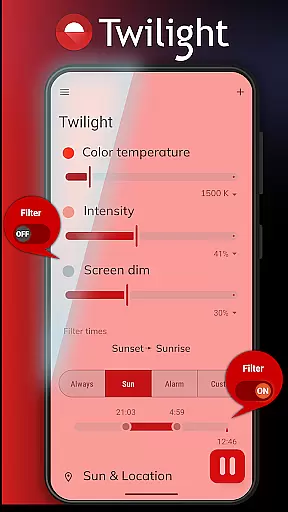
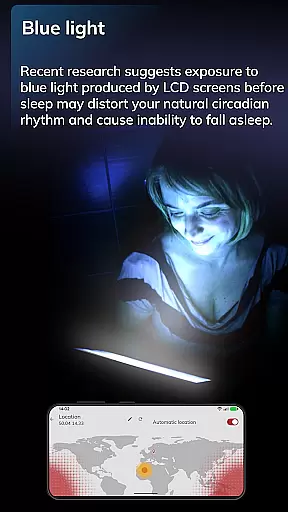
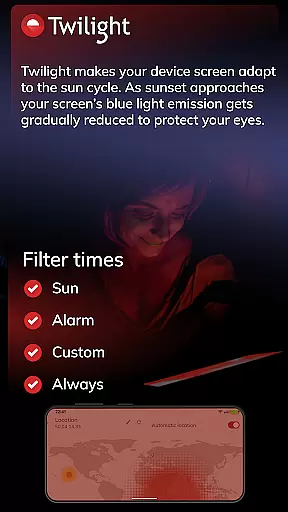
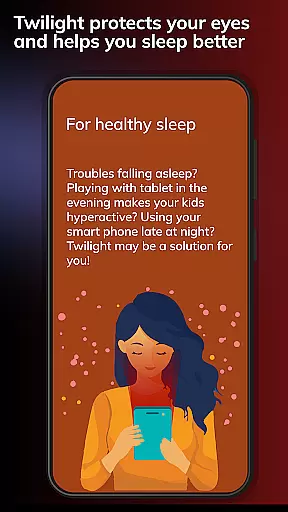
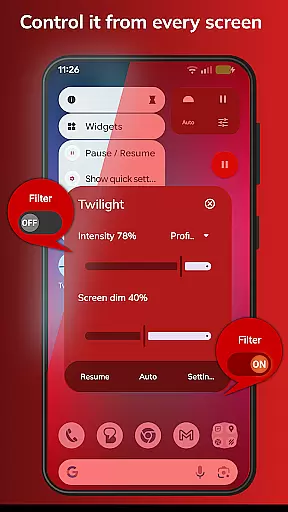
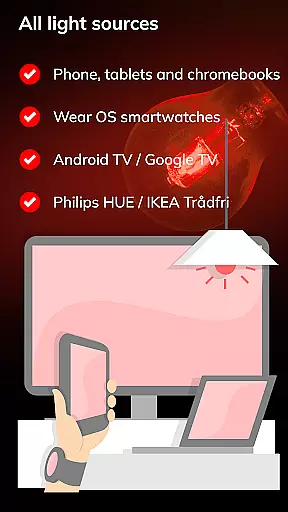
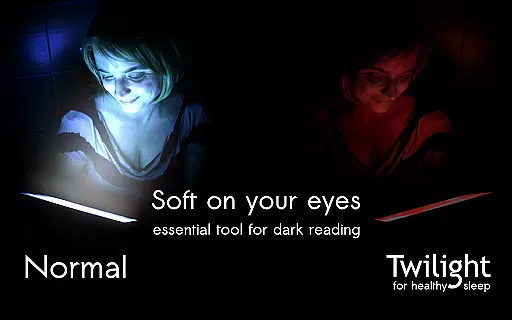
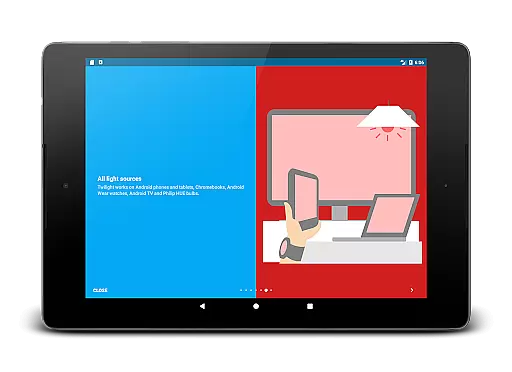
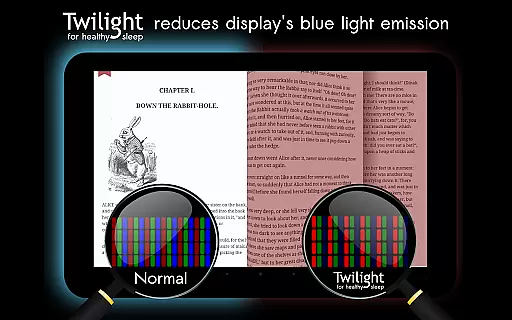
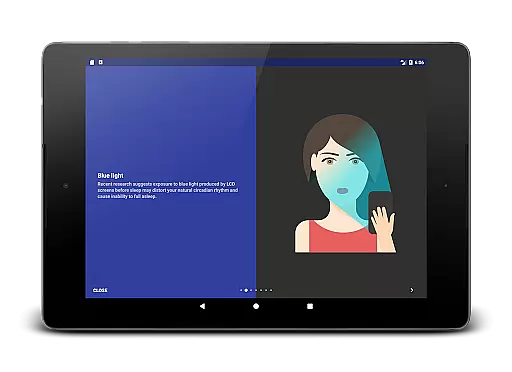
Twilight Pro Unlock is a specialized application designed to help users improve their sleep quality by reducing blue light exposure. The app filters the blue spectrum on your phone or tablet after sunset, replacing it with a soft red filter that adjusts based on your local sunset and sunrise times.
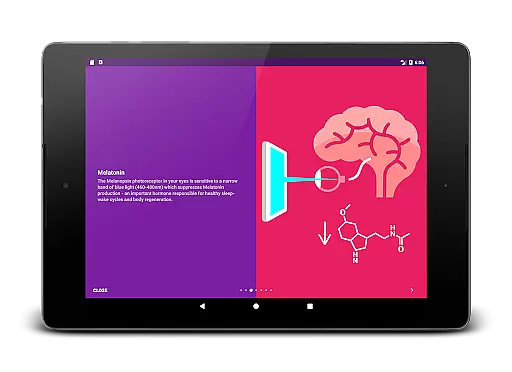
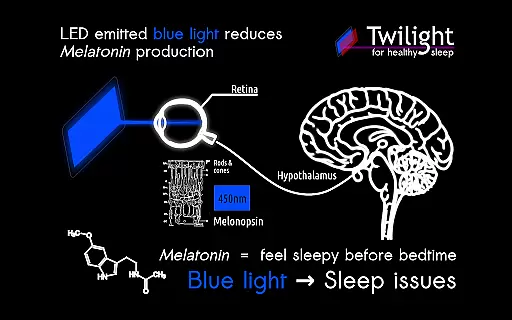
The app's main function is to protect Melatonin production, a hormone crucial for healthy sleep-wake cycles, by minimizing stimulation of the Melanopsin receptor in the eyes. This makes it especially useful for individuals who use smart devices in the evening or before bedtime.
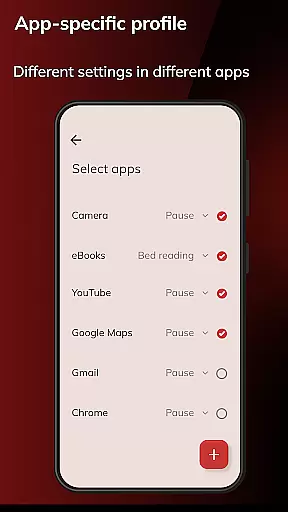
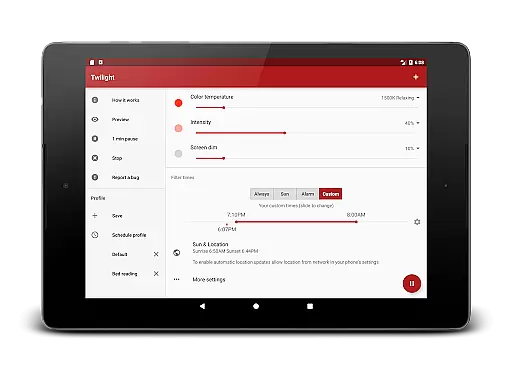
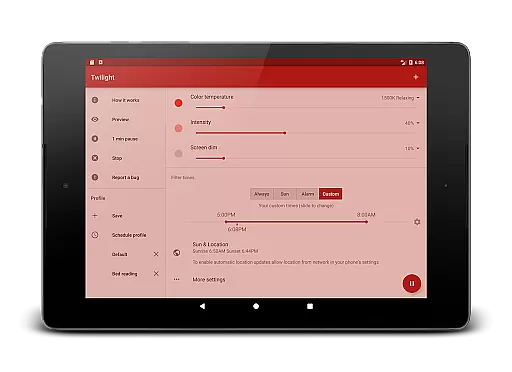
With its PRO features, Twilight offers advanced customization options such as adjustable transition times, multiple profiles, and the ability to disable the service during inactive periods. These features make it a valuable tool for anyone seeking better sleep hygiene and reduced eye strain from digital screens.
Twilight Pro Unlock stands out through its scientifically-backed approach to addressing circadian rhythm disorders. The app intelligently adapts to the time of day, ensuring that the screen's color temperature aligns with your body's natural sleep cycle.
Among its key features are customizable blue light filtering profiles, which allow users to tailor the intensity and warmth of the screen. Additionally, the app provides options to automate these adjustments based on your location and daily schedule, offering seamless integration into your routine.
For power users, Twilight Pro includes exclusive functionalities like extended profile settings and precise control over active hours. These tools not only enhance usability but also ensure that the app remains unobtrusive while maximizing its health benefits.
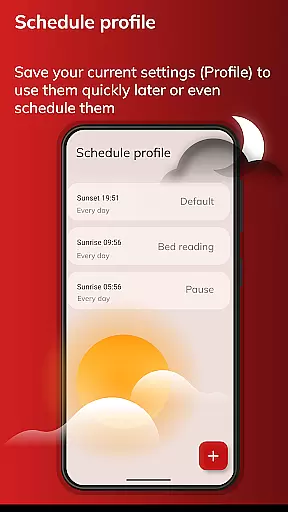
Personalized planning in the context of Twilight Pro Unlock refers to the app's ability to adapt its blue light filtering based on individual user schedules and local sunset and sunrise times. This feature is crucial for maintaining a natural circadian rhythm.
The application intelligently adjusts the screen's color temperature throughout the day, aligning with your body's melatonin production cycle. Users can customize transition times and intensity levels, ensuring that the changes in light exposure are gradual and comfortable.
By using Twilight Pro Unlock, individuals gain the advantage of tailored sleep-wake cycles, which can lead to improved sleep quality and overall well-being. The personalized approach helps mitigate the negative effects of blue light exposure during evening hours.
This level of customization provides significant value by promoting healthier technology usage habits. Users can maintain productivity while safeguarding their sleep hygiene, making it an essential tool for anyone looking to balance modern digital life with restorative rest.
Progress visualization within Twilight Pro Unlock involves tracking and displaying the changes in screen filtering over time. This feature allows users to see how their screen's blue light emission reduces as bedtime approaches, providing a visual cue of their progress towards better sleep hygiene.
The app presents this information through an intuitive interface that shows filter intensity adjustments based on the time of day. Users can observe how the red filter gradually increases in strength after sunset, creating a soothing visual environment conducive to sleep.
With this visualization, users gain a clear understanding of how their device usage aligns with their sleep goals. It empowers them to make informed decisions about their screen time and recognize patterns that may affect their ability to fall asleep easily.
Ultimately, progress visualization enhances user engagement with the app's core functionality. By seeing tangible evidence of their efforts to improve sleep quality, users are more likely to adhere to healthy digital habits, thus maximizing the benefits provided by Twilight Pro Unlock.
Improves sleep quality
Customizable profiles
Scientifically validated
Automated scheduling
Protects eye health
Paid version only
Requires setup time
Limited free options
Device compatibility
Learning curve

Control your sleep in real-time wearing Garmin device
 3.60
3.60
a fun app full of surprises :)
4.70
The app helps you address digestive symptoms based on the Fast Tract Diet.
3.50
Mind on steroids - relaxation, productivity, meditation and sleep!
4.60
Use your watch as a bike computer, heart rate monitor and cycling power meter
2.50
Personal step counter for you, private and accurate
4.50
Blood Pressure Log, HRV & Heartbeat Tracker. Pulse Checker.
4.40
Dexcom G7 Continuous Glucose Monitoring
3.70
GloryFit is a companion app for the smart bracelet.
3.60
Home workouts for fitness & fast bodybuilding at home - no equipment needed.
4.90
Easy reconstitution calc for mixing peptides and creating protocols
4.70
Effortlessly and naturally release anxiety by harnessing the power of your brain
4.60
Your AI pet BFF. Talk, play, and beat anxiety in this calming game.
4.60
For Absolute Novices to Strength Training. Simple. Effective.
4.40
Download MadMuscles to start your positive body transformation!
4.30
Create powerful subliminal audio with custom affirmations and background music.
4.00
beat yesterday.
4.00
Your plan in your pocket 24/7
3.00
The Wear OS BeechBand app is designed to alleviate anxiety and other conditions
4.2


User Reviews