

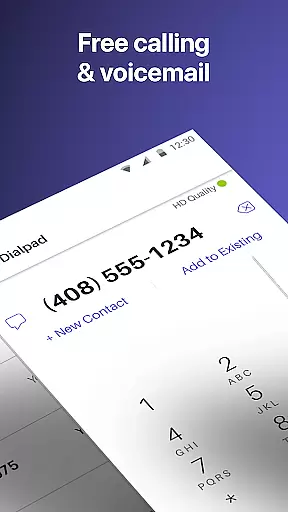

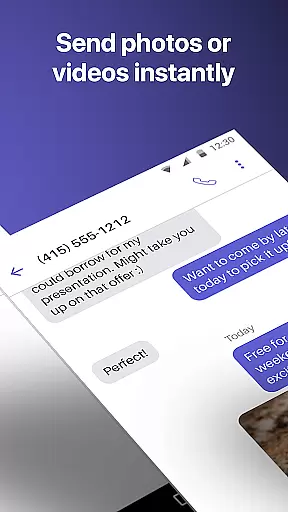
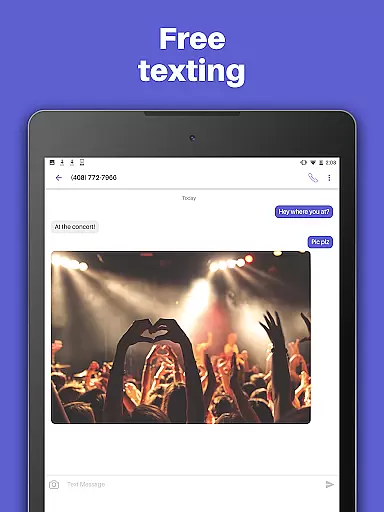
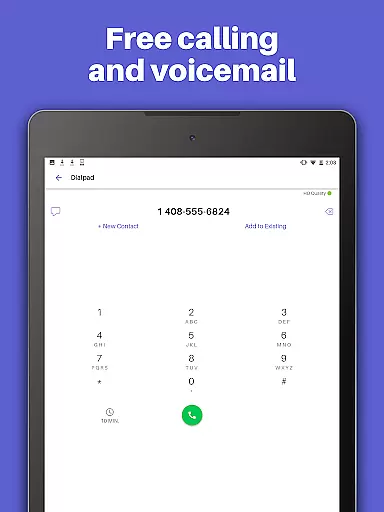
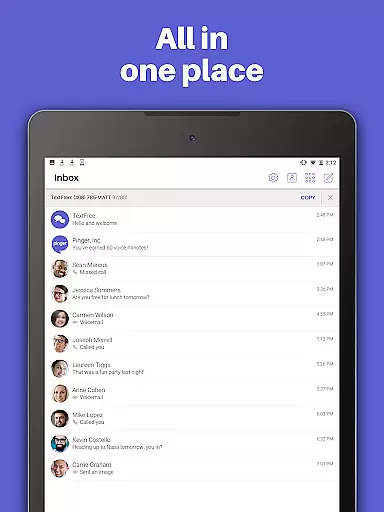
TextFree Voice is a comprehensive communication app that provides users with a free second phone number for unlimited calling and texting. The app allows you to make calls and send messages, including photos, videos, GIFs, audio messages, and PDFs, over Wi-Fi without using your primary number. It's an ideal solution for those who want to maintain privacy or separate personal and professional communications.
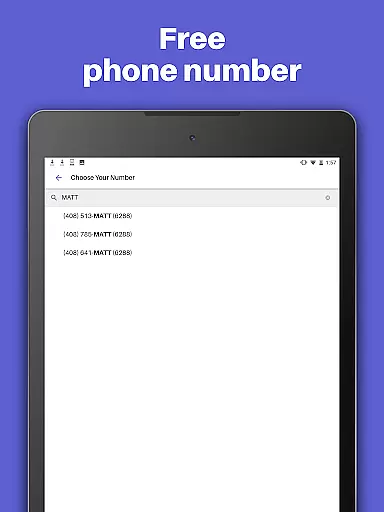
One of the standout features of TextFree Voice is its ability to offer a personalized local phone number. This feature enables users to stay connected with friends and family while enjoying the flexibility of custom call and texting tones, as well as personalized wallpapers. Whether you're at home or on the go, this app ensures you can communicate effortlessly and enjoy a seamless experience across multiple devices, including smartphones, tablets, and computers.
The practical value of TextFree Voice lies in its cost-effectiveness and versatility. By eliminating the need for additional phone plans or services, it offers significant savings while providing essential communication tools. Additionally, the availability of 24/7 customer support ensures that help is always at hand, making it a reliable choice for users seeking a robust secondary communication platform.
TextFree Voice stands out with its rich array of features designed to enhance user communication. One of the key highlights is the ability to select a free second phone number with an area code of your choice. This feature not only provides a layer of privacy but also allows users to have a local presence, which can be particularly useful for business or personal use.
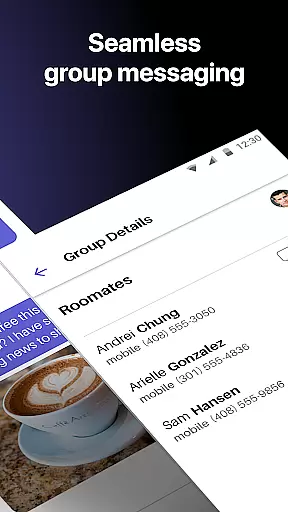
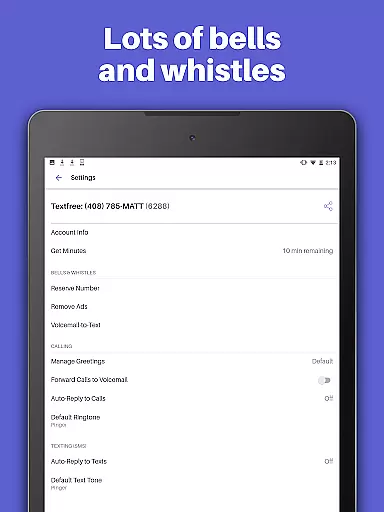
In addition to free unlimited calling and texting, TextFree Voice supports multimedia sharing, including photos, videos, GIFs, audio messages, and even PDFs. Group texting capabilities ensure that staying in touch with multiple contacts is straightforward and efficient. Customizable options such as Auto-Reply, unique call and text tones, and personalized wallpapers further enrich the user experience, allowing for a tailored communication environment that suits individual preferences.
Another innovative aspect of TextFree Voice is its compatibility across various devices. Whether you're using an iPod, iPad, or computer, the app ensures you remain connected without needing a smartphone. This cross-device functionality, combined with top-tier customer support available around the clock, underscores the app's commitment to accessibility and user satisfaction. These features collectively position TextFree Voice as a versatile and indispensable tool for modern communication needs.
User profile customization and authenticity verification are essential features in social applications like TextFree Voice. These functionalities ensure that users can create personalized profiles while maintaining a level of trust and security within the app.
TextFree Voice allows users to select a personalized local phone number, which serves as their unique identifier within the app. This feature not only provides a layer of privacy by offering a secondary number but also enables users to customize their presence through this number. The ability to choose an area code and specific number combinations adds a personal touch to each user's identity.
In terms of authenticity verification, TextFree Voice employs various measures to confirm the validity of its users. By providing access to verification codes for online accounts, especially when subscribed to TextFree Plus, the app ensures that users are genuine and can be trusted when communicating with others.
The value derived from these features is significant; users feel more secure knowing they have control over their digital persona and can trust the identities of those they communicate with. This enhances the overall experience on TextFree Voice, making it not just a tool for communication but also a platform where real connections are fostered.
Connection discovery is a pivotal aspect of any social application, enabling users to find and connect with friends, family, or new contacts effortlessly. In TextFree Voice, this process is streamlined to enhance user engagement and facilitate meaningful interactions.
The app offers free unlimited calling and texting, allowing users to reach out without constraints. This unrestricted communication encourages users to maintain existing relationships and discover new ones. Moreover, group texting capabilities enable users to engage with multiple contacts simultaneously, broadening their network and interaction scope.
TextFree Voice also includes features such as Auto-Reply, which helps manage communications efficiently, ensuring no connection opportunity is missed. Custom call and text tones further aid in identifying incoming communications from different contacts, thus prioritizing responses based on familiarity or urgency.
By integrating these comprehensive connection discovery tools, TextFree Voice not only simplifies how users interact but also enriches their social experience. Users benefit from an intuitive system that supports both maintaining close ties and expanding their social circle, all within a secure and customizable environment.
Free second phone number
Unlimited calling & texting
Multimedia sharing
Customizable options
24/7 customer support
Limited international options
Ads in free version
Premium subscription cost
Occasional bugs
Verification delays

Looking for a date or a friend? Swipe to match and meet open-minded singles.
 4.20
4.20
A gathering place for 300 million people's life interests and hobbies
4.30
Meet local people, make friends & network: Join a community, group, host events
4.00
Dating & make friend to chat, meet, flirt, and make real connections!
4.60
Chill and Chat with Tagged Live Video with millions of peeps
4.10
Build Your Team With One App
4.30
Free texting (SMS) to US, Canada & more. Free new number. Call free & Text free.
4.30
Connect and share ideas
4.10
Create & share photos, stories, & reels with friends you love
3.90
Raise cute Pengus with friends
4.70
live inside your fandom
4.60
This version of Facebook uses less data and works in all network conditions.
4.60
A little connection can go a long way
4.60
Watch 24/7 great live stream, or go live to boost your social followers!
4.50
Global short video platform: epic effects, trending videos & vibrant community!
4.40
TikTok Lite - Designed for speed, simplicity, and saving your phone’s space!
4.40
Unlimited messages, WiFi Calling, Texting app. Text now with Second Phone Number
4.10
Watch, Edit, Upload and Share Gaming Clips
4.00
Chat and make new friends around the world!
3.90


User Reviews