
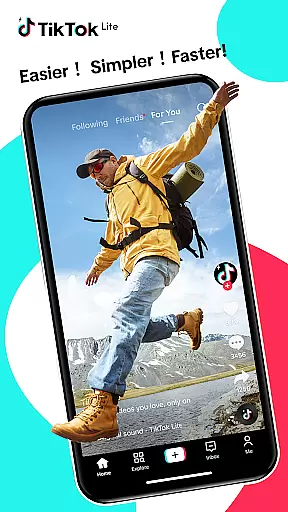
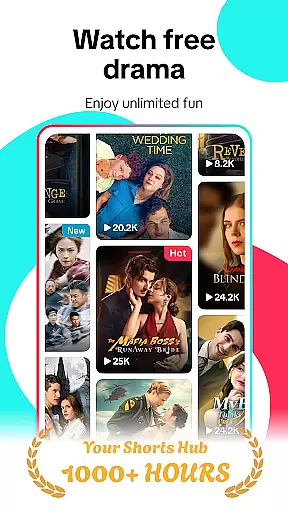
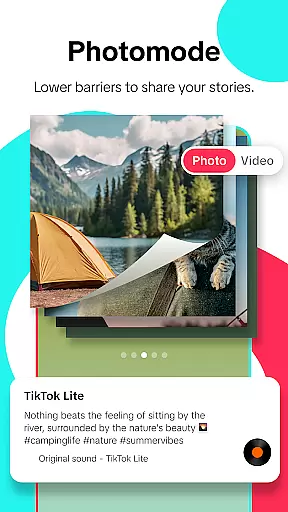
TikTok Lite represents a streamlined version of the popular TikTok application designed specifically for users facing hardware or network limitations. This lightweight variant maintains all essential features while significantly reducing data consumption and storage requirements making it ideal for low-end devices.
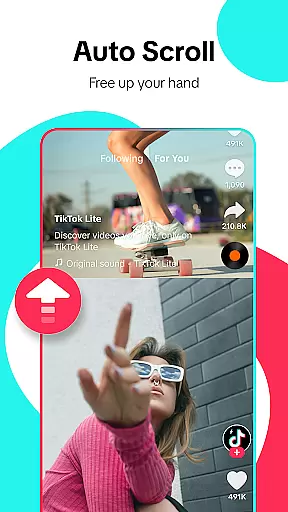
The app provides an immersive social media experience through seamless video streaming and sharing capabilities. Users can enjoy trending music videos create their own content using advanced editing tools and engage with a global community of creators. With its smaller size and optimized performance TikTok Lite ensures smooth operation even on devices with limited resources.
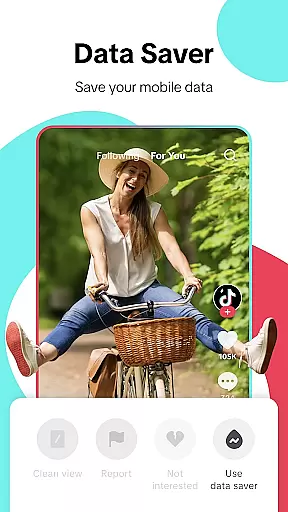
Particularly beneficial for users with restricted data plans or unstable internet connections TikTok Lite offers a data saver mode and offline viewing options. The application's efficient design enables users to stay connected with friends and the broader social media ecosystem without compromising on quality or functionality.
TikTok Lite incorporates several distinctive features that enhance user experience while maintaining optimal performance. The app's data saver mode allows users to reduce data usage by up to 20% during video streaming sessions while its minimal storage requirement of just 18MB makes it accessible for devices with limited capacity.
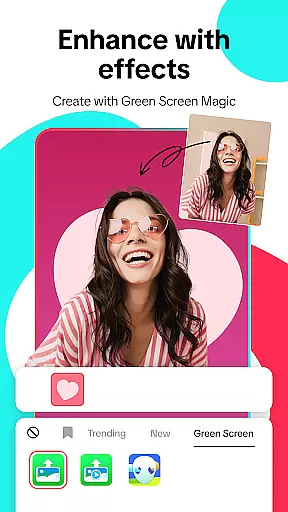
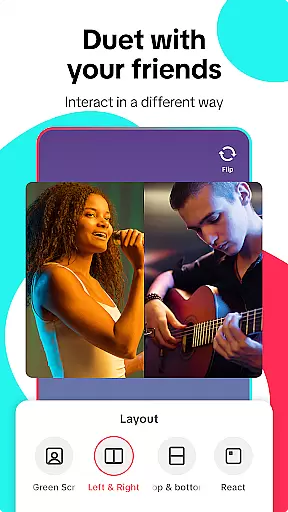
The application offers robust content creation tools including advanced editing features green screen effects and privacy controls. Users can create up to 3-minute videos or upload longer clips from their gallery while utilizing various effects filters and voiceovers to enhance their content. The innovative duet feature enables side-by-side video creation with other users fostering creative collaboration.
TikTok Lite also emphasizes social connectivity through interactive commenting systems direct messaging capabilities and cross-platform sharing options. These features combined with personalized feed algorithms and hashtag discovery mechanisms create a comprehensive social media experience that adapts to individual user preferences while maintaining efficient performance across various device types.
User profile customization is a crucial aspect of any social platform, allowing users to express their individuality and establish a unique digital identity. TikTok Lite offers a range of personalization options that enable users to tailor their profiles according to their preferences.
The app provides features such as profile pictures, bio descriptions, and customizable themes, which collectively contribute to a personalized user experience. These elements not only help in expressing one's personality but also assist in building trust and recognition within the community.
Authenticity verification on TikTok Lite adds another layer of credibility to user profiles. By verifying accounts, the platform ensures that users are interacting with genuine content creators and peers. This process deters fake accounts and enhances the overall reliability of interactions on the app.
For users, these features translate into a more engaging and trustworthy social environment where they can confidently share content, knowing that their audience comprises real individuals who appreciate their creativity and originality.
Connection discovery is an integral feature of TikTok Lite, designed to help users expand their social networks by finding and connecting with like-minded individuals. The app employs sophisticated algorithms to recommend potential friends based on shared interests, interactions, and viewing habits.
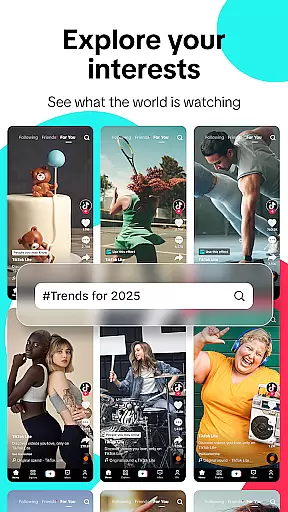
TikTok Lite facilitates connection discovery through various means, including suggested follows, hashtag explorations, and content recommendations. Users can easily navigate through these suggestions to find creators whose content resonates with them or join trending conversations by participating in popular challenges and topics.
This functionality not only enriches the user experience by fostering new friendships and collaborations but also contributes to a vibrant community atmosphere. As users connect with others globally, they gain exposure to diverse perspectives and creative ideas, enhancing their own content creation journey.
Ultimately, connection discovery on TikTok Lite empowers users to build meaningful relationships, engage with a broader audience, and become part of a dynamic global video community that thrives on interaction and shared creativity.
User-friendly interface
Low data consumption
Offline viewing capability
Advanced editing tools
Cross-platform sharing
Limited advanced features
Smaller user base
Fewer filter options
Restricted video length
Basic analytics tools

Looking for a date or a friend? Swipe to match and meet open-minded singles.
 4.20
4.20
Match, chat & date with singles nearby. The dating app to find true love
4.50
Watch 24/7 live stream, and make real friends nearby
4.30
The video chat to meet people in the blink of an eye!
3.90
Meet local people, make friends & network: Join a community, group, host events
4.00
Online group games like Mafia, Word War, Scattergories, Ludo, Uno, and many more
4.30
Raise cute Pengus with friends
4.70
Meet online & chat with people! Talk, have fun, make connections in real time!
4.00
This version of Facebook uses less data and works in all network conditions.
4.60
Widget Together, Share Whatever! Keep Pets & Share Sleep, Poop, Moods on Screens
4.70
The hottest live chat app so far. Video chat and meet great people...
4.60
Social calendar for friends to make plans, group chat, share events & schedules
4.60
Dating & make friend to chat, meet, flirt, and make real connections!
4.60
Connection Beyond Content
4.50
Social App Used By Millions
4.40
Live Chat & Match! Explore Real-Time Dating and Make Friends!
4.40
A warm, simple dating app for adults seeking real connection.
4.20
Create & share photos, stories, & reels with friends you love
3.90
This is to support the developer of Infinity for Reddit. No exclusive features.
4.0


User Reviews