
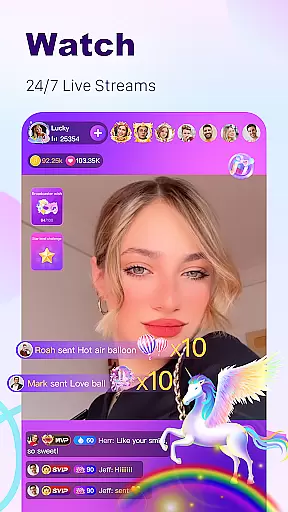
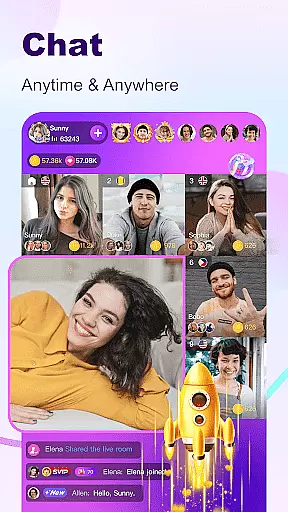
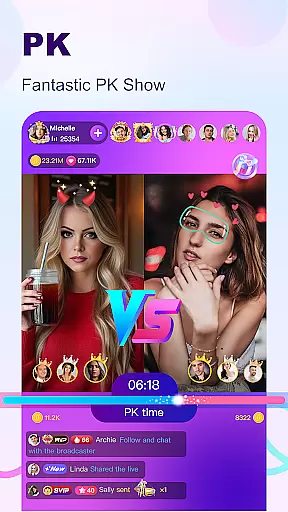
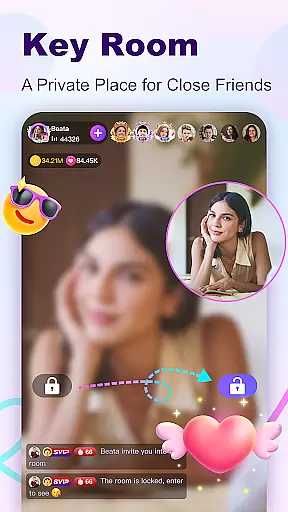
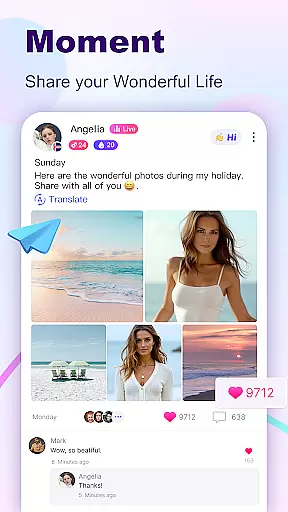

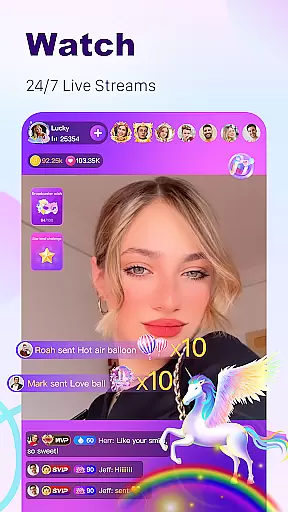
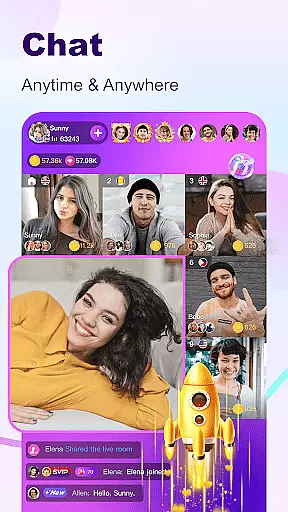
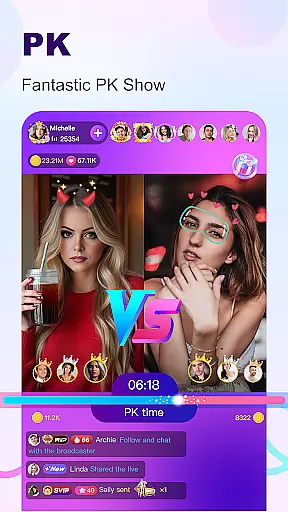

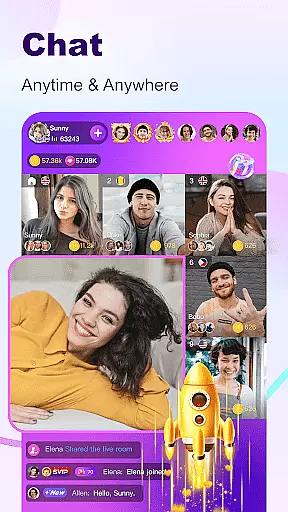
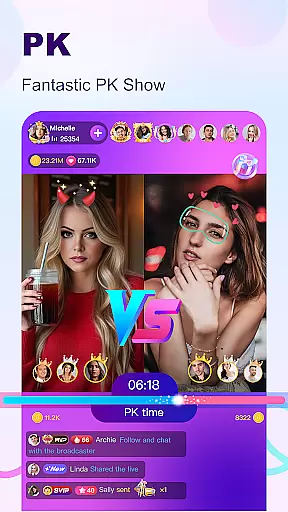

BuzzCast is a dynamic social platform that combines live streaming, instant messaging, and creative content sharing. As a global community, it allows users to engage in 24/7 live streams, connect with people worldwide through video or voice chats, and even become influencers by showcasing their talents. The app breaks language barriers with AI-powered translations, making communication seamless across cultures.
One of BuzzCast's standout features is its flexibility for broadcasters. Anyone can start live streaming without follower or level restrictions, while special effects and gifts enhance interactions. Additionally, the app fosters closer connections through private chat rooms, nearby moments, and short videos, offering users multiple ways to express themselves and build meaningful relationships.
Whether you're looking to entertain, network, or share your life creatively, BuzzCast provides an all-in-one platform tailored for social engagement. Its combination of public and private interaction spaces ensures both fun and safety, appealing to young, active users seeking global connections.
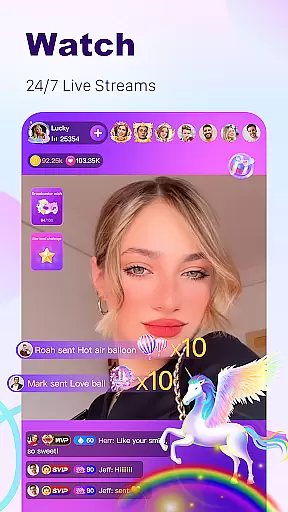
BuzzCast offers a rich array of features designed to maximize user engagement and creativity. At its core is the live streaming functionality, where users can broadcast anytime, anywhere, without limitations on followers or levels. This democratized approach encourages everyone to participate actively, while abundant special effects and interactive gifts create lively exchanges between broadcasters and viewers.
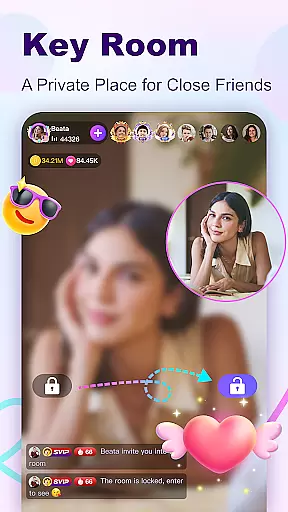
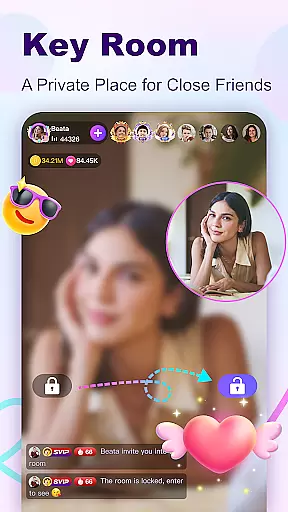
The app also excels in fostering personal connections. Through instant messaging, users can send texts, photos, emojis, videos, and voice messages after following each other. For those who value privacy, password-protected "Key Rooms" provide exclusive spaces for more intimate conversations. Furthermore, BuzzCast’s AI-driven translation tool eliminates language barriers, enabling truly global interactions.
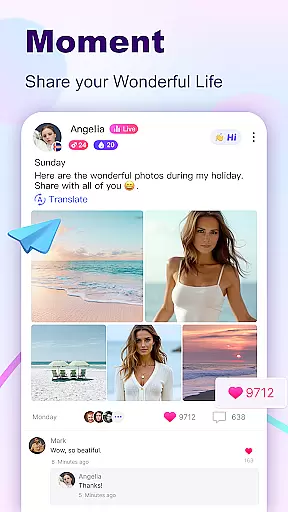
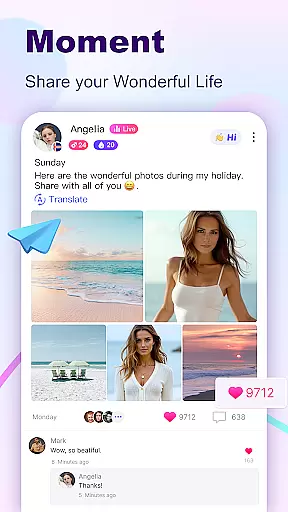
Creative expression thrives within BuzzCast's short video feature. Users can post 15-second videos enhanced with trendy music, stickers, and effects. The "Nearby Moments" section adds another layer by helping users discover local friends and celebrities alike. Together, these tools empower users to craft unique digital identities while staying connected globally.
In the BuzzCast community, user profile customization is a key feature that allows individuals to express their unique identity. Users can personalize their profiles with photos, bios, and other details that reflect their personality and interests. This level of customization not only enhances the user experience but also helps in forming genuine connections with like-minded people across the globe.
BuzzCast places a strong emphasis on authenticity verification to ensure a trustworthy environment. By implementing verification processes, the platform assures users that the people they interact with are real and authentic. This process may include verifying social media accounts or other identifiable information, contributing to a safer and more reliable social space.
The combination of extensive profile customization and rigorous authenticity checks provides a dual benefit. It empowers users to showcase their true selves while fostering a community where trust and real connections can flourish. As a result, BuzzCast becomes more than just a platform for live streaming; it evolves into a vibrant social network built on real interactions.
Ultimately, these features enhance user engagement and satisfaction. When users feel confident about the authenticity of their connections, they are more likely to participate actively, whether by sharing content, engaging in live chats, or supporting their favorite broadcasters. This active participation enriches the overall community experience, making BuzzCast a preferred destination for social interaction online.
BuzzCast excels in connection discovery, offering users innovative ways to meet new people. The app's advanced algorithms analyze user preferences and behaviors to recommend potential friends who share similar interests. This personalized approach to connection discovery ensures that users can quickly find and connect with others who truly resonate with them.
One standout feature is the Nearby Moments function, which enables users to discover people in their vicinity. This geo-based connection tool opens up opportunities for offline friendships and local community building. Additionally, the instant messaging system allows for seamless communication, letting users send texts, photos, emojis, videos, and voice messages to nurture newfound relationships.
BuzzCast further breaks down language barriers through AI-powered automatic translation. This technology facilitates unlimited chatting between users from different linguistic backgrounds, broadening the scope of possible connections. Whether you're looking to make friends locally or internationally, BuzzCast's comprehensive suite of discovery tools makes it easier than ever to expand your social circle.
The platform's commitment to helping users form meaningful connections extends beyond mere suggestions. With features like live streaming rooms and interactive short videos, BuzzCast creates numerous touchpoints for engagement. These dynamic interaction spaces allow users to showcase their talents, share experiences, and bond over common interests, ultimately leading to deeper and more fulfilling social connections.
User-friendly interface
AI-powered translation
Vibrant live streaming
Private Key Rooms
Creative video tools
Limited offline use
High data usage
Occasional bugs
Ads in free version
Learning curve

Meet Strangers Online, Live Video Chat & Make Random Video Calls on Joi!
 4.30
4.30
Watch super live shows 24/7, chat & meet friends in Plamfy social networking app
4.70
Sell unwanted items and buy preloved stuff in your local community.
4.10
Get notifications of FREE Stuff for Nextdoor, Letgo, offerup & TrashNothing
4.70
Unlimited calls & texts | WiFi voice line plus group txt | Call & text now
4.50
live inside your fandom
4.60
Message and video call your family and friends!
2.60
Widget Together, Share Whatever! Keep Pets & Share Sleep, Poop, Moods on Screens
4.70
Live Chat & Match! Explore Real-Time Dating and Make Friends!
4.40
Video call and chat, live stream and making friends around the world!
4.60
Connection Beyond Content
4.50
TikTok Lite - Designed for speed, simplicity, and saving your phone’s space!
4.40
FREE calling and texting (SMS texts + MMS) in US & Canada with FREE phone number
4.30
Honest dating app where real people find genuine love and real matches.
4.20
Dating for singles. Meet lonely people nearby online. Find your match here!
4.20
The official Skool app. Stay connected to your communities on the go.
4.20
A warm, simple dating app for adults seeking real connection.
4.20
Create your personal AI chatbot: talk, roleplay, and connect with characters!
4.10
Resonate & Date with New Match
3.70


User Reviews