

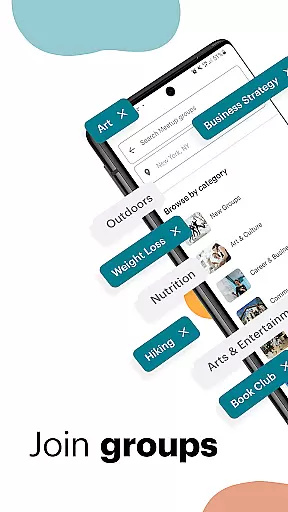
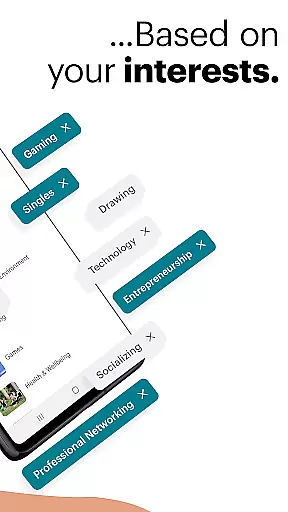
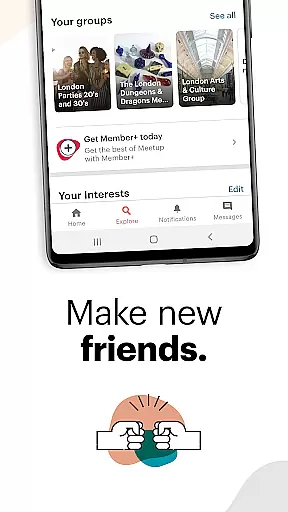
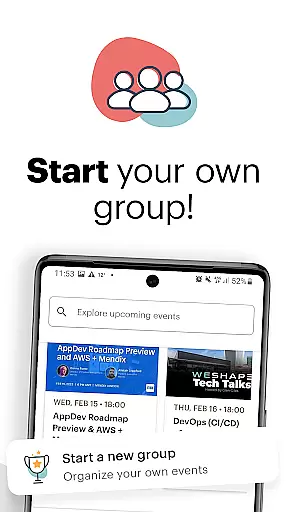



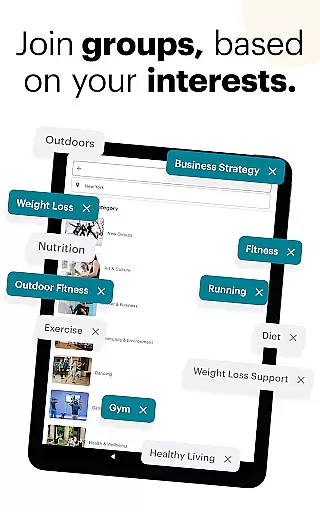








Meetup is a dynamic social networking app that connects individuals with shared interests, both online and offline. With over 60 million members, it facilitates career networking, tech community discovery, personal branding, and hobby engagement. The app's core strength lies in its ability to match users with over 330,000 groups based on their specific interests, ranging from tech conferences to yoga classes.
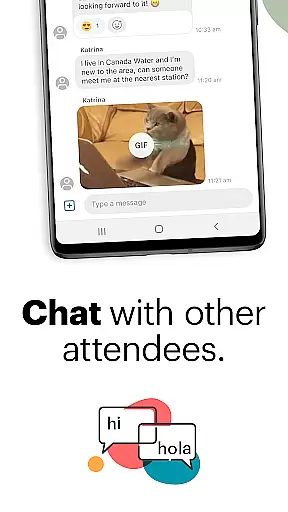
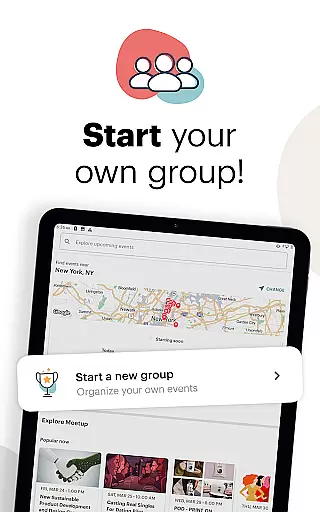
The platform supports creating and joining events, with 100,000 weekly events available. Users can host their own events, participate in discussions, and use direct messaging to build lasting connections. Meetup's powerful recommendation engine uses location data to suggest relevant local and online gatherings, making it an essential tool for expanding one's social and professional network.
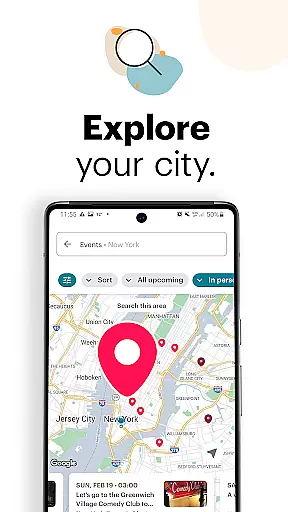
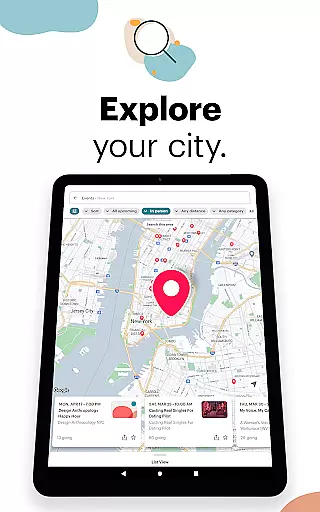
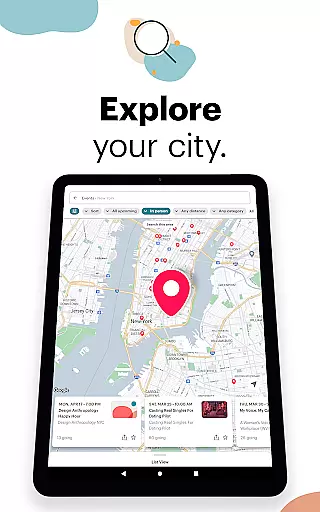
Meetup distinguishes itself through several key features that enhance user experience. The app provides comprehensive event discovery tools, allowing users to browse by category, keyword search, or explore popular local events using an interactive map interface. Its robust group creation system enables users to establish communities around specific topics and automatically recommends these groups to interested members.
A standout feature is the app's seamless integration of online and offline experiences. Users can save events for later, manage group activities through mobile scheduling, and maintain engagement between meetups through photo sharing and discussion boards. The built-in messaging system supports continuous connection building, while precise location services ensure relevant event recommendations, creating a comprehensive social networking solution.
User profile customization is a crucial aspect of any social platform, allowing individuals to express their identity and preferences. Meetup offers a comprehensive profile setup where users can highlight their interests, professional background, and personal hobbies. This level of detail ensures that members can find and connect with like-minded individuals effectively.
Authenticity verification on Meetup adds an extra layer of trust within the community. By linking social media accounts and verifying email addresses, Meetup helps ensure that members are interacting with real people. This process not only enhances safety but also improves the quality of interactions by promoting genuine connections.
The benefits for users include increased confidence in the network they're building. Whether it's for career networking or pursuing personal interests, knowing that profiles are authentic allows for more meaningful engagements. Members can focus on creating valuable relationships without the concern of encountering fake profiles.
Meetup's approach to profile customization and verification ultimately enriches the user experience. It fosters a trustworthy environment where friendships and professional connections can flourish, making every interaction potentially valuable and productive.
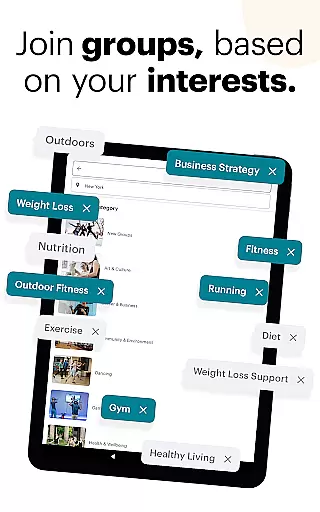
Connection discovery is at the heart of Meetup's functionality, designed to help users find groups and friends based on shared interests. With over 330,000 groups available, ranging from tech conferences to yoga classes, the app makes it easy to locate communities that resonate with personal or professional aspirations.
Meetup employs sophisticated algorithms to match users with relevant groups and events. By analyzing user profiles and activity, the app suggests gatherings and networks that align with individual preferences. This personalized recommendation system ensures that members are always aware of opportunities to expand their social or professional circles.
For users, this feature translates into a dynamic way to meet new people and engage in activities they are passionate about. The ability to filter searches by category, keyword, or location means that finding the right community is both efficient and tailored to specific needs. Saved events and direct messaging further enhance the connection-building process.
Ultimately, Meetup's connection discovery mechanism transforms how people build networks. It breaks down geographical and social barriers, enabling users to form lasting friendships and collaborations that might not have been possible otherwise. This powerful tool is indispensable for anyone looking to broaden their horizons through shared experiences.
User-friendly interface
Extensive community network
Versatile event options
Powerful matching algorithm
Integrated messaging system
Requires location access
Some features are premium
Interface can be complex
Event quality varies
Occasional technical issues

Global short video platform: epic effects, trending videos & vibrant community!
 4.40
4.40
Video call and chat, live stream and making friends around the world!
4.60
The video chat to meet people in the blink of an eye!
3.90
A gathering place for 300 million people's life interests and hobbies
4.30
Get your NGL Link
4.60
Live video chat to connect with people around the world. Video chatting on Olive
4.40
Get notifications of FREE Stuff for Nextdoor, Letgo, offerup & TrashNothing
4.70
Build Your Team With One App
4.30
Live Chat & Match! Explore Real-Time Dating and Make Friends!
4.40
A little connection can go a long way
4.60
Meet Strangers Online, Live Video Chat & Make Random Video Calls on Joi!
4.30
Online group games like Mafia, Word War, Scattergories, Ludo, Uno, and many more
4.30
Looking for a date or a friend? Swipe to match and meet open-minded singles.
4.20
The world's leading social networking app for gay, bi, trans, and queer people.
4.10
Create your personal AI chatbot: talk, roleplay, and connect with characters!
4.10
Join your friends and discover videos you love, only on TikTok
4.10
Watch, Edit, Upload and Share Gaming Clips
4.00
Chat and make new friends around the world!
3.90
Resonate & Date with New Match
3.70


User Reviews