
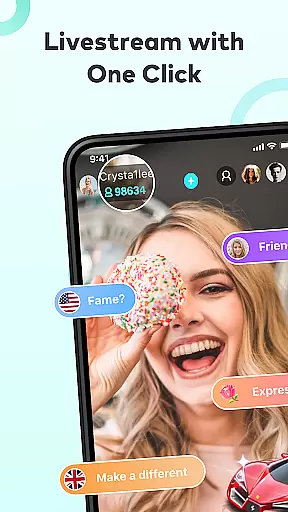
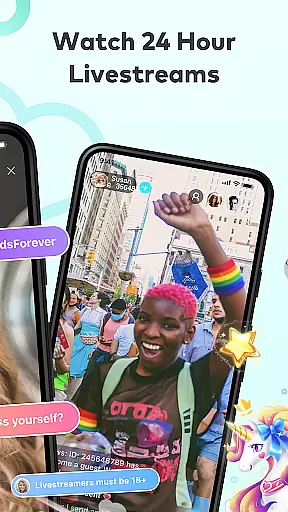


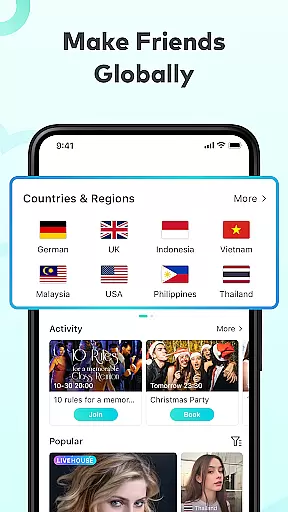
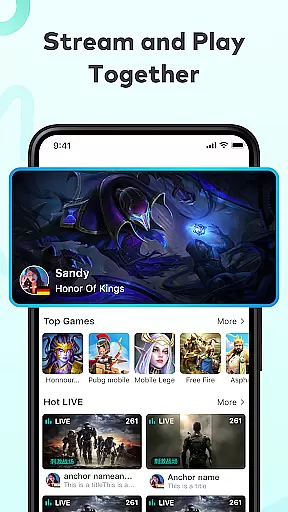
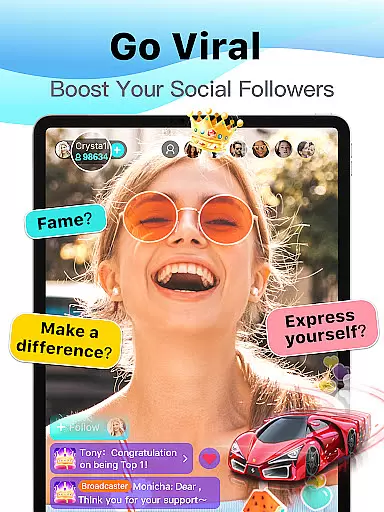
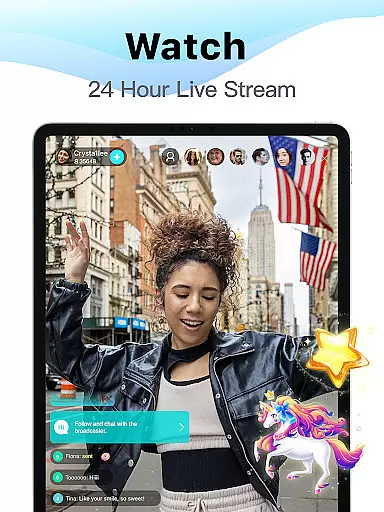
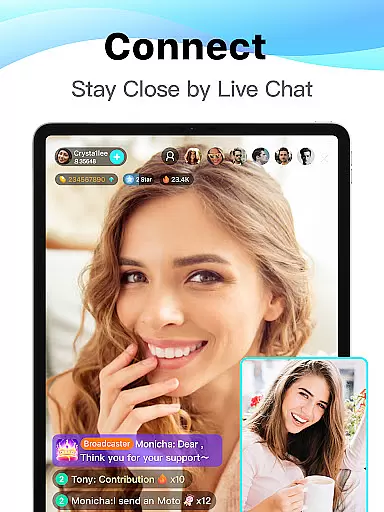
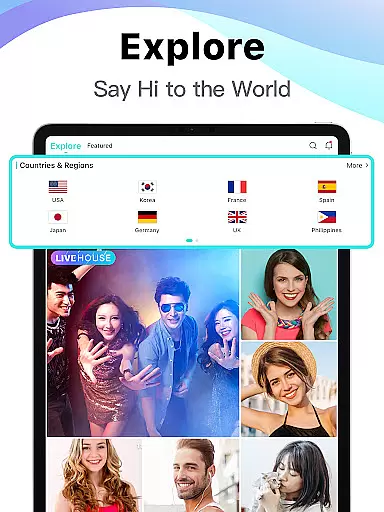

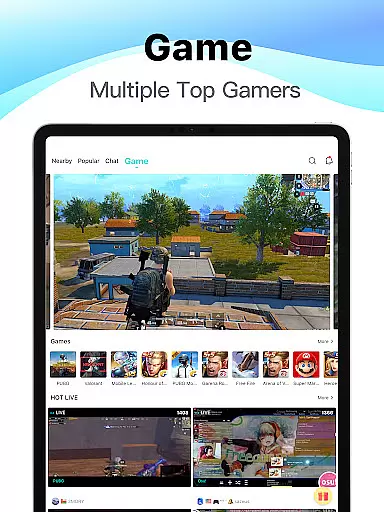
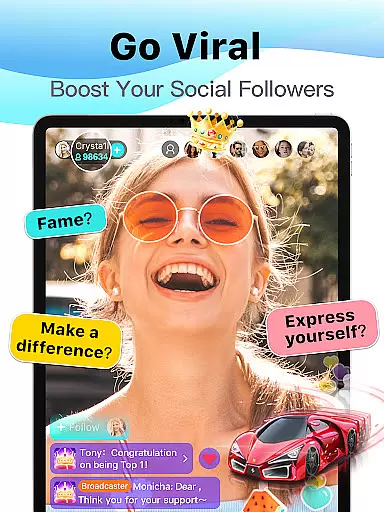
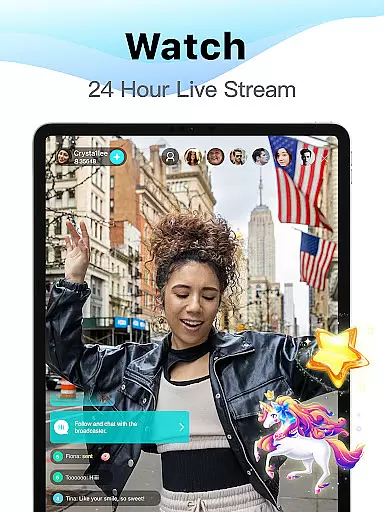
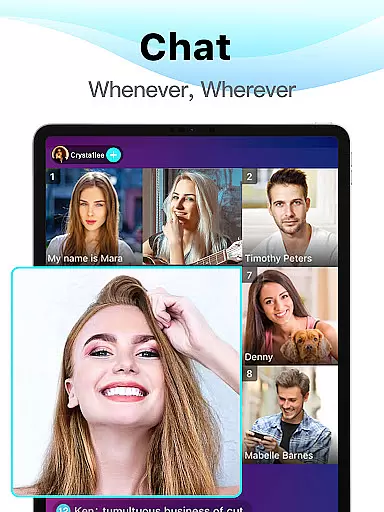
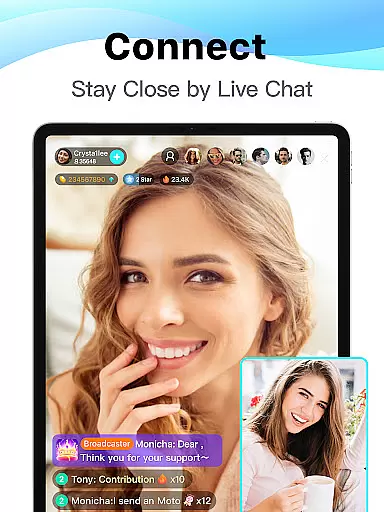
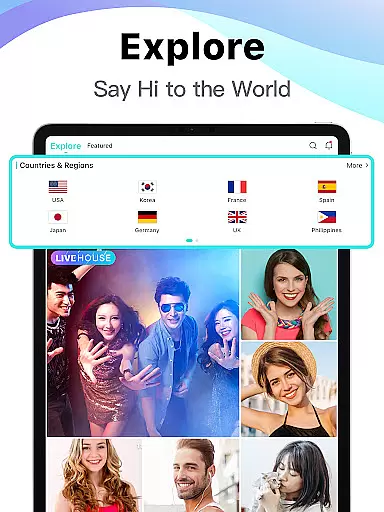

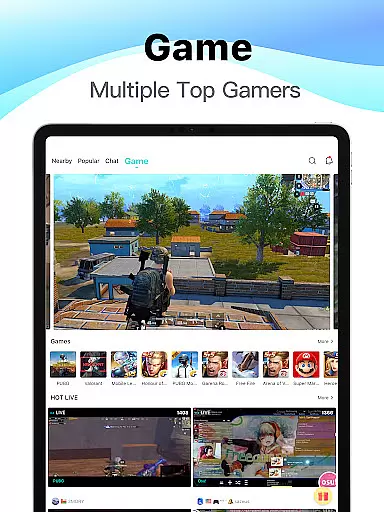
Bigo Live is a premier live streaming platform that connects over 500 million users globally. It offers diverse live content, from gaming to talent shows, allowing users to broadcast, interact, and engage with communities in real-time. The app's core function is to provide an interactive entertainment experience through live video and audio streams.
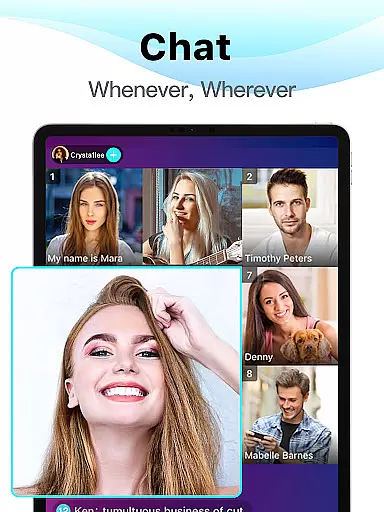
One standout feature is the Multi-guest Live option, enabling up to 12 participants to join a single stream for activities like watching videos or playing games together. Additionally, Bigo Live fosters meaningful connections by offering features such as live chats, virtual gifting, and voice calls. Whether you're a viewer or a creator, this app provides tools to build a vibrant online presence and connect with like-minded individuals worldwide.
Bigo Live stands out with its robust set of features tailored for social interaction and entertainment. Users can explore endless live streams across categories like gaming, music, and lifestyle, ensuring there's something for everyone. The app supports high-quality video and audio streaming, making interactions seamless and engaging.
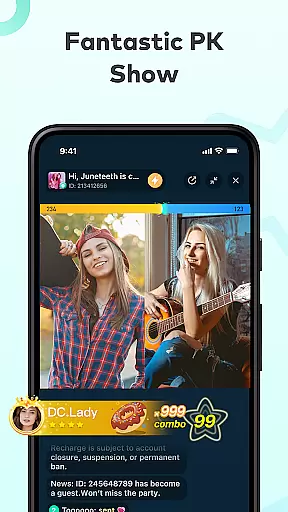
A key highlight is the Live PK feature, where streamers compete in fun challenges, adding excitement for both participants and viewers. Another innovative aspect is the Multi-guest Live functionality, which allows users to collaborate with friends or new acquaintances in virtual rooms. These features not only enhance user engagement but also create opportunities for creators to grow their audience while earning rewards through virtual gifts and fan support.
User profile customization is a crucial aspect of any social platform, allowing users to express their individuality and establish trust within the community. BIGO LIVE offers an extensive range of personalization options, from profile pictures and usernames to detailed bios and interest tags.
The platform ensures authenticity verification through a robust system that confirms user identities, enhancing the reliability of interactions. This verification process helps maintain a safe environment where users can confidently engage with others.
By providing these features, BIGO LIVE empowers its users to create genuine connections and build a credible online presence. The ability to customize and verify profiles not only enriches the user experience but also fosters a sense of belonging in the global community.
Discovering new connections is at the heart of BIGO LIVE's appeal, enabling users to expand their social circles effortlessly. The app employs advanced algorithms to recommend live streams and users based on shared interests and interaction history.
Through features like Multi-guest Live and Audio Live, users can meet diverse individuals worldwide. These interactive formats facilitate meaningful conversations and friendships, breaking down geographical barriers.
BIGO LIVE's connection discovery tools are designed to enhance user engagement by promoting real-time interactions. Whether joining group discussions or private chats, users enjoy seamless opportunities to network and form lasting relationships.
User-friendly interface
High-quality streaming
Vibrant global community
Diverse content categories
Interactive live features
Occasional inappropriate content
Heavy battery usage
In-app purchases required
Limited offline functionality
Privacy concerns

Match, chat & date with singles nearby. The dating app to find true love
 4.50
4.50
Video call, live video chat & talk to strangers. Meet people on Omega!
3.60
Dating for singles. Meet lonely people nearby online. Find your match here!
4.20
Watch super live shows 24/7, chat & meet friends in Plamfy social networking app
4.70
Discover an open-minded dating experience when you download today
4.10
Unlimited calls & texts | WiFi voice line plus group txt | Call & text now
4.50
live inside your fandom
4.60
Message and video call your family and friends!
2.60
Free texting (SMS) to US, Canada & more. Free new number. Call free & Text free.
4.30
Widget Together, Share Whatever! Keep Pets & Share Sleep, Poop, Moods on Screens
4.70
Date single & make friend
4.60
Social calendar for friends to make plans, group chat, share events & schedules
4.60
Live video chat to connect with people around the world. Video chatting on Olive
4.40
Social App Used By Millions
4.40
Second phone number for phone calls & texts. Text & SMS me now with a 2nd number
4.20
The official Skool app. Stay connected to your communities on the go.
4.20
Unlimited messages, WiFi Calling, Texting app. Text now with Second Phone Number
4.10
Connect and share ideas
4.10
The video chat to meet people in the blink of an eye!
3.90


User Reviews