

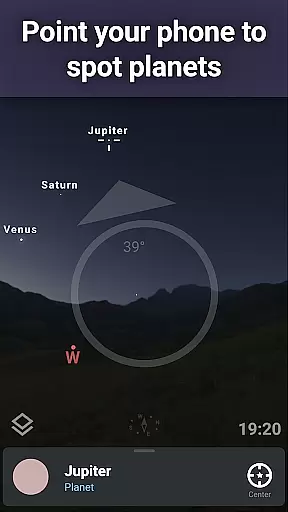
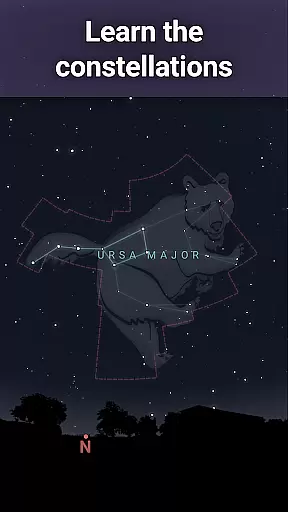
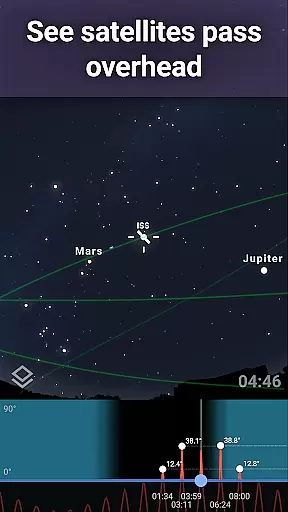
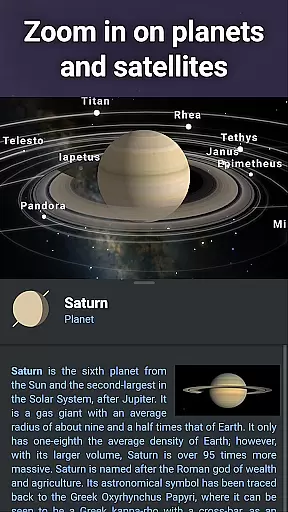
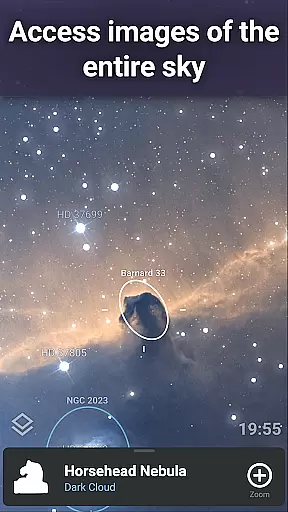
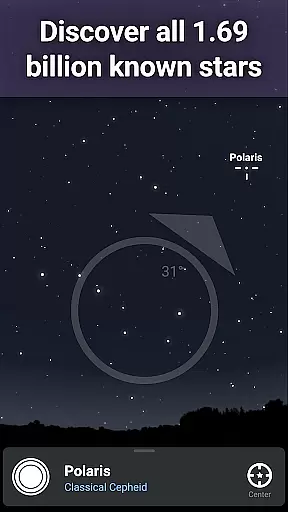
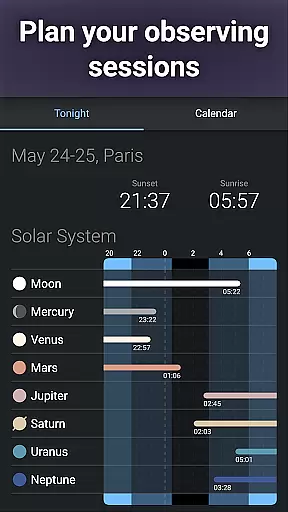
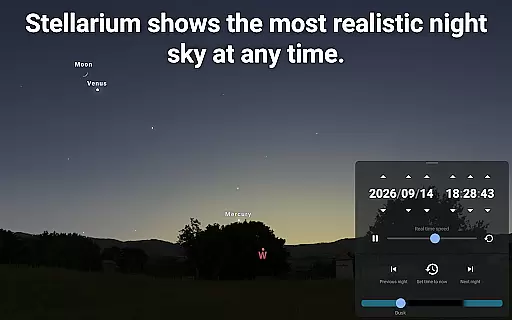
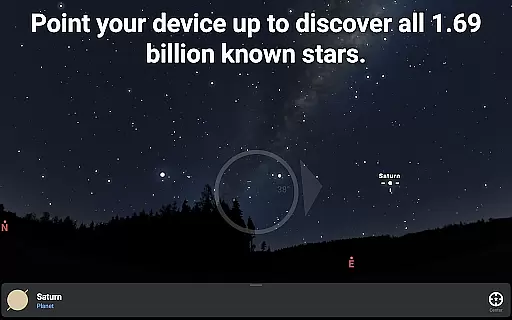
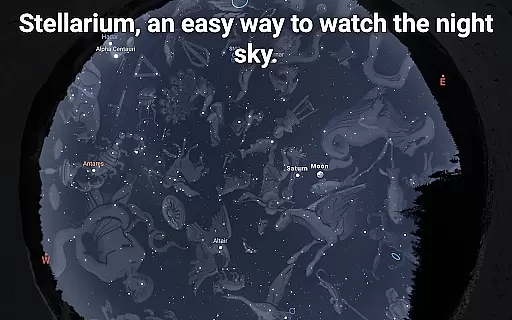
Stellarium Plus is an advanced planetarium app that offers a realistic simulation of the night sky, making it an ideal educational tool for both amateur stargazers and seasoned astronomers. The application provides an accurate representation of stars, planets, constellations, and deep-sky objects, all in real-time based on the user's location.
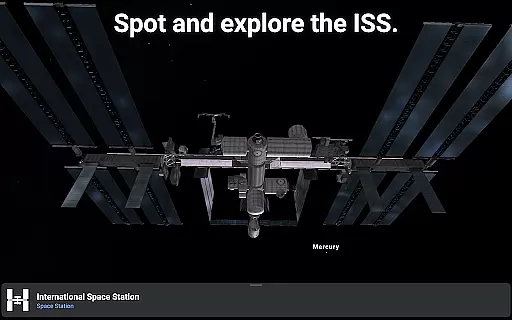
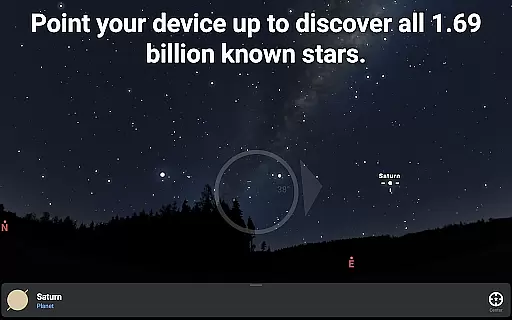
One of the standout features of Stellarium Plus is its extensive database, which includes over 1.69 billion stars from the Gaia DR2 catalog, more than 2 million deep-sky objects, and detailed information about planets and their satellites. This makes it one of the most comprehensive mobile astronomy apps available today. Whether you're identifying constellations or tracking the International Space Station, Stellarium Plus delivers a rich, immersive experience.
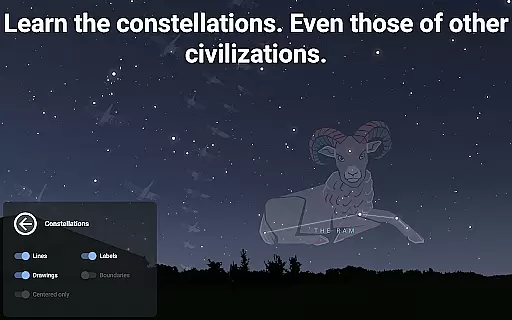
The app also supports telescope control through Bluetooth or Wi-Fi, allowing users to prepare observation sessions with precision. Its intuitive interface and additional educational features, such as exploring different cultural interpretations of constellations, make it suitable for educational purposes across various age groups.
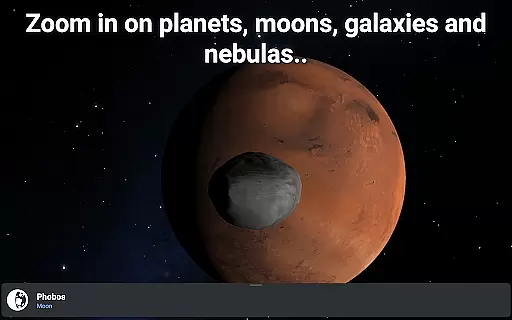
Stellarium Plus stands out due to its massive collection of celestial objects and advanced functionalities tailored for astronomy enthusiasts. With data on over 1.69 billion stars, 2 million deep-sky objects, and thousands of asteroids, comets, and satellites, the app offers unparalleled depth for exploring the universe. Users can zoom in on planetary surfaces and deep-sky objects with high-resolution imagery, providing an engaging learning experience.
Another key feature is the app's ability to simulate atmospheric conditions, including realistic sunrises, sunsets, and light refraction. This creates an authentic stargazing experience even during the day. Additionally, the app includes specialized tools for planning observations, predicting celestial object transits, and controlling telescopes via popular protocols like NexStar and LX200.
For educators and students, Stellarium Plus offers culturally diverse constellation illustrations and detailed 3D renderings of planets and moons. These features not only enhance understanding but also foster curiosity about our place in the cosmos. The app works offline with a reduced dataset, ensuring usability in remote locations without internet access.
When it comes to educational applications, especially in the realm of astronomy, content accuracy is paramount. Stellarium Plus offers an unparalleled level of precision by utilizing the Gaia DR2 catalog, which includes over 1.69 billion known stars. This vast database ensures that users have access to the most up-to-date and scientifically verified star information available.
In addition to stars, the app provides detailed and accurate data on planets, natural satellites, comets, and minor solar system objects, including a comprehensive list of 10,000 asteroids. The inclusion of deep sky objects such as nebulas and galaxies further enriches the experience, making it not only an educational tool but also a resource for amateur astronomers and stargazers.
The authority of Stellarium Plus's content is reinforced by its ability to simulate the night sky with exactness for any date, time, and location. This feature allows users to explore how different cultures around the world perceive constellations, thus broadening their understanding of global astronomical traditions while maintaining scientific integrity.
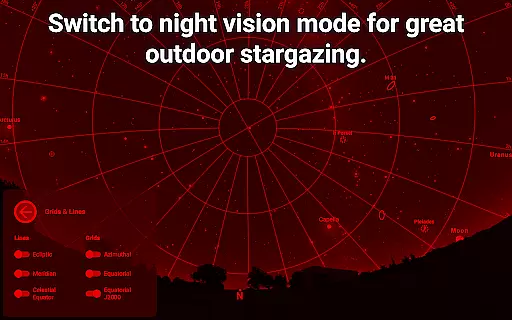
Stellarium Plus stands out in the Education category by offering personalized learning paths tailored to each user's exploration interests. Whether you are a beginner eager to learn about the basics of the night sky or an advanced astronomer looking to delve into complex celestial bodies, this app adapts to your needs. By providing various modes such as night mode for better visibility and adaptation to darkness, Stellarium Plus ensures that learners at all levels can engage with the cosmos effectively.
The application goes beyond static education by enabling interactive features like telescope control through Bluetooth or WIFI. This hands-on approach allows users to apply theoretical knowledge practically, enhancing their learning journey. With compatibility for protocols such as NexStar, SynScan, or LX200, students and enthusiasts can seamlessly integrate their devices, creating a cohesive and immersive educational environment.
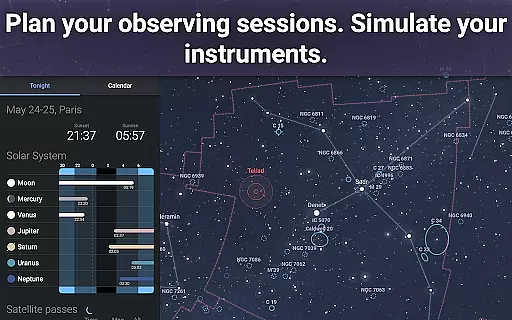
Moreover, the advanced observation tools within Stellarium Plus help users prepare for observing sessions by predicting the observability and transit times of celestial objects. This functionality not only aids in planning educational activities but also encourages continuous engagement with astronomy, fostering a deeper connection with the subject matter over time.
User-friendly interface
Extensive star catalog
Realistic sky simulation
Telescope compatibility
Educational value
Premium price point
Complex for beginners
Heavy storage usage
Limited free version
Occasional bugs

AR planetarium app that brings the solar system to you via XREAL Glasses.
 4.4
4.4
scanner body part for fun Prank friends realistic scan effects
3.00
Universe simulator: Find & explore planets system, outer space, astronomy events
4.60
Short Lessons for Better Finances, Health, Skills, Jobs & Relationships.
4.80
Prepare for the BCBA / BCaBA exam. Study ABA with the ABA Wizard app.
4.60
THE ESTABLISHED "GO TO" ARMY BOARD PREPARATION APP!
4.30
Courses, certificates, degrees
4.50
Your Arts+Culture Guide
4.00
Fun, personalized math learning games that adapt to your child’s needs.
4.40
Childcare Management App: Daily sheets, sign in-out, billing and learning tools
4.70
Dinosaurs coloring book game. Drawing and painting dinos.
4.50
The Fighter Verses Bible memory system helps you memorize God's Word.
4.50
SkyView®, an augmented reality space app, brings stargazing to everyone!
4.40
The "Go To" app for Airmen studying for promotion to SSgt and TSgt
4.30
School Communication
4.30
Skelly is a fully poseable, anatomically correct reference skeleton for artists.
4.10
Deal Craps (Practice Craps Payouts)
3.80
The official CCM Glossary app, including 700+ terms and definitions.
2.90
Enrich the experience of your visit to the Pantheon with our audiotour.
1.60


User Reviews