

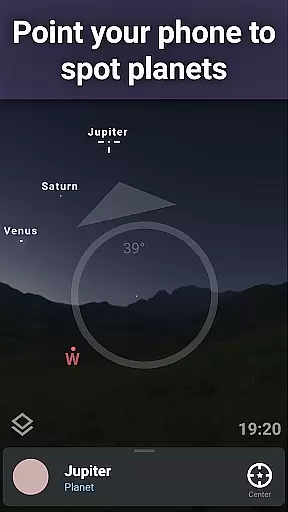
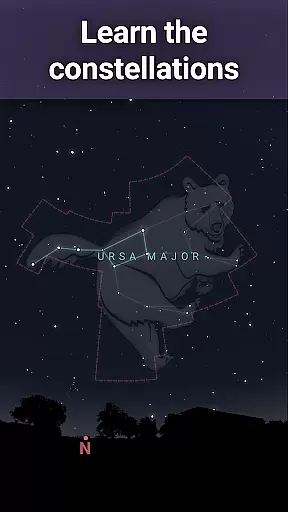
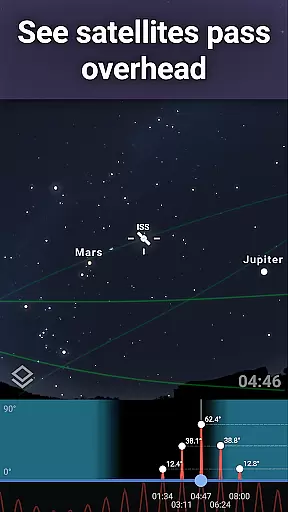
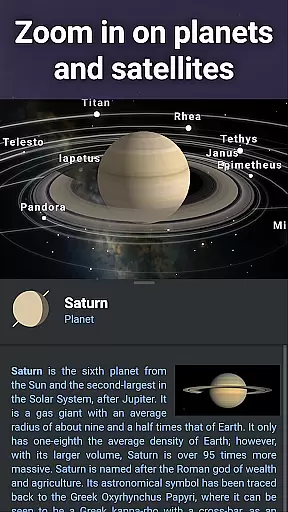
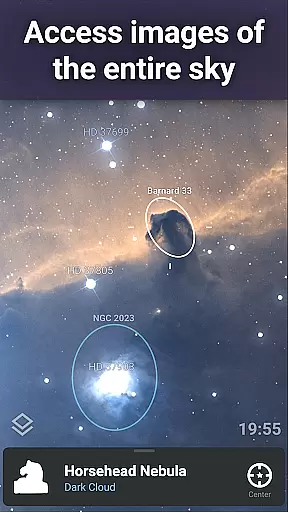
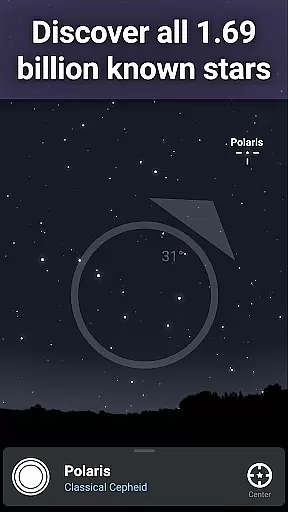
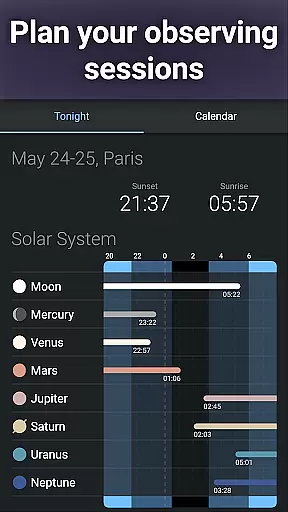
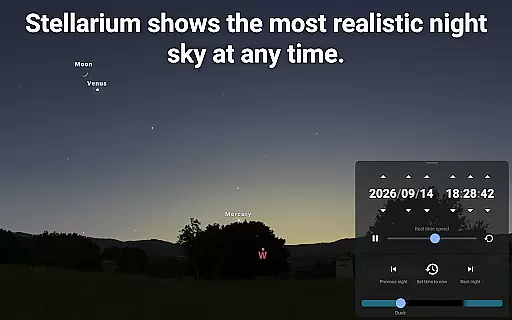


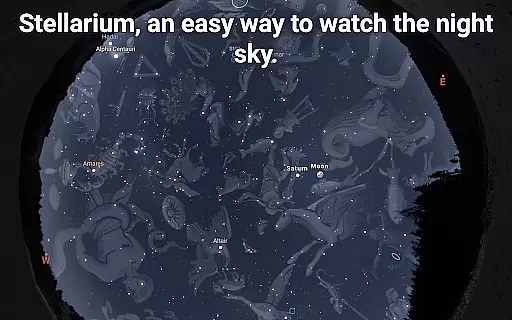
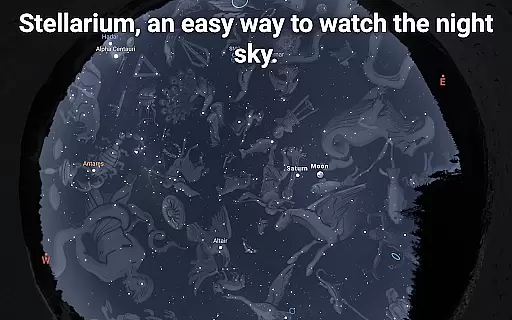
Stellarium Mobile - Star Map is an advanced planetarium app designed for both amateur stargazers and professional astronomers. This application provides a real-time, accurate representation of the night sky, featuring stars, planets, constellations, and deep-sky objects visible from any location on Earth. With its intuitive interface and powerful features, it serves as an educational tool for users of all ages who wish to explore astronomy.
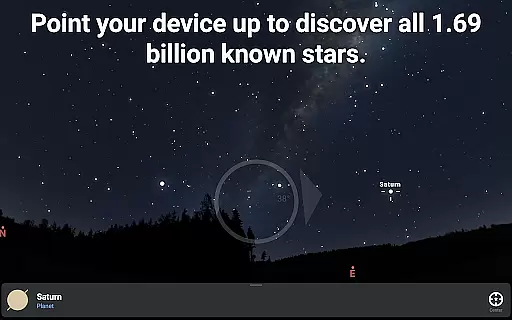
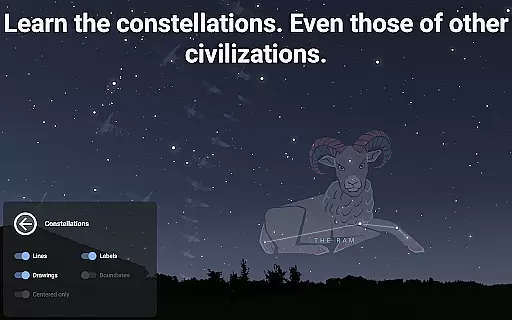
The app offers an immersive experience by allowing users to simply point their device at the sky to identify celestial bodies. It includes detailed information about over 1.69 billion stars from the Gaia DR2 catalog, along with planets, moons, comets, asteroids, and man-made satellites like the International Space Station (ISS). Additionally, Stellarium Mobile supports multiple cultural interpretations of constellations, providing a rich learning experience about global astronomical traditions.
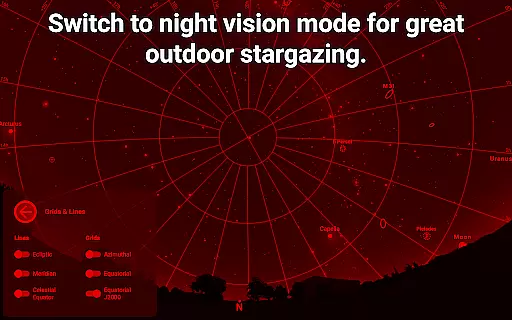
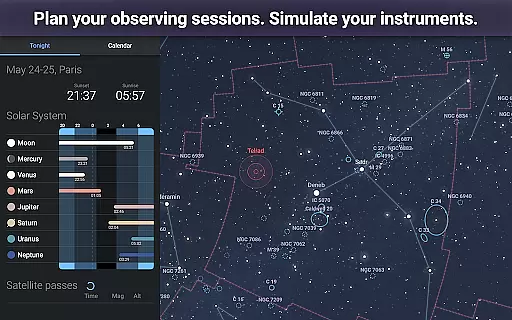
Whether used indoors for planning observation sessions or outdoors for real-time sky mapping, Stellarium Mobile enhances the stargazing experience through realistic visualizations and scientific accuracy. Its red-light night mode ensures minimal disruption to night vision, making it ideal for serious astronomical observations.
Stellarium Mobile stands out with its comprehensive set of features tailored for astronomy enthusiasts. The app's core functionality lies in its ability to simulate the night sky with incredible precision, displaying celestial objects as faint as magnitude 22 when upgraded to Stellarium Plus. This feature allows users to explore far beyond what is typically visible to the naked eye or standard binoculars.
One of the standout capabilities is the extensive database integration, which includes not only stars but also deep-sky objects such as galaxies, nebulae, and star clusters. Users can zoom into high-resolution images of these objects, experiencing unparalleled detail. Moreover, the app simulates atmospheric conditions, including sunrise, sunset, and light refraction, adding realism to virtual observations.
For those interested in astrophotography or telescope control, Stellarium Plus offers advanced functionalities such as telescope connectivity via Bluetooth or Wi-Fi. This enables users to automate their observational setups using protocols compatible with popular telescope models. Furthermore, the app works offline, storing a reduced dataset of 2 million stars and 2 million deep-sky objects for field use without internet access.
Stellarium Mobile - Star Map stands out for its exceptional content accuracy and authoritative astronomical data. The app draws from reliable sources such as the Gaia DR2 catalog, which includes over 1.69 billion stars, ensuring users receive precise and trustworthy information about celestial bodies.
The application goes beyond basic star maps by offering detailed depictions of planets, nebulas, galaxies, and other deep-sky objects. This vast collection is continually updated, providing an accurate representation of the night sky from any location on Earth at any given time.
For users seeking advanced features, Stellarium Plus offers an extended database that reaches objects as faint as magnitude 22. This level of detail allows both amateur stargazers and professional astronomers to explore space with confidence in the app's educational value.
By including culturally diverse constellation illustrations and real-time object tracking, Stellarium Mobile ensures that its content remains relevant and respectful across different regions and cultures, enhancing its credibility as a comprehensive learning tool.
While Stellarium Mobile - Star Map may not follow traditional personalized learning paths like adaptive quizzes or tailored lessons, it provides customizable features that cater to individual learning styles. Users can adjust settings to view constellations from various global perspectives, allowing them to learn according to their geographical context or curiosity about other cultures' interpretations of the stars.
The app supports self-paced exploration through intuitive zoom functions and high-resolution images of deep-sky objects. Learners can delve into specific areas of interest at their own speed, whether they're examining planetary surfaces or diving into distant galaxies, creating a unique educational journey for each user.
For those without internet access, Stellarium Plus offers offline functionality with a reduced dataset containing 2 million stars and Deep Sky Objects. This feature enables uninterrupted learning regardless of connectivity issues, making it ideal for field observations where network availability might be limited.
Additionally, telescope control options via Bluetooth or WIFI allow learners to integrate hands-on experiences with digital knowledge, bridging theoretical understanding with practical observation skillsu2014an essential aspect of personalized astronomy education.
User-friendly interface
Accurate star maps
Offline functionality
Realistic simulations
Cultural constellation views
Premium features costly
Heavy storage usage
Complex for beginners
Limited free version
Occasional bugs

Watch and Play Elmo's World!
 4.00
4.00
Learning the ancient Viking language made simple
4.70
A magical world of fun, building, and learning with Mickey Mouse and more!
4.20
Astronomy Guide to the Night Sky
4.40
Deal Craps (Practice Craps Payouts)
3.80
The official CCM Glossary app, including 700+ terms and definitions.
2.90
Skelly is a fully poseable, anatomically correct reference skeleton for artists.
4.10
Discover Your Place in the Universe
4.70
Animals pop up and make sounds—learn names and noises in Peekaboo Barn!
4.5
Universe simulator: Find & explore planets system, outer space, astronomy events
4.60
Ignite curiosity, spark learning: All babybus videos &games
4.30
Learn math, step-by-step
4.30
One of the most engaging and innovative ABC apps on the market.
4.30
The "Go To" app for Airmen studying for promotion to SSgt and TSgt
4.30
Designed for Calculator 84 users
4.20
Explore the City of the Sun in Augmented Reality
3.70
Quiz App to help case managers studying for CCMC Certification, 200+ Questions
3.40
Hasbro’s classic CANDY LAND game is now a gorgeous interactive storybook app.
2.30
Grazing Risk Monitoring Service
4.0


User Reviews