
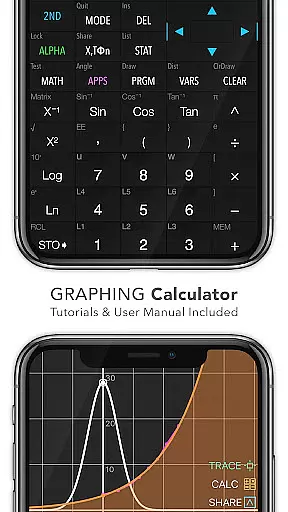
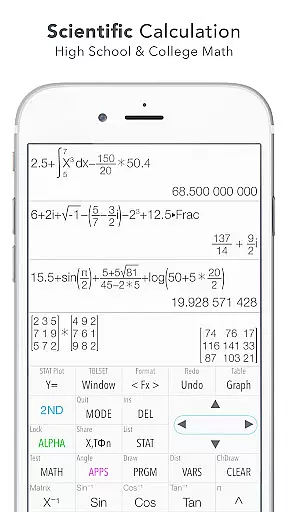
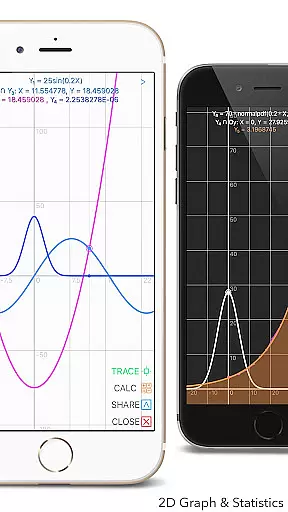
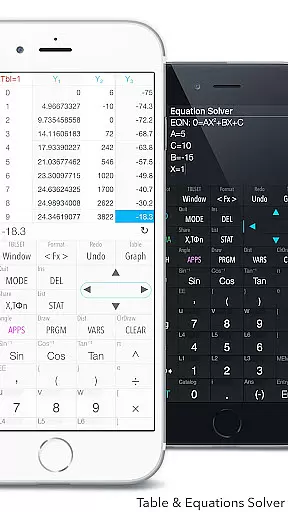
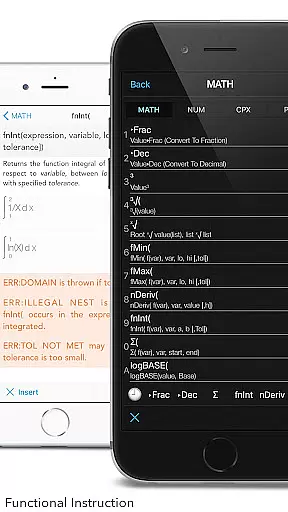
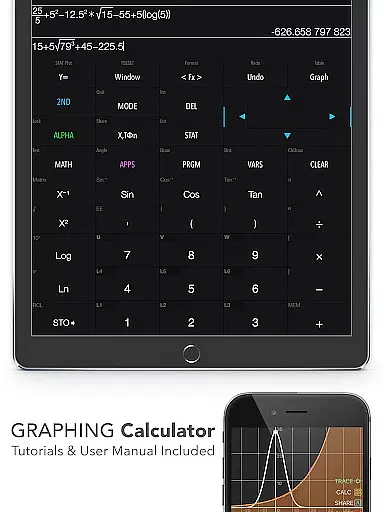
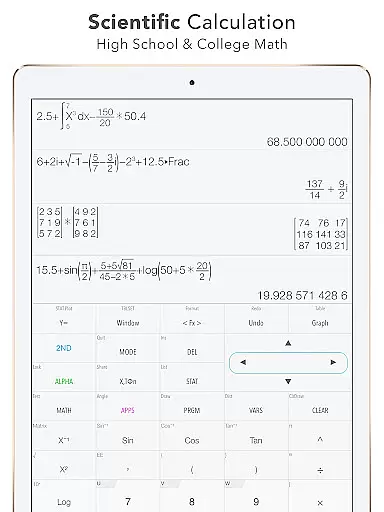
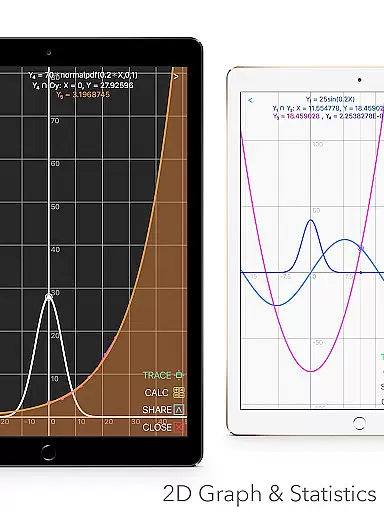
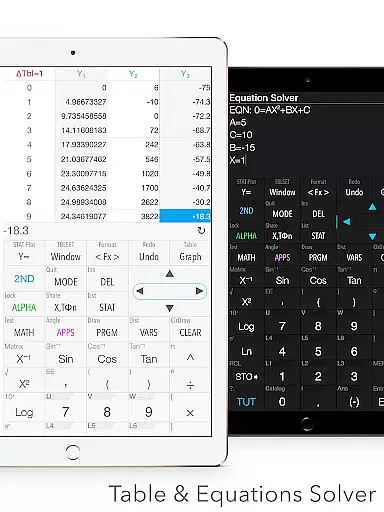
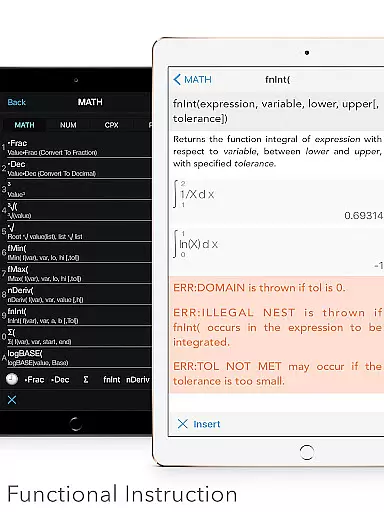
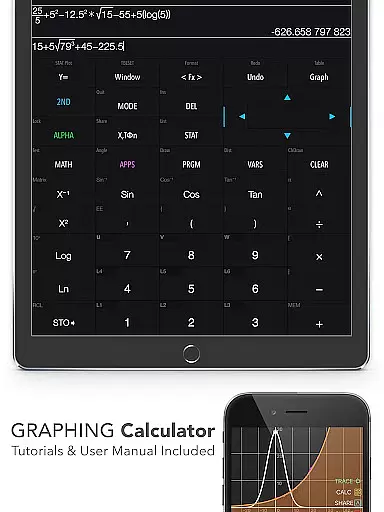
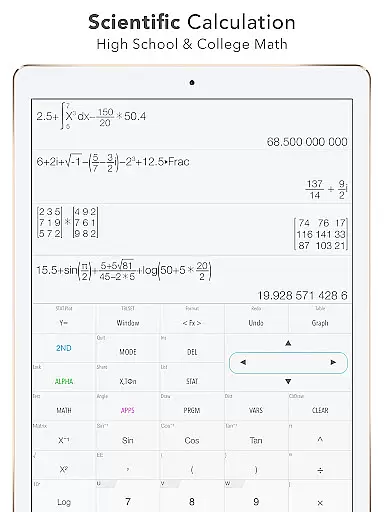
Graphing Calculator Plus is a powerful educational tool designed for students, engineers, and math enthusiasts. This app serves as a comprehensive alternative to traditional hardware calculators like the TI-84 and TI-83, offering advanced mathematical capabilities right on your Android device.
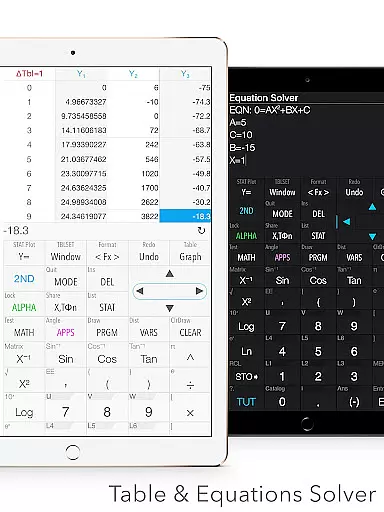
The calculator features an intuitive mathematical display and supports complex number calculations, equation solving, and graphing functions. With built-in documents covering general calculations, statistics, regression, and matrix operations, it provides users with everything needed for both basic and advanced mathematics. Its dual themes and customizable functions make it suitable for various types of users, from beginners to professionals.
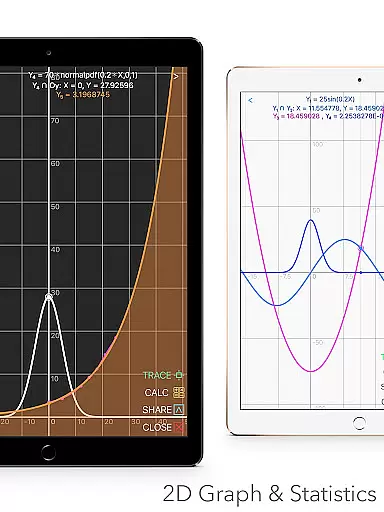
Whether you're dealing with algebra, calculus, or engineering problems, Graphing Calculator Plus offers the tools necessary to solve equations, calculate integrals, and even perform financial calculations. The app's ability to handle 2D graphs, parametric, polar, and sequence plotting makes it an invaluable resource for visualizing mathematical concepts in educational settings.
Graphing Calculator Plus stands out due to its extensive feature set tailored for educational purposes. It includes a universal calculator app with advanced functions such as Sin, Cos, Ln, and E, alongside support for Y-vars and custom functions. The app also boasts a robust statistics and regression module, allowing users to create and edit lists, perform various types of regression analysis, and conduct statistical tests.
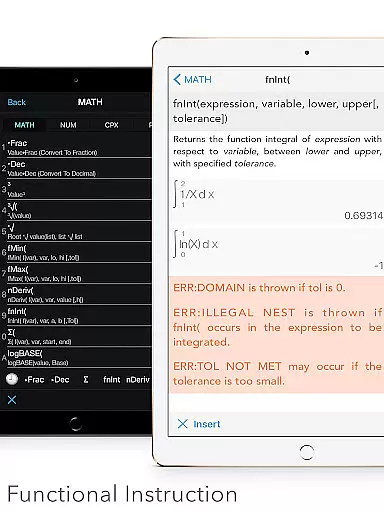
In addition to its mathematical prowess, the app offers a comprehensive matrix editor with both basic and advanced matrix functions. Users can also explore programming capabilities with control and I/O commands, along with example source codes provided for learning purposes. The inclusion of a number base-N mode further expands its utility, supporting up to 15 different bases and 64-bit integer operations.
Other notable features include a unit converter with over 50 categories and 1000+ units, more than 40 common constants, and specialized apps for geometry and chemistry. With additional financial calculation tools and a history tape view for tracking past computations, Graphing Calculator Plus is a versatile companion for academic and professional use.
Graphing Calculator Plus stands out for its commitment to content accuracy and authority, making it a reliable tool for students and professionals alike. The app is meticulously designed to replicate the functionalities of renowned hardware calculators like the TI-84 and TI-83, ensuring that calculations are not only accurate but also authoritative.
The inclusion of a powerful MATH CORE and MATH DISPLAY support enhances the precision of complex computations, from basic arithmetic to advanced calculus. This technological backbone supports a wide array of mathematical operations, including statistics, regression analysis, matrix manipulation, and more, all of which adhere to educational and professional standards.
Moreover, Graphing Calculator Plus provides users with built-in documents and tutorials that cover a broad spectrum of mathematical topics. These resources have been crafted to assist users in understanding both fundamental concepts and sophisticated mathematical theories, thereby reinforcing the app's role as an educational ally.
By integrating these features, Graphing Calculator Plus ensures that every user, regardless of their proficiency level, can trust in the mathematical authority and accuracy of their results, thus empowering them to tackle any academic or professional challenge with confidence.
While Graphing Calculator Plus excels in delivering accurate and authoritative mathematical content, it also offers personalized learning paths tailored to individual needs. The app's comprehensive suite of calculators and tools allows users to explore various mathematical disciplines at their own pace, fostering a customized learning experience.
Users can leverage the app's advanced functions, such as solving equations, calculating integrals, and performing statistical analyses, to build a foundation that aligns with their specific educational goals. The availability of different calculator modes, including a programming environment and number base-N calculations, enables learners to dive deeper into specialized areas of interest.
In addition to its robust calculation capabilities, Graphing Calculator Plus includes features like editable matrices, customizable functions, and a history tape view. These elements encourage experimentation and exploration, allowing users to tailor their interaction with mathematical concepts according to their unique learning styles.
Ultimately, by providing a versatile platform that adapts to diverse learning preferences, Graphing Calculator Plus empowers users to forge their own educational journeys, enhancing both comprehension and retention of complex mathematical ideas.
User-friendly interface
Advanced math functions
Comprehensive statistics tools
Customizable graphing options
Extensive documentation
Occasional bugs reported
Complex for beginners
Some features locked behind paywall
Heavy on system resources
Limited offline support

An easy to use yet powerful and full-featured flashcard study app.
 4.50
4.50
Latest TLC Practice Questions! Multiple languages available!
4.50
THE MOST COMPREHENSIVE JUMPMASTER STUDY RESOURCE AVAILABLE.
3.40
Astronomy Guide to the Night Sky
4.40
Deal Craps (Practice Craps Payouts)
3.80
Hasbro’s classic CANDY LAND game is now a gorgeous interactive storybook app.
2.30
Stack the States makes learning about the 50 states fun!
4.70
A fast and fun way to learn guitar - works with any guitar.
4.60
Courses, certificates, degrees
4.50
The best way to study for your amateur radio license exam.
4.90
Short Lessons for Better Finances, Health, Skills, Jobs & Relationships.
4.80
An interactive enhancement of the Sesame Street classic.
4.50
Skelly is a fully poseable, anatomically correct reference skeleton for artists.
4.10
For medical training - Visualize complex vein maps and structures in real-time.
4.10
Explore numbers the Starfall way!
4.00
FAR/AIM, FAR for Flight Crew and FAR for Aviation Maintenance Technicians
3.80
Bebefinn and Baby Shark educational, animated videos & games for kids
3.40
Quiz App to help case managers studying for CCMC Certification, 200+ Questions
3.40
Pickleball guide complete with illustrated Pickleball drills and helpful info
4.4


User Reviews