
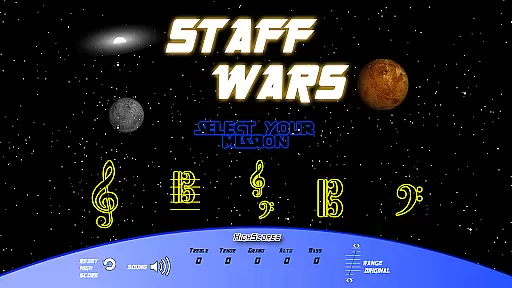
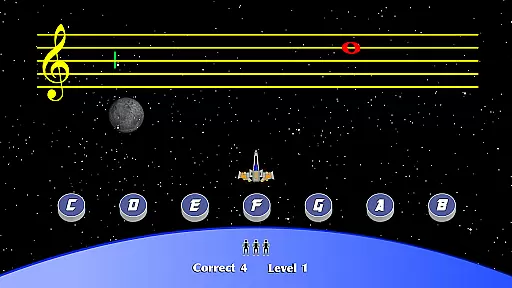
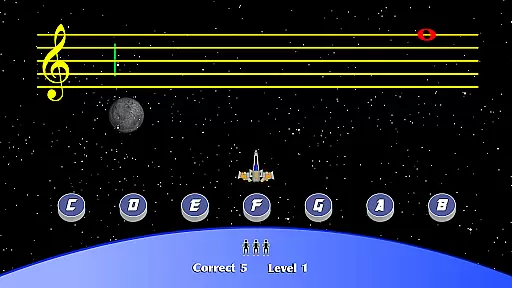
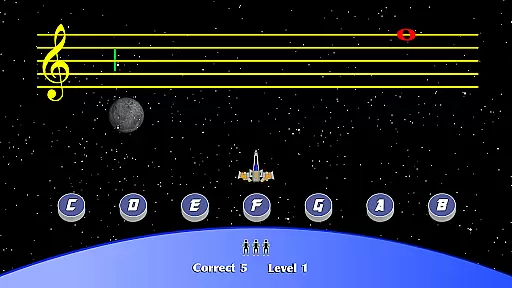
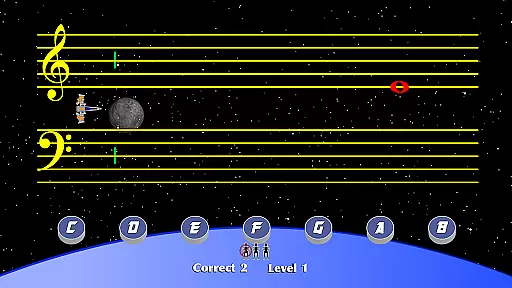
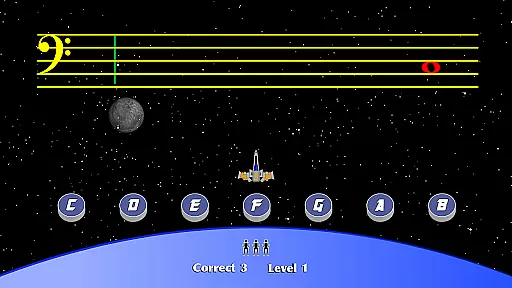
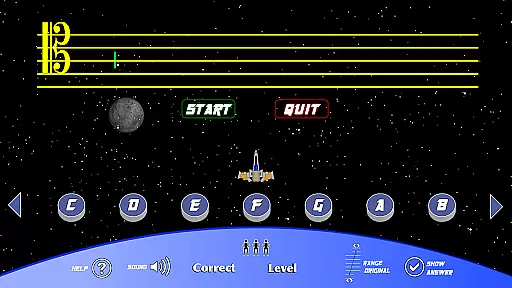
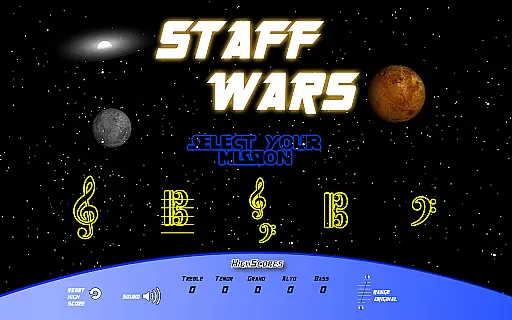
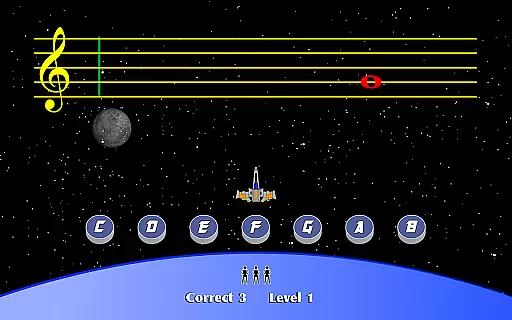
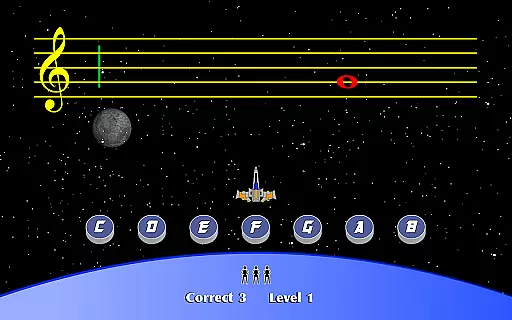
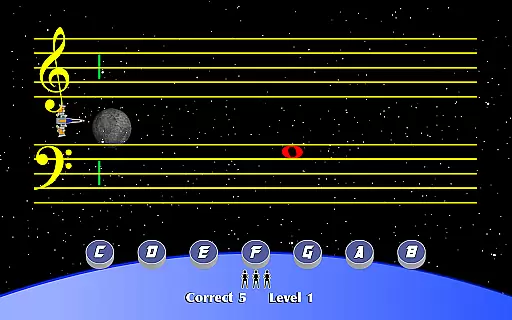
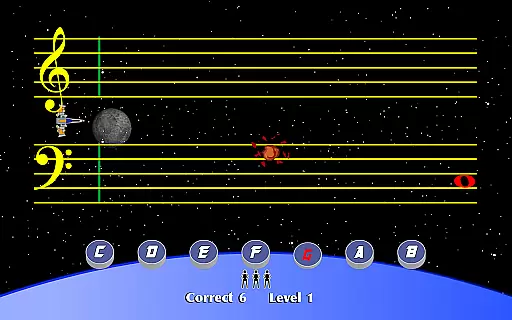
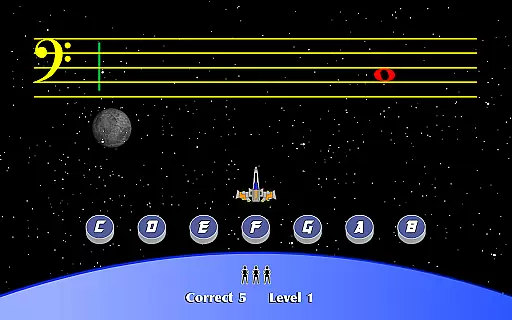
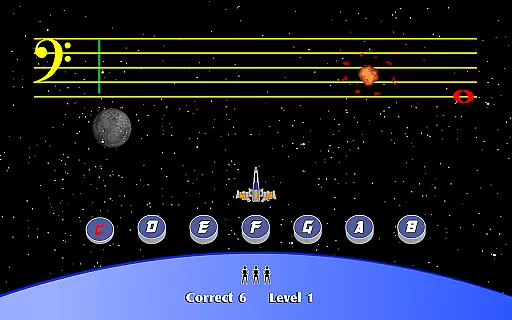
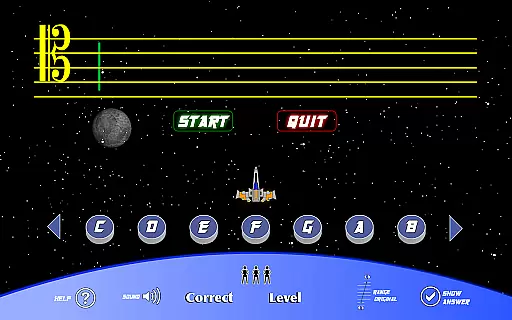
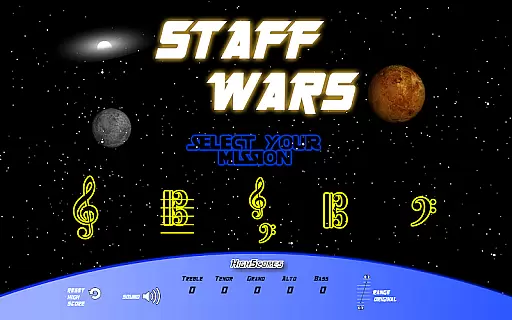
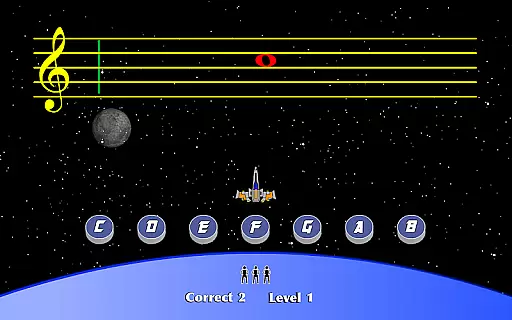
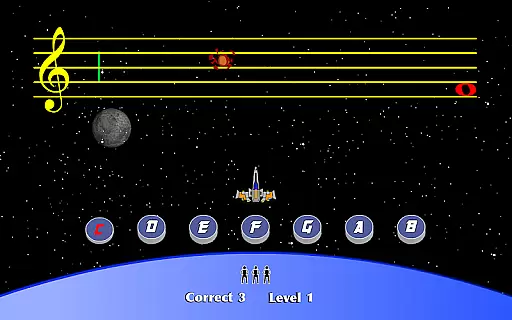
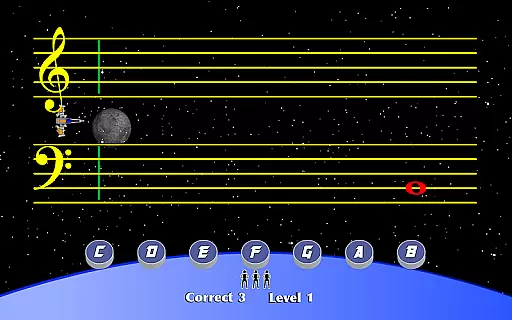
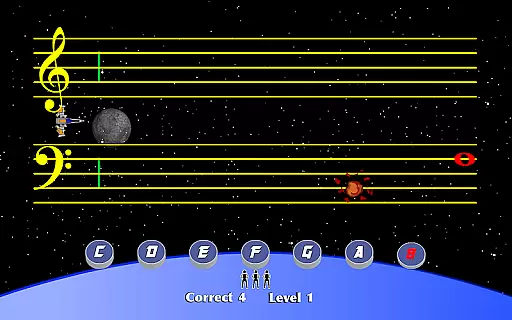
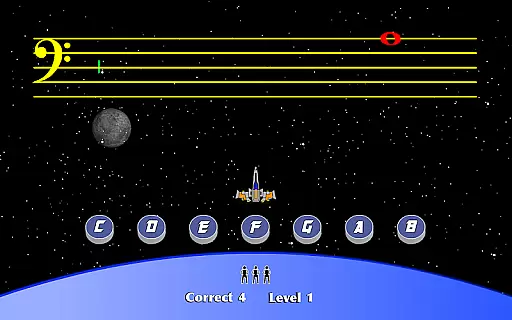
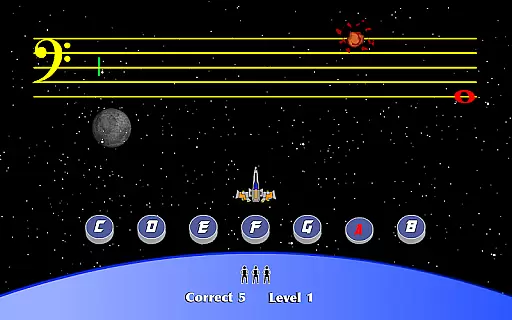
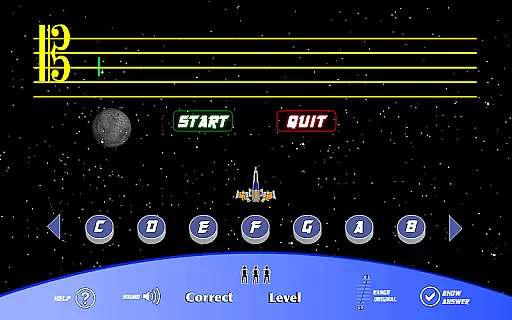
StaffWars is an innovative educational game specifically designed to help musicians at beginner and intermediate levels master the note names across various staff clefs. The app focuses on treble, alto, bass, tenor, and grand staff clefs, offering a comprehensive learning experience for those looking to improve their music theory knowledge.
The application provides an interactive platform where users can practice identifying notes in different clefs through engaging gameplay. This makes the process of learning music theory both fun and effective, catering to students, educators, and self-taught musicians alike.
Whether you're preparing for a music exam or simply aiming to enhance your musical skills, StaffWars offers a practical solution that combines education with entertainment, ensuring users can learn at their own pace while enjoying the process.
One of the standout features of StaffWars is its wide range of clef options, including treble, alto, bass, tenor, and grand staff. This diversity allows users to practice and perfect their skills across all standard clefs used in Western music notation.
The app incorporates a gamified learning approach, turning the often tedious task of memorizing note names into an enjoyable game. Users can track their progress over time, compete with friends, and unlock new levels as they improve.
Additionally, StaffWars is designed with adaptability in mind, making it suitable for both individual practice and classroom use. Its user-friendly interface ensures that learners of all ages can benefit from this powerful educational tool.
StaffWars provides meticulously verified content that ensures musicians can rely on the accuracy of the notes and clefs presented. The app covers treble, alto, bass, tenor, and grand staff clefs, each crafted with precision to match educational standards.
Every note and staff is designed in accordance with established music theory principles, making it an authoritative tool for learning. This guarantees that users are practicing with correct information, which is crucial for skill development.
The application's dedication to accuracy helps musicians build a solid foundation in reading music. By focusing on reliable content, StaffWars becomes an essential practice tool for anyone serious about mastering these clefs.
StaffWars offers personalized learning paths tailored to both beginners and intermediate musicians. Users can progress at their own pace, selecting specific clefs to focus on based on their current skill level and learning objectives.
The app intelligently adapts to the learneru2019s progress, providing increasingly challenging exercises as they master each level. This adaptive approach ensures that every musician receives the right amount of challenge and support needed for their growth.
By enabling learners to customize their journey through various clefs, StaffWars enhances engagement and motivation. This personalization fosters a more effective and enjoyable learning experience, helping users achieve mastery efficiently.
Comprehensive clef coverage
Engaging gamified learning
Suitable for all ages
Tracks user progress
Ideal for exam preparation
Limited advanced features
No sheet music practice
Occasional performance issues
Basic visual design
In-app purchases required

Test prep for Indiana students
 4.0
4.0
Ignite curiosity, spark learning: All babybus videos &games
4.30
Childcare Management App: Daily sheets, sign in-out, billing and learning tools
4.70
Turns you phone or tablet into TI graphing calculator (ROM required).
4.20
Hebrew Vocab
4.90
Astronomy Guide to the Night Sky
4.40
Pickleball guide complete with illustrated Pickleball drills and helpful info
4.4
Monkey Preschool Lunchbox: 7 exciting educational games for your preschooler.
4.30
Animals pop up and make sounds—learn names and noises in Peekaboo Barn!
4.1
Memorize anything efficiently with AnkiDroid! Many pre-built decks available.
4.80
Engage in learning science and math with the award-winning PhET simulations!
4.70
An easy to use yet powerful and full-featured flashcard study app.
4.50
Welcome to the Speak Navajo Language Application - Volume 1
4.50
The "Go To" app for Airmen studying for promotion to SSgt and TSgt
4.30
Designed for Calculator 84 users
4.20
An aviator’s preparation, study and test tool for FAA Knowledge Exams.
3.90
Explore the City of the Sun in Augmented Reality
3.70
Master the NRP with 700+ questions, rationales, and updated NREMT scenarios.
3.00
A 2024 digital study guide for the Expert Infantryman and Expert Soldier's Badge
4.3


User Reviews