
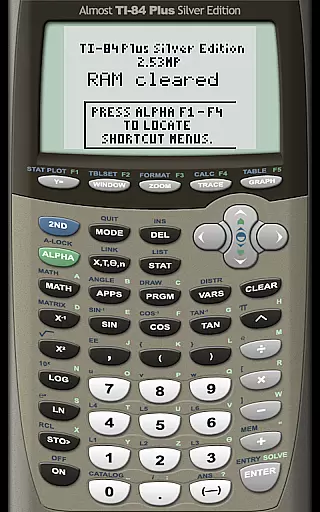
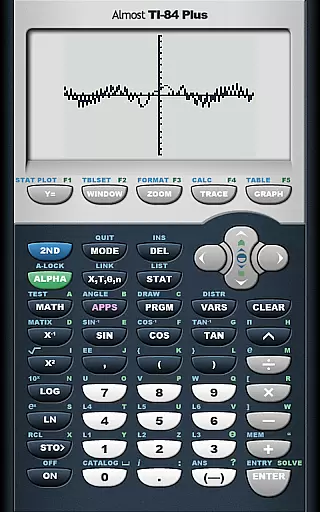
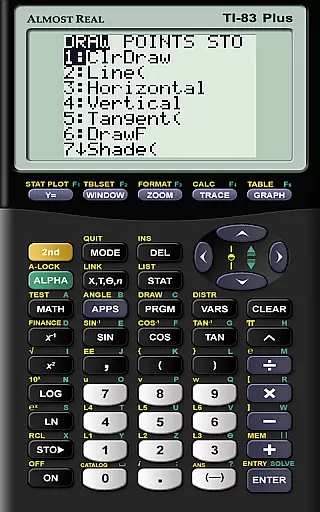
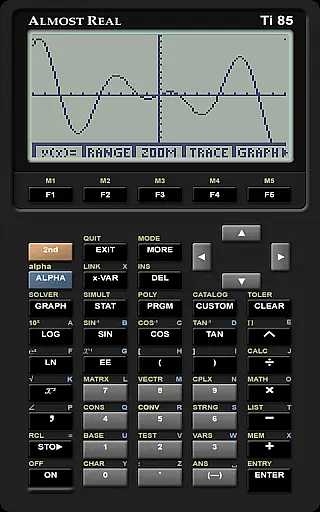
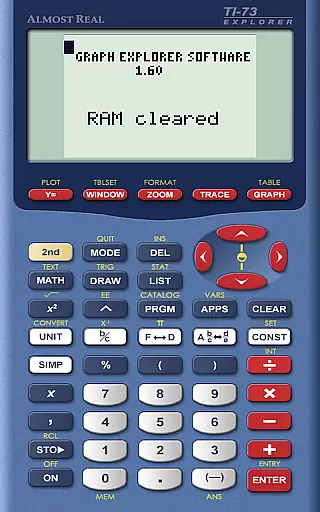
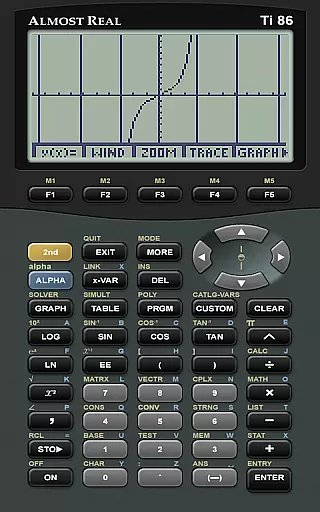
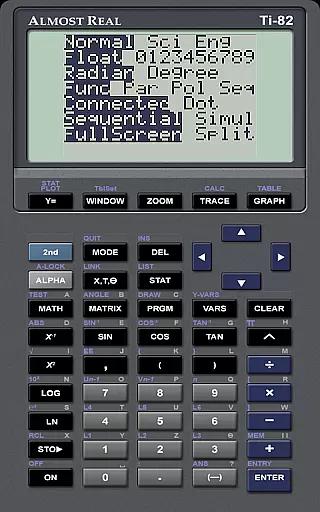
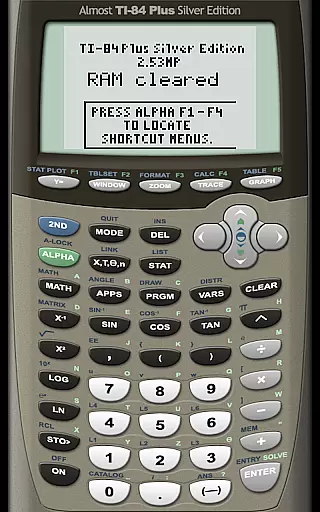
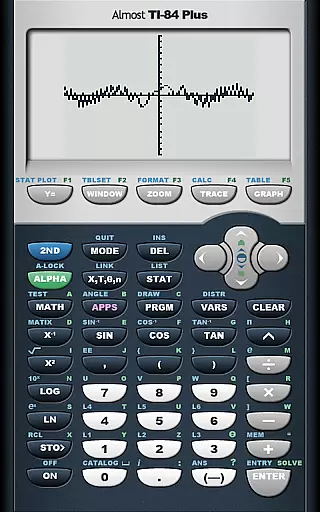
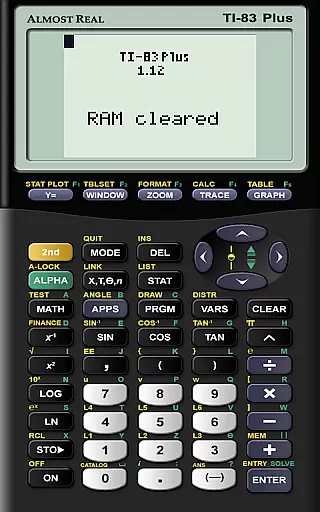
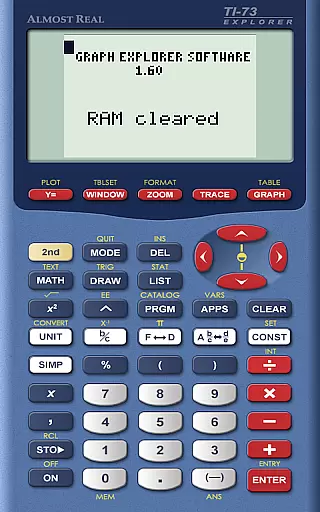
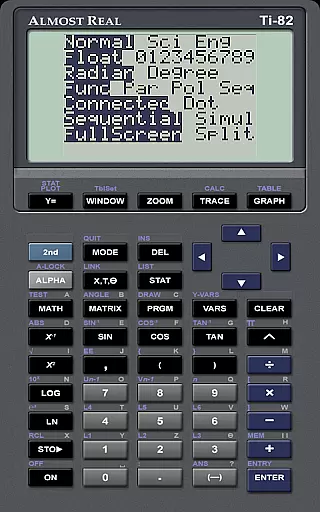
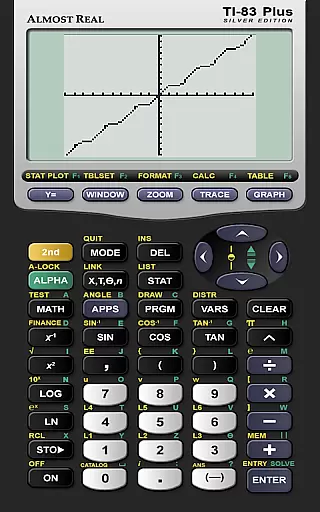
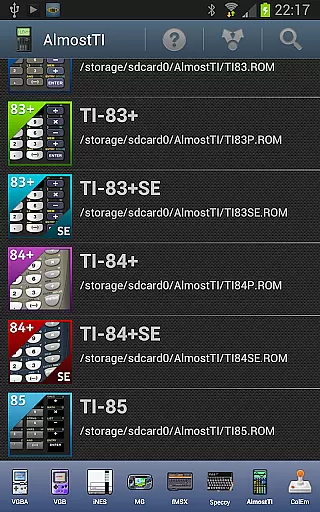
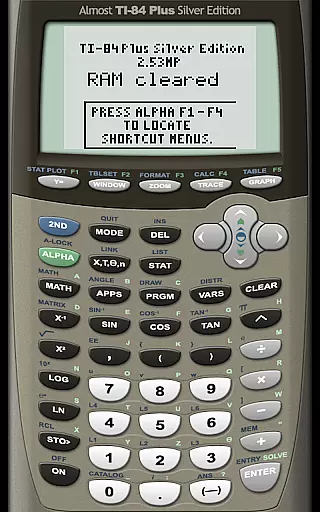
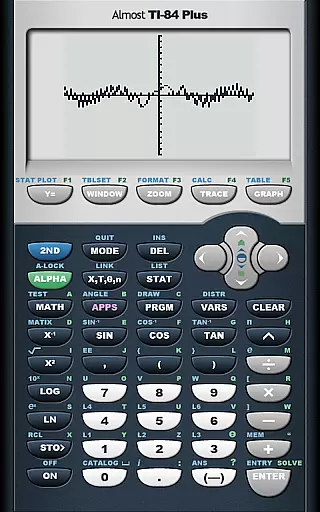
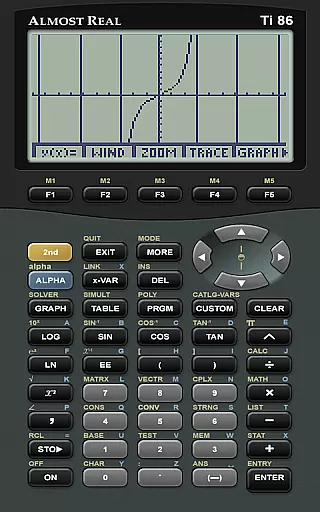
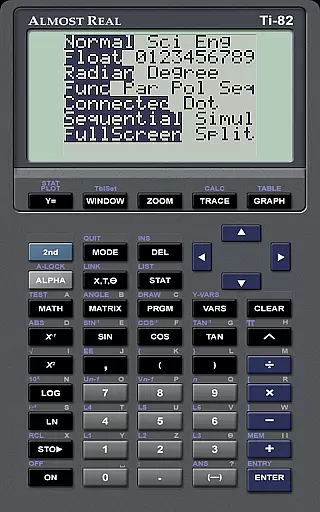
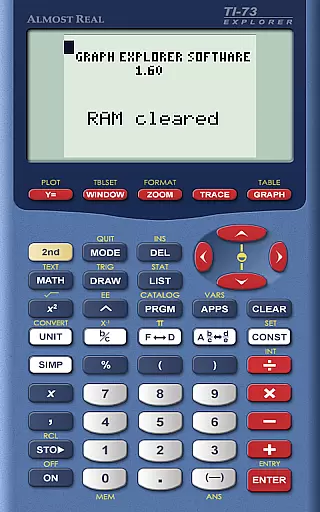
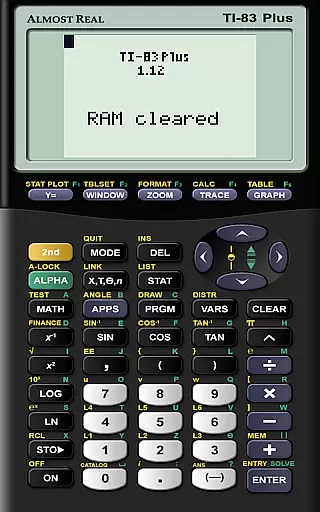
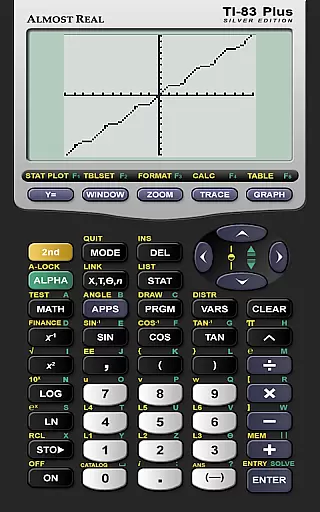
AlmostTI is an advanced educational application that transforms your Android device into a fully functional Texas Instruments graphing calculator. This app meticulously emulates a wide range of TI calculators including the TI-84+, TI-84+ Silver Edition, TI-83+, and more, catering to students and professionals alike. Whether you are in a classroom setting or working on complex mathematical problems, AlmostTI provides a versatile platform for calculations.
One of the standout features of AlmostTI is its ability to save your calculations at any point. This allows users to switch between several previously saved tasks, making it ideal for managing multiple projects or assignments. The app supports both smartphones and tablets, turning your larger screen into a significantly bigger TI calculator interface, which enhances visibility and usability.
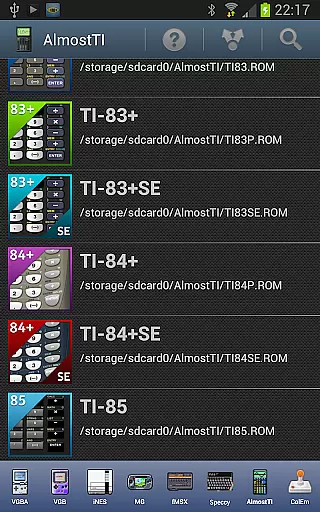
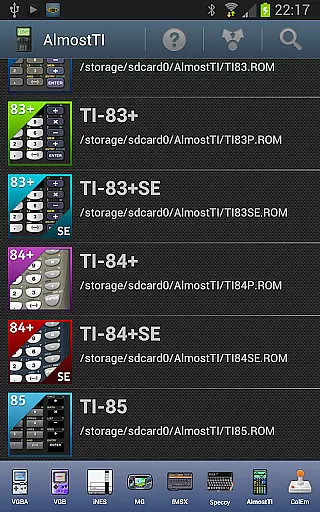
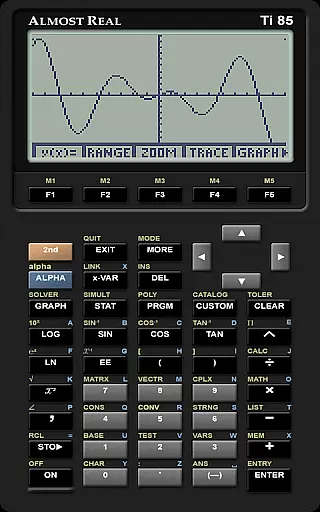
AlmostTI stands out with its comprehensive emulation capabilities. It supports a variety of Texas Instruments calculator models such as the TI-85, TI-86, TI-83, and others, ensuring compatibility with numerous academic and professional requirements. To use the app, users need to provide their own calculator system ROM, which can be dumped from a physical calculator they own.
The app recognizes various ROM files like TI85.ROM, TI86.ROM, TI81.ROM, and more, offering flexibility in choosing the right emulator for specific needs. Additionally, AlmostTI provides resources for dumping ROMs and Android-specific help, ensuring users have all necessary support. With active discussion groups and detailed guides available, users can easily troubleshoot issues and maximize the app's potential.
When it comes to educational tools like AlmostTI, content accuracy is paramount. This app provides a faithful emulation of various Texas Instruments graphing calculators, ensuring that all calculations and graphing functionalities are replicated with precision.
The app strictly adheres to the operational standards set by the original calculators, including TI-84+, TI-83+, and others in the series. By requiring authentic ROMs from the actual devices, AlmostTI guarantees that the computations performed are true to those of the real calculators.
Users benefit from reliable outputs that can be used for academic purposes without concern for discrepancies. The authoritative nature of this emulator makes it an invaluable tool for students who need consistent results for their math and science coursework.
AlmostTI offers a unique approach to personalized learning by allowing users to save their calculations and switch between previously saved tasks. This feature enables learners to create customized workflows tailored to their specific educational needs.
By saving progress at any point, students can effectively manage complex problems over time, revisiting and revising their work as needed. This flexibility supports diverse learning styles and paces, accommodating both quick studies and those who need more time to grasp concepts.
The ability to emulate different calculator models also adds another layer of personalization. Users can select the interface they are most comfortable with or switch between them to gain proficiency across multiple platforms, enhancing their overall learning experience.
User-friendly interface
Wide range of calculator models supported
Save and switch between tasks
Comprehensive documentation and support
Active user community
Requires external ROM file
No built-in calculator ROMs
Limited to Texas Instruments models
Initial setup can be complex
Potential compatibility issues

FAR/AIM, FAR for Flight Crew and FAR for Aviation Maintenance Technicians
 3.80
3.80
Turn scrolling hours into improving your knowledge, communication, intelligence
4.50
A magical world of fun, building, and learning with Mickey Mouse and more!
4.20
2026 DVSA Driving Theory Test revision with Hazard Perception + Highway Code
4.60
Deal Craps (Practice Craps Payouts)
3.80
Prepare for the BCBA / BCaBA exam. Study ABA with the ABA Wizard app.
4.60
The FE Clock is a way to track sun & moon around the circle of the earth.
4.30
An aviator’s preparation, study and test tool for FAA Knowledge Exams.
3.80
A fast and fun way to learn guitar - works with any guitar.
4.60
Perform physics experiments with your phone. (by the RWTH Aachen University)
4.70
Guitar chord finder, analyzer, smartly visualized theory, progressions, quizzes.
4.70
Stack the States makes learning about the 50 states fun!
4.70
Ignite curiosity, spark learning: All babybus videos &games
4.30
Explore numbers the Starfall way!
4.00
Master note reading with StaffWars….
4.00
Listen, request and record pronunciations in more than 450 languages. Everywhere
3.90
Visit Daniel's house & make believe. Play doctor, make music, & feed fish.
3.20
Enrich the experience of your visit to the Pantheon with our audiotour.
1.60
Learn and joke with the Silly Turkey!
4.1


User Reviews