
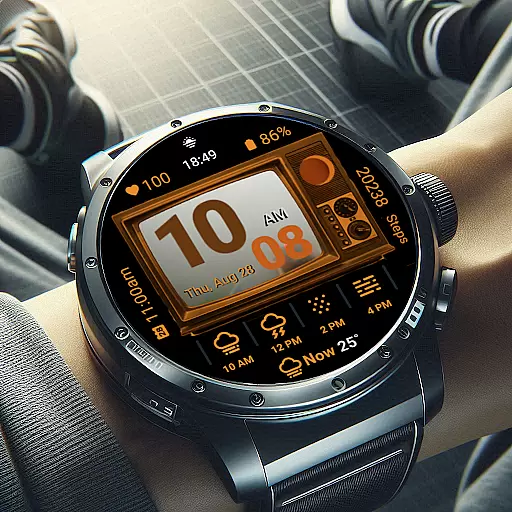
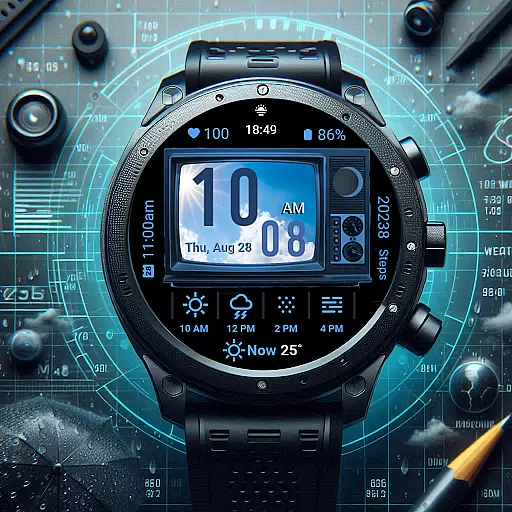
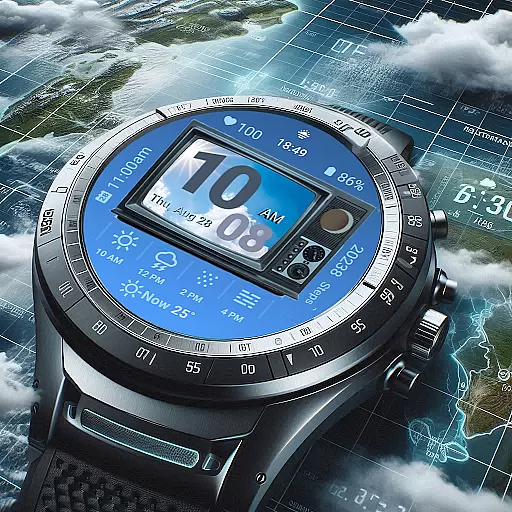
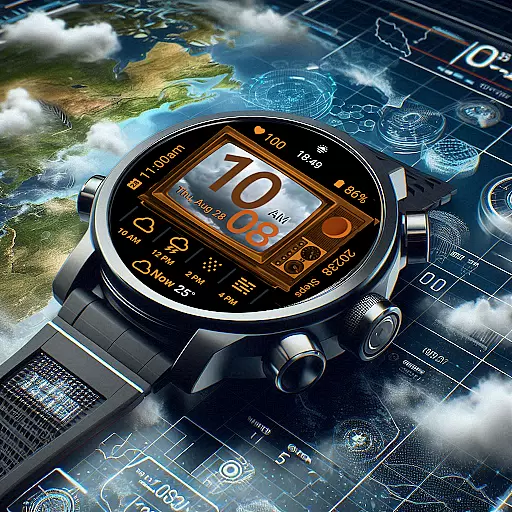
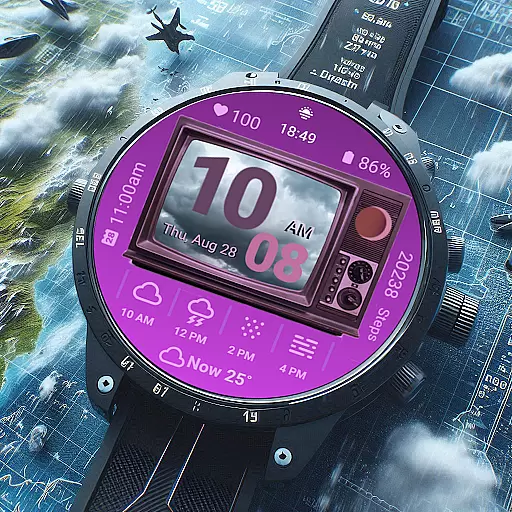
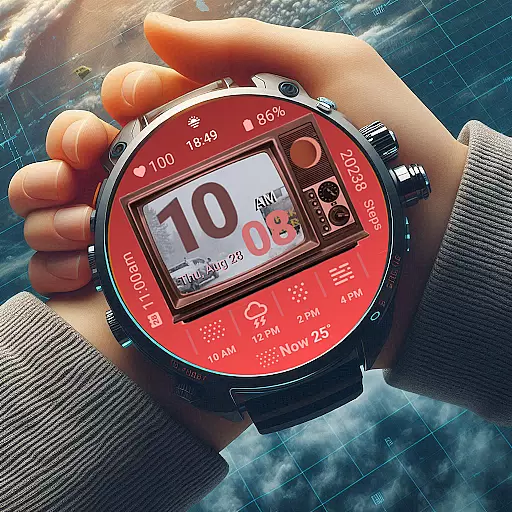
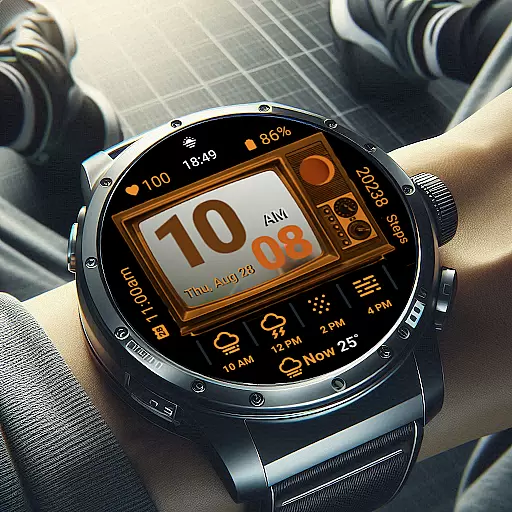
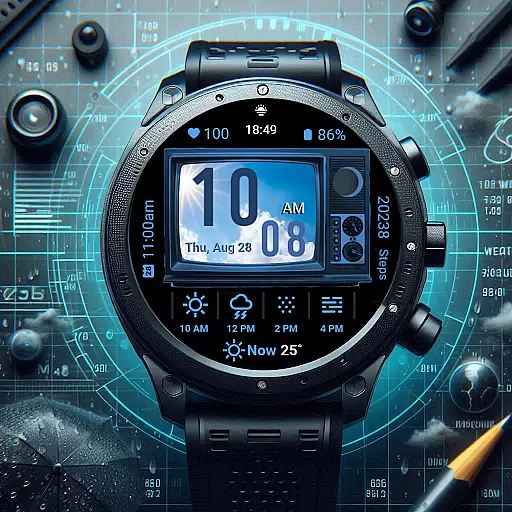
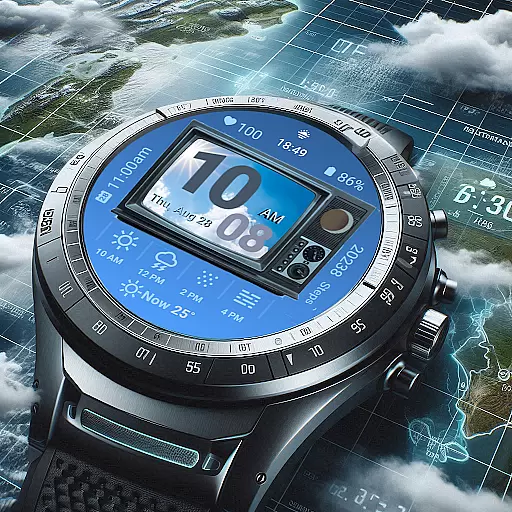
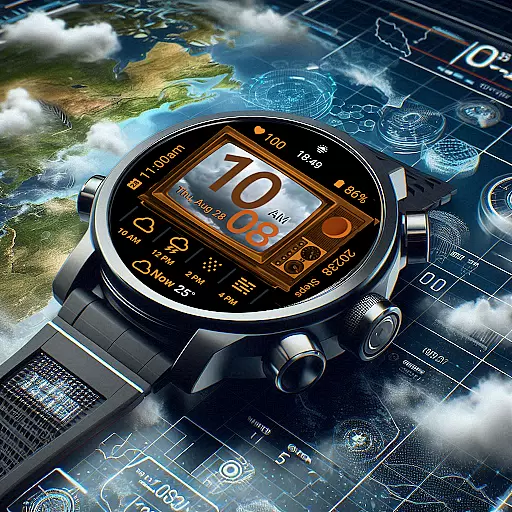
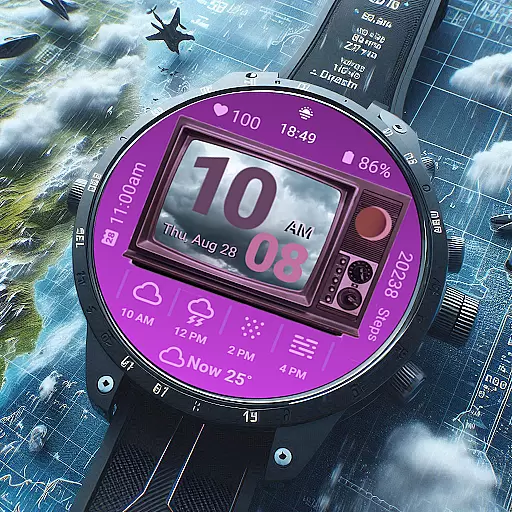
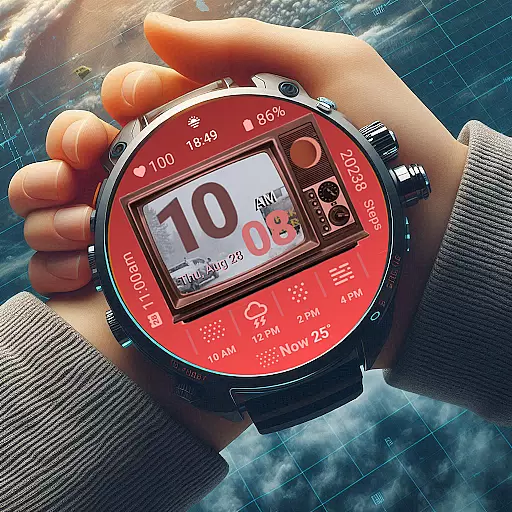
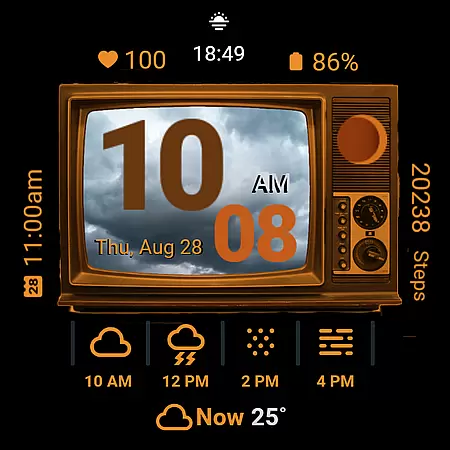
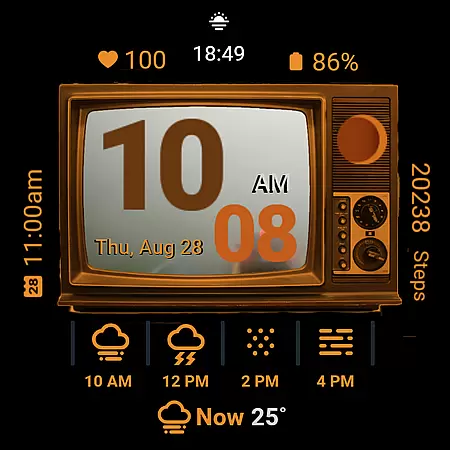
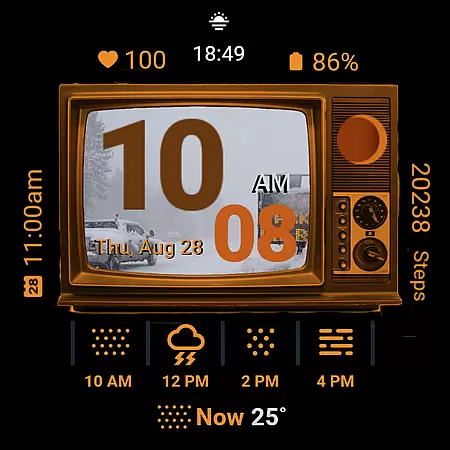
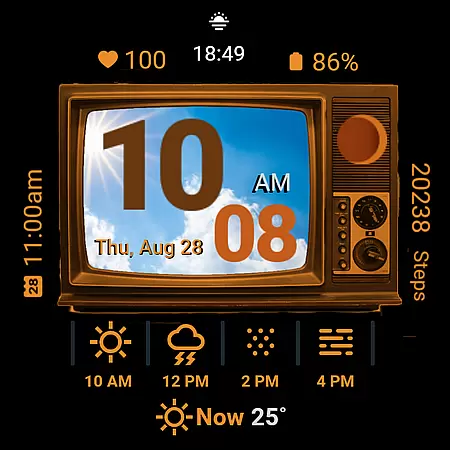
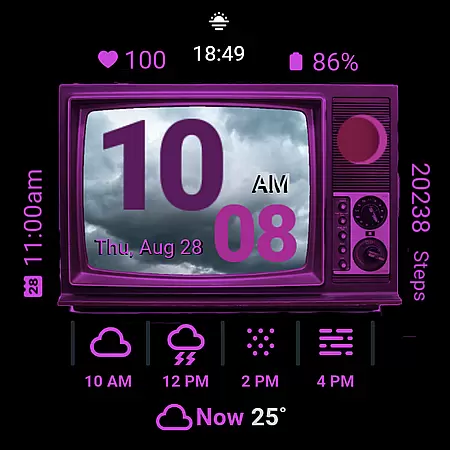
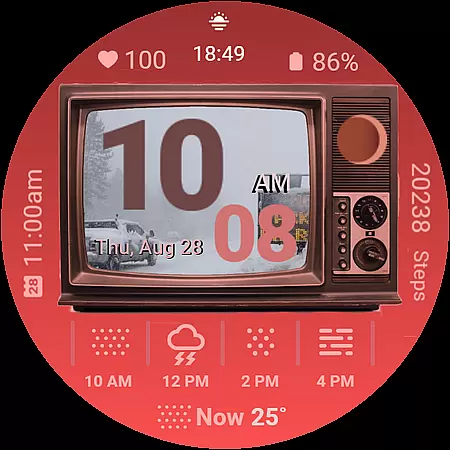
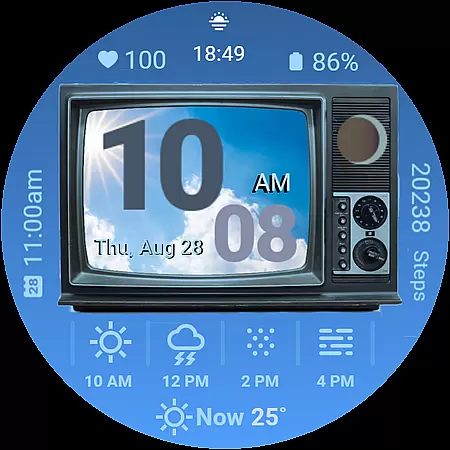
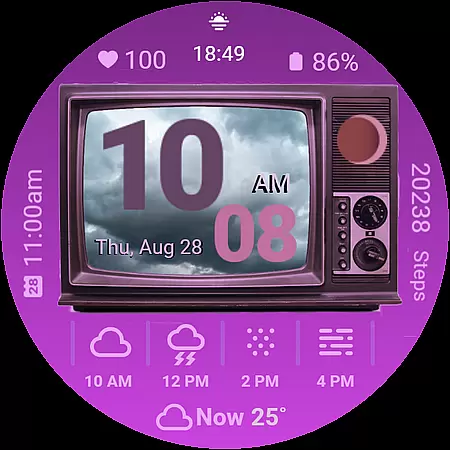
Retro Weather TV Watch Face is a stylish digital watch face for Wear OS devices, combining vintage aesthetics with modern functionality. Designed to resemble a classic TV screen, this app provides users with real-time updates on weather conditions, health metrics, and daily schedules. The unique retro design not only evokes nostalgia but also delivers essential information in an engaging way.
Key features include weather photo display, digital time format options, moon phase tracking, event reminders, step counting, heart rate monitoring, battery status, and customizable colors. With support for Ambient Mode, the watch face ensures an always-on experience that's both functional and visually appealing. Whether you're a tech enthusiast or simply appreciate vintage design, Retro Weather TV Watch Face offers a perfect blend of style and utility.
Retro Weather TV Watch Face stands out with its unique combination of vintage aesthetics and smart features. The app's centerpiece is its retro TV display, which mimics the look and feel of classic television screens while integrating modern functionalities. Users can enjoy real-time weather updates through the newly added weather photo display feature, which shows current weather images directly on the TV screen.
Additional features include digital time display in 12/24-hour formats, temperature readings, moon phase tracking, next event reminders, step counters, heart rate monitors, battery status indicators, and date displays. Two new shortcut buttons have been introduced: one for accessing settings via the TV tuner and another for opening the calendar by tapping the date. Customizable colors allow personalization, while Ambient Mode support ensures the display remains visible at all times without excessive battery drain.
Forecast accuracy and data credibility are essential for any weather application, ensuring users receive reliable and trustworthy information. Retro Weather TV Watch Face excels in this area by providing real-time updates on weather conditions, temperature, and newly added features like moon phase tracking.
The watch face pulls data from credible sources, delivering precise weather forecasts directly to your wrist. By integrating with Wear OS, it ensures that the displayed weather photo corresponds accurately to the current conditions outside, enhancing both functionality and aesthetic appeal.
For users, this means they can step out of their homes confidently, knowing the weather predictions they see are dependable. Whether planning daily activities or preparing for unexpected changes in weather, Retro Weather TV Watch Face equips you with accurate and timely information.
Temporal and spatial forecast range refers to the watch's ability to provide weather predictions across different times and locations. Retro Weather TV Watch Face offers extensive coverage, ensuring users have access to comprehensive weather updates regardless of where they are.
This feature is particularly beneficial for travelers or those who frequently move between different locations. With its classic retro TV display, the watch face not only shows the current weather but also provides insights into upcoming weather patterns, thanks to its next event reminder and calendar shortcut button functionalities.
By combining timeless vintage design with modern smart features, Retro Weather TV Watch Face ensures you're always informed about weather changes, no matter where your day takes you. This blend of style and utility makes it an indispensable tool for staying ahead of the weather curve.
Unique retro design
Real-time weather updates
Customizable features
Health tracking integration
Ambient Mode support
Limited to Wear OS
May drain battery
Complex customization
Requires data connection
Not suitable for all tastes

Hourly and daily weather forecast, current condition, temperature, UV and more!
 4.70
4.70
NOAA radar, weather forecasts, hurricane tracking & customizable alerts.
4.50
Quickly check the Hanalei river gauge height during heavy rains on Kaua'i.
4.2
My Tide Times Pro is the only tide tables and forecasts application you'll need.
4.80
The reliable and trusted global air quality, wildfire, pollen, PM2.5 forecast
4.70
Local Weather provides accurate and current hourly and daily forecasts.
4.80
Powerful US and worldwide earthquake feed with earthquake alerts and maps.
4.70
All-in-one weather radar launcher with rain, temperature maps & local forecast.
4.30
Live NOAA weather app to track storm, rain, wind, lightning & real local updates
4.20
Hurricane Tracker, Rain Map
4.80
View weather widget and map. Wind direction and speed. Tides times and waves
4.70
Weather radar map, storm tracker, local forecast, live rain alerts & daily news.
4.60
Weather watch face for Wear OS 5+
4.40
Hyperlocal Forecasts, Live Radar, Severe Weather alerts & Homescreen Widgets
4.30
Weather forecast & live radar map
4.20
Weather watch face for Wear OS 5+
4.10
Magnetic Compass meets smart tech: Get directions and weather alerts seamlessly
3.30
Your local weather app with storm radar, rain tracker, weather maps & AQI.
4.5
Dynamic weather watch face with glass effect, bold time & 7 complications.
4.0


User Reviews