
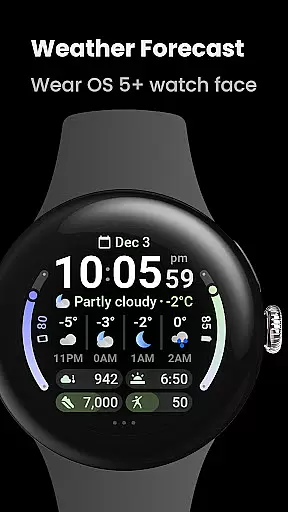
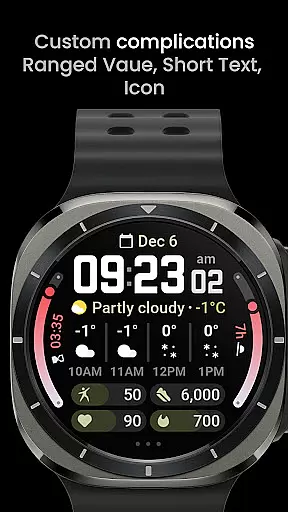

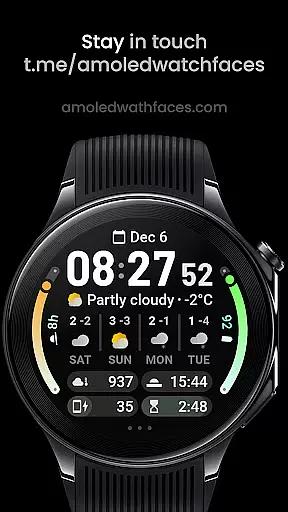
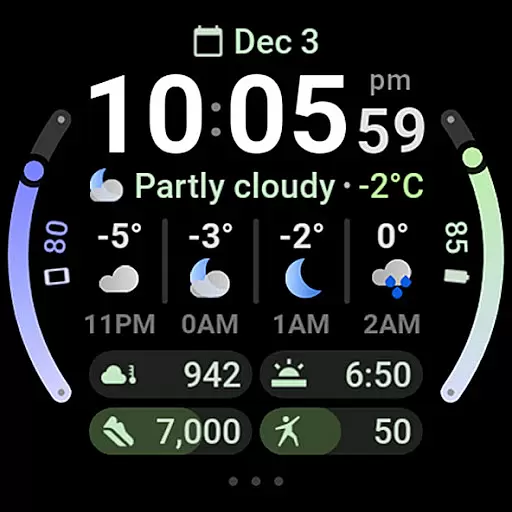
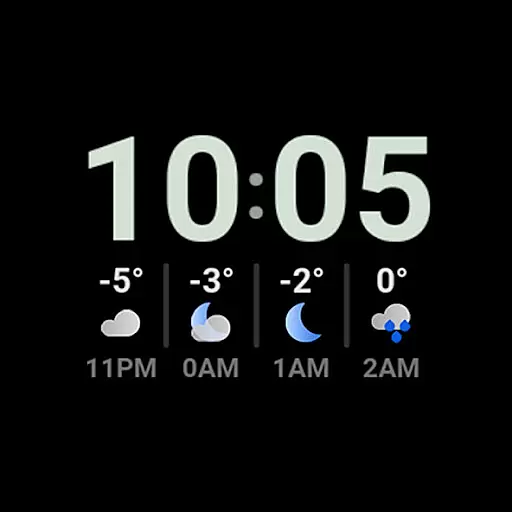
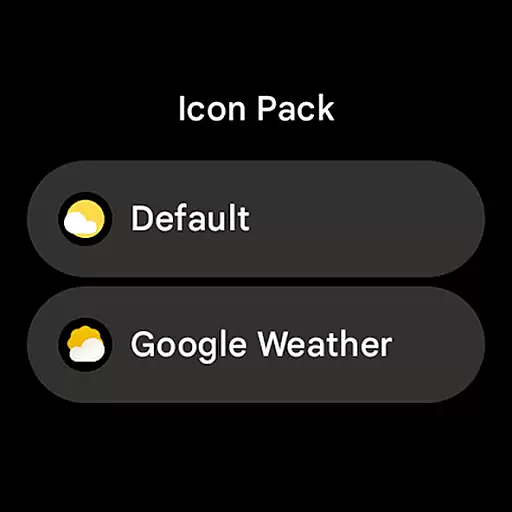
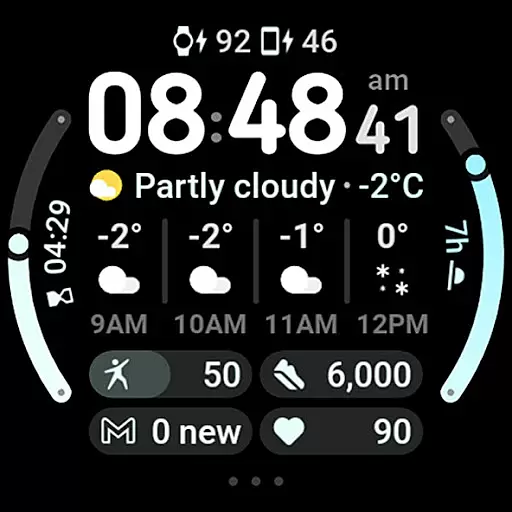
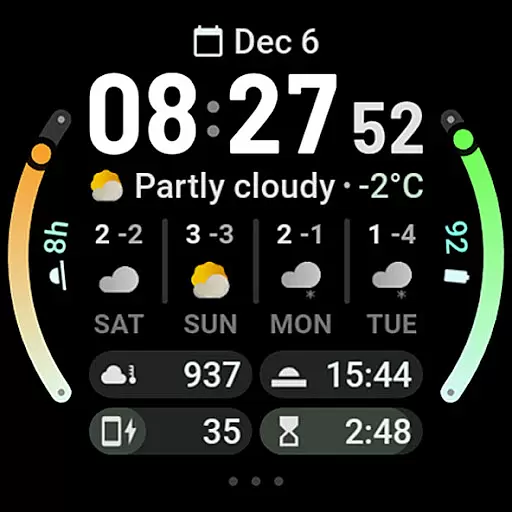
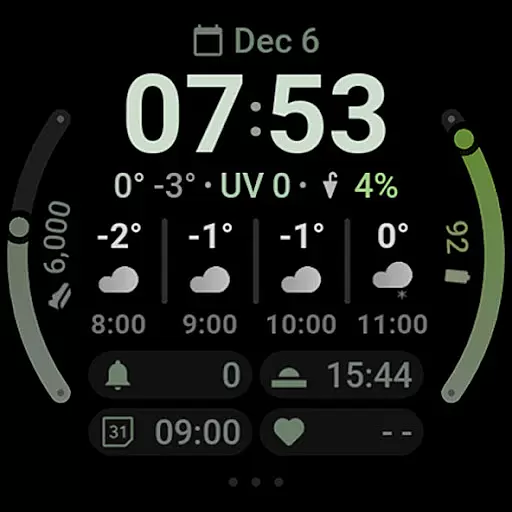
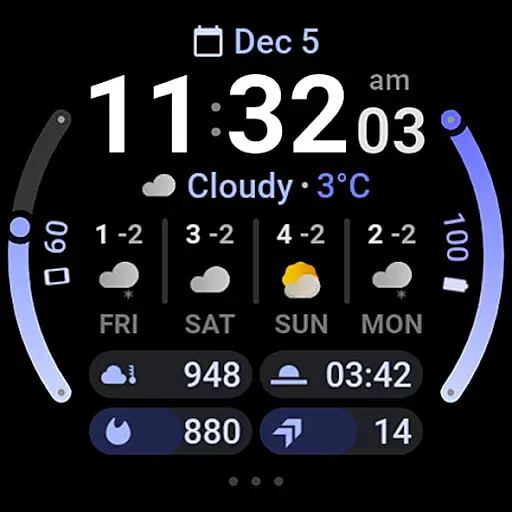
Weather Forecast Watch Face is a specialized application designed exclusively for Wear OS 5+ devices. This app transforms your smartwatch face into a dynamic weather station, displaying real-time weather conditions and forecasts directly on your wrist.
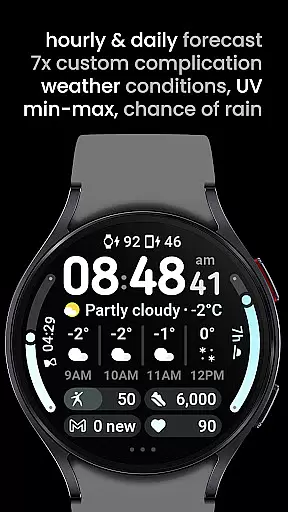
The core functionality includes current weather details such as temperature, UV index, chance of rain, and animated condition icons. It also offers hourly and daily forecasts, ensuring you are prepared for the weather ahead. With support for multiple languages and customizable themes, users can tailor the appearance to their preferences while enjoying practical features like tap-to-launch for weather apps.
This application is particularly useful for outdoor enthusiasts who need quick access to weather information without having to pull out their phone. The convenience of having detailed weather stats at a glance adds significant value to everyday activities.
Weather Forecast Watch Face stands out with its rich feature set tailored for weather-conscious users. One notable aspect is its use of the Watch Face Format 2, which allows smooth animations and transitions every five seconds between various weather statistics.
Users benefit from interactive elements such as tapping on the weather forecast section to toggle between hourly and daily views or launching the main weather app directly from the watch face. The inclusion of seven custom complication slots provides flexibility in displaying additional information, enhancing usability.
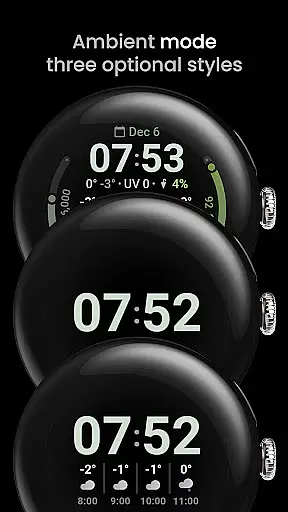
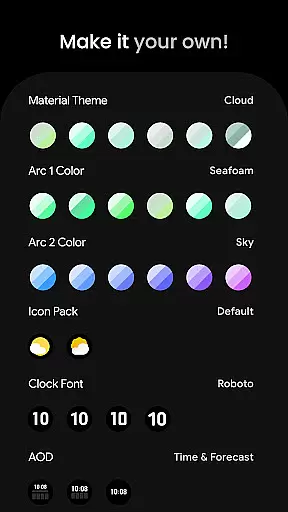
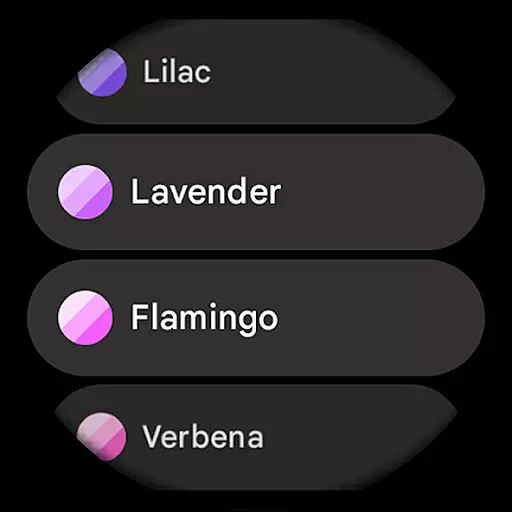
Customization options abound with over sixty theme and color choices, different clock fonts, and three always-on-display (AOD) looks. These features collectively ensure that each user can create a personalized and functional watch face that suits their style while delivering essential weather updates.
Forecast Accuracy & Data Credibility is a crucial aspect of any weather application, ensuring users receive reliable and trustworthy weather information. Weather Forecast Watch Face excels in this area by providing real-time updates on current conditions, including temperature, UV index, and chance of rain.
The app aggregates data from reputable sources to deliver precise hourly and daily forecasts. With detailed breakdowns for the next four hours and four days, users can plan their activities with confidence, knowing that the information is both accurate and up-to-date.
By tapping on the weather forecast section, users can switch between hourly and daily views, offering flexibility in how they access critical weather data. This feature not only enhances user experience but also ensures that individuals have access to the most relevant information for their needs.
Temporal & Spatial Forecast Range refers to the coverage and duration of weather predictions provided by an application. Weather Forecast Watch Face offers extensive forecasting capabilities, spanning both short-term and long-term weather outlooks.
Users benefit from a comprehensive view of upcoming weather patterns, with insights into hourly conditions over the next four hours and daily summaries for the following four days. This wide temporal range allows for better preparation and planning, whether it's for daily commutes or weekend getaways.
In addition to its temporal coverage, the app provides localized weather data tailored to the user's current location. By delivering spatially relevant forecasts, Weather Forecast Watch Face ensures that users receive personalized and actionable weather information, enhancing overall satisfaction and utility.
User-friendly interface
Highly customizable
Real-time weather updates
Interactive features
Multiple language support
Limited to Wear OS
Complex setup process
Occasional loading issues
Requires third-party weather app
Premium features need purchase

Nuts Weather, your ideal choice for knowing weather forecast & weather radar
 4.70
4.70
Get the ad-free version of the highly rated WeatherBug app for accurate weather!
4.50
The Weather Network TV App - Your weather when it really matters
2.90
Ultimate Lunar Calendar for 2021!
4.80
Live weather forecast for your everyday life
4.60
Instant weather updates, easy to check anytime on your home screen.
3.50
Dynamic weather watch face with glass effect, bold time & 7 complications.
4.0
Advanced weather toolkit, providing detailed weather information for any season!
3.50
14-day & 24-hour Forecast | Real-time Alert | Accurate & Fast
4.40
No ads, No data collected. Beautiful and powerfully customizable weather app
4.90
Hurricane Tracker, Rain Map
4.80
Powerful US and worldwide earthquake feed with earthquake alerts and maps.
4.70
Check room temperature with this indoor thermometer. thermostat & hydrometer
4.70
Your ultimate app for real-time weather information!
4.70
Industry leading whitetail movement predictor & hunting app.
4.60
Weather watch face for Wear OS 5
4.40
Download now and give your smartwatch a fresh, premium look!
4.20
Your Reliable Weather Companion
4.10
Detailed weather info and moon phase, subtle animation, customizable
4.4


User Reviews