
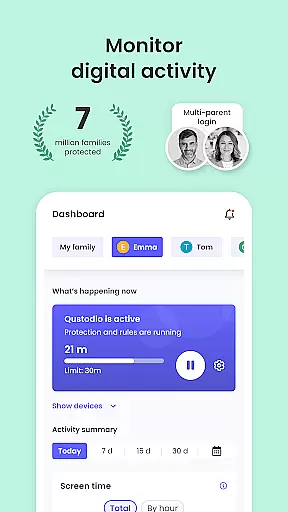
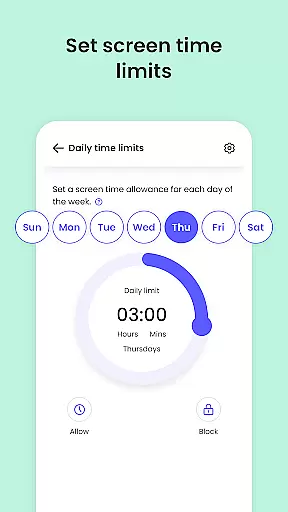
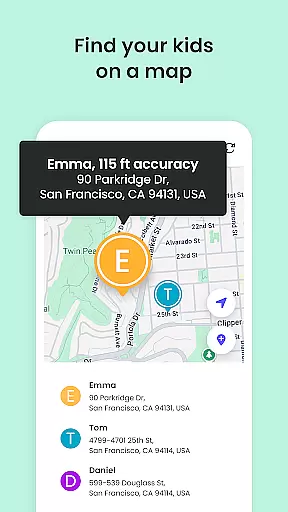
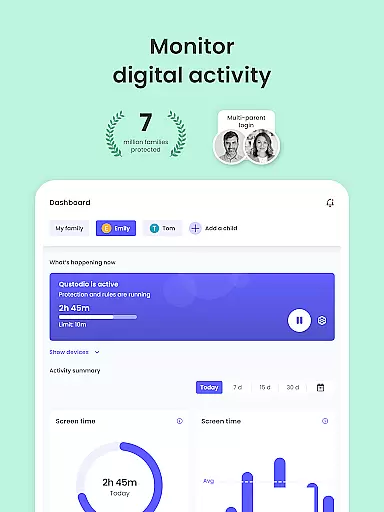
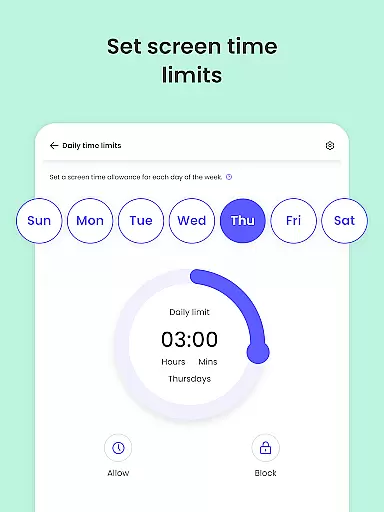
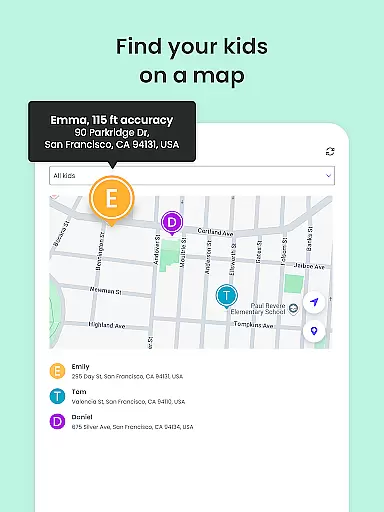
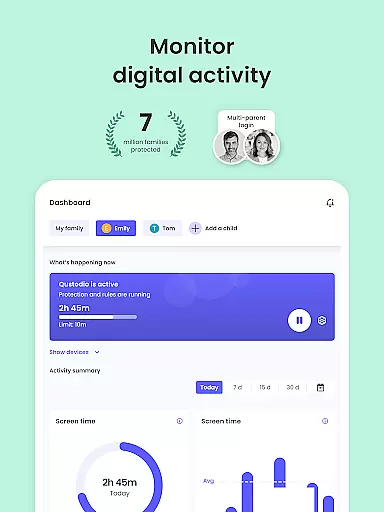
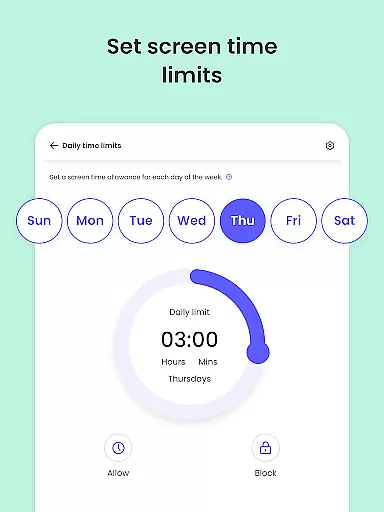
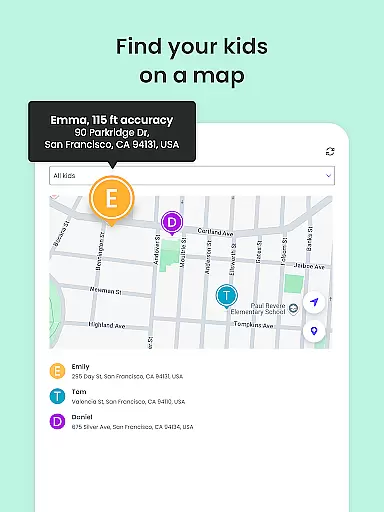
Qustodio Parental Control App is an essential tool for modern parenting, offering a wide array of features aimed at ensuring children's online safety and promoting healthy digital habits. Recognized as PC Mag’s Editors’ Choice, this app allows parents to set daily screen time limits, block inappropriate content, and track their children's locations using GPS technology.
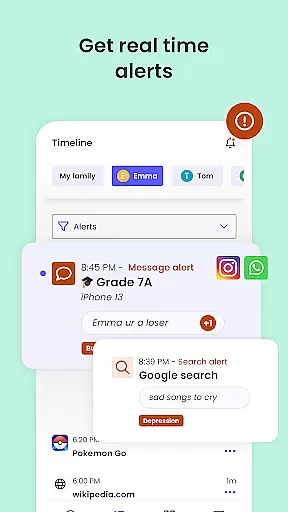
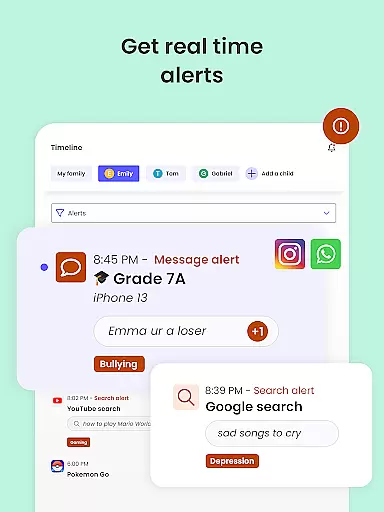
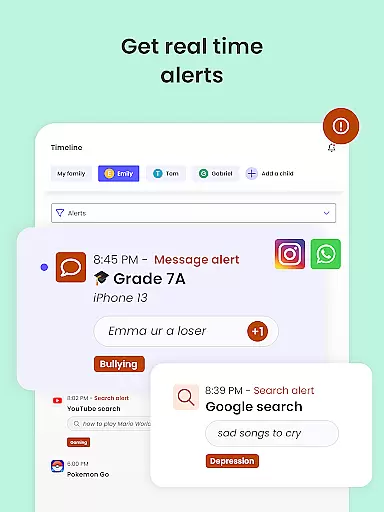
One of the standout features of Qustodio is its AI-powered monitoring system, which sends alerts for any suspicious online activities or harmful messages. This ensures that parents are always informed about their child's digital interactions. Additionally, the app provides detailed activity reports, giving parents insights into their child's online behavior over the past 30 days.
Whether you're looking to filter out inappropriate content, monitor social media activity, or simply keep track of your child's whereabouts, Qustodio Parental Control App offers a reliable solution. Its cross-platform compatibility means you can manage screen time and online activities across Android, iOS, and other major operating systems, making it a versatile choice for today's tech-savvy families.
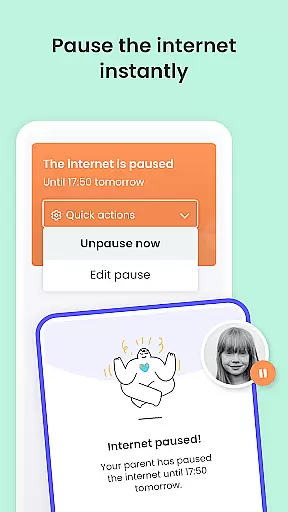
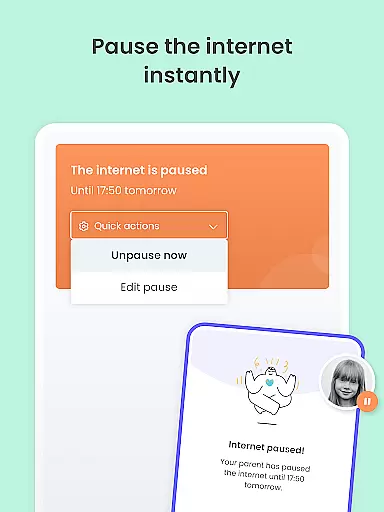
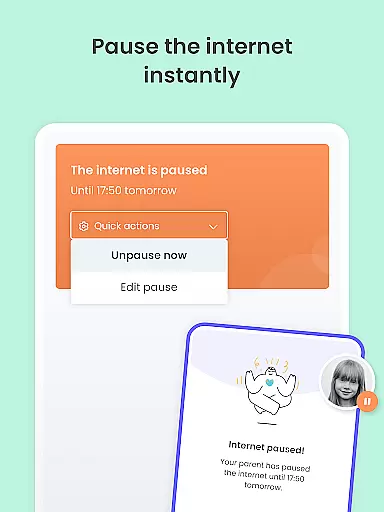
Qustodio Parental Control App offers a comprehensive suite of tools designed to help parents manage their children's digital lives effectively. The app provides robust features such as setting daily screen time limits, which automatically block devices after the allotted time has passed.
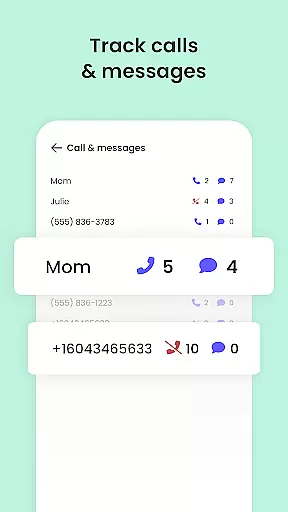
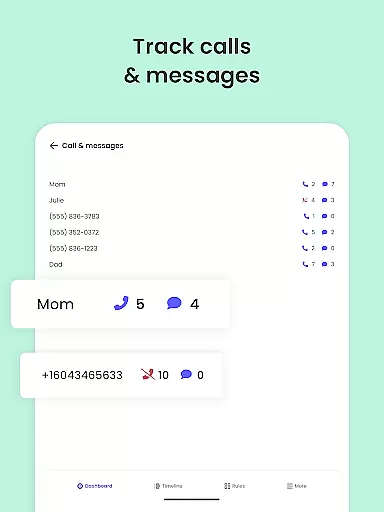
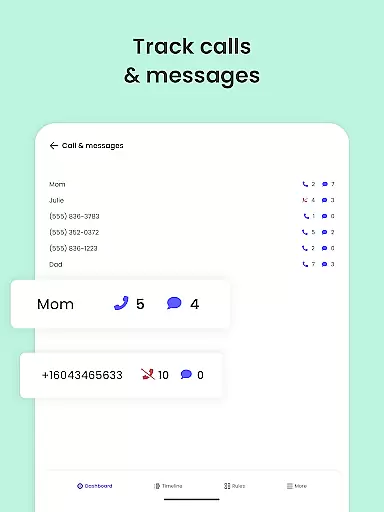
In addition to screen time management, the app includes advanced monitoring capabilities. Parents can track their child's location using GPS technology, receive AI-powered alerts about suspicious browsing activities, and monitor messages across various platforms like WhatsApp, Instagram, and Line. These features ensure that parents have full visibility into their child's online behavior.
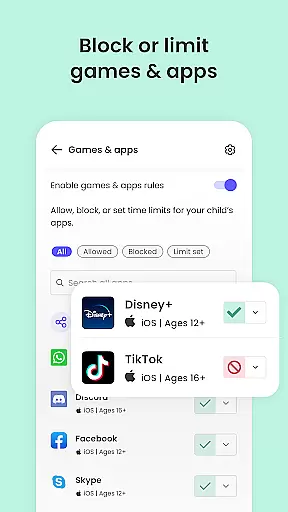
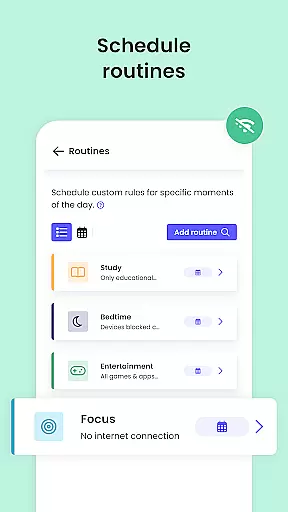
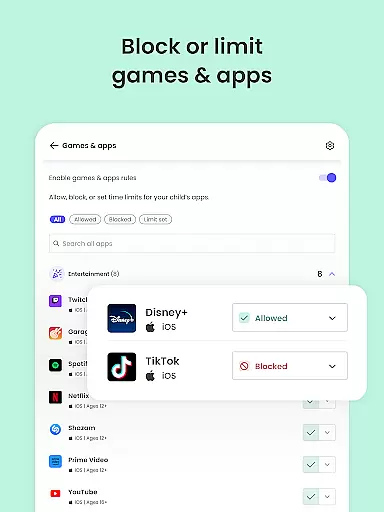
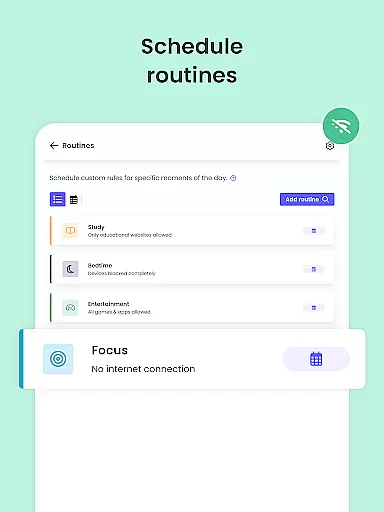
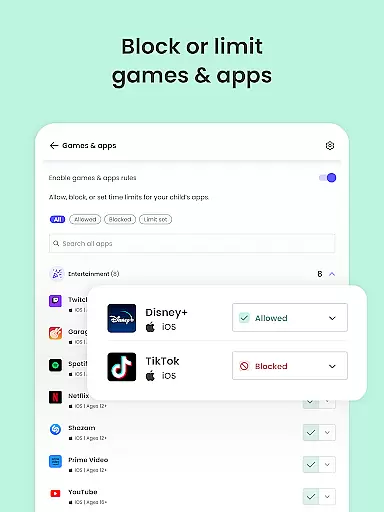
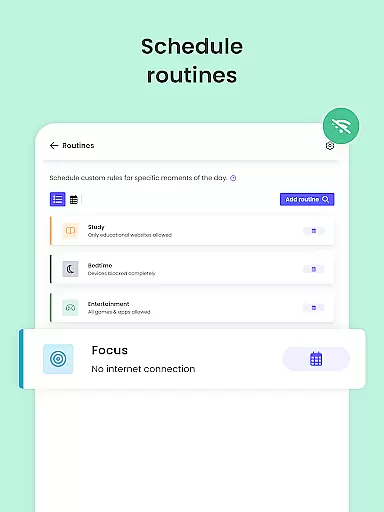
The app also supports content filtering, allowing parents to block inappropriate websites, games, and apps. With options to enforce safe searches and set custom routines for app usage, Qustodio helps nurture healthy digital habits among children. Furthermore, the app facilitates co-parenting by enabling multiple guardians to supervise and set rules collaboratively.
When it comes to parenting apps, the credibility of content and expert validation are paramount. Qustodio Parental Control App excels in this area by providing features that are designed and endorsed by child safety experts. The app's ability to filter harmful content, block inappropriate websites, and monitor social media activity is backed by research on online child safety.
The app offers AI-powered alerts for suspicious browsing activities and harmful messages, ensuring parents receive accurate and timely notifications. These features have been developed based on expert recommendations regarding digital safety for children. Additionally, the app provides detailed reports on a child's online activity, which are reviewed by professionals to ensure accuracy and relevance.
Parents benefit from Qustodio's collaboration with experts in child psychology and digital safety. This ensures that the app not only blocks harmful content but also promotes healthy digital habits. The parental controls are designed to nurture responsible internet usage among children, reflecting the latest findings in child development research.
By choosing Qustodio, parents can be confident they are using a solution that is regularly updated based on expert feedback and new research in child safety. This commitment to expert validation makes Qustodio a reliable partner in digital parenting.
Tracking a child's digital growth and behavior patterns requires precise monitoring tools. Qustodio Parental Control App delivers accurate growth tracking through its comprehensive monitoring features. The app records and analyzes a child's online activities, including website visits, app usage, and social media interactions, providing parents with a clear picture of their digital behavior.
One key feature is the app's ability to generate detailed activity reports. These reports include information about search queries, accessed websites, and time spent on different platforms. The data is presented in an easy-to-understand format, allowing parents to accurately track their child's digital growth over time.
Qustodio goes beyond basic monitoring by offering custom routines and time management tools. Parents can set specific schedules for app usage and website access, helping them track how well their child adheres to established digital routines. The app's accuracy in recording these patterns enables parents to make informed decisions about their child's screen time allowance.
The combination of real-time alerts and historical data analysis makes Qustodio's growth tracking particularly valuable. Parents receive immediate notifications about suspicious activities while having access to long-term trends in their child's digital behavior. This dual approach ensures both immediate protection and ongoing developmental tracking.
Comprehensive monitoring
AI-powered alerts
Cross-platform support
Detailed activity reports
Easy co-parenting setup
Limited free features
Premium subscription required
Complex setup process
Occasional performance lags
Compatibility issues on some devices

Free symptom & med tracker with expert-reviewed tips.
 4.30
4.30
Find unique + popular baby names for your little peanut.
4.30
Sleep better with white noise app! Discover rain sounds, fan noise and more.
4.70
Pregnancy and baby formula tips for moms, plus Enfamil coupons & cash back
4.10
Affirmations | Stories | Bible
4.10
The 10 development leaps of your baby | newborn milestones & leap days tracker
4.10
Lullabies, Night Light & Age-based Routines to help your baby fall asleep
4.3
Babysitting video camera - Turn your two phones or tablets into a single nanny.
4.40
Pregnancy+ App has helped 80m moms track their pregnancy with info & support!
4.80
Daily Routine & Timer for kids, ADHD, & Autism
4.80
Pinardin - Smart Parental Control, Online Safety & GPS Tracking!
4.80
The Most Trusted Co-Parenting App.
4.60
GPS phone tracker: find kids on map. Location tracking and parental control.
4.50
All-in-one pregnancy app, contraction timer, kick counter & due date calculator
4.40
Parental control: child monitoring app, screen time control, GPS child tracker
4.40
Comprehensive Parental Control & Child Safety — Hear & Protect Your Child World
4.30
Findnumber: Real-time location tracker for ultimate family security
4.20
Monitor screen time and build healthy habits with Family Safety
3.90
Track pregnancy health and wellness with pregnant tracker from healthcare advice
4.4


User Reviews