
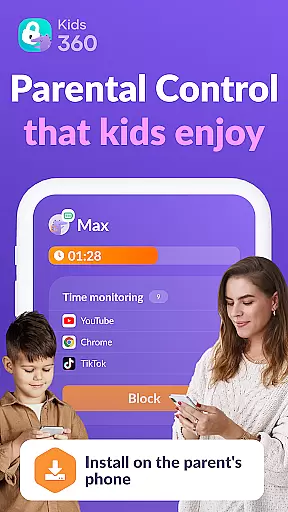

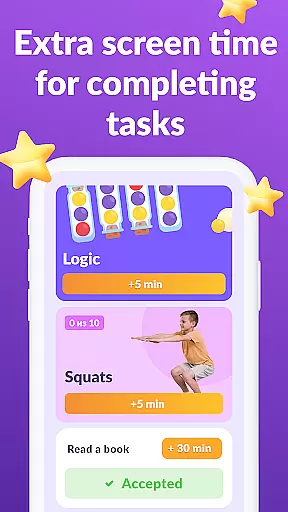

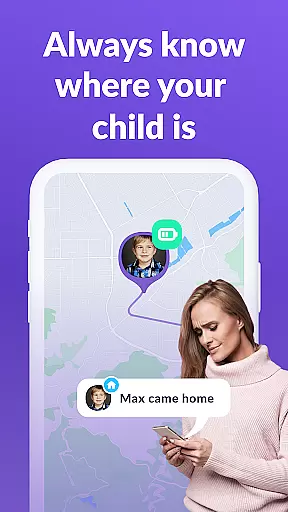
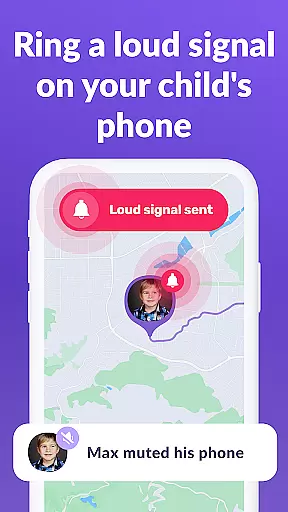
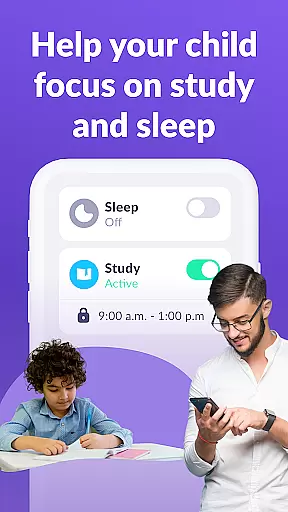
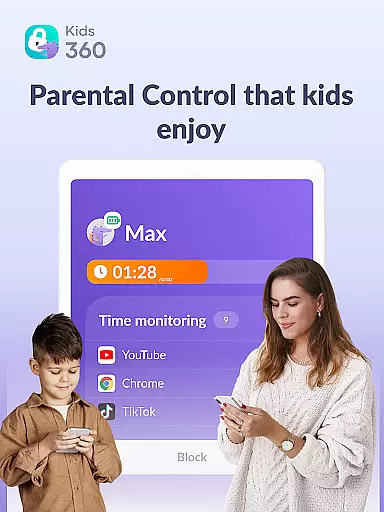
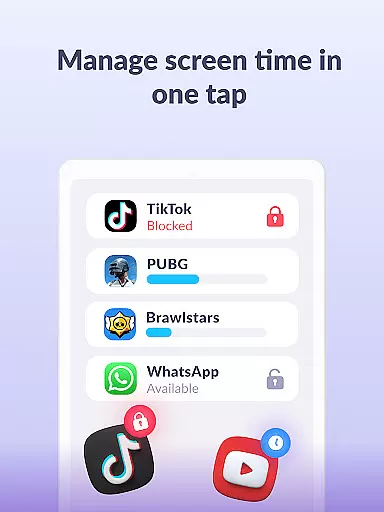
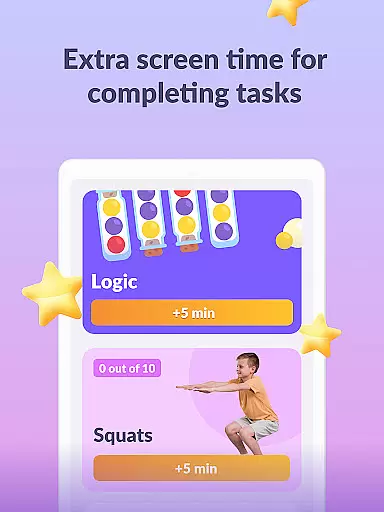
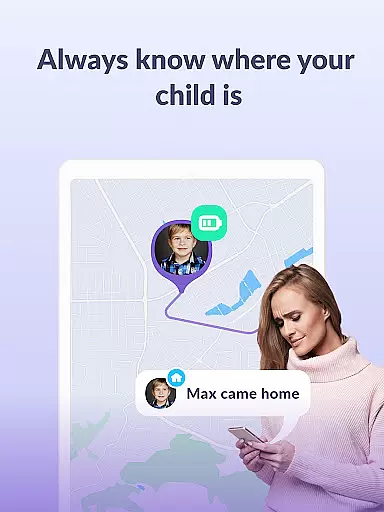

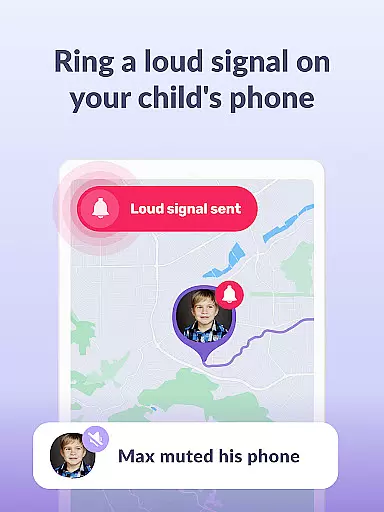
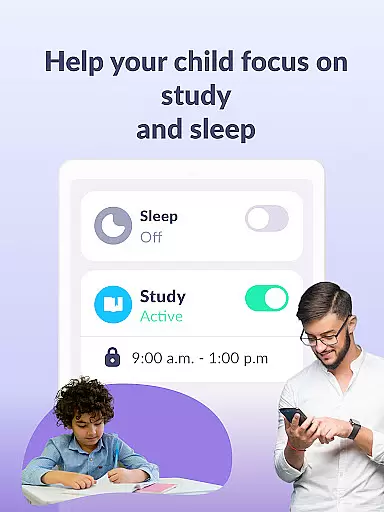
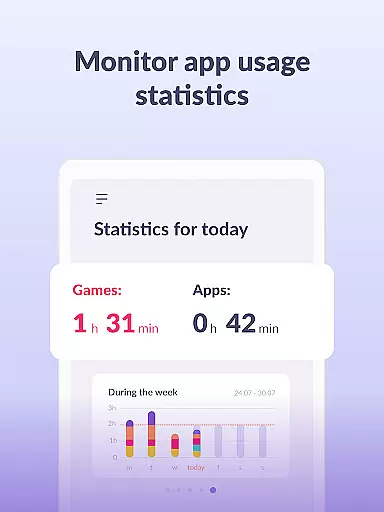
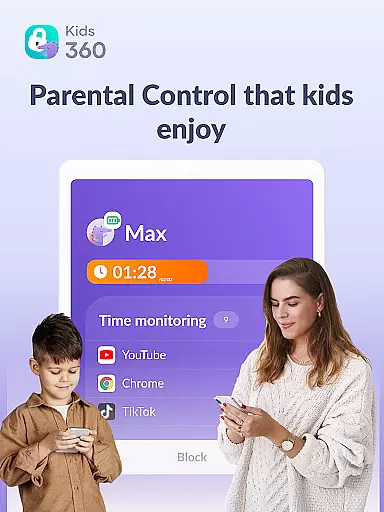
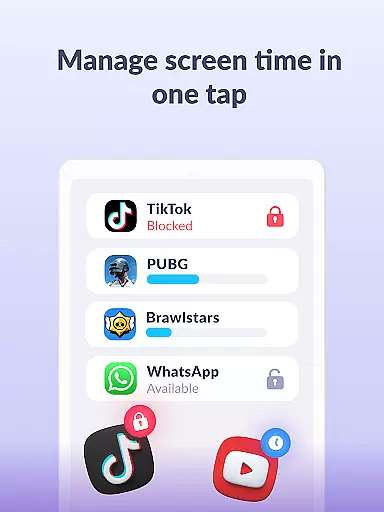
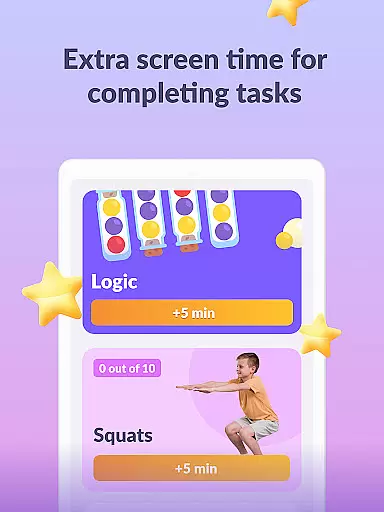
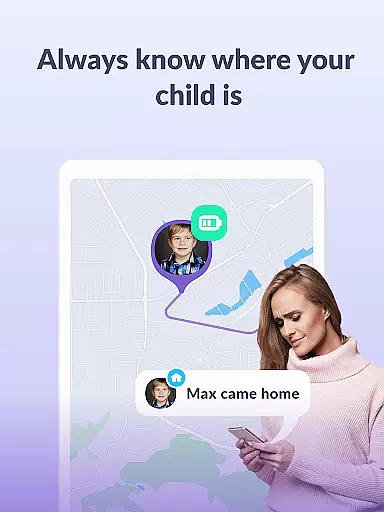

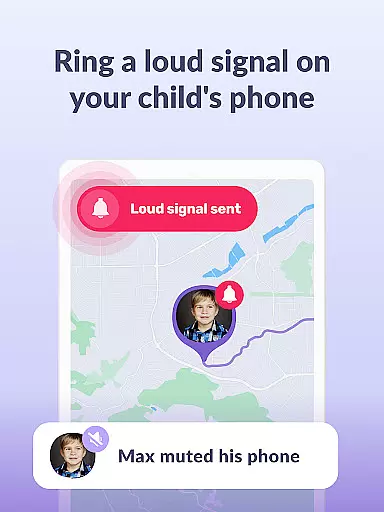
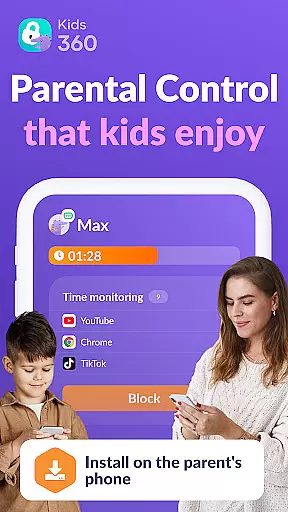

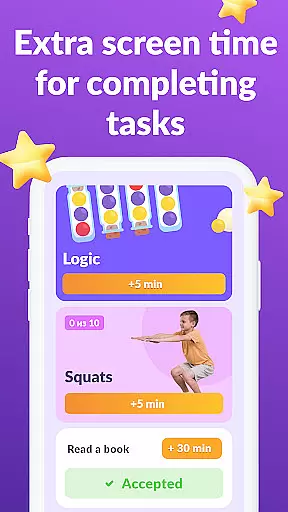
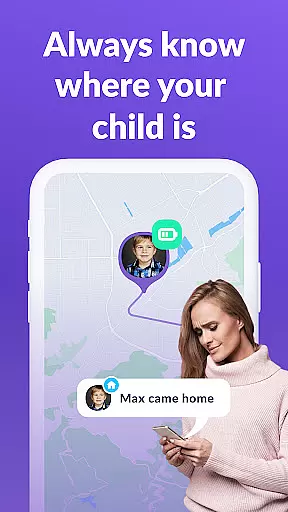

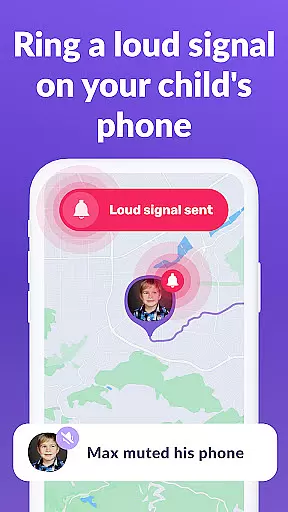
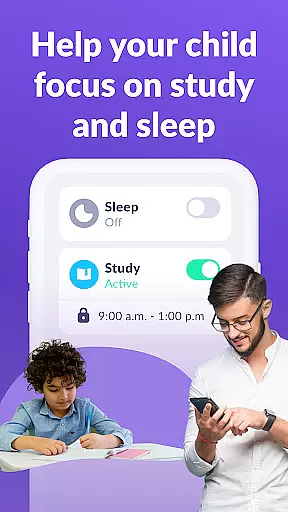
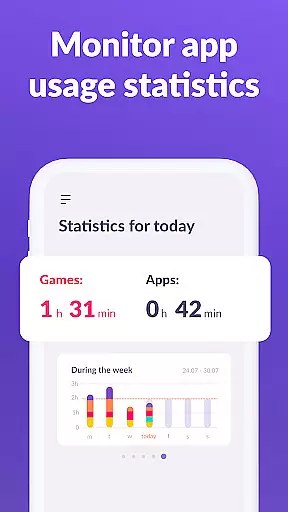
Kids360 is a comprehensive parental control app designed to help parents manage their children's device usage effectively. The app offers essential features like screen time management, app blocking, and GPS tracking, ensuring a safe digital environment for kids. With its child lock functionality and detailed usage statistics, parents can monitor and limit access to distracting apps while promoting productive activities.
Beyond basic monitoring, Kids360 provides educational insights into children's app usage patterns. Parents can track how much time their children spend on specific apps, identify potential distractions, and set appropriate schedules. This ensures a balanced approach to screen time, combining safety with educational value. The app works in tandem with Alli360, creating a complete monitoring solution that keeps children focused and secure.
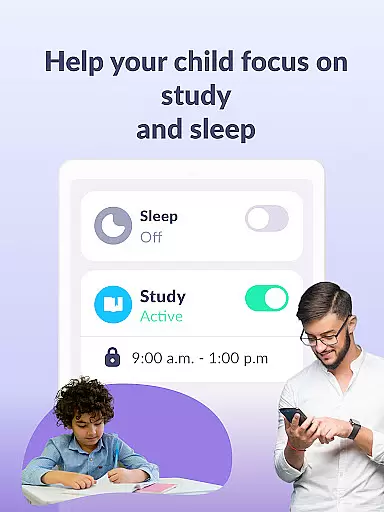
Kids360 stands out with its robust combination of monitoring and control features. The app usage limiter allows parents to restrict access to distracting apps, games, and social media platforms during specific times, such as school hours or bedtime. This feature functions as a child lock, enabling a dedicated kids mode that promotes healthier device habits.
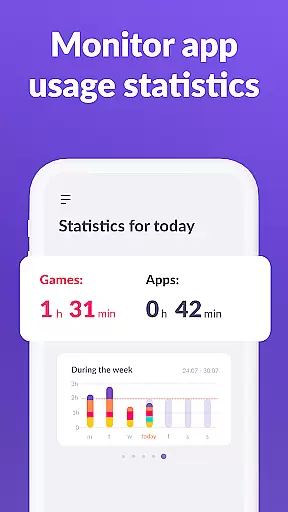
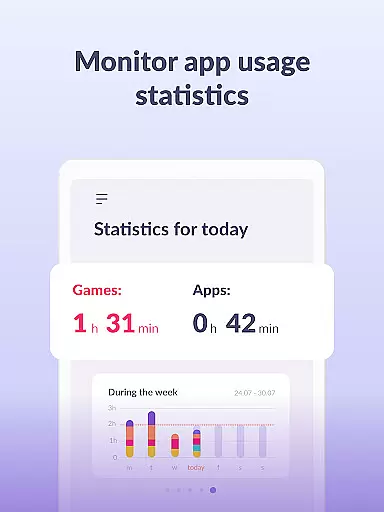
The app also includes detailed usage statistics and screen time tracking. Parents can view comprehensive reports on which apps their children use most frequently and for how long. Additionally, the stay-in-touch feature ensures that essential communication apps remain accessible, maintaining family connectivity while limiting non-essential usage. These capabilities make Kids360 an indispensable tool for modern parenting.
When it comes to parenting apps, content credibility is paramount. Kids360 ensures that all information and guidance provided are thoroughly vetted by child development experts. This guarantees that the advice and strategies suggested by the app are not only practical but also scientifically sound.
The app's features have been designed with input from pediatricians and educators, ensuring that every tool serves a meaningful purpose in your child's development. For instance, the screen time management feature is based on recommendations from leading health organizations, promoting healthy digital habits.
Parents can trust Kids360 to deliver accurate insights into their children's device usage patterns. The app provides detailed reports that are easy to understand, helping parents make informed decisions about their child's digital environment. With expert-validated content, parents can feel confident in setting appropriate boundaries.
Tracking a child's growth and development accurately is crucial for modern parenting. Kids360 offers precise monitoring tools that allow parents to track their children's screen time and app usage with exactness. This data-driven approach helps identify potential issues early on, enabling timely interventions.
The app employs advanced algorithms to analyze usage patterns, providing parents with actionable insights. These analytics help establish correlations between screen time and behavioral changes, empowering parents to create balanced schedules. By understanding these patterns, parents can foster healthier habits and improve overall family dynamics.
Kids360 stands out through its commitment to accuracy and transparency. Regular updates ensure that the tracking mechanisms remain reliable and relevant. Parents can rest assured knowing that the growth metrics they rely on are consistently monitored and refined for optimal precision.
Effective screen time management
Comprehensive app blocking options
Detailed usage statistics
GPS tracking for safety
Educational insights for parents
Requires child’s consent for installation
Paid subscription for advanced features
Dependent on Alli360 companion app
Limited functionality without full permissions
Potential privacy concerns for some users

AI Motion Video Maker & Ideas
 4.1
4.1
Find unique + popular baby names for your little peanut.
4.30
Family GPS locator app — child location tracker. GPS kids tracker, family safety
4.70
Family parental control app: limit screen time, block apps, GPS tracker.
4.20
Learn according to the age of your child and consult with other moms.
4.20
Live Location, Alerts & 2-Way Voice for Kids and Adults with Special Needs
4.60
Limit screen time, Block Apps & Games, Monitor with Parental control app
4.20
Parental control App for Location, Remote Camera, Screen Mirroring, Block Apps.
4.60
GeoLog - Real-Time Location Tracker
4.40
All-In-One Pregnancy Tracker, Your Baby's Milestones, Growth Stages & Parenting.
4.90
Advanced baby tracking, expert sleep help & parenting support for every stage.
4.80
FamilyAlbum helps you share, save, and remember your child's special moments.
4.80
All-in-one pregnancy app, contraction timer, kick counter & due date calculator
4.40
Babysitting video camera - Turn your two phones or tablets into a single nanny.
4.40
Keep track of your stored breastmilk
4.40
Cherish every beat - capture your baby's heart sounds with our app
4.30
Magic chalkboard coloring and drawing!
4.20
Save money on diapers. Get the Pampers Rewards app.
3.90
Screen Time, App and Web Block & Monitoring, Location Tracker
3.60


User Reviews