

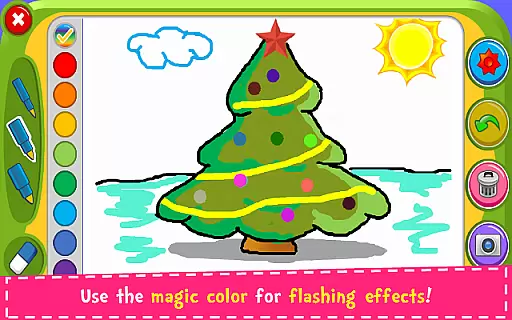
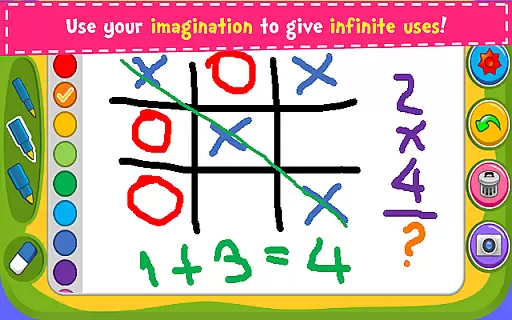
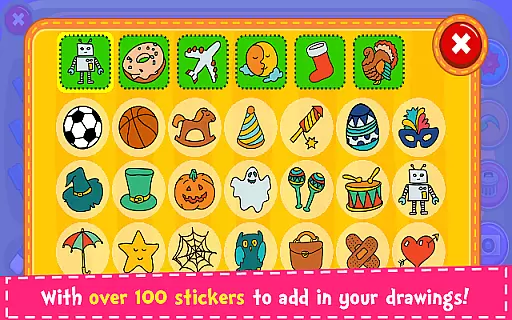
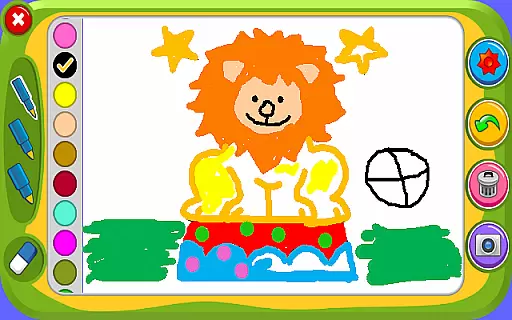


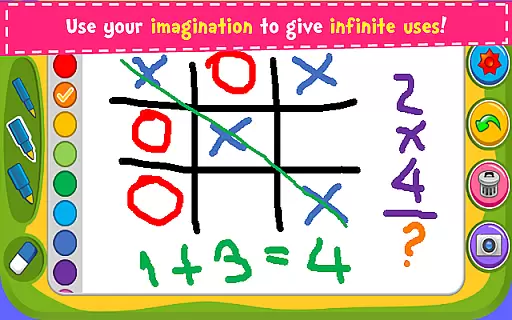
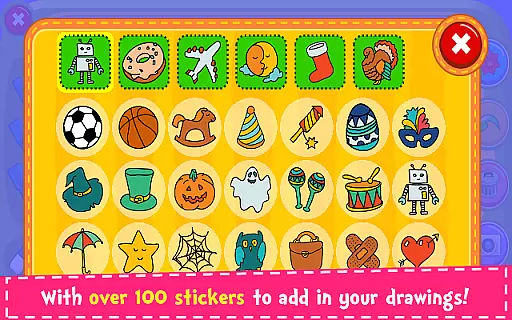


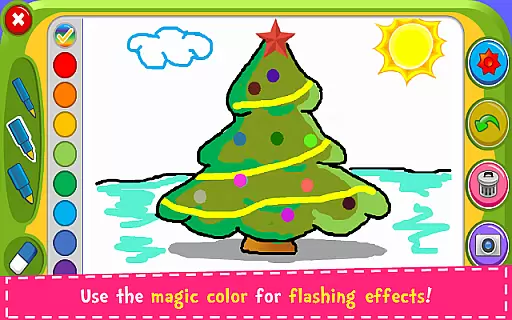
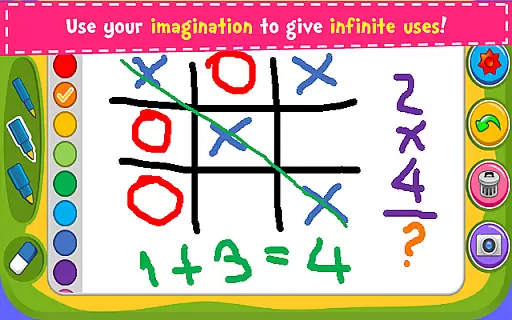
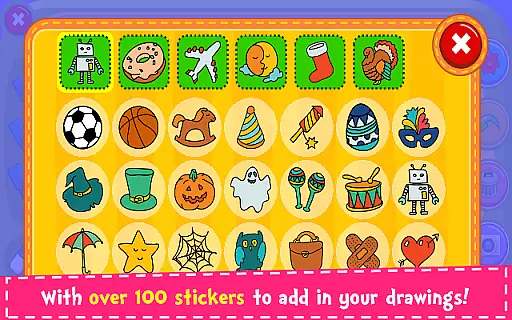
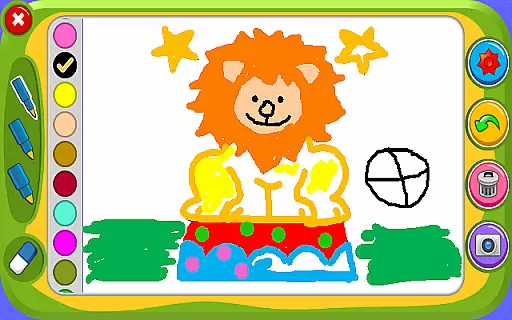

Magic Board is an engaging drawing and coloring game designed for users of all ages. This app allows you to express your artistic talents by providing realistic drawing tools and a wide array of creative options. With over 100 stickers available, users can decorate their artwork and bring their imagination to life. The app promotes creativity, improves concentration, and enhances fine motor skills, making it especially beneficial for children's development.
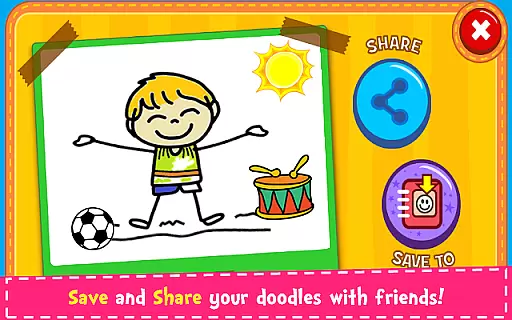
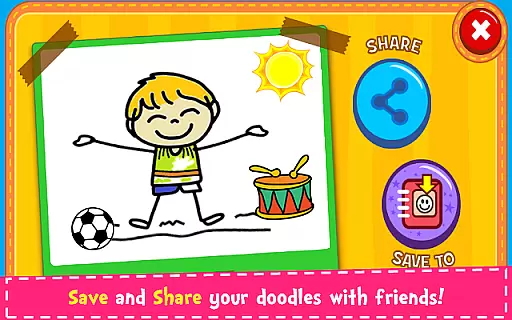
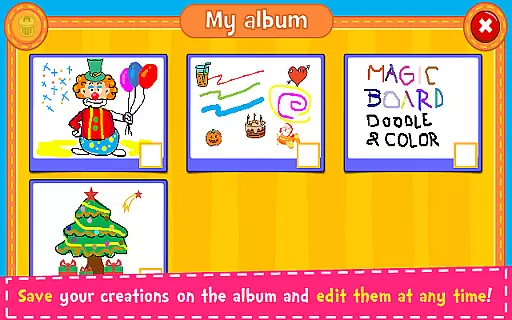
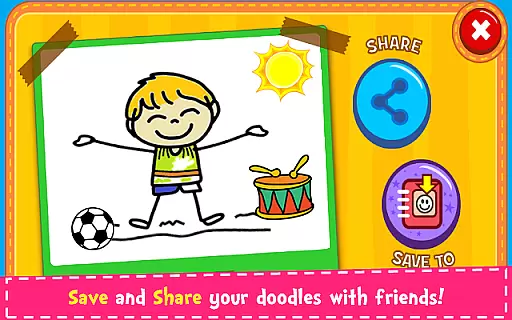
Available on both smartphones and tablets, Magic Board offers a simple and intuitive design that makes it accessible for everyone. Whether you're looking to create detailed drawings or simply enjoy some coloring fun, this app provides the perfect platform to explore your artistic side. Save your creations in the in-app album, and share them with friends and family through various social media platforms like Facebook, Twitter, and Instagram.
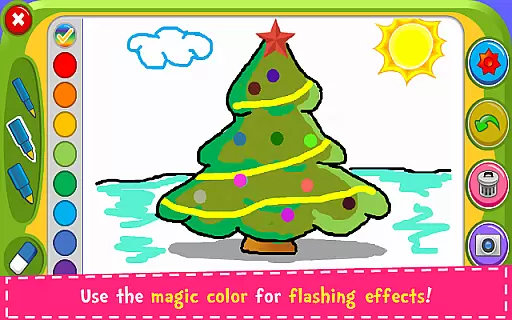
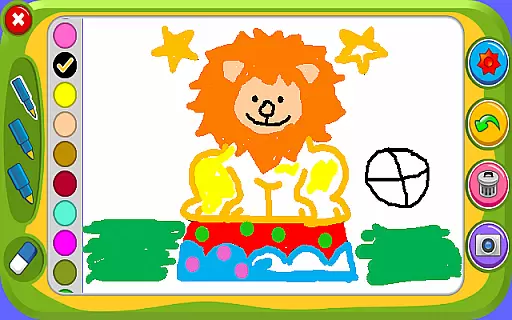
Magic Board stands out with its rich set of features tailored to enhance your drawing and coloring experience. The app offers different pencil strokes and colors, including a unique flash effect that generates dynamic random colors for endless bright possibilities. Users can also utilize the eraser function, undo feature, and clear all function to refine their artwork easily.
In addition to its extensive drawing capabilities, Magic Board includes over 100 adorable stickers to embellish your creations. The app supports multiple languages, such as English and Spanish, ensuring a broad audience can enjoy its offerings. All content within the app is 100% free, providing unlimited access to its full range of tools and features without any hidden costs.
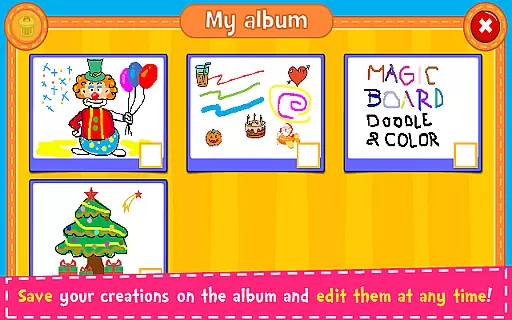
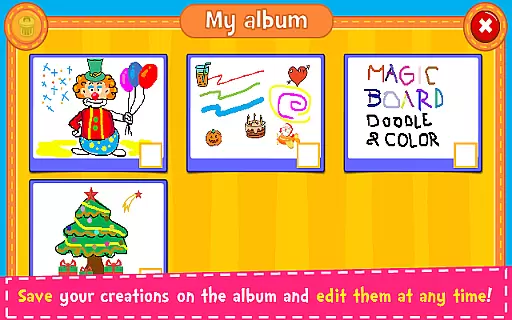
The user-friendly interface ensures that even beginners can navigate and utilize the app's functions effortlessly. By saving drawings in the app's album, users can edit and share their work at any time, making it convenient to revisit past projects or showcase them to others via email or social media platforms like WhatsApp.
When it comes to parenting applications, the credibility of the content is paramount. Magic Board ensures that its features are not only entertaining but also beneficial for child development. The app promotes imagination, art skills, and fine motor skills, which are crucial aspects of childhood growth.
The application provides a simple yet intuitive design that children can easily understand and interact with. With supported languages including English and Spanish, it caters to a diverse audience, ensuring that language does not become a barrier in accessing quality educational content.
Magic Board includes various drawing tools such as different pencil strokes and colors, even offering a dynamic random color feature for endless creativity. These elements have been thoughtfully integrated to enhance artistic expression while maintaining ease of use for young users.
Growth tracking in parenting apps allows parents to monitor their child's developmental progress. Although Magic Board is primarily an artistic platform, it indirectly supports growth tracking by promoting concentration and fine motor skills through engaging activities.
Parents can observe how their children utilize over 100 stickers to decorate artworks, providing insight into their creative preferences and skill advancement over time. This form of tracking is less intrusive and encourages natural development without imposing pressure on the child.
Additionally, the ability to save drawings in an album creates a portfolio of the childu2019s work, allowing parents to witness tangible evidence of improvement and evolution in their child's artistic capabilities. This ongoing record serves as a valuable tool for assessing developmental milestones.
User-friendly interface
Wide variety of colors
Completely free
Enhances creativity
Supports multiple languages
Limited advanced tools
No offline mode
Ads present
Basic design elements
Occasional bugs

AI Motion Video Maker & Ideas
 4.3
4.3
Cherish every beat - capture your baby's heart sounds with our app
4.30
Family GPS locator app — child location tracker. GPS kids tracker, family safety
4.70
Track your pregnancy, kick & contraction counter, baby & mom's heartrate monitor
4.60
Keep Your Family Safe with Pollog Family Assistants
4.10
Limit screen time, Block Apps & Games, Monitor with Parental control app
4.20
Lullabies, Night Light & Age-based Routines to help your baby fall asleep
4.4
Save money on diapers. Get the Pampers Rewards app.
3.90
Track pregnancy health and wellness with pregnant tracker from healthcare advice
4.2
3D Baby size, Fruit comparisons, Smart Checklist, Trending Names & Training.
4.90
Daily Routine & Timer for kids, ADHD, & Autism
4.80
Track Pregnancy, Baby Feeding, Sleep, Diaper Changes, Postpartum Health & More!
4.80
SENSORYSOOTHE and SENSORSAFE: Making car seats smarter and families safer.
4.70
It is a screen time management tool for games and mobile applications
4.50
Babysitting video camera - Turn your two phones or tablets into a single nanny.
4.40
Keep track of your stored breastmilk
4.40
Parental control: child monitoring app, screen time control, GPS child tracker
4.40
Family parental control app: limit screen time, block apps, GPS tracker.
4.20
Affirmations | Stories | Bible
4.10


User Reviews