
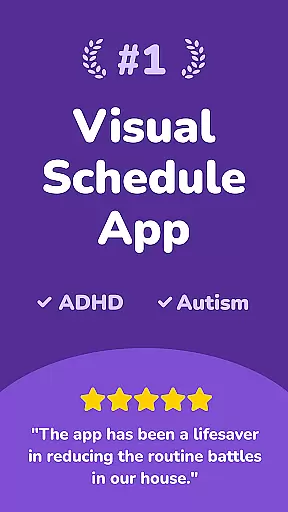
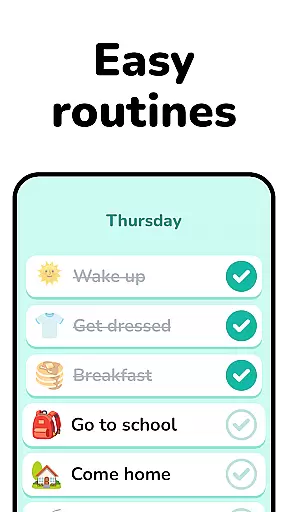
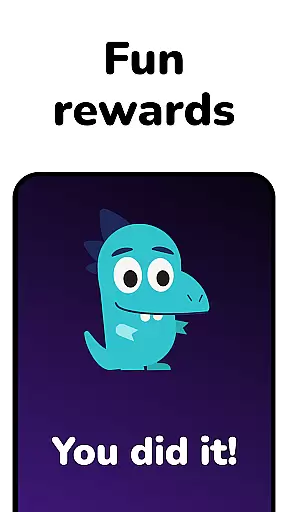
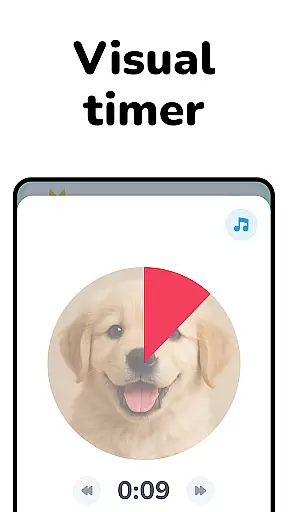
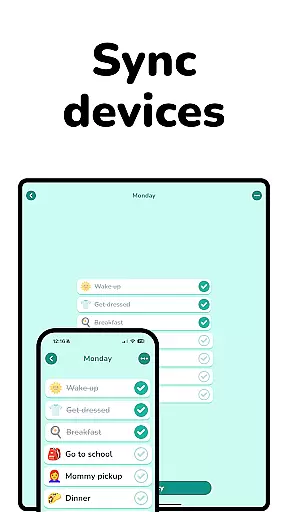
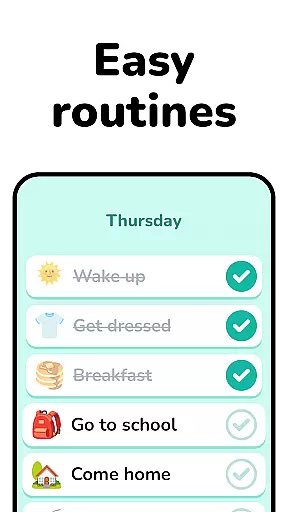
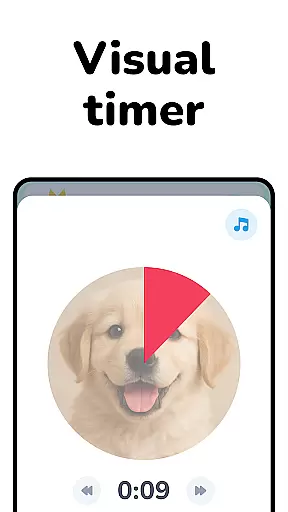
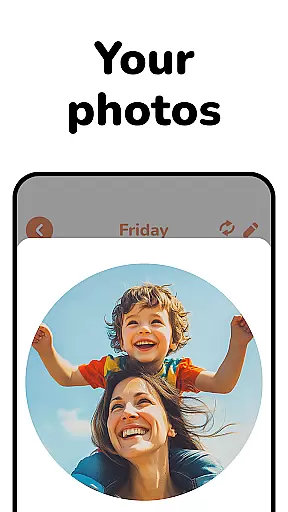
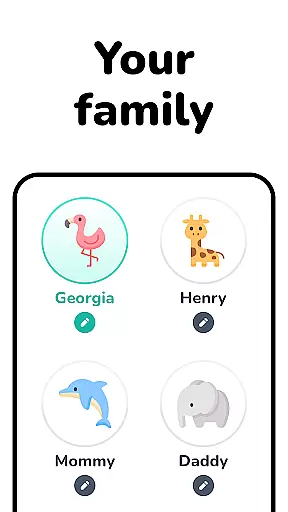
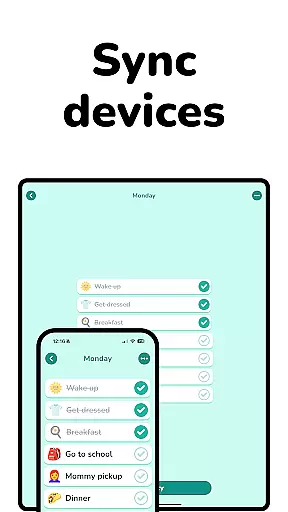
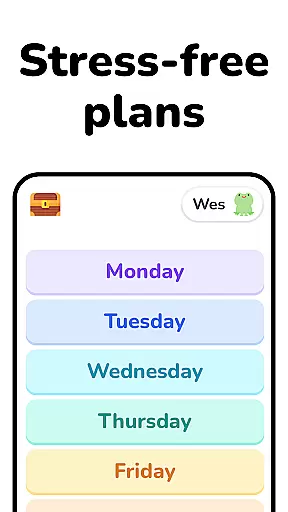
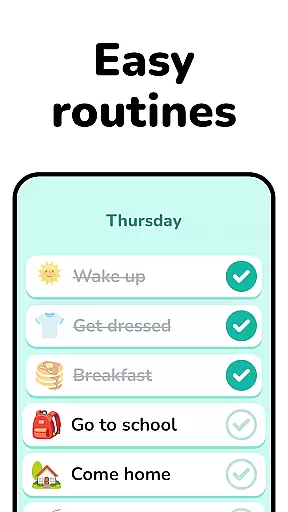
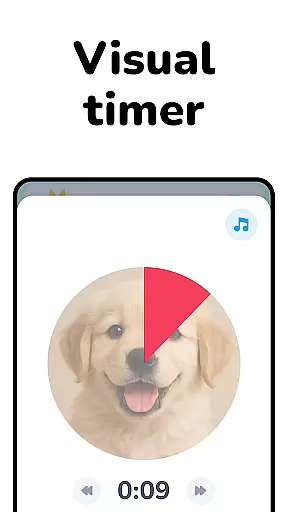
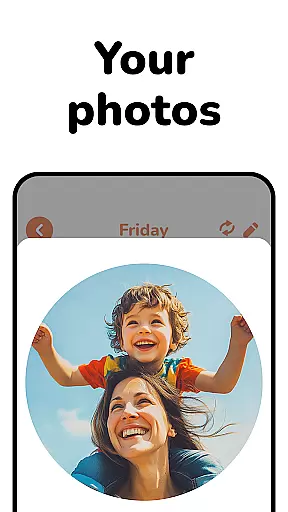
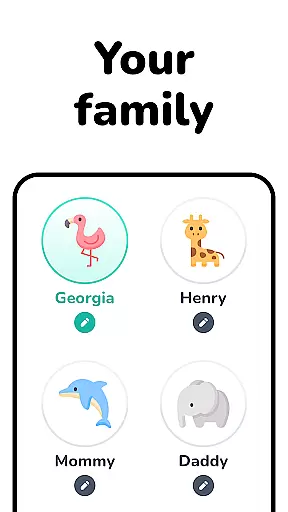
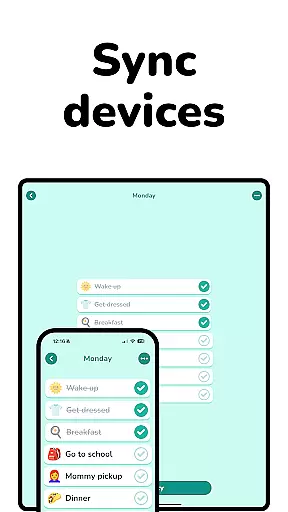
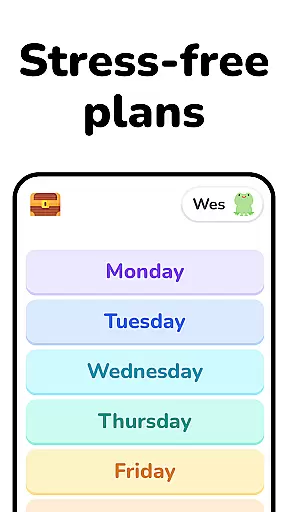
Lil Planner is a parenting app designed to help families create visual schedules for children in an engaging and fun way. The app focuses on simplifying daily planning while making it enjoyable for both parents and kids. With its easy-to-read interface and interactive features, Lil Planner helps increase focus, build good habits, reduce anxiety, and prevent meltdowns among children. It's particularly beneficial for toddlers, preschoolers, and neurodivergent kids who may struggle with transitions or need visual aids to stay organized.
What sets Lil Planner apart is its emphasis on fun and simplicity. Everything from the design to the functionality has been crafted with parents and children in mind, ensuring that even those with learning challenges can use it effectively. Whether you're managing ADHD, autism, or simply looking for a playful way to organize family routines, Lil Planner offers a practical solution that fosters collaboration between parents and kids.
Lil Planner stands out through its unique combination of usability and entertainment. One of its key features is the ability to create highly visual schedules tailored specifically for children. These schedules are not only functional but also engaging, using colorful graphics and interactive elements to capture kids' attention. Additionally, the app supports various user groups, including toddlers, older kids, and even adults who benefit from visual learning tools.
Another notable feature is its adaptability to different needs. For example, parents of children with ADHD or autism will find the app particularly helpful in easing transitions and reducing stress during daily activities. The app’s intuitive design ensures that all family members—regardless of age or cognitive abilities—can participate in planning. Furthermore, Lil Planner promotes family bonding by encouraging collaborative schedule-making, turning routine tasks into shared experiences.
When it comes to parenting tools, the credibility of content and expert validation are paramount. Lil Planner has been designed with input from both parents and developmental specialists, ensuring that its features align with best practices in child psychology and education.
The app's approach is grounded in proven methodologies for increasing focus, building good habits, and reducing anxiety among children. Each feature, from the visual scheduling to the easy-to-read interface, has been crafted based on research-backed strategies that support cognitive and emotional development.
Parents can trust that Lil Planner not only helps organize their childrenu2019s day but also contributes positively to their overall growth. The emphasis on fun further enhances engagement, making planning an enjoyable family activity rather than a chore.
Growth tracking in parenting apps provides valuable insights into a child's developmental progress. Lil Planner offers accurate tracking by allowing parents to create detailed visual schedules that adapt as their children grow and change over time.
By focusing on key areas such as habit formation, anxiety reduction, and improved focus, the app enables parents to monitor specific developmental milestones effectively. This targeted tracking ensures that any necessary adjustments to routines or strategies can be made promptly.
Moreover, Lil Planner's flexibility caters to various age groups and needs, from toddlers to older kids. This adaptability guarantees that growth metrics remain relevant and precise, providing families with reliable data to support ongoing development discussions with educators or healthcare providers.
User-friendly interface
Engaging visuals
Supports neurodivergent kids
Promotes family collaboration
Reduces child anxiety
Limited advanced features
No multi-language support
Requires parental guidance
Basic customization options
Subscription fees apply

Comprehensive Parental Control & Child Safety — Hear & Protect Your Child World
 4.30
4.30
Free symptom & med tracker with expert-reviewed tips.
4.30
A Coloring for the Whole Family! Discover the Joy of Family Love Through Colors!
3.60
Magic chalkboard coloring and drawing!
4.20
A simple way to track your baby’s breastfeeding, diaper changes, sleep patterns.
4.90
Affirmations | Stories | Bible
4.10
Introduce real food to baby with First Foods® Database, baby led weaning BLW
4.80
Track your labor contractions
4.90
All-In-One Pregnancy Tracker, Your Baby's Milestones, Growth Stages & Parenting.
4.90
Track baby’s development & growth week by week with BabyCenter’s pregnancy app!
4.90
Family GPS locator app — child location tracker. GPS kids tracker, family safety
4.70
Kids story books for children. Baby reading books with audio for pre-k toddlers
4.70
All-in-one pregnancy app, contraction timer, kick counter & due date calculator
4.40
Parental control: child monitoring app, screen time control, GPS child tracker
4.40
Cherish every beat - capture your baby's heart sounds with our app
4.30
FamilyMode helps you manage your family’s digital lives—at home or on the go.
4.30
Family parental control app: limit screen time, block apps, GPS tracker.
4.20
Limit screen time, Block Apps & Games, Monitor with Parental control app
4.20
Keep Your Family Safe with Pollog Family Assistants
4.10


User Reviews