
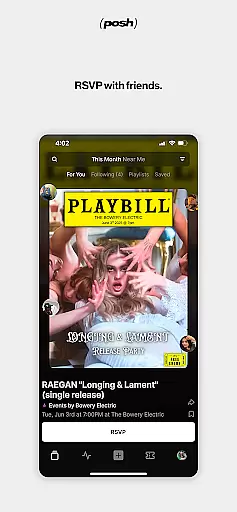
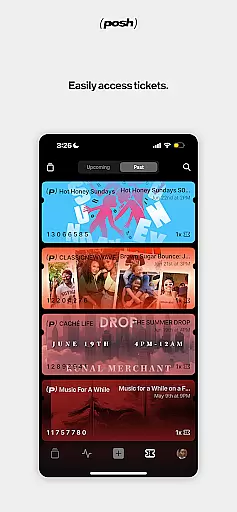
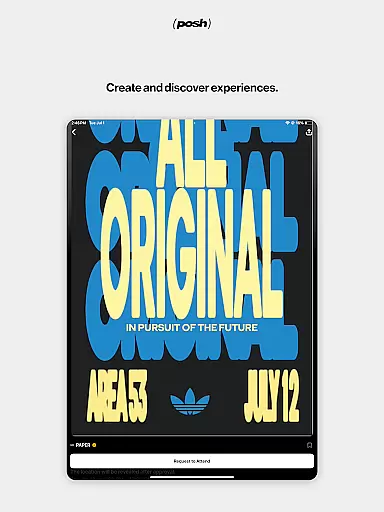
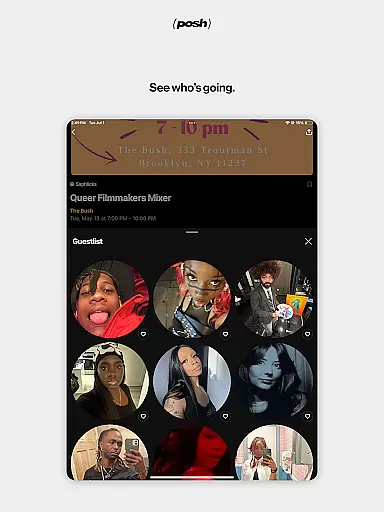
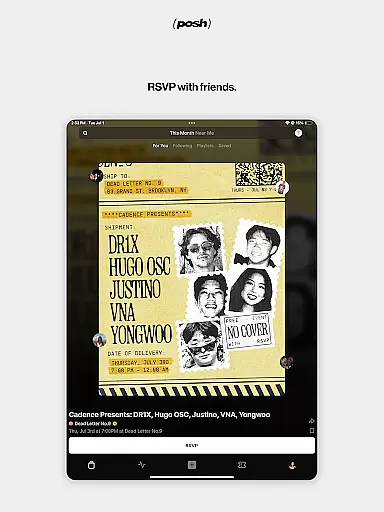
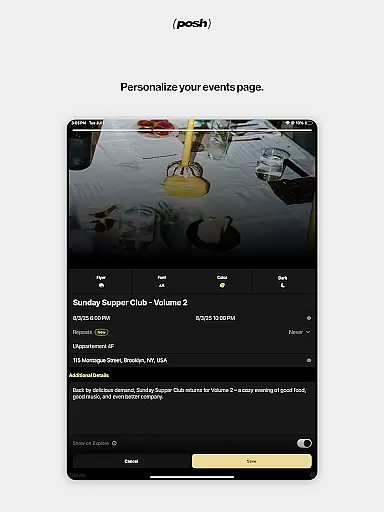
Posh is a premier platform for discovering and creating live events, connecting over 5 million eventgoers and organizers. The app offers an immersive audiovisual experience to browse local events while providing essential details like performers and attendees. Users can purchase tickets, RSVP, and share events with friends seamlessly. Posh also empowers users to create stunning event pages with customizable features such as colors, imagery, and music. With integrated CRM tools, tracking links, and door management solutions, it's perfect for both attendees and event organizers.
The app is ideal for anyone looking to engage with their local community through live events or manage professional gatherings with ease. Whether you're attending concerts, workshops, or organizing large-scale events, Posh ensures smooth ticketing, marketing, and financial management processes. Its comprehensive ecosystem makes it the go-to solution for enhancing live experiences.
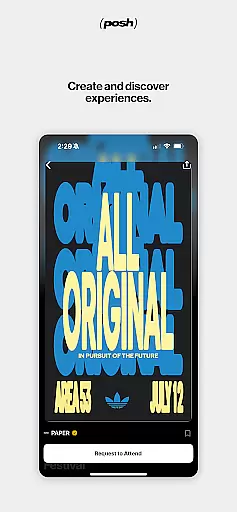
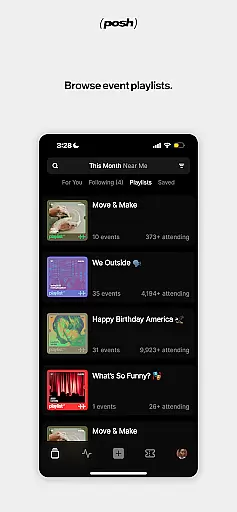
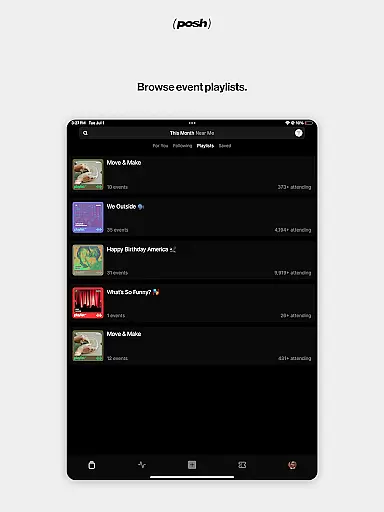
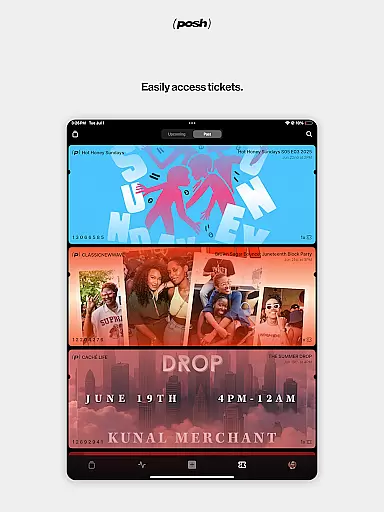
Posh stands out with its dual functionality for both event discovery and creation. For eventgoers, the app provides an engaging browsing experience where users can explore nearby events with rich media previews. It includes social elements like seeing who's attending or performing, making it easier to decide which events to join. The quick ticket purchasing and sharing options streamline attendance logistics significantly.
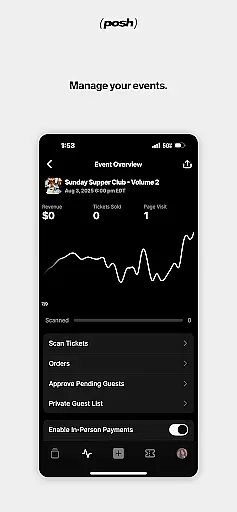
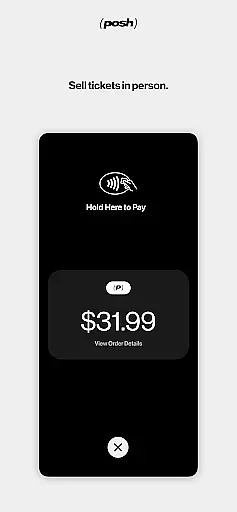
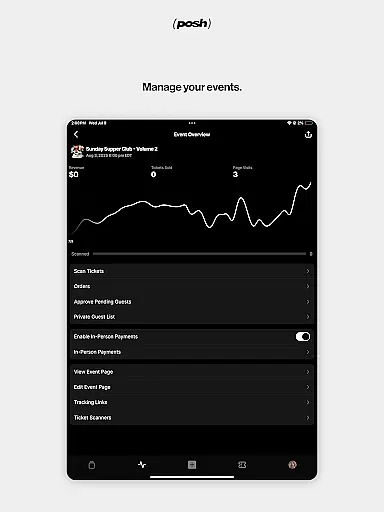
For event creators, Posh offers advanced customization tools to design visually appealing event pages. Organizers can set up multiple ticket types, restrict guest lists, and utilize built-in CRM and marketing tools to promote their events effectively. Additionally, features like tracking links for marketing insights and seamless door management via ticket scanning enhance operational efficiency. These robust capabilities make Posh a complete solution for modern event management.
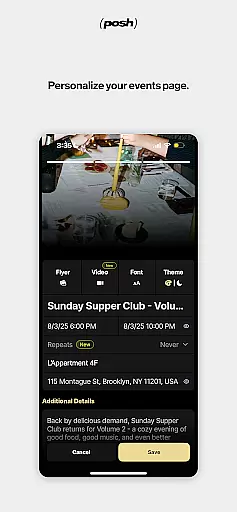
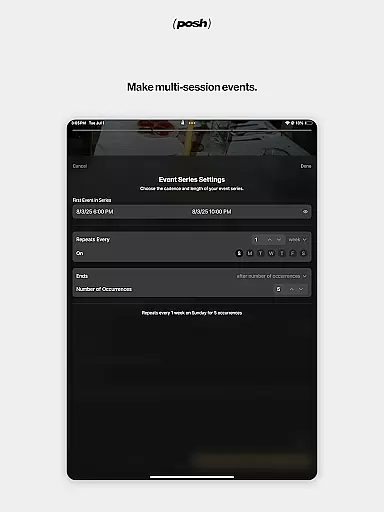
Creating and customizing event tasks is a crucial feature for event organizers, allowing them to manage every aspect of their events with precision. Posh provides an intuitive interface where users can create detailed event pages quickly. The app allows customization of various elements such as color schemes, imagery, background music, and more, ensuring each event page reflects the unique vibe and theme of the occasion.
The level of detail available in task creation extends to setting specific permissions and creating different ticket types. Organizers can control who has access to their events by approving guests individually or through group permissions. This flexibility ensures that every event can be tailored to meet the organizer's exact requirements, whether it's an open invitation or an exclusive gathering.
Furthermore, Posh offers tools for tracking marketing efforts and attributing sales to specific affiliates. By generating unique tracking links, organizers gain valuable insights into which promotional strategies are most effective. This data-driven approach empowers users to optimize their event promotion tactics continuously, leading to better attendance and more successful events overall.
Effective reminder settings play a vital role in ensuring attendees never miss an event. Posh incorporates robust notification features that keep users informed about upcoming events they have shown interest in. Users receive timely reminders about events they've RSVP'd to, including important details like date, time, location, and any updates from the organizer.
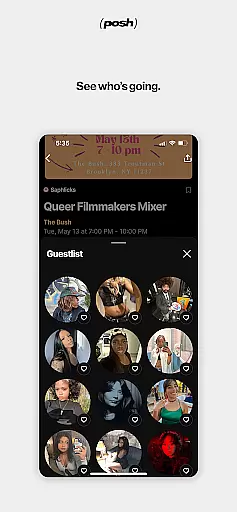
In addition to basic reminders, Posh enhances user engagement by showing who else is attending the event. This social proof not only boosts confidence in attending but also encourages last-minute sign-ups when users see friends or influencers participating. The appu2019s seamless integration with social media platforms enables easy sharing of events with friends, further amplifying reach and attendance.
For organizers, the reminder system serves as a powerful tool for maintaining attendee engagement even after the initial RSVP. Automated follow-ups and updates ensure that participants remain excited and well-informed right up to the event day. With reliable reminders and dynamic social features, Posh maximizes both organizer success and attendee satisfaction, making it the go-to platform for discovering and managing live experiences.
User-friendly interface
Comprehensive event tools
Wide user base
Advanced customization
Integrated CRM
Premium features may require subscription
Occasional bugs in ticket scanning
Limited free marketing tools
High fees on ticket sales
Complexity for new users

Mobile Event Guide for Greater NY Dental Meeting
 4.3
4.3
Audio guide companion APP for SEE's Michelangelo's Sistine Chapel
3.50
Fantasy of Lights Event App
5.00
Find tickets to upcoming concerts, sports events, festivals, shows, attractions
4.70
Invitation card maker for birthday party & Wedding. Digital greeting card editor
4.90
ETH Mining provides secure way to mine Ethereum & earn ETH in Cloud mining app
3.50
Microsoft Ignite is an event that showcases latest advancements in technology
4.00
Meet people over dinner
4.40
Thanksgiving Wishes, Thanksgiving Stickers & Animated GIF for Whatsapp Stickers
4.0
Clubs, Festivals, Discounted Tickets, Guest Lists & VIP Tables
4.90
The KRUU app - plan, celebrate, remember
4.80
Beautiful invitation cards + easy RSVP tracking for any event. Design Invites.
4.80
For weddings, parties & events
4.60
Greeting card maker with photos best app| Birthday cards| All wishes eCards FREE
4.50
Track birthdays, habits & goals. Unlimited countdowns and count-ups
4.20
Introducing the official Magic: The Gathering app for mobile.
4.20
Purchase line-skip passes, drinks, cover, and more at bars and clubs
3.50
Digital Income Wallet of the Final Libertadores 2025
4.4
Soft Proxy for Your Online World
4.0


User Reviews