
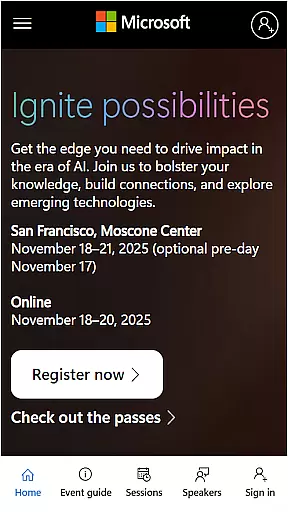
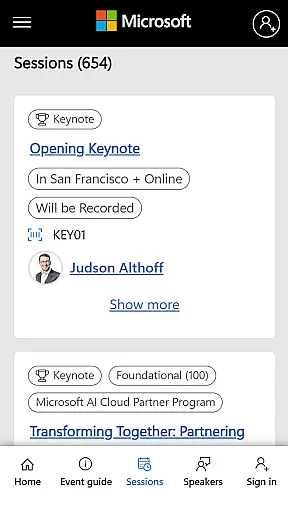
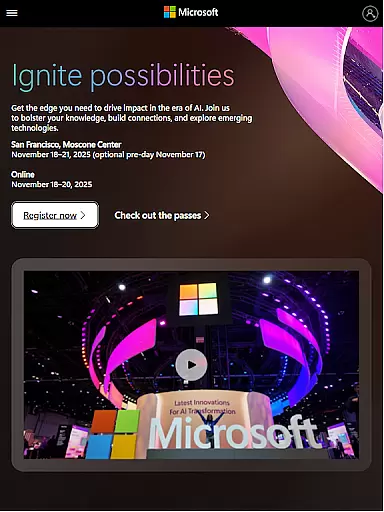
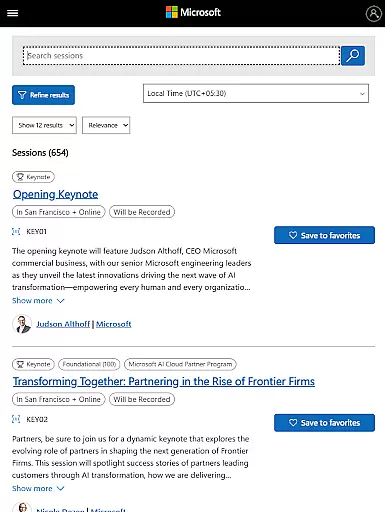
Microsoft Ignite is a premier annual event hosted by Microsoft, designed to showcase the latest advancements in technology, particularly in AI, cloud computing, and productivity tools. The event serves as a hub for tech enthusiasts, developers, and industry leaders to explore new solutions, enhance their skills, and connect with the broader tech community.
Key highlights of Microsoft Ignite include innovations and announcements from Microsoft, networking opportunities with peers and experts, sessions and learning opportunities to deepen technical knowledge, and social engagement activities to foster community building. This event is ideal for professionals looking to stay ahead in the rapidly evolving tech landscape.
Microsoft Ignite offers a comprehensive platform for attendees to engage with cutting-edge technologies and expert insights. The event features a wide array of sessions covering topics such as AI, machine learning, cloud computing, cybersecurity, and productivity tools. Participants can customize their schedules to attend workshops, keynotes, and panel discussions tailored to their interests and professional development goals.
In addition to structured learning, Microsoft Ignite provides ample networking opportunities. Attendees can connect with peers, industry leaders, and Microsoft experts through organized meetups, lounges, and social events. The event app enhances the experience by offering real-time updates, session reminders, and social media integration, ensuring participants make the most of their time at the conference.
Task creation and detail customization are essential features for any event management app, allowing users to tailor their schedules according to personal or professional interests. Microsoft Ignite offers a comprehensive suite of tools that enable attendees to create detailed tasks and reminders for sessions, keynotes, and networking opportunities.
The app provides an intuitive interface where users can easily add new tasks, set specific times for reminders, and include additional details such as session locations and speaker information. This level of customization ensures that participants can optimize their event experience by focusing on the most relevant activities.
Moreover, the ability to customize task details extends to integrating personal notes and attachments, which can be invaluable for later review. Users can also prioritize tasks based on their importance or urgency, ensuring they never miss a critical session or meeting.
By leveraging these capabilities, Microsoft Ignite not only enhances user engagement but also empowers attendees to make the most out of the event, leading to more productive and enjoyable experiences.
Reminder settings in event apps play a crucial role in ensuring attendees do not miss out on important sessions or networking opportunities. Microsoft Ignite excels in this area by offering flexible and customizable reminder options that cater to the diverse needs of its users.
Users can set multiple reminders for each event, choosing from various time intervals before the session starts. This flexibility allows attendees to receive timely notifications that help them plan their day effectively without feeling overwhelmed by constant alerts.
In addition to basic reminders, the app supports advanced features like recurring reminders for multi-day events and the ability to snooze notifications if users are occupied elsewhere. These options ensure that all participants, regardless of their schedules, can stay informed and engaged throughout the event.
Ultimately, the robust reminder system within Microsoft Ignite contributes significantly to user satisfaction by providing peace of mind and enhancing overall event participation.
Comprehensive Tech Coverage
Networking Opportunities
Expert-Led Sessions
Real-Time Updates
Community Engagement
High Registration Cost
Limited Virtual Access
Overwhelming Content
Technical Jargon
Long Event Duration

An App for Bhutanese
 4.3
4.3
Audio guide companion APP for SEE's Michelangelo's Sistine Chapel
3.50
Find tickets to upcoming concerts, sports events, festivals, shows, attractions
4.70
Rocket Monkey - Space rocket launch schedule for launch sites around the world
4.20
TV.Garden is a video player to play your own TV streams from around the world!
3.40
RAISE-365 makes fundraising easy and fun!
3.20
Octrober 2025: We've updated the MyGenMobile App with a new look and feel!
4.40
TodayTix is the easiest way to get tickets to the best shows in your city.
4.90
Save money on concert, sport, and theater tickets, and discover upcoming events.
4.80
Invitation card maker for birthday party & Wedding. Digital greeting card editor
4.90
Create invitation cards for birthdays, weddings, Christmas and more.
4.80
Events, Meetings, Photo Shoots
4.50
The calendar app in this 2026 year see all dates.
4.20
Track birthdays, habits & goals. Unlimited countdowns and count-ups
4.20
Buy and sell tickets to sports, concerts, theater, festivals, and comedy events
4.10
Local events, contests, and giveaways for local dads
3.70
Watch live football matches and streaming events on our Arabic TV app!
3.50
Create Birthday Cards in Birthday Invitation Maker and Birthday Card Creator App
3.00
The Official Football Ticketing App for Fans in Qatar
4.0


User Reviews