
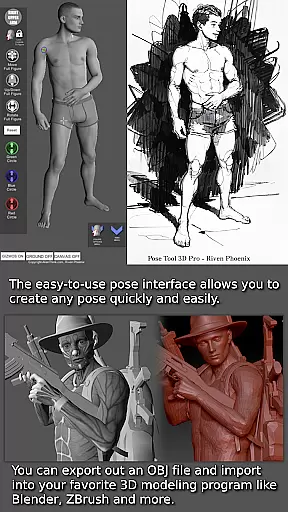
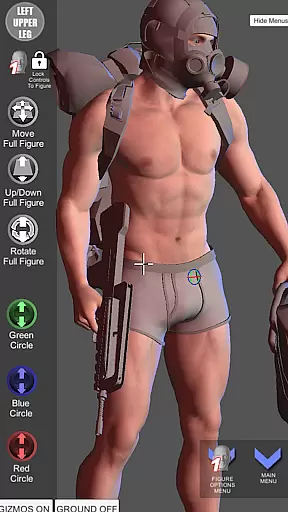

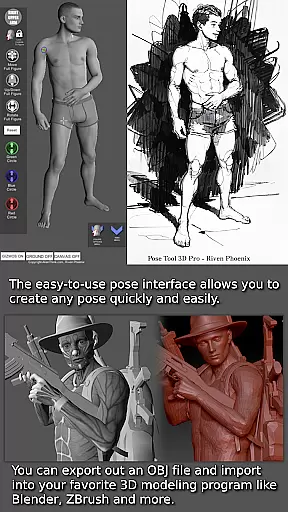
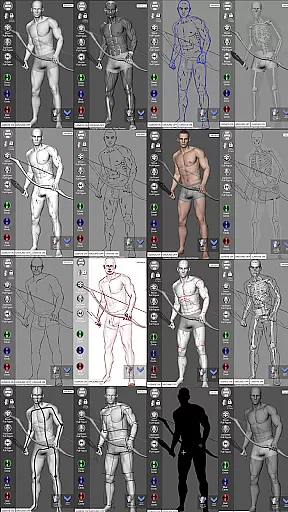
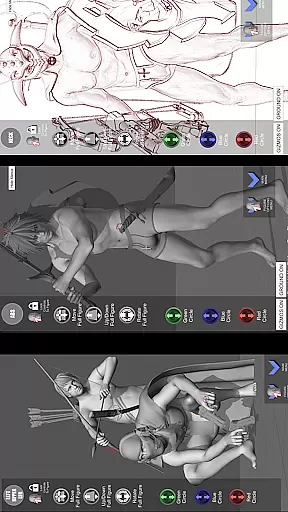


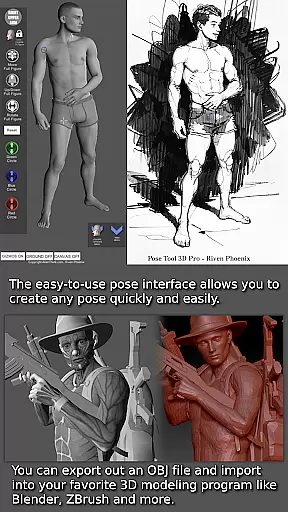
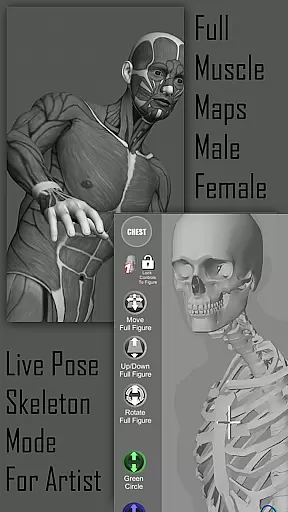
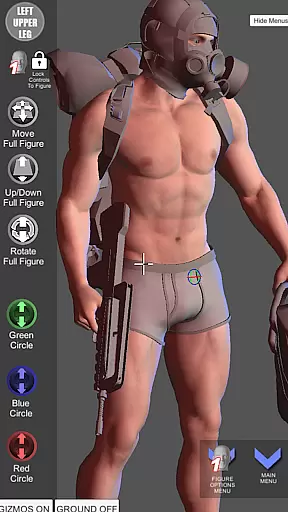
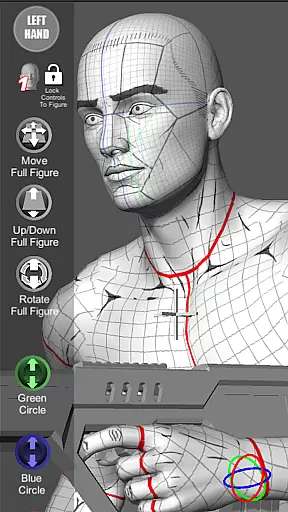

Pose Tool 3D is a revolutionary posing application designed for artists across various creative fields. This app provides users with an easy-to-use interface to create any pose quickly, featuring both male and female 3D models without constraints. The tool supports multiple art forms including manga, illustration, character design, animation, and storyboarding. With its powerful features like muscle maps, diverse drawing modes, and attachable objects, it serves as an essential reference tool for visualizing human anatomy and creating dynamic compositions.
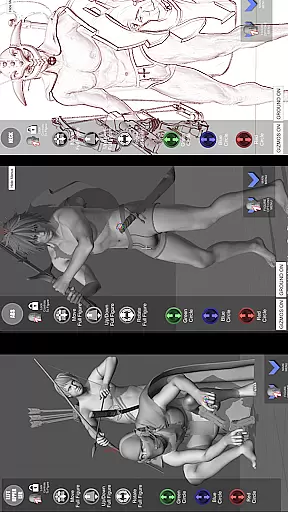
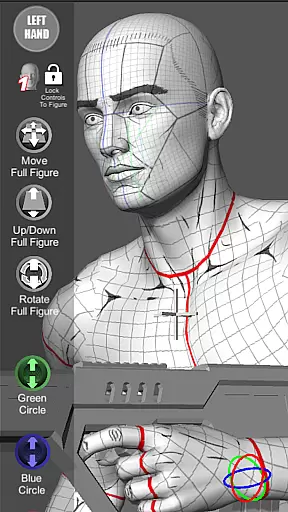
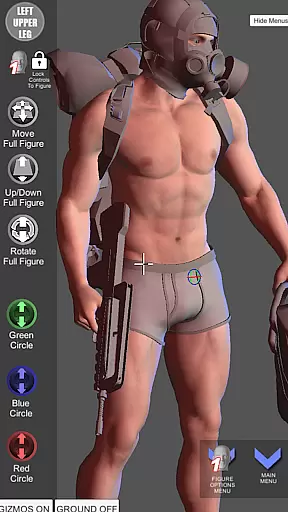
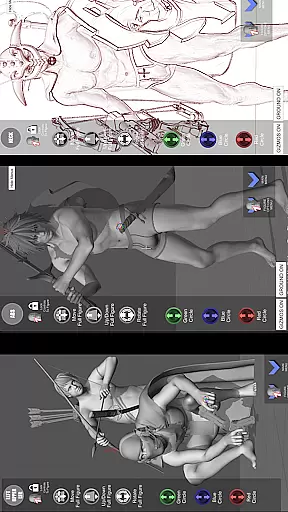
One of the standout capabilities is the ability to switch between different drawing modes, offering flexibility whether you prefer working in 2D or 3D. The inclusion of everyday objects and weapons that can be attached to figures adds depth to your artwork. Additionally, touch controls enable precise manipulation of the model, while menu features provide extensive customization options. These functionalities make Pose Tool 3D an indispensable resource for both beginners learning anatomy and professionals refining their skills.
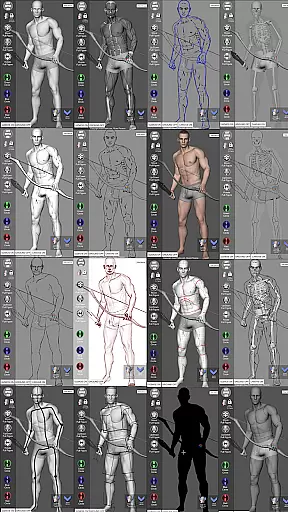
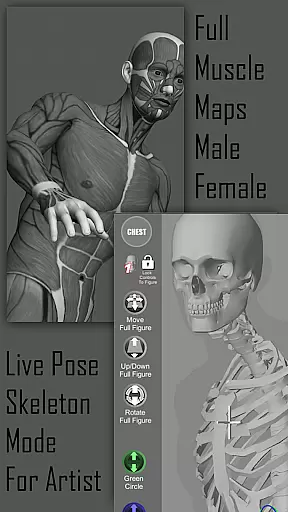
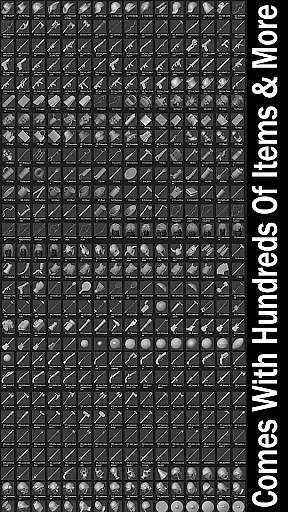
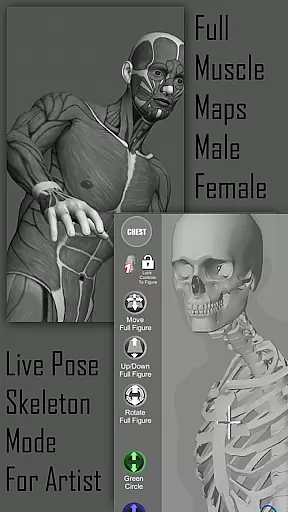
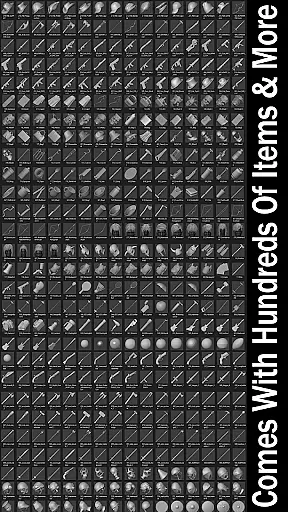
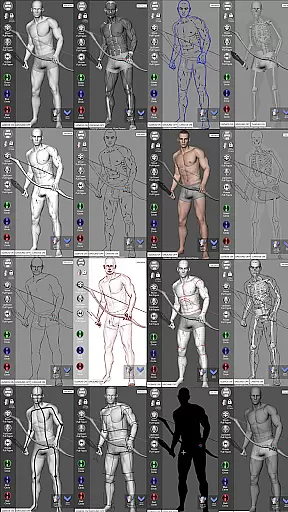
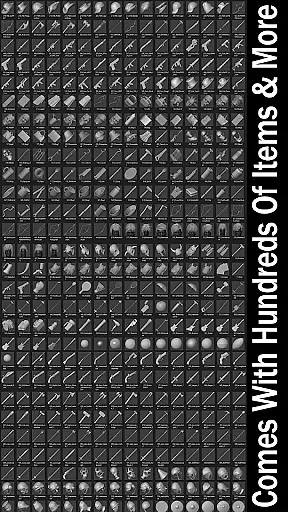
The Pose Tool 3D app boasts a comprehensive set of features tailored for artists. It includes an inventory system with hundreds of items, easy pose buttons, and various modes such as Mannequin Mode, Black Mode, and Pencil Sketch Mode. Users can save and load poses, adjust perspective grids, and utilize a 3-point lighting system to enhance their compositions. The app also offers specialized modes like Muscle Maps and Skeleton Mode, which are invaluable for understanding anatomy and creating realistic poses.
Touch controls allow for intuitive navigation around the figure using one finger to orbit, tap to select body parts, and pinch to zoom. Advanced features include the ability to pose hips for complex angles and reset them easily. With six male and female figures each, users can experiment with different body types including average, heavy, old, skinny, muscular, and mannequin styles. Additional functionalities like camera FOV adjustment, random pose generation, and gesture system mode further expand creative possibilities, making this app a versatile tool for all artists.
Pose Tool 3D offers an extensive and diverse library tailored for comic creators. With over a dozen unique figure models, including various body types for both male and female characters, artists have a rich selection to choose from.
The app goes beyond basic figure posing by providing specialized modes like Mannequin Mode, Skeleton Mode, and Muscle Maps Mode. These features allow users to study anatomy and create more authentic illustrations across different art styles.
Additionally, the inclusion of hundreds of inventory items and weapons enhances the creative possibilities. Artists can equip their figures with various objects, enabling them to craft complex scenes and dynamic compositions that bring their comic panels to life.
This comprehensive library ensures that comic artists can find the perfect reference material for any scene they imagine, whether they're working on manga, storyboarding, or digital art projects.
All content within Pose Tool 3D is developed with proper authorization and licensing. The application provides original 3D models created specifically for artistic reference use, ensuring complete legitimacy.
The developers at AlienThink have designed each figure and accessory from scratch, guaranteeing that all elements are original creations. This approach eliminates any copyright concerns while using the app's resources for professional work.
Furthermore, the app includes various drawing modes such as Pencil Sketch Mode and Comic Sketch Mode, which are developed in-house. These features demonstrate the company's commitment to providing authentic, proprietary tools for artists.
Users can confidently utilize Pose Tool 3D for commercial projects, knowing that all content is properly licensed and authorized for professional use in fields like illustration, animation, and comic book creation.
User-friendly interface
Extensive customization options
Versatile drawing modes
Comprehensive inventory system
Realistic muscle maps
Limited free features
Occasional performance issues
Steep learning curve
Subscription cost
Complex UI for beginners

Scan comics instantly! Find comic value, price, and key collector details fast.
 4.50
4.50
More fun from BOM! Hurry up and do the following self-test, if you meet more than one item, come and experience the brand new world of comics!
3.40
Joke book collection with the funniest dad jokes and riddles for you to enjoy!
4.60
Discover manga stories & stream anime series with unlimited entertainment access
4.40
MangaRise - Your Manga and Manhwa Companion
3.90
AsuraScans read manga, manhua, manhwa, and webtoon
3.90
매일 매일 새로운 네이버 웹툰
4.50
Read official webcomics, webtoons, Korean manga & webnovels
3.70
SQUARE ENIX's official Manga app!
4.40
The most popular comic book reader.
4.80
Read comics & manga
4.70
Read your favorite mangas for free
4.50
Follow your favorite manga and get notifications for new chapters!
4.50
Draw the comics with glow brushes! Easy and relax!
4.40
The anime tv for fans Sud and Dub
4.20
Read webcomics & webnovels
4.20
The most powerful and fast image/comics viewer.
4.10
Comic Scanner - Book Value - Identify and sell your comic collection with AI.
3.80
Comic reader app: open ZIP, RAR, CBZ, CBR, and PDF files
3.00


User Reviews