
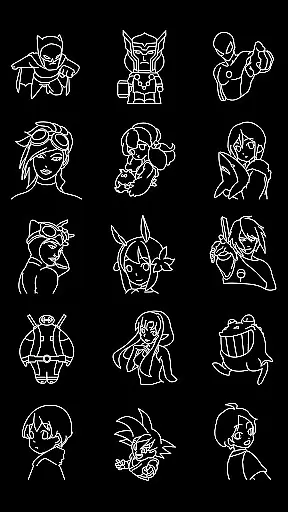
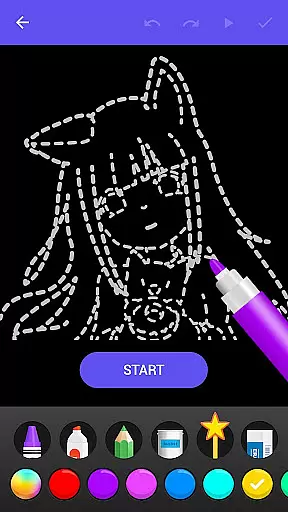
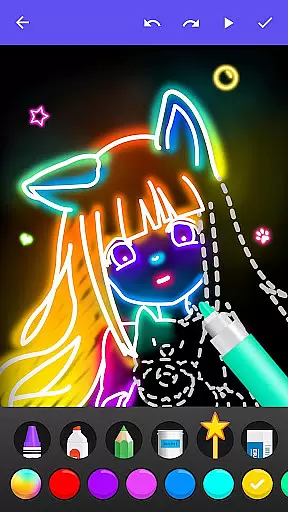
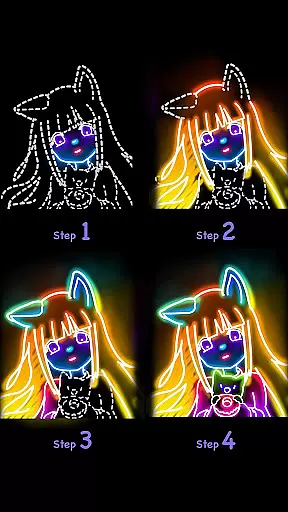
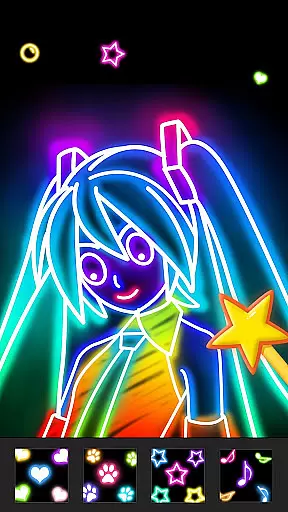
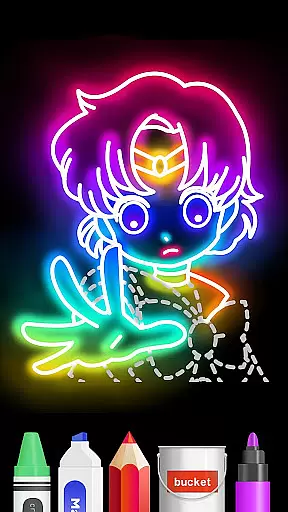
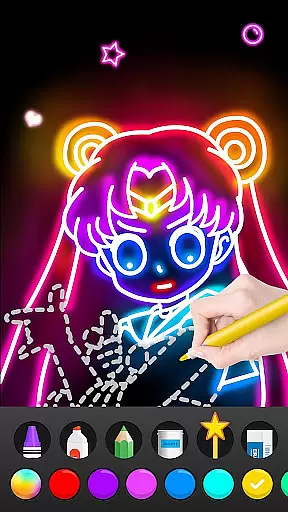
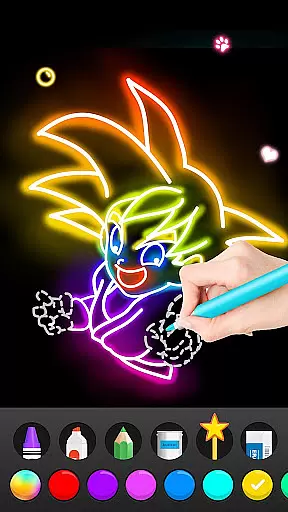
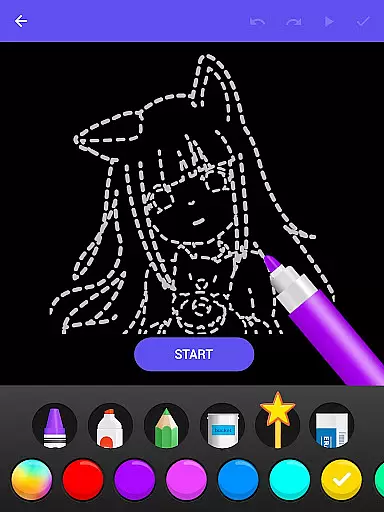
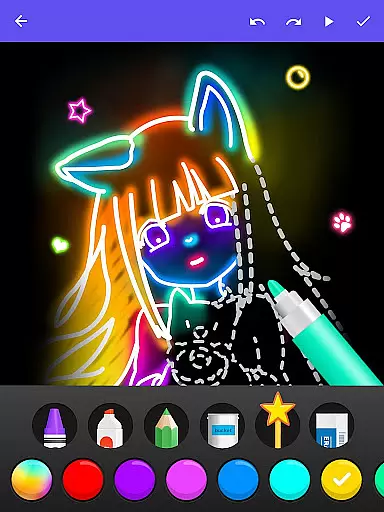
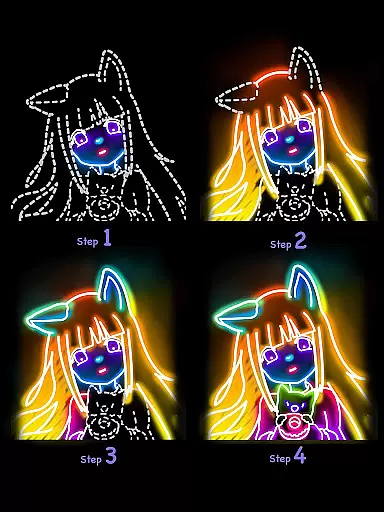
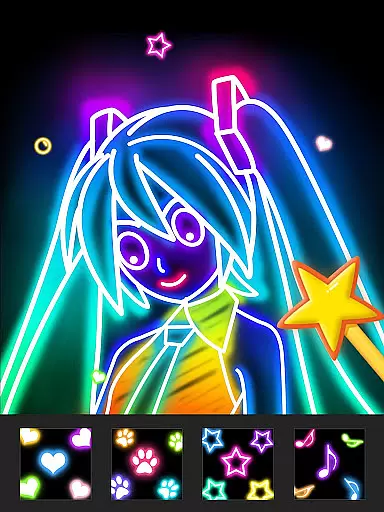
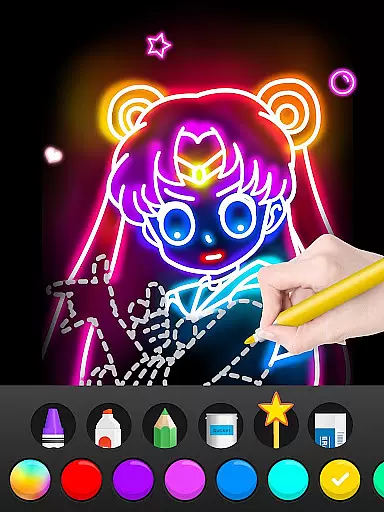
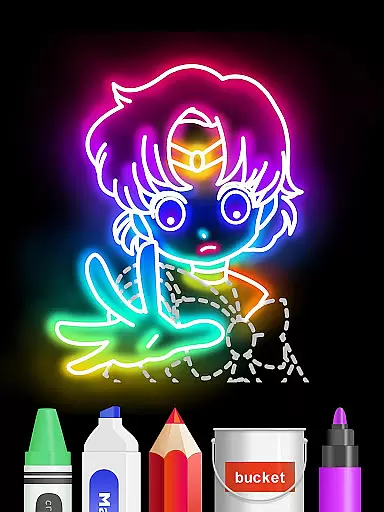
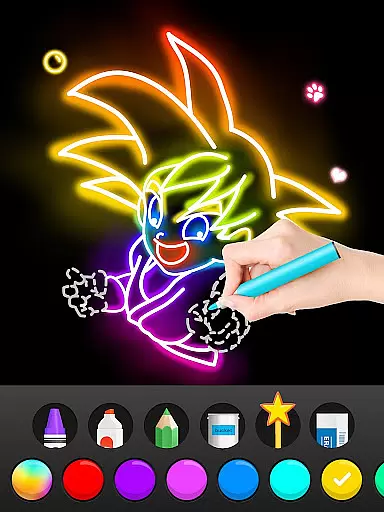
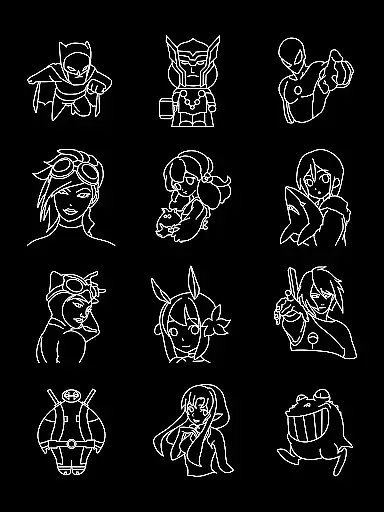
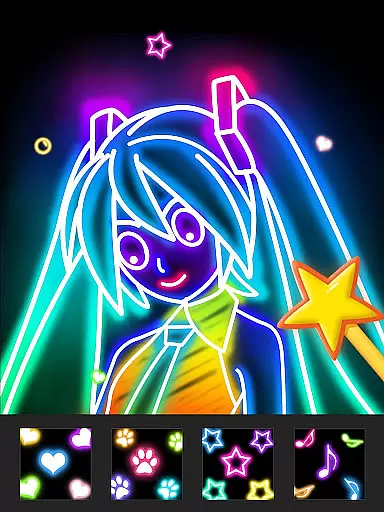
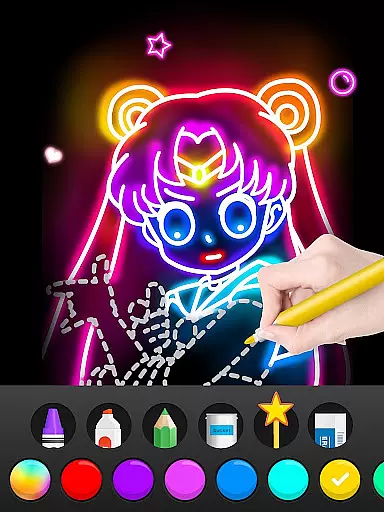
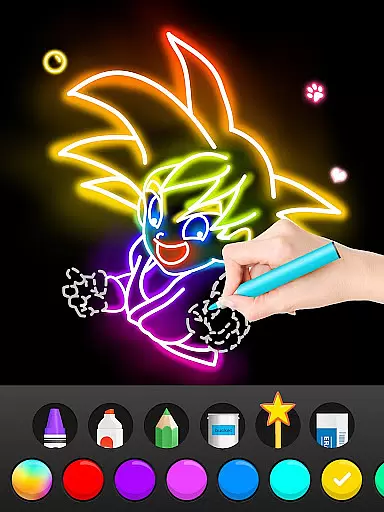
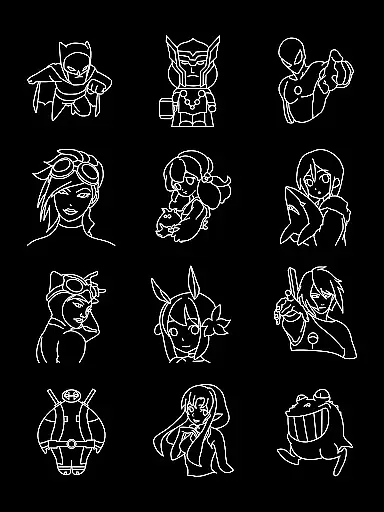
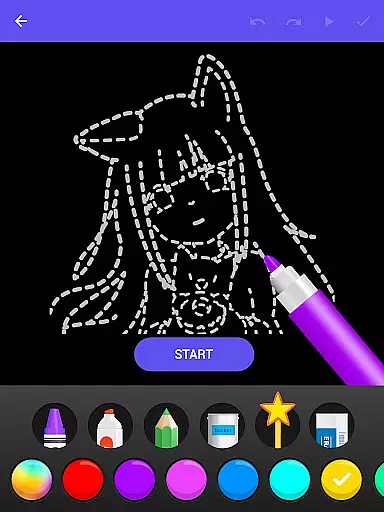
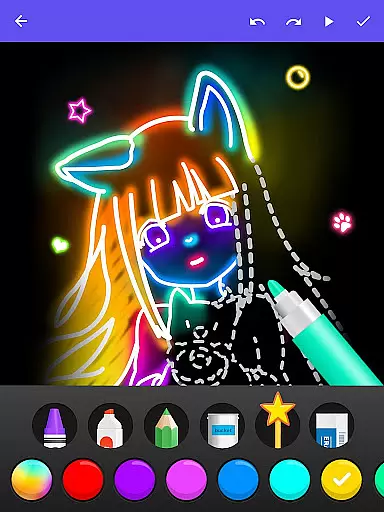
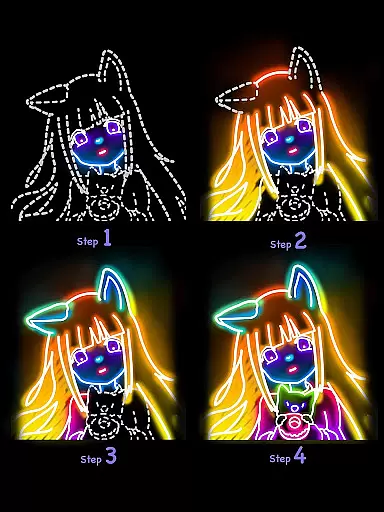
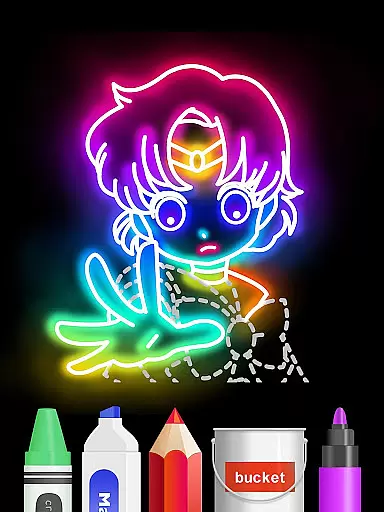
Draw Glow Comics is an innovative mobile application designed specifically for comic art enthusiasts. This app provides a comprehensive learning platform where users can master the art of drawing comics through guided step-by-step tutorials. The app's unique feature set includes glow brushes that allow seamless color switching, enabling artists to create distinctive works with ease.
In addition to its drawing capabilities, Draw Glow Comics offers a complete drawing and coloring experience. Users can both sketch their creations and add vibrant colors to bring their artwork to life. With detailed instructional content, the app caters to beginners who require structured guidance as well as more experienced artists looking to refine their skills in the comic genre.
The app's intuitive interface and educational approach make it suitable for aspiring comic artists of all ages. Whether you're interested in developing professional skills or simply exploring a creative hobby, Draw Glow Comics provides the tools and resources necessary to excel in digital comic art creation.
Draw Glow Comics distinguishes itself through several key features that enhance the user's drawing experience. The app's signature glow brushes provide artists with unprecedented control over their work, allowing them to experiment with various lighting effects and color combinations. These brushes can be freely customized and adjusted, giving users the flexibility to create unique visual styles that stand out from traditional comic art.
A fundamental aspect of the app is its structured learning system. Each drawing lesson is broken down into detailed steps, teaching users how to construct their artwork methodically. This systematic approach ensures that even those without prior drawing experience can successfully create professional-looking comic panels. The app also includes a comprehensive coloring feature that complements the drawing tools, enabling artists to complete their works with precision.
Additional notable features include a user-friendly interface that streamlines the creative process and a library of reference materials for inspiration. The combination of these elements creates an environment where users can comfortably explore their artistic potential while gradually building their technical skills in comic creation.
Draw Glow Comics offers a diverse range of comic drawing tutorials that cater to all levels of artists. With an extensive library, users can explore various styles and genres, ensuring there is something for everyone.
The app provides step-by-step guidance on drawing techniques, making it easy for beginners to follow along. Each tutorial is crafted with detailed instructions, allowing users to learn at their own pace while gradually building up their skills.
Users will find the freedom to switch between different glow brushes and colors exciting, as it enables them to create unique artworks that stand out. This flexibility not only enhances creativity but also makes each piece distinct from others.
Authenticity in art education is crucial, and Draw Glow Comics takes pride in delivering genuine content. All the tutorials are designed by experienced artists who have expertise in teaching drawing methods effectively.
Ensuring proper licensing for its educational material, the app gives confidence to users about the legitimacy of what they're learning. The structured approach guarantees that every lesson adheres to high standards of quality and accuracy.
By focusing on authentic instruction, Draw Glow Comics helps users develop real artistic skills rather than just copying styles. This emphasis on true learning empowers aspiring artists to make original creations with professional guidance.
User-friendly interface
Step-by-step tutorials
Vibrant color options
Suitable for all skill levels
Innovative glow effects
Limited advanced tools
Occasional performance issues
Basic community features
Subscription fees required
Learning curve for complex drawings

Anime TV App: Watch all anime online,anime tv subtitles online with big anime tv
 3.80
3.80
TMOLector is an app to read all kinds of manga and stories!
4.50
Goat sound simulator. This app makes for fun.
4.1
You can create comics, manga and manwha using AI with Arcstory comic book maker
2.70
The most popular comic book reader.
4.40
File management and show images, comics and pictures in compressed cbr, pdf file
4.70
See the newest comic book releases and manage your comic collection or pull list
4.70
Browse and read all your comics and mangas from YACReaderLibrary
4.20
Comic Book Identifier Value - Scan comics & prices. Your comic book price guide!
4.50
This application will enable donated users only function in Perfect Viewer.
4.90
The pure application on the Manga SWAT website
4.80
100k comics, manga & webcomics, including Batman, Invincible, Hellboy & more
4.60
Discover manga stories & stream anime series with unlimited entertainment access
4.40
Manga Reader for Comics, Webtoons & Manhwa. Read Mangas, Chat Stories and Novel.
4.30
Instantly create comic-style art with AI.
3.90
Read official webcomics, webtoons, Korean manga & webnovels
3.70
More fun from BOM! Hurry up and do the following self-test, if you meet more than one item, come and experience the brand new world of comics!
3.40
Experience the largest selection of DC comics anywhere with DC UNIVERSE INFINITE
3.40
Hot-blooded / Romance / Science Fiction All themes, Smart Recommendation + HD Reading
3.10


User Reviews