
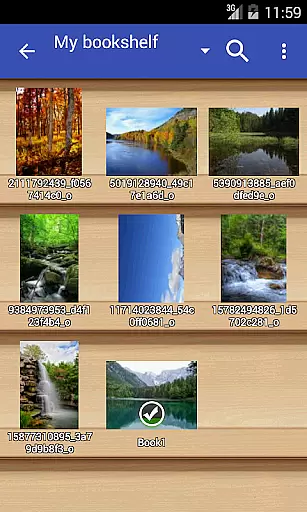
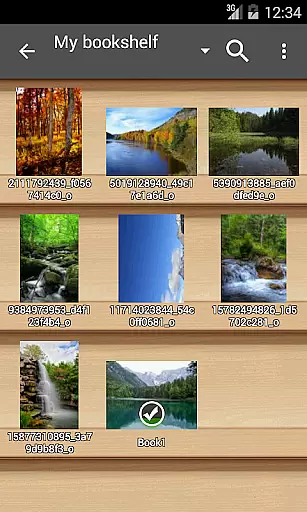
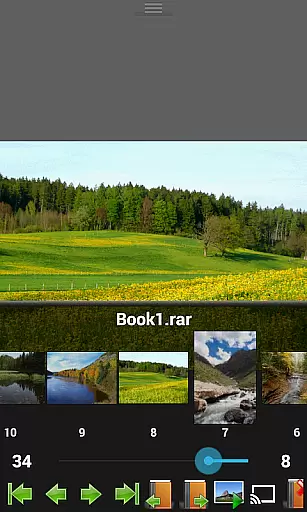
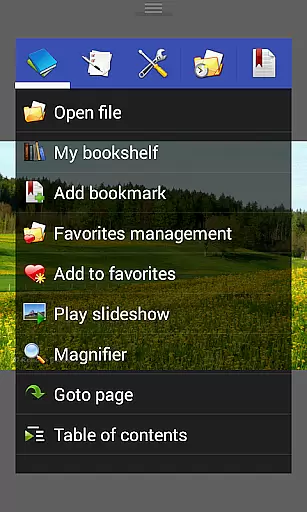
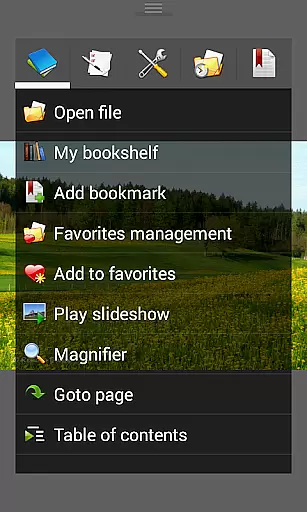
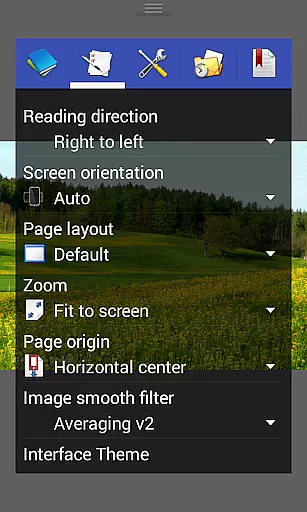
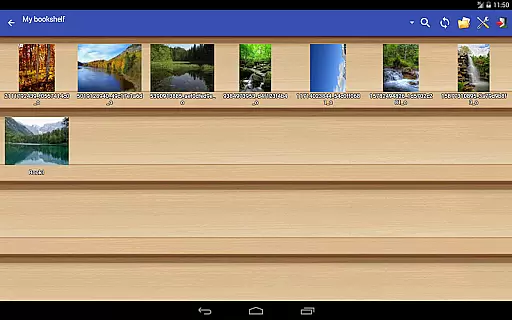
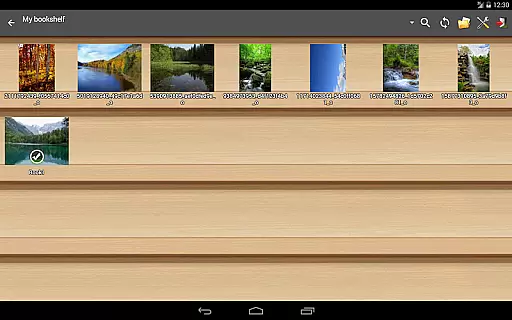
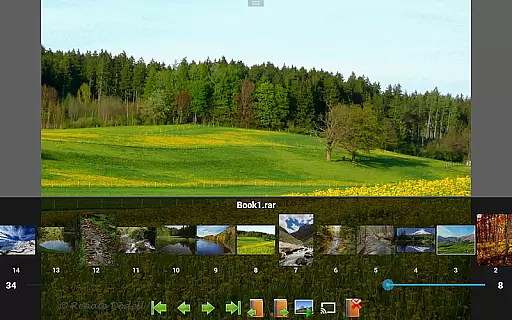
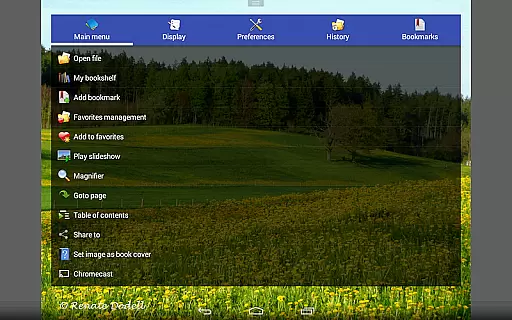
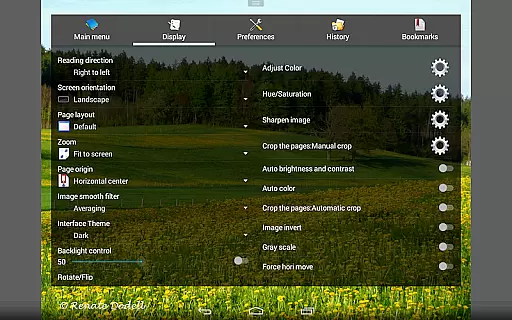
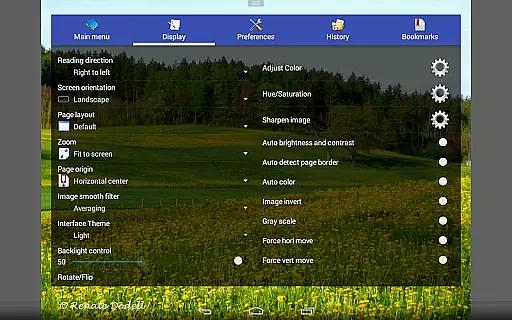
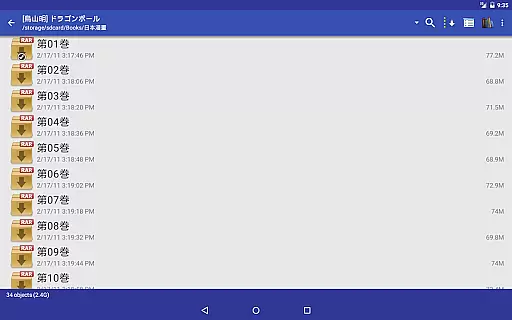
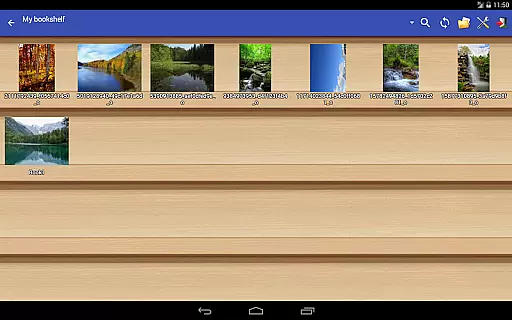
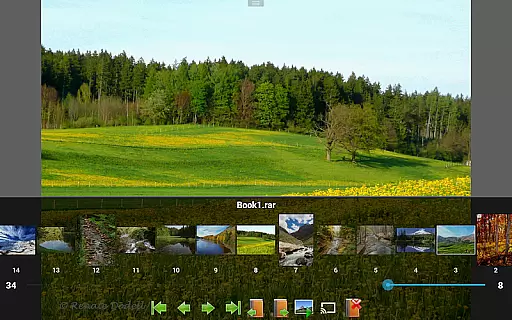
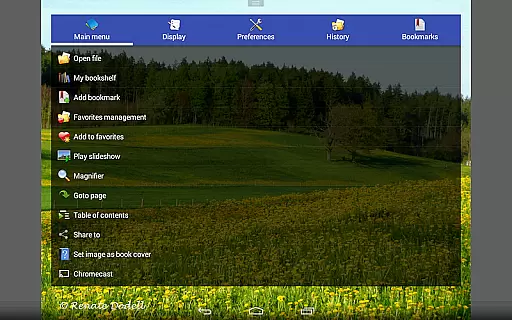
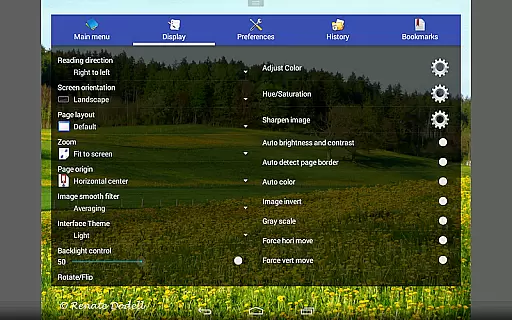
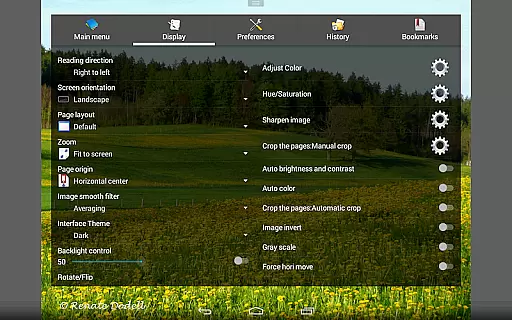
Perfect Viewer is a versatile and fast image, comic, and ebook viewer designed for seamless reading experiences. The app supports multiple file formats including EPUB, PDF, CBZ/ZIP, CBR/RAR, and more, making it an ideal choice for digital comic enthusiasts. With features like page layout customization, smooth filters, and five view modes, users can tailor their reading experience to their preferences. Additionally, Perfect Viewer allows access to files from network shares, Google Drive, Dropbox, and OneDrive, ensuring your library is always within reach.
The app also includes advanced functionalities such as pinch-to-zoom, fling gestures, and support for Google Chromecast, enhancing both usability and entertainment value. Whether you're reading comics or managing ebooks, Perfect Viewer offers a comprehensive solution with its intuitive interface and powerful tools, delivering a top-tier viewing experience across various platforms.
Perfect Viewer stands out with its extensive format compatibility, supporting everything from standard image files like JPEG and PNG to specialized archive formats such as CBZ and CBR. Its three distinct viewer modes—Page mode, Vertical scroll mode, and Horizontal scroll mode—accommodate different reading styles, while smooth filters like Bilinear and Lanczos3 ensure high-quality visuals. The app's ability to open files from network shares, FTP, SFTP, and cloud services like Google Drive and Dropbox makes it highly versatile.
Additional features include left-to-right and right-to-left reading options, brightness and contrast adjustments, and auto white border cutting for optimized viewing. Users can also enjoy enhanced functionality through plugins, such as the PDF plugin for extended format support. With added capabilities like slideshow, balloon magnifier, and Chromecast support, Perfect Viewer ensures a dynamic and customizable reading experience tailored to individual needs.
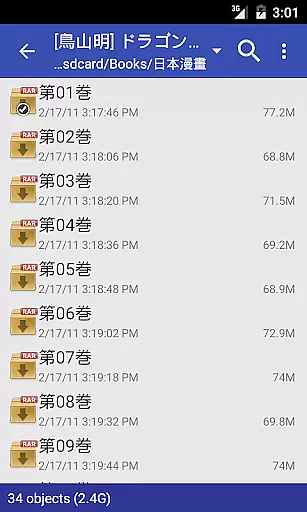
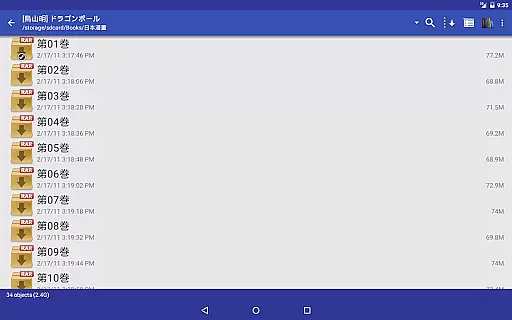
Perfect Viewer offers an extensive and versatile comic library that supports multiple file formats, making it a comprehensive tool for comic enthusiasts. The application is designed to handle various comic file types such as CBZ/ZIP, CBR/RAR, 7Z/CB7, LZH, and CBT/TAR, ensuring that users can access their favorite comics regardless of format.
In addition to traditional comic files, Perfect Viewer also accommodates eBook formats like EPUB, HTML, and TXT, as well as image files including JPEG, PNG, GIF, BMP, WebP, and TIFF. This wide-ranging support allows users to consolidate their reading material in one place, streamlining their reading experience.
For users seeking even more content options, Perfect Viewer provides integration with network file sharing services such as CIFS/SAMBA, FTP, SFTP, and OPDS. It also connects seamlessly with cloud storage solutions like Google Drive, Dropbox, and OneDrive through additional plugins, vastly expanding the potential size and variety of the user's comic library.
Maintaining content authenticity and adhering to proper licensing is crucial for any digital media viewer, and Perfect Viewer addresses these concerns effectively. The app respects DRM protections present in eBooks and other licensed materials, ensuring that users can only access content they have legitimate rights to view.
Perfect Viewer does not circumvent or compromise copyright protections, which reassures users about the legality of their reading materials. By supporting a wide array of formats while respecting intellectual property rights, the app fosters a trustworthy environment for consuming digital comics and books.
Furthermore, Perfect Viewer offers advanced features exclusively to users who have donated or purchased additional plugins, reinforcing its commitment to ethical software practices. These premium features, such as colorizing black-and-white images, are clearly marked and require separate installations, ensuring transparency in how content is presented and modified within the app.
User-friendly interface
Extensive format support
Customizable reading modes
Cloud integration
High-quality filters
Premium features require donation
Complex settings for beginners
Occasional performance lags
Limited free plugin availability
Ads in free version

Become a real PKM Card Maker, create or custom any Poke TCG cards and share them
 4.10
4.10
A free paradise specially built for comic lovers. When you step into this comic universe full of surprises, it is like opening a door to endless joy. You are immediately immersed in the wonderful world brought by reading and enjoy the infinite charm of reading.
4.5
Your key to unlocking manga and webtoons on the go
3.50
Discover manga stories & stream anime series with unlimited entertainment access
4.40
Read your favorite mangas for free
4.50
Artists wanting to use decent hand reference on the go, this app is for you!
4.70
100k comics, manga & webcomics, including Batman, Invincible, Hellboy & more
4.60
Kodansha official Manga app
4.30
Crunchyroll Manga—unlimited, uninterrupted reading with offline access & more!
4.50
Find free mangas in Spanish
4.70
Instant access to over 30,000 Marvel comics with new issues added every week.
4.70
매일 매일 새로운 네이버 웹툰
4.50
Pocket Toons: Free Webtoons, Comics, & Manga - New Chapter Drops Everyday
4.30
Read webcomics & webnovels
4.20
Instantly create comic-style art with AI.
3.90
AsuraScans read manga, manhua, manhwa, and webtoon
3.90
Create your personalized cartoon comic strips & comic books.
3.20
Comic reader app: open ZIP, RAR, CBZ, CBR, and PDF files
3.00
You can create comics, manga and manwha using AI with Arcstory comic book maker
2.70


User Reviews