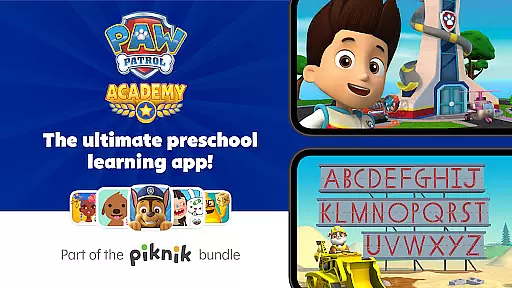
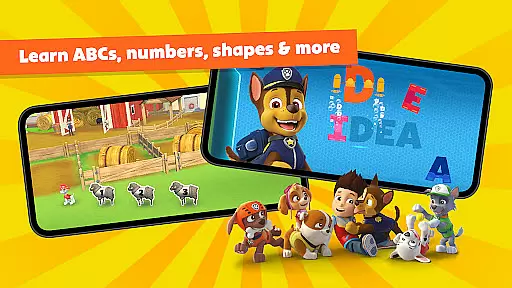
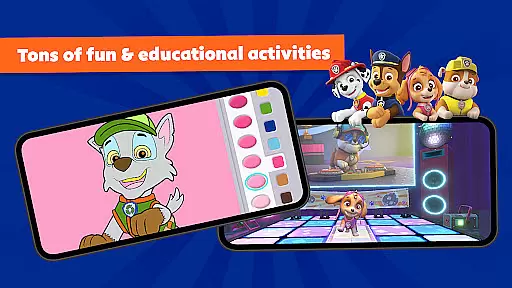
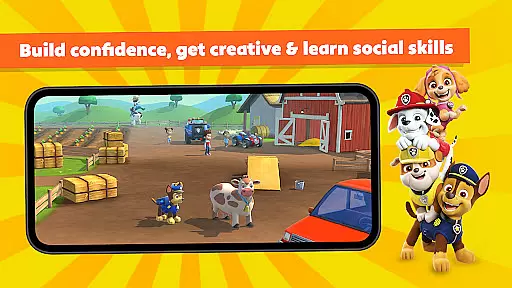
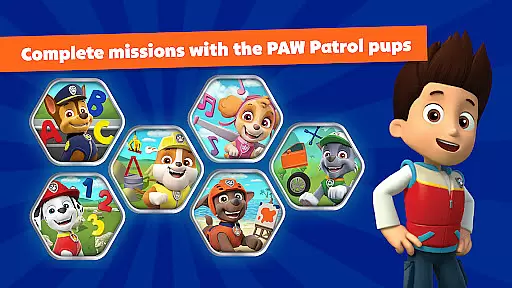
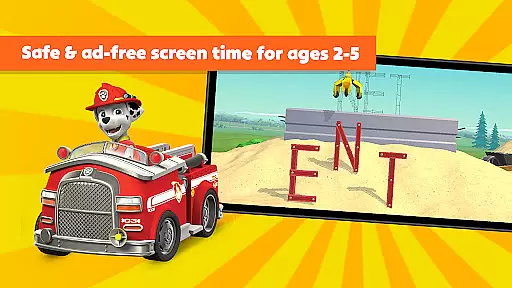
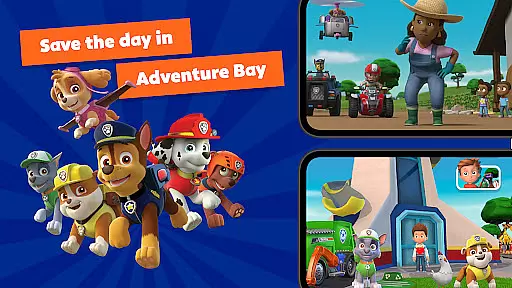
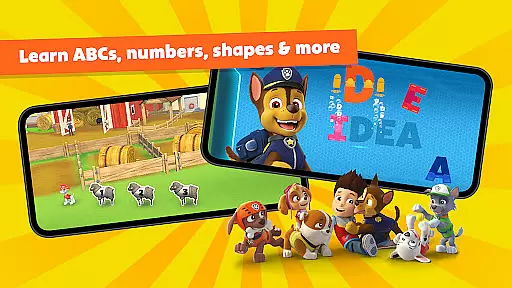
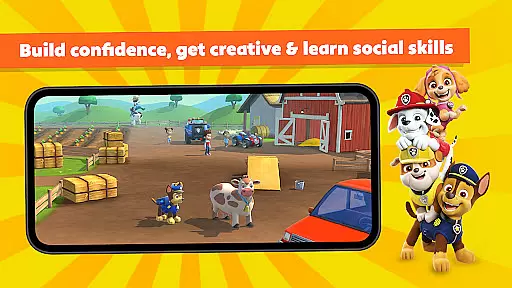
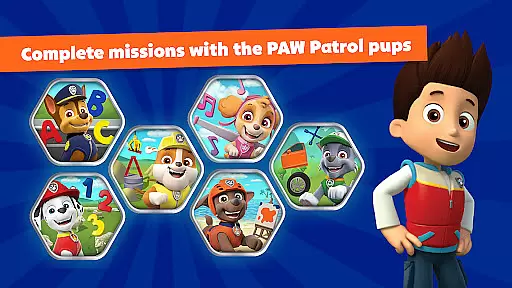
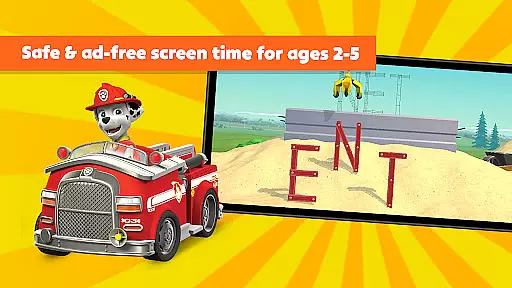
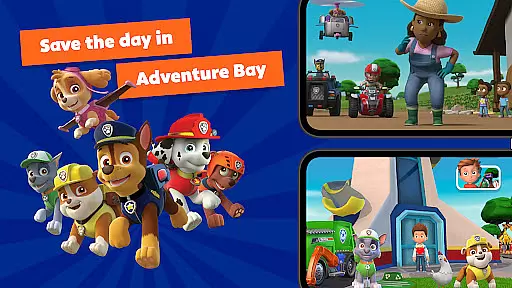
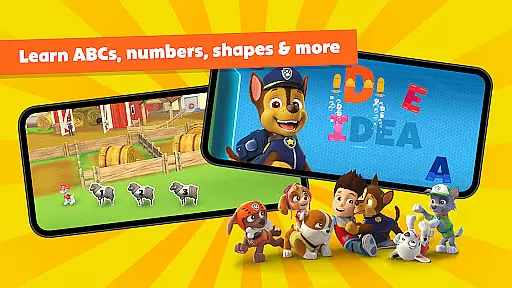
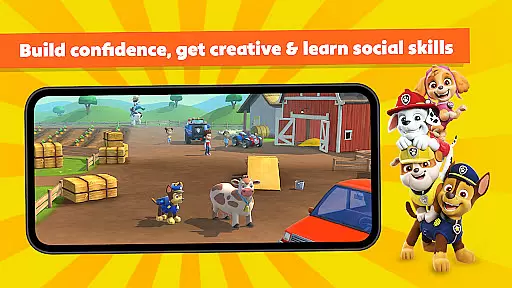
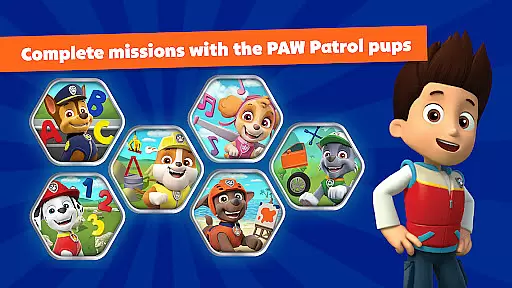
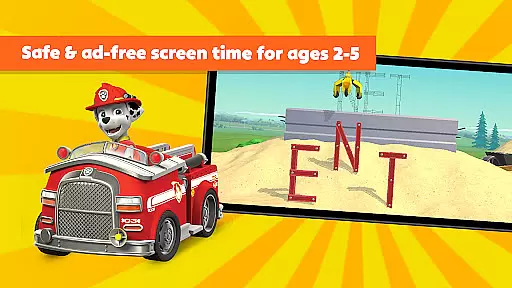
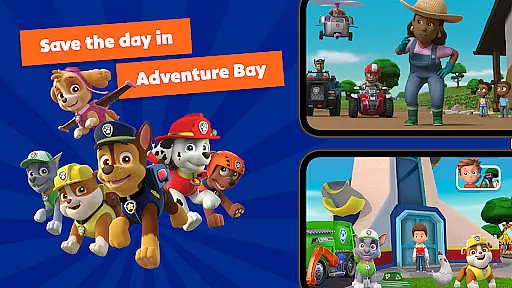
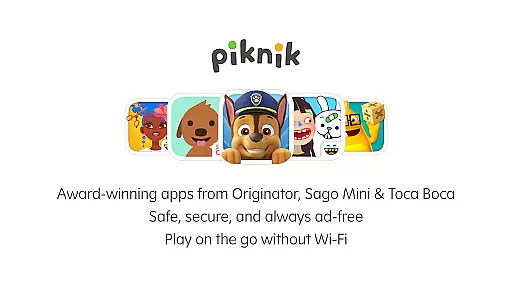
PAW Patrol Academy is an interactive learning app designed for preschoolers aged 2-5, offering a mix of educational games and real episode clips from the popular PAW Patrol series. The app provides engaging missions featuring beloved characters like Chase, Rubble, and Marshall, allowing children to explore Adventure Bay while developing essential skills. With activities ranging from ABCs and counting to emotional intelligence and creative expression, this app creates a safe and immersive environment where kids can learn through play.
The app goes beyond simple entertainment by incorporating Heroes in Training classes that teach life skills such as self-care and emotional awareness. It also includes calming coloring activities and fun dance parties, ensuring a balanced experience between mental stimulation and physical movement. Parents can feel confident knowing their children are engaging with content that meets the highest COPPA and GDPR standards, making it a guilt-free screen time option.
One of the standout features of PAW Patrol Academy is its diverse range of interactive missions and learning games tailored specifically for young learners. These include cognitive challenges that promote problem-solving and task completion, as well as social and emotional lessons that foster communication and confidence. Each activity is carefully designed to align with early childhood development goals, ensuring that kids are not only entertained but also gaining valuable skills.
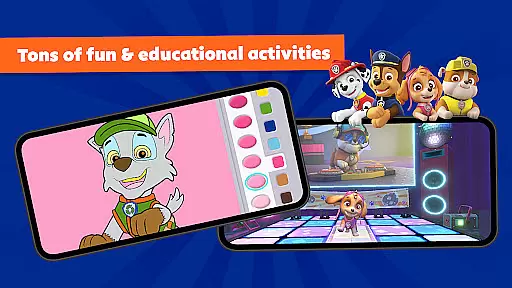
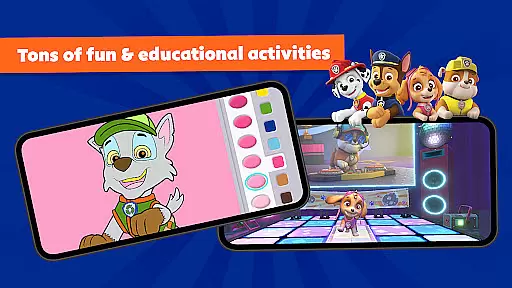
In addition to structured learning games, the app offers creative outlets such as coloring pages and musical dance parties, encouraging self-expression and fine motor skill development. The inclusion of real PAW Patrol episode clips adds another layer of engagement, allowing children to connect with their favorite TV show in a new way. With no WiFi required and a completely ad-free environment, PAW Patrol Academy provides a seamless and secure user experience for both kids and parents.
When it comes to educational content for children, accuracy and authority are paramount. PAW Patrol Academy ensures that all its learning materials are carefully curated and aligned with educational standards. The app features interactive missions and games that cover essential topics such as ABCs, spelling, counting, and more, all designed by experts in early childhood education.
The app's content is not only engaging but also reliable, offering parents peace of mind knowing their children are learning correct information. With activities that include real episode clips from the hit Nickelodeon show, PAW Patrol, preschoolers can enjoy a seamless blend of entertainment and education. This dual approach helps reinforce learning concepts while keeping kids entertained and motivated.
PAW Patrol Academy goes beyond basic learning by incorporating life skills and emotional intelligence into its curriculum. Through Heroes in Training classes, children learn about emotions, self-care, and important social values. These lessons are crafted to be age-appropriate and culturally relevant, ensuring they resonate well with young learners and provide them with practical knowledge they can apply in everyday situations.
Every child learns at their own pace, and PAW Patrol Academy embraces this by offering personalized learning paths tailored to individual needs. The app provides a variety of self-guided activities that allow preschoolers to explore and learn independently. From calming coloring activities to energetic dance parties, there's something for every mood and interest, ensuring sustained engagement and enjoyment.
The adaptive nature of the app means that as children progress, the difficulty level of tasks adjusts accordingly. This keeps challenges fresh and encourages continuous learning without frustration. By integrating problem-solving missions and creative exercises, PAW Patrol Academy fosters cognitive development, fine motor skills, and emotional resilience, all within a safe and ad-free environment.
Parents appreciate the app's ability to cater to different learning styles, whether their child is an auditory, visual, or kinesthetic learner. With no need for WiFi and compliance with COPPA and GDPR standards, PAW Patrol Academy offers guilt-free screen time that parents can trust. This thoughtful design ensures that each childu2019s learning journey is both effective and enjoyable, nurturing their natural curiosity and love for learning.
Engaging characters
Educational content
Safe environment
No WiFi needed
Kid-friendly design
Subscription required
Limited free trial
Auto-renewal default
Content may repeat
High cost for some

Astronomy app ? Discover the universe scope, explore solar system model in 3D.
 4.20
4.20
Dinosaurs coloring book game. Drawing and painting dinos.
4.50
An easy to use yet powerful and full-featured flashcard study app.
4.50
Perform physics experiments with your phone. (by the RWTH Aachen University)
4.70
Astronomy Guide to the Night Sky
4.40
Welcome to the Speak Navajo Language Application - Volume 1
4.50
Astronomy Guide To Night Sky
4.30
An aviator’s preparation, study and test tool for FAA Knowledge Exams.
3.80
The "Go To" app for Airmen studying for promotion to SSgt and TSgt
4.30
Stargazing Guide App. Stars and constellations map. Solar system planets finder.
4.60
Prepare for the BCBA / BCaBA exam. Study ABA with the ABA Wizard app.
4.60
The Only Official DVSA Theory Test Kit App
4.50
Intuitive Transformer Lab - By a Lineman, For Linemen & Apprentices
4.50
An interactive enhancement of the Sesame Street classic.
4.50
Build math skills in: addition, subtraction, multiplication and division.
4.10
An aviator’s preparation, study and test tool for FAA Knowledge Exams.
4.10
Learn to make peaceful contact with extraterrestrial civilizations
4.10
Master note reading with StaffWars….
4.00
FAR/AIM, FAR for Flight Crew and FAR for Aviation Maintenance Technicians
3.80


User Reviews