
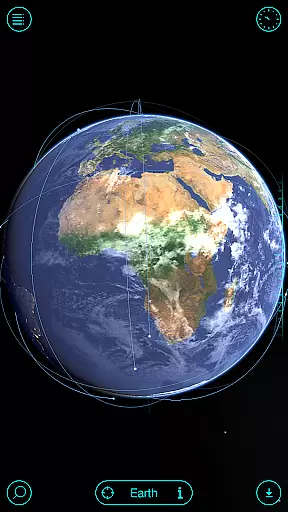
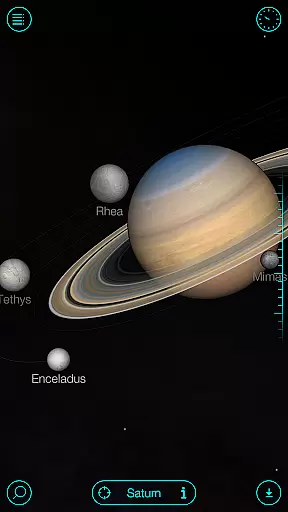
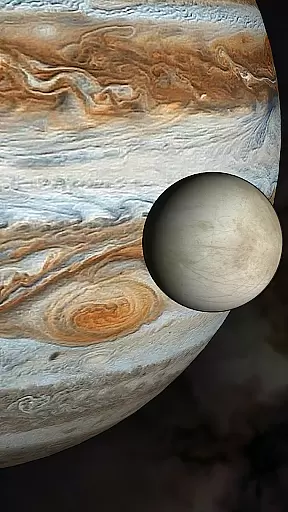
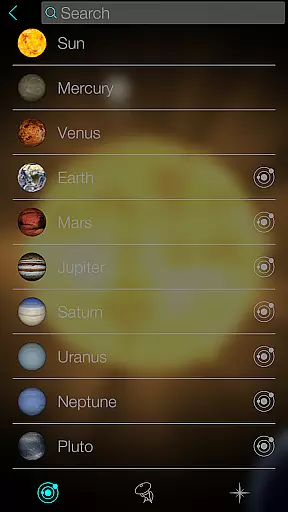
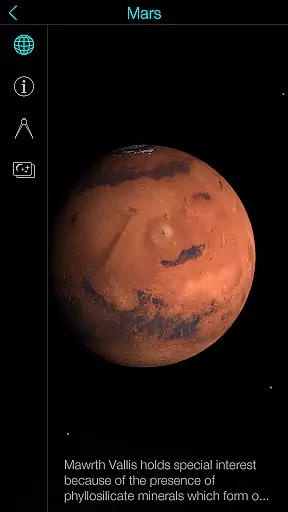
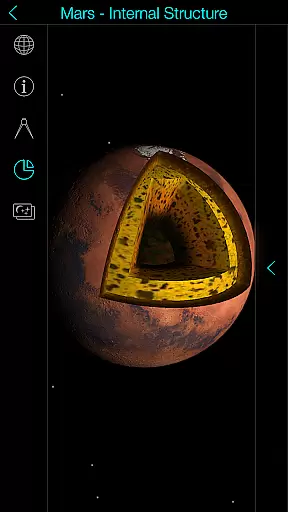
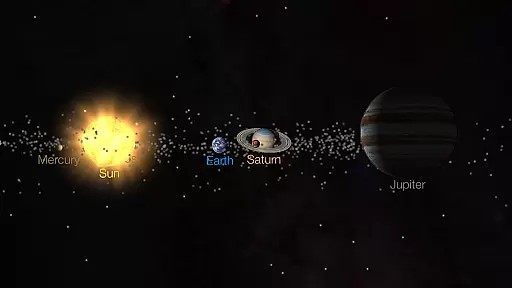
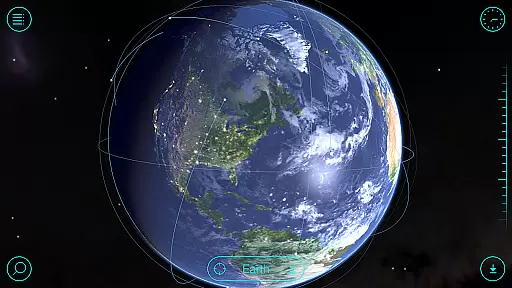
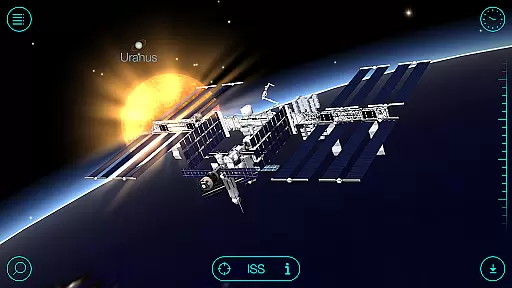
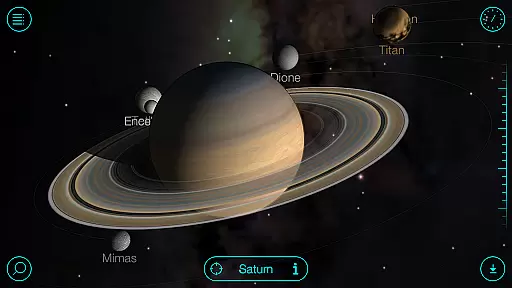
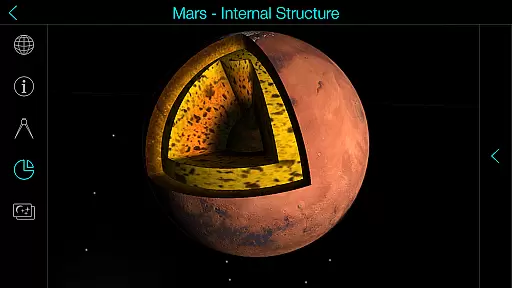
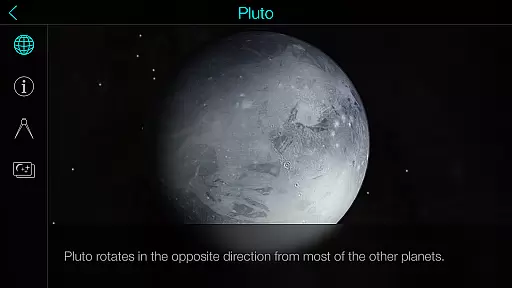
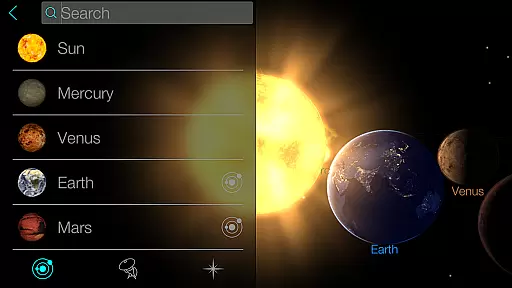
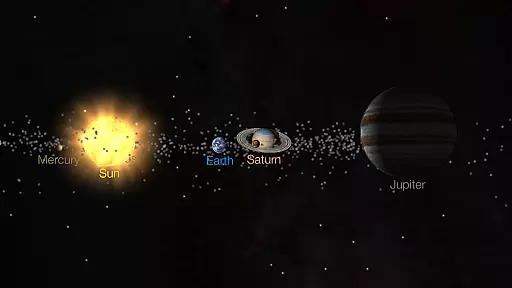
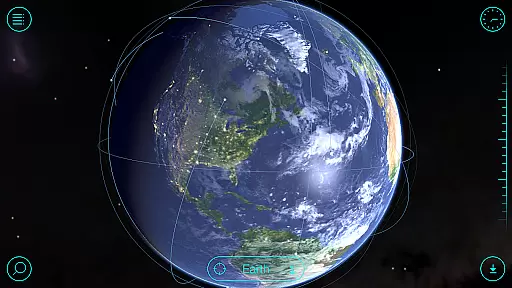
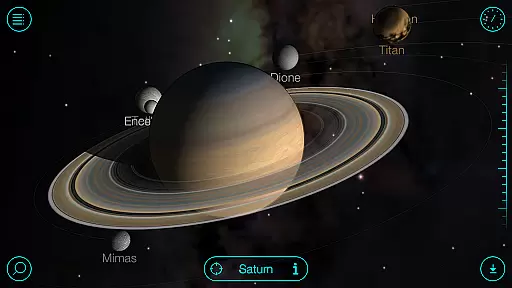
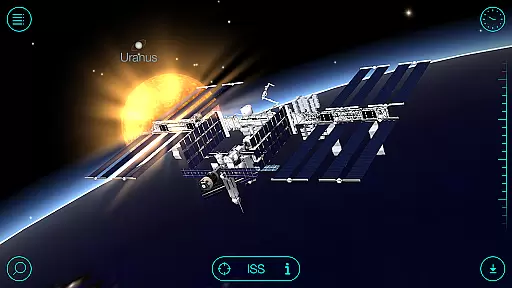
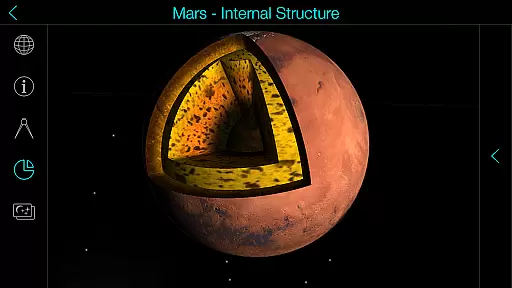
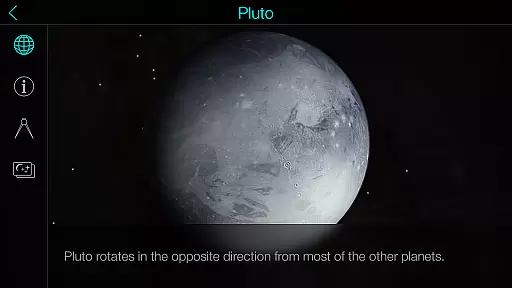
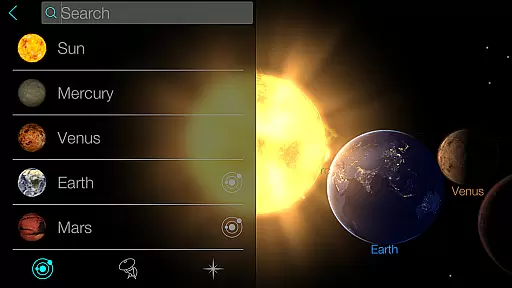
Solar Walk is an educational 3D planetarium app that allows users to explore the solar system and beyond. With this interactive tool, you can navigate through planets, moons, satellites, comets, and even spacecraft in real-time, all from your mobile device. The app provides a wealth of information about celestial bodies, including detailed descriptions and fascinating facts, making it perfect for both casual learners and astronomy enthusiasts.
One of the standout features of Solar Walk is its ability to let users travel through time within the app. You can see what the universe looked like at any given point in history or project into the future to witness upcoming astronomical events. This feature, combined with high-quality graphics and visuals, creates an immersive experience that brings space exploration to life. Whether you're a student, teacher, or simply curious about the cosmos, Solar Walk offers a unique way to learn about our universe.
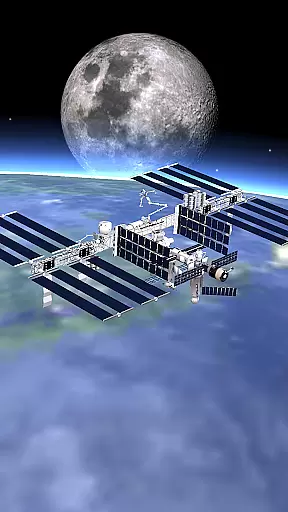
Solar Walk boasts a variety of features designed to enhance your exploration of the universe. The app includes an interactive encyclopedia of the solar system, complete with 3D models of planets, moons, and spacecraft. Users can zoom in on any celestial body to view it in detail and access a wealth of information about its properties and history. Additionally, the app offers educational movies that cover various topics such as moon phases, Earth's cycles, and constellations, providing a multimedia learning experience.
Another notable feature is the ability to use special glasses to activate an anaglyph mode, allowing for a 3D viewing experience. This makes exploring the solar system even more engaging and realistic. Furthermore, Solar Walk supports virtual flights between celestial objects, giving users the freedom to move seamlessly through space. With options to adjust the view mode and share interesting screenshots, Solar Walk ensures a personalized and interactive journey through the cosmos.
Solar Walk offers an impressive level of content accuracy and authority, making it a reliable educational tool for learning about the universe. The app provides detailed information on celestial bodies, from planets to comets, ensuring that users receive precise data about their chosen subject.
Each entry in this interactive encyclopedia is crafted with attention to scientific detail. Users can explore 3D models of spacecraft and other space objects, which are based on real-world dimensions and characteristics. This commitment to factual representation helps foster a deeper understanding of astronomy facts.
The application's developers have integrated high-quality visuals with accurate planetary positions and movements. Whether observing the Solar system in real time or traveling through different periods, learners can trust that they are engaging with authentic astronomical phenomena.
Moreover, Solar Walk includes educational movies that cover various topics such as moon phases and constellations. These resources further enhance the credibility of the app by providing context-rich explanations supported by expert knowledge, thus aligning perfectly with curriculum standards for science education.
While Solar Walk does not offer traditional personalized learning paths like adaptive quizzes or tailored lesson plans, it provides unique features that allow users to customize their educational journey through the universe. With its vast array of interactive elements, learners can choose their own path of exploration within the Solar system 3D model.
Users may select specific celestial bodies for in-depth study, delving into detailed descriptions and expanding their knowledge at their own pace. This self-guided approach caters to individual interests, whether one is intrigued by satellites, asteroids, or distant stars.
In addition, the ability to travel in time and view historical cosmic events empowers students to create a dynamic learning experience. They can witness past astronomical occurrences or project into future happenings, crafting a narrative that resonates with their personal curiosity about space.
Furthermore, the availability of educational movies adds another layer of customization. Learners can pick topics that intrigue them most, from Earthu2019s cycles to zodiacal constellations, effectively curating an enriching library of space-related content that aligns with their preferred learning style.
User-friendly interface
Highly detailed 3D models
Comprehensive educational content
Time travel functionality
Engaging multimedia elements
Some features require in-app purchases
Can be overwhelming for beginners
Limited offline functionality
Occasional performance issues
Heavy on device resources

Test prep for Indiana students
 4.4
4.4
A magical world of fun, building, and learning with Mickey Mouse and more!
4.20
Perform physics experiments with your phone. (by the RWTH Aachen University)
4.70
Designed for Calculator 84 users
4.20
Study for your 608 certification.
4.50
Listen, request and record pronunciations in more than 450 languages. Everywhere
3.90
An aviator’s preparation, study and test tool for FAA Knowledge Exams.
4.00
Professional Award-Winning Astronomy Star Map App With Telescope Control
4.40
Courses, certificates, degrees
4.50
Stack the Countries makes learning world geography fun!
4.50
Practice Casino Roulette Payouts for Table Game Dealers and Croupiers
4.40
THE ESTABLISHED "GO TO" ARMY BOARD PREPARATION APP!
4.30
The FE Clock is a way to track sun & moon around the circle of the earth.
4.30
The "Go To" app for Airmen studying for promotion to SSgt and TSgt
4.30
Nighty Night Circus - Bedtime story for kids
4.10
Watch and Play Elmo's World!
4.00
Snap a dog photo to identify its breed instantly. Fast, accurate and easy to use
3.40
scanner body part for fun Prank friends realistic scan effects
3.00
Hasbro’s classic CANDY LAND game is now a gorgeous interactive storybook app.
2.30


User Reviews