
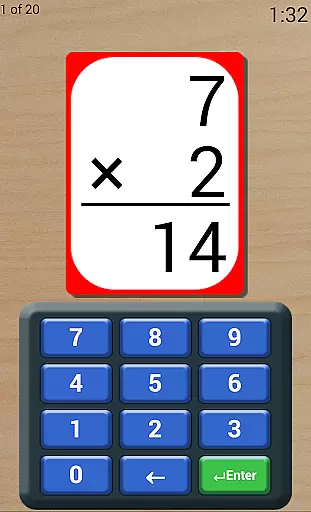
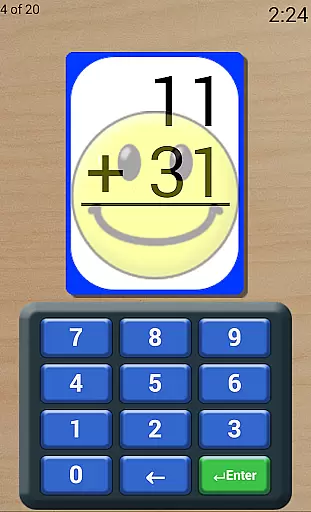
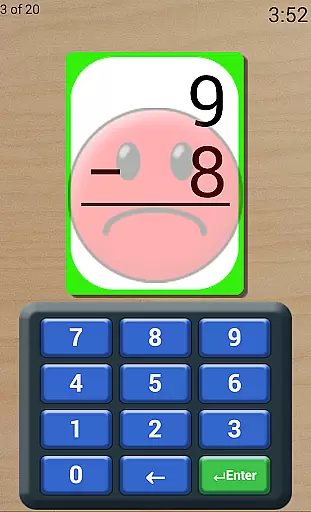
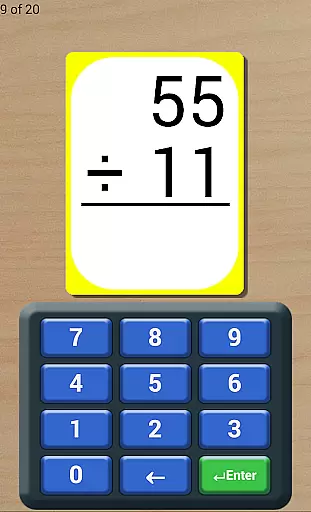
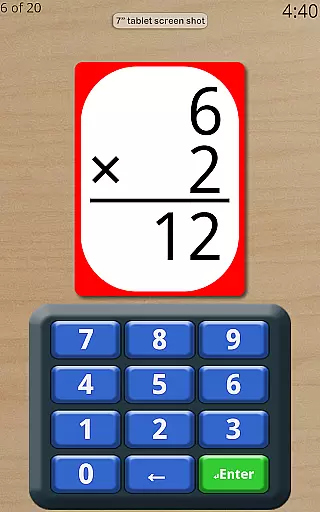
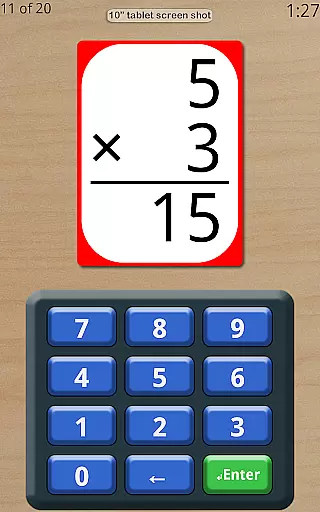
Math Flash Cards is an educational app designed to help children enhance their math skills in addition, subtraction, multiplication, and division. The app offers customizable number ranges for different operations, allowing tailored practice sessions. With features like adjustable countdown timers and various card display options, it creates a dynamic learning environment.
The app also includes test-like conditions to improve time management skills and provides options for ordered or random flashcards to aid memorization. Its friendly voice feedback and detailed scores list make it an encouraging and insightful tool for tracking progress and mastering essential math concepts.
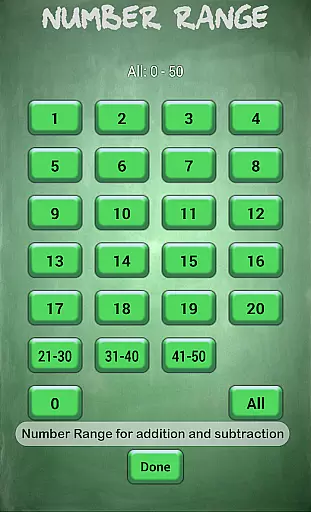
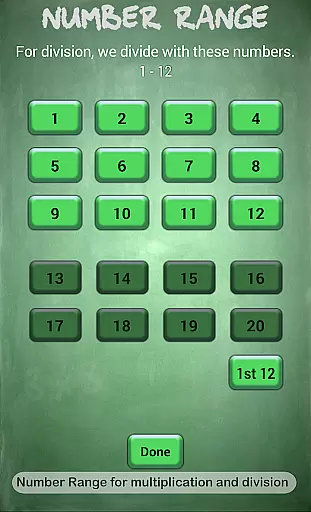
Math Flash Cards boasts a range of features that cater to personalized learning experiences. Users can edit top and bottom number ranges, with broader limits for addition and subtraction (0-50) than for multiplication and division (0-20). This flexibility allows parents and educators to adjust difficulty levels according to the learner's proficiency.
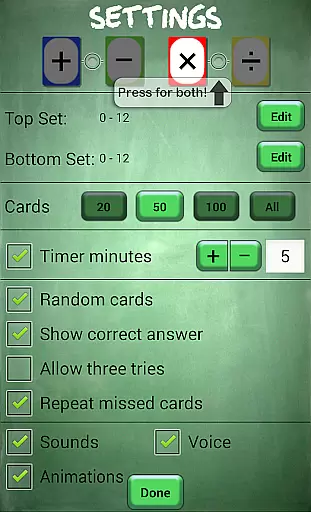
In addition to customizable number ranges, the app supports selecting multiple math operations simultaneously. It includes settings for ordered or random cards, showing correct answers upon mistakes, allowing retries, and reviewing missed cards. These features, combined with a friendly voice and timer option, create an engaging and effective learning tool for young students.
Math Flash Cards ensures content accuracy by focusing on essential math skills including addition, subtraction, multiplication, and division. The app allows customization of number ranges, catering to different learning levels.
With options to adjust problem difficulty and select multiple operations, the app provides authoritative math practice. The adjustable countdown timer creates test-like conditions, preparing students for real exams.
The app's features are designed based on educational standards, ensuring reliable content. Options like showing correct answers and repeating missed cards enhance the learning experience through verified methods.
Math Flash Cards offers personalized learning through customizable settings. Users can edit top and bottom number ranges, tailoring difficulty to individual needs.
The option to allow cards in order or randomly provides flexibility in learning styles. Features like three tries and repeated review of missed cards support unique learning paces.
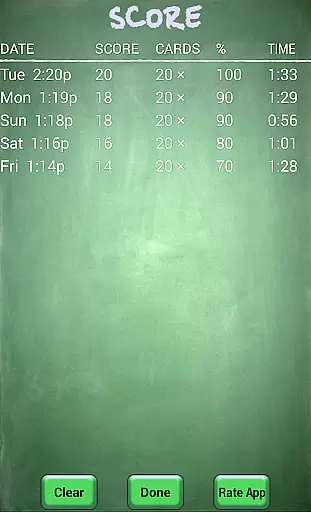
A friendly voice and detailed scores list encourage learners while tracking progress. This personalization creates an adaptive learning environment that grows with the student's improving skills.
User-friendly interface
Customizable math operations
Encouraging voice feedback
Adjustable difficulty levels
Detailed progress tracking
Limited to basic operations
No advanced math topics
Premium version costs
Design may feel outdated
Timer might pressure some kids

FAR/AIM, FAR for Flight Crew and FAR for Aviation Maintenance Technicians
 3.80
3.80
Explore myths and gods across cultures with in-depth insights and stories.
5.00
Short Lessons for Better Finances, Health, Skills, Jobs & Relationships.
4.80
The Only Official DVSA Theory Test Kit App
4.50
Astronomy Guide to the Night Sky
4.40
A must-have app for mastering Japanese verb/adjective conjugations.
3.60
Snap a dog photo to identify its breed instantly. Fast, accurate and easy to use
3.40
Make your own game and world. Draw and animate characters
3.70
Cool math games & learn to read activities- loved by kids, approved by teachers.
4.50
Memorize anything efficiently with AnkiDroid! Many pre-built decks available.
4.80
Guitar chord finder, analyzer, smartly visualized theory, progressions, quizzes.
4.70
Engage in learning science and math with the award-winning PhET simulations!
4.70
Turn scrolling hours into improving your knowledge, communication, intelligence
4.50
Practice Casino Roulette Payouts for Table Game Dealers and Croupiers
4.40
School Communication
4.30
Skelly is a fully poseable, anatomically correct reference skeleton for artists.
4.10
Break Language Barriers with AI—Learn Language Anytime, Anywhere!
4.00
An aviator’s preparation, study and test tool for FAA Knowledge Exams.
3.80
Enrich the experience of your visit to the Pantheon with our audiotour.
1.60


User Reviews