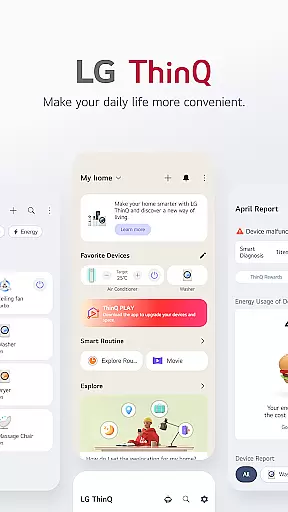
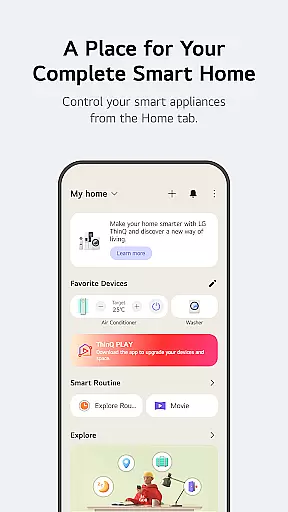
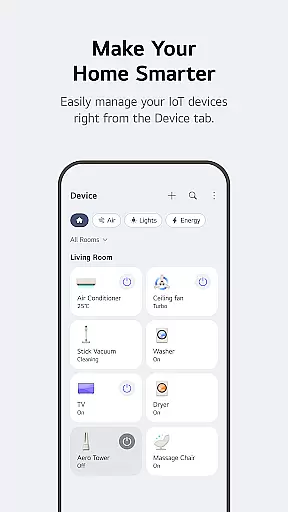
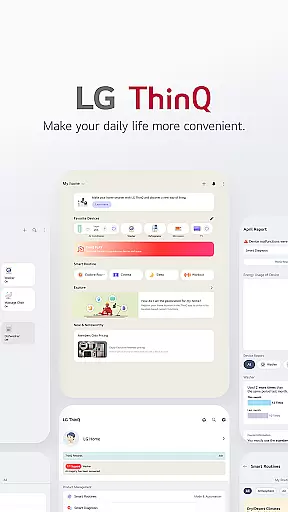
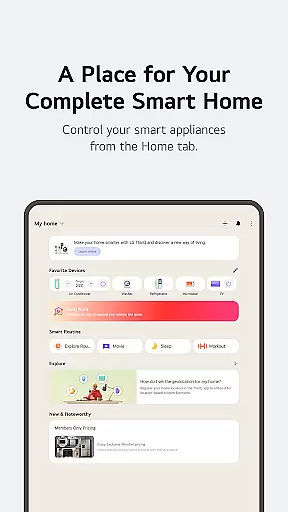
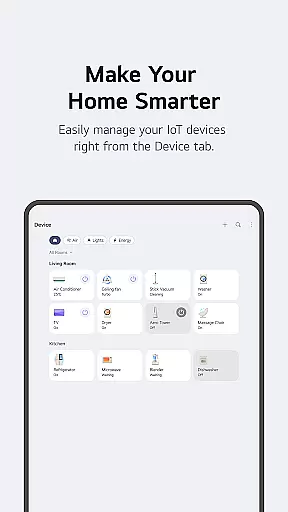
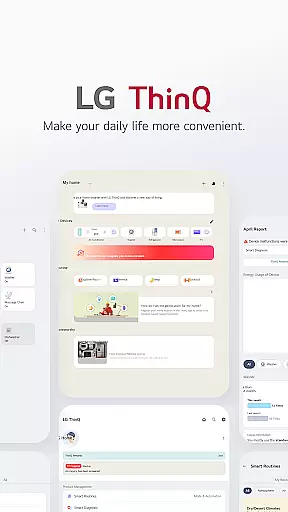
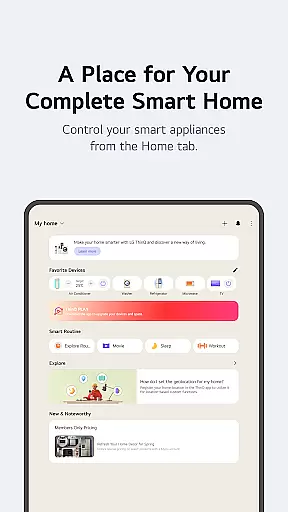
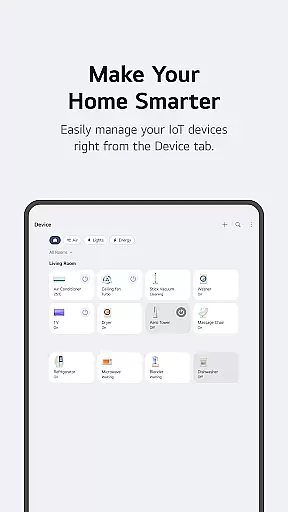
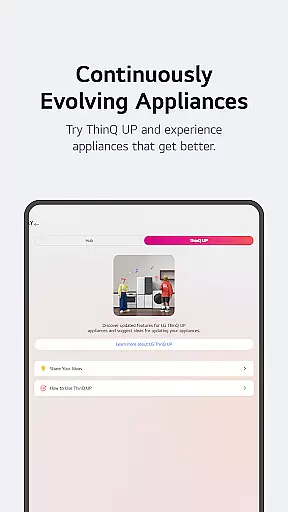
LG ThinQ is a comprehensive smart home solution that connects and controls IoT-enabled LG home appliances. The app serves as a central hub for managing your smart devices, offering features like remote control, personalized recommendations, and energy monitoring. Through the Home tab, users can effortlessly manage their connected appliances from anywhere, while receiving tailored suggestions based on usage patterns.
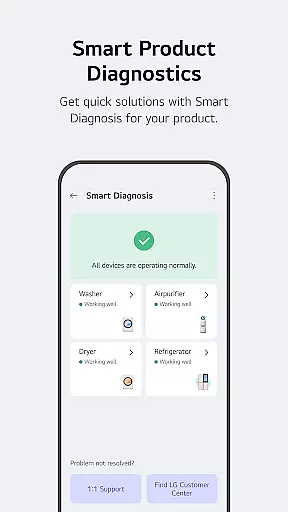
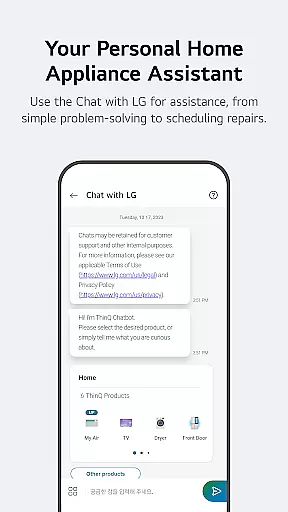
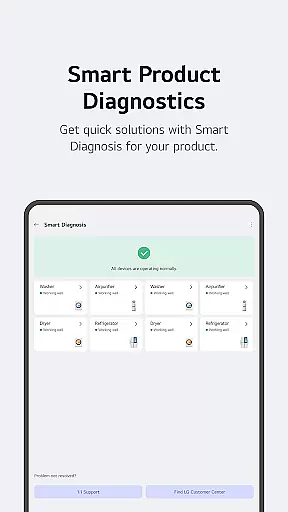
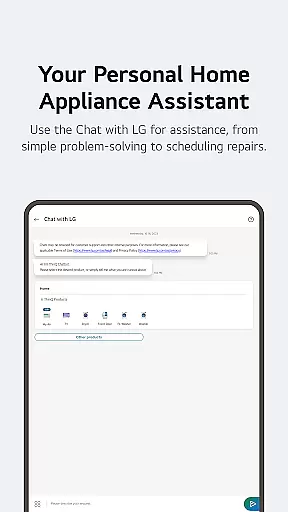
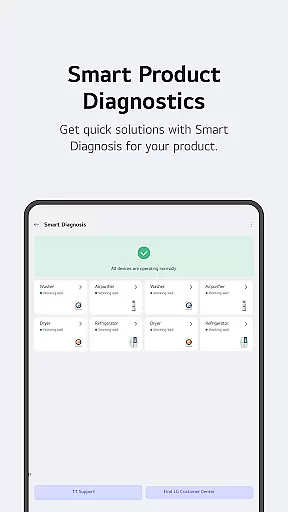
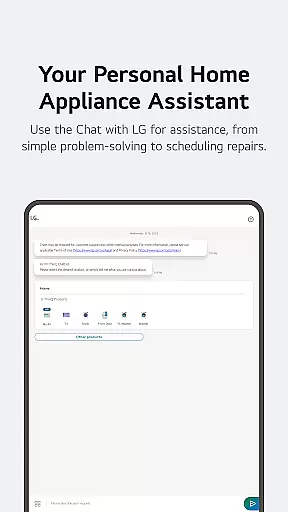
The app also provides advanced functionalities such as Smart Diagnosis for troubleshooting, professional service booking, and AI-powered customer support through 'Chat with LG'. With its automation capabilities, users can create customized routines to match their lifestyle needs. Whether it's automating daily tasks or monitoring energy consumption, LG ThinQ delivers convenience and efficiency in one integrated platform.
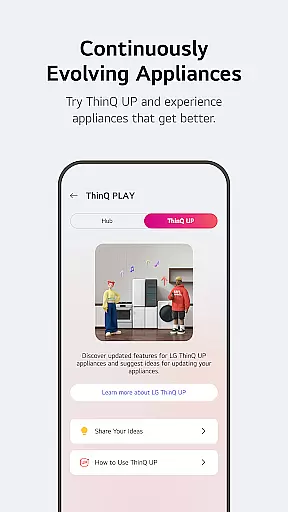
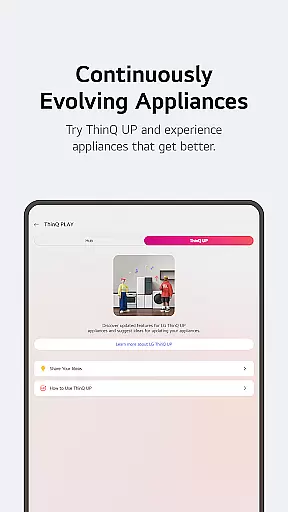
LG ThinQ stands out with its diverse feature set designed to enhance smart home experiences. A key highlight is the ability to download various apps via ThinQ Play, allowing users to introduce new functionalities to their existing products. This flexibility enables homeowners to upgrade their living spaces according to personal preferences and lifestyle requirements.
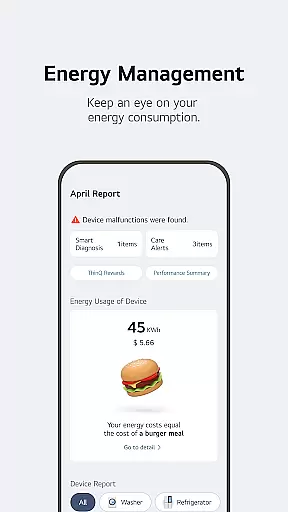
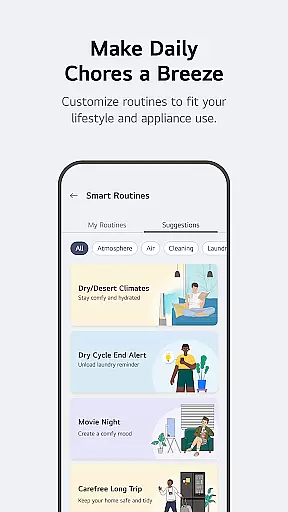
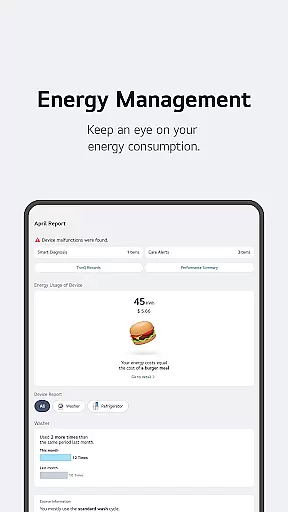
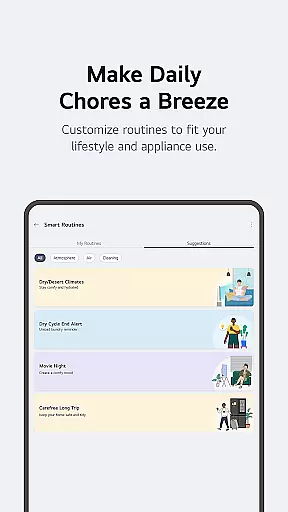
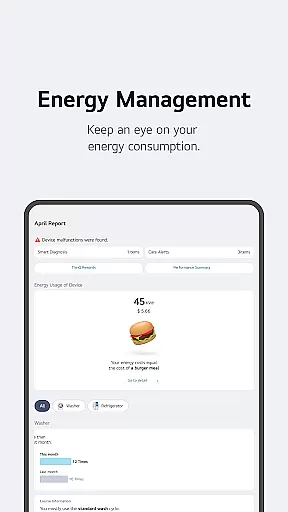
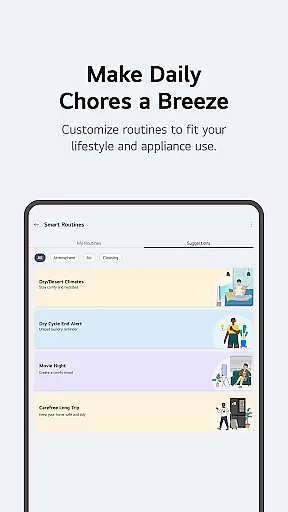
The app's Smart Routines feature automates multiple devices based on predefined conditions, while Energy Monitoring helps users optimize power consumption by comparing usage with neighbors and setting saving goals. Additionally, the integrated 'Chat with LG' function provides AI-driven support, delivering context-specific answers about product usage and maintenance. These features collectively create a seamless smart home ecosystem that adapts to users' evolving needs.
LG ThinQ app offers comprehensive coverage of lifestyle categories by integrating smart home appliances into daily routines. The Home tab allows users to control IoT-enabled appliances effortlessly, providing personalized recommendations based on usage history.
The app extends its functionality through ThinQ Play, enabling users to upgrade their living spaces with new features and apps available for LG products. This ensures that users can customize their smart home experience according to their lifestyle and preferences.
Smart routines further enhance lifestyle management by automating tasks such as turning on lights and air purifiers at specific times or conserving energy while on vacation. These routines help streamline daily activities, making home management more efficient and convenient.
Additionally, the app provides energy monitoring tools to compare power usage with neighbors and set saving goals. This feature promotes sustainable living by encouraging mindful energy consumption, aligning perfectly with modern lifestyle needs.
LG ThinQ ensures content authenticity by offering verified product care services directly within the app. Users can troubleshoot issues, request service visits, and receive accurate diagnoses from professional engineers, guaranteeing reliable information and support.
The app's 'Chat with LG' feature leverages AI to deliver tailored responses based on individual product conditions. This AI-powered assistance assures users receive credible advice and solutions specific to their LG home appliances.
Optional access permissions are clearly outlined, ensuring transparency in data usage. While basic functions remain accessible without these permissions, they enhance the user experience by enabling features like location-based services and device connectivity.
By combining expert-backed services with transparent data policies, LG ThinQ establishes itself as a trustworthy platform for managing smart home ecosystems, reinforcing its commitment to both functionality and user trust.
User-friendly interface
Comprehensive device control
Advanced automation options
Personalized recommendations
Integrated customer support
Limited device compatibility
Region-specific features
Premium subscription costs
Occasional connectivity issues
Steep learning curve

Pay your rent, submit work orders and much more with the RentCafe Resident App.
 4.70
4.70
The all-new Cync app. The simple, connected app for Cync and C by GE.
4.50
A watch face with transparency and fluid visuals inspired by liquid glass design
4.2
A daily quote for success
4.2
Discover the "To Be a Christian" App: Your Guide to Deepening Faith!
5.00
Paranormal Spirit Bell Trigger Device
4.30
Discover your Nationality, Family Origin, and Ancestry from one selfie
4.50
LineLearner, the quick way to learn lines.
2.90
Share opinions, get paid cash
4.30
Get roadside help, discounts, travel tools & more — AAA is with you everywhere.
4.80
Make money, get paid cash rewards & gift cards for every survey. Earn today!
4.60
Get your life organized with My Agenda!
4.30
Smart controls for your Ember Smart Mugs
4.10
Use your device sensors to detect energy and convert it into spoken words.
4.10
Take Hobby Lobby with you wherever you go!
3.40
Falling Fruit is a massive collaborative map of food in our cities.
3.20
Cute animated Thanksgiving watchface for your WearOS smartwatch
4.3
Customize your Wear OS watch with festive Christmas figures and colors!
4.2
The cutest Autumn watchface featuring the adorable Mr. Squirrel
4.2


User Reviews