
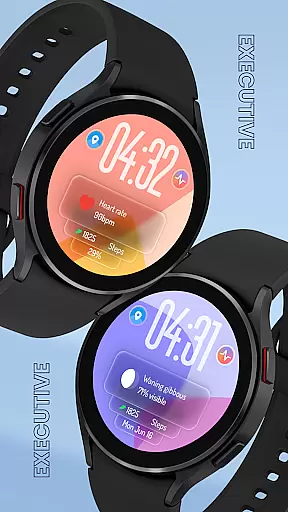
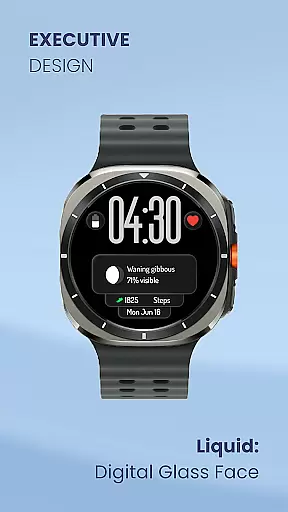
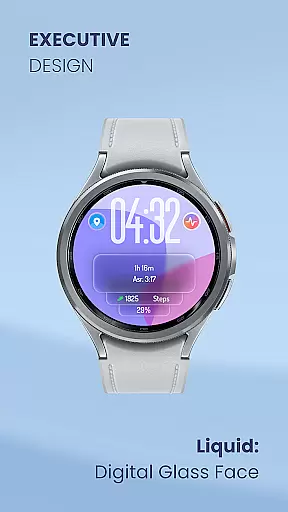
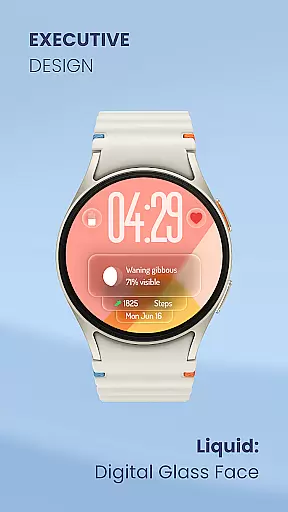
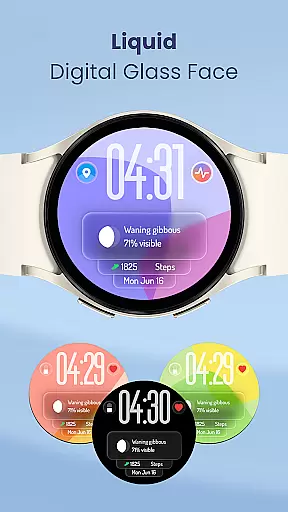
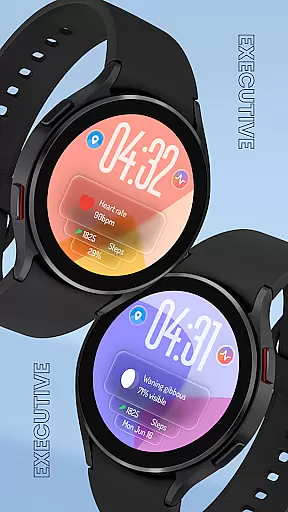
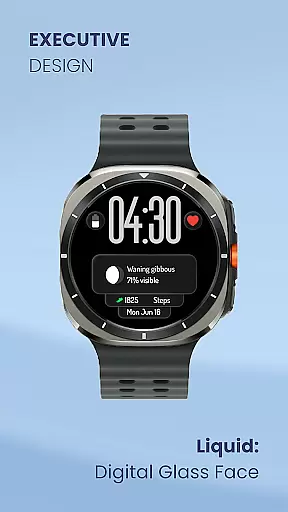
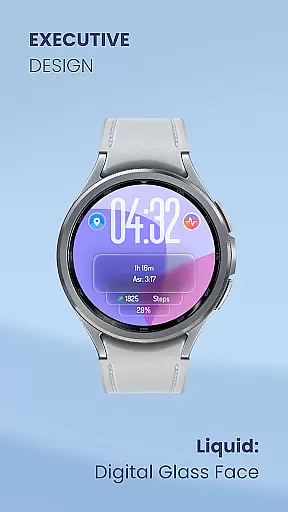
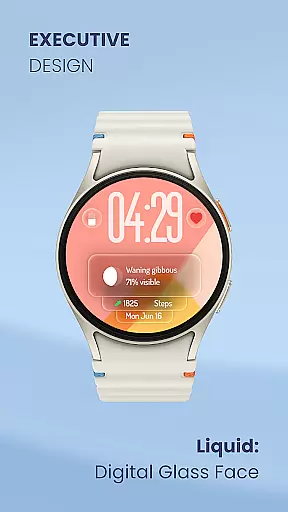
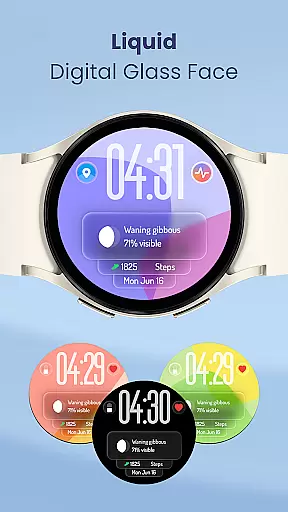
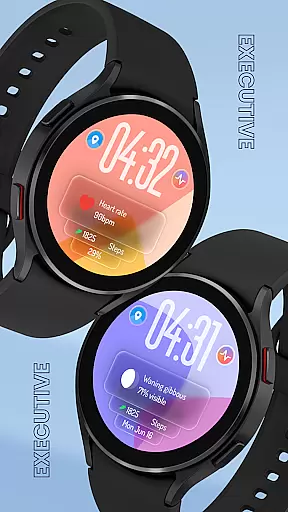
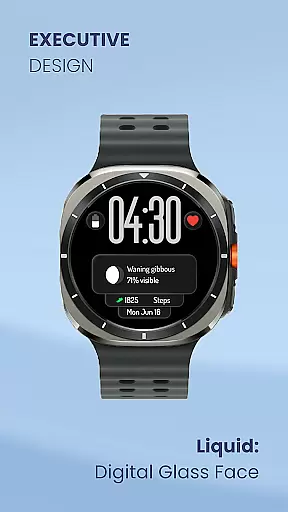
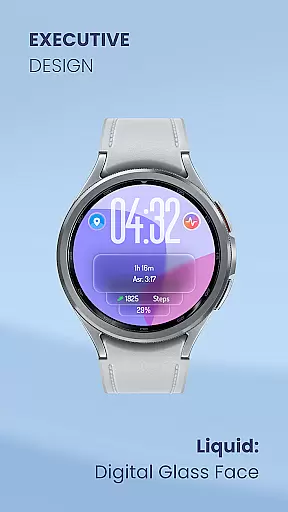
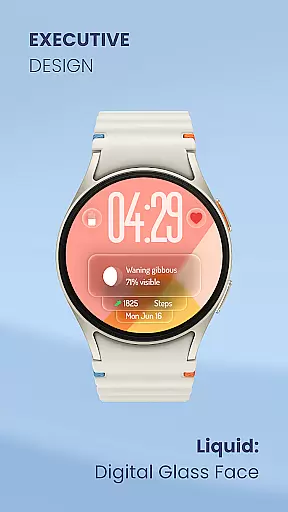
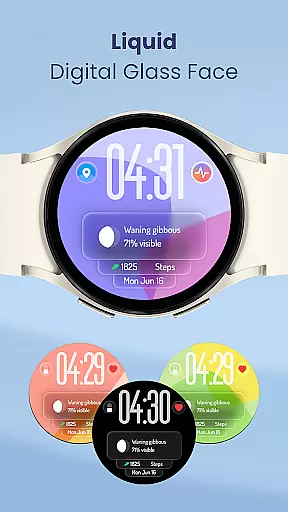
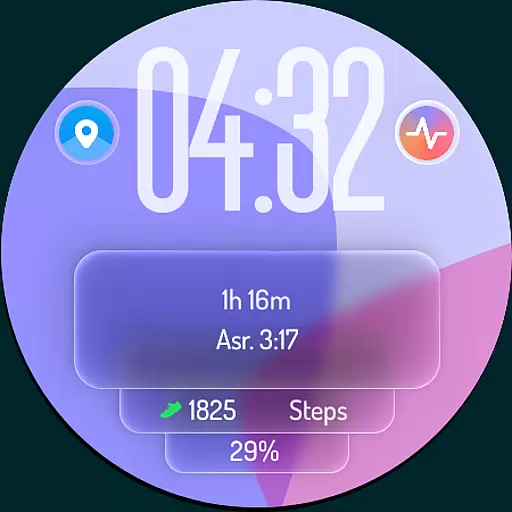
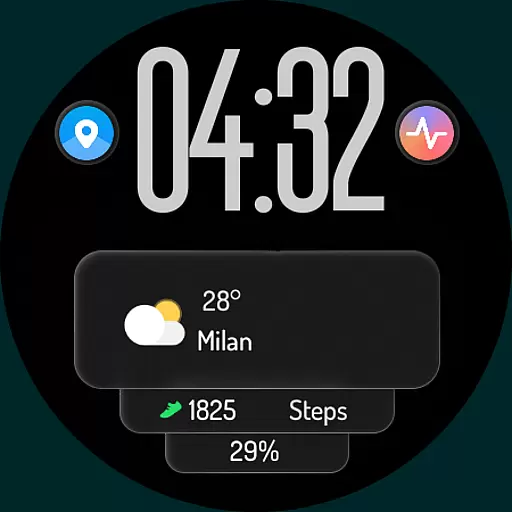
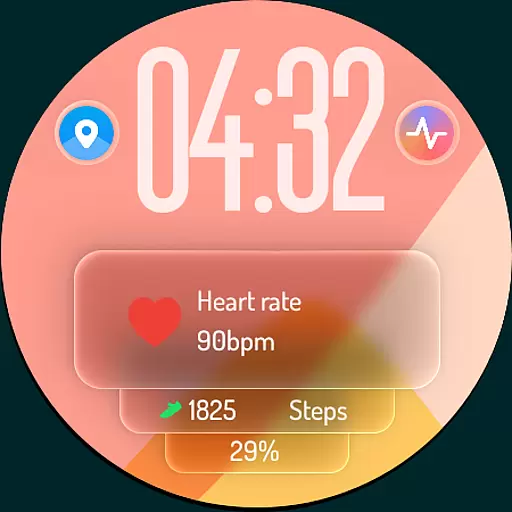
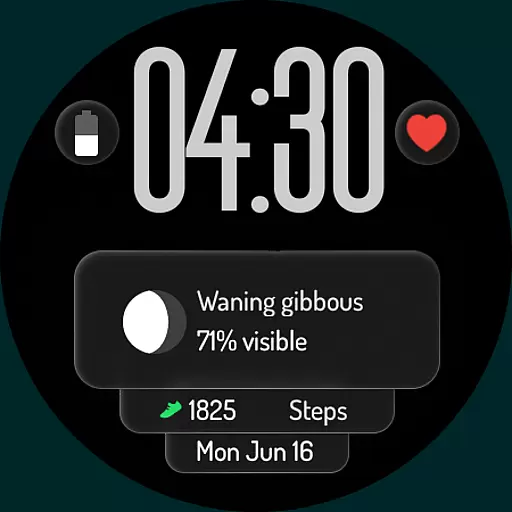
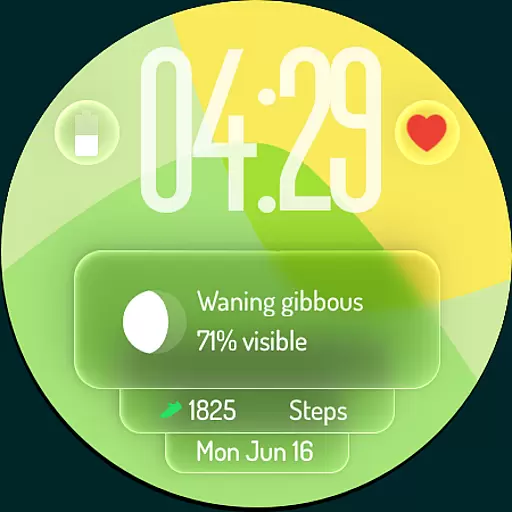
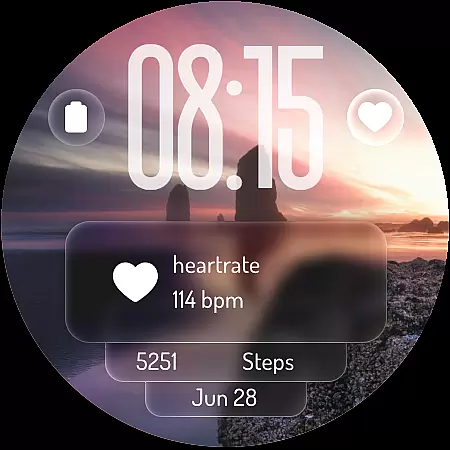
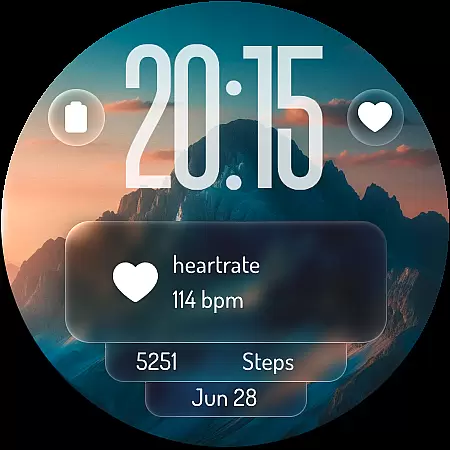
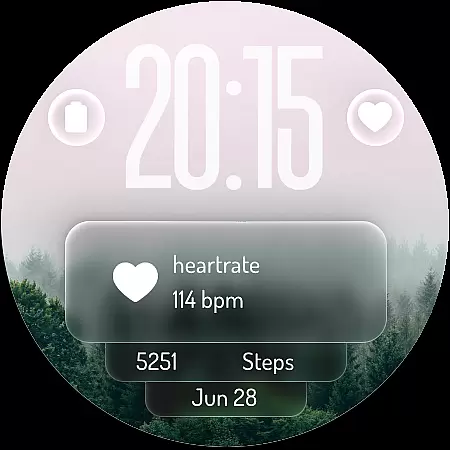
Liquid: Digital Glass Face is a cutting-edge watch face designed for Wear OS smartwatches, offering users an immersive experience inspired by modern Liquid Design. This app transforms your smartwatch into a stunning piece of technology with its transparent and fluid visuals, providing both aesthetic appeal and functional utility.
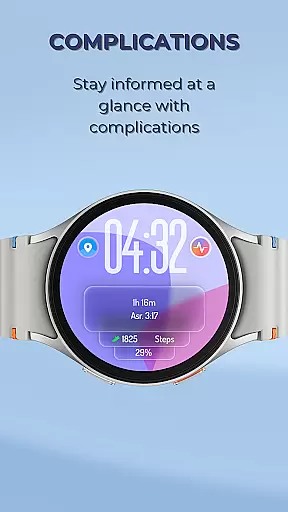
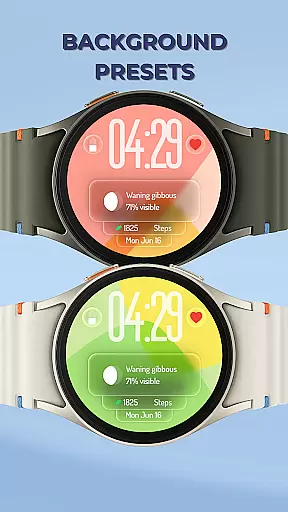
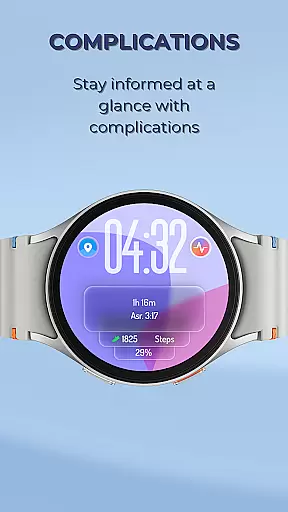
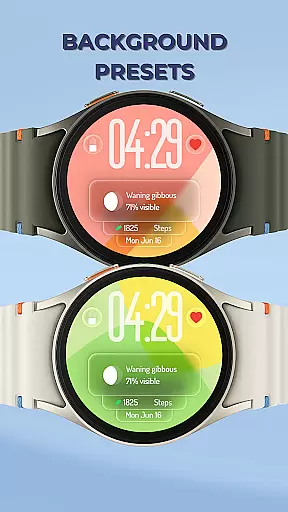
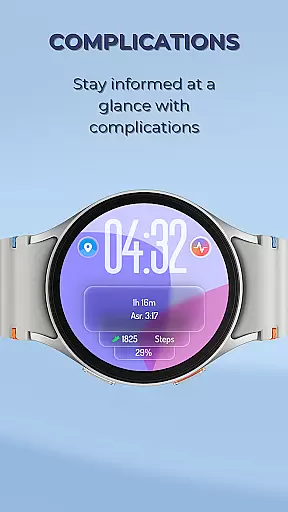
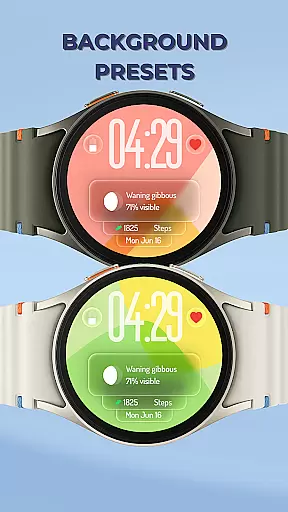
At its core, the app features a crystal-clear digital clock that supports 12-hour and 24-hour formats, ensuring users can easily check the time. Additionally, customizable complications allow users to display essential information such as weather, steps, battery level, heart rate, and upcoming events directly on their watch face. The inclusion of mesmerizing liquid glass background presets further enhances the visual experience, making it not just a watch face but a style statement.
This app is ideal for tech-savvy individuals who value both form and function in their wearable devices. By integrating customizable shortcuts for apps and functions, Liquid: Digital Glass Face ensures that users have quick access to their most-used features, thereby enhancing productivity and convenience.
Liquid: Digital Glass Face stands out due to its innovative features tailored to enhance user interaction and personalization. One of its key highlights is the dynamic interface inspired by Liquid Design, which offers a visually captivating experience through mesmerizing 'liquid glass' effects that seamlessly blend with the watch's content.
The app provides extensive customization options, allowing users to personalize their watch faces with data that matters most to them. Users can effortlessly add complications displaying real-time updates on weather, daily steps, battery status, heart rate, and upcoming events. Furthermore, customizable shortcuts enable quick access to frequently used apps like alarms, timers, workout apps, and music controls, streamlining daily interactions.
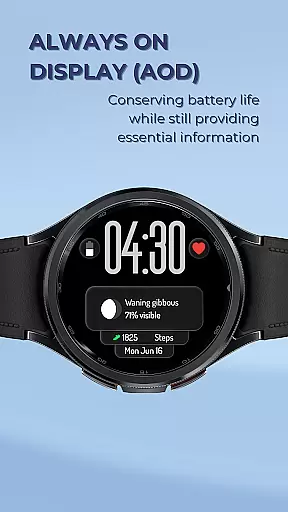
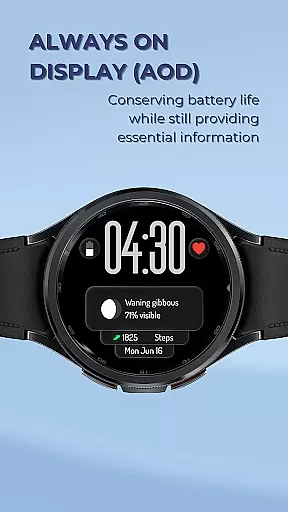
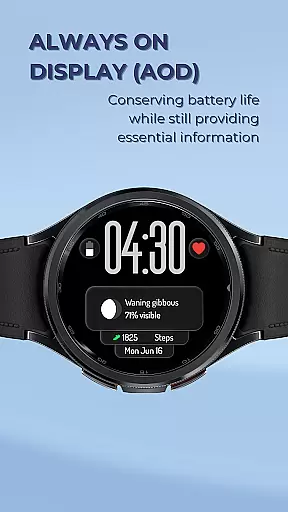
Another notable feature is the optimized Always-On Display (AOD) mode, which ensures essential information remains visible without excessive battery drain. This makes it practical for users who need to discreetly check the time and other metrics at a glance. With these features, Liquid: Digital Glass Face combines modern aesthetics with unparalleled customization and enhanced productivity, setting a new standard in smartwatch functionality.
Liquid: Digital Glass Face offers a comprehensive lifestyle experience by integrating essential features into a visually stunning watch face. The app covers various aspects of daily life, including health monitoring, productivity tools, and personalization options.
Users can access real-time weather updates, track their fitness goals through step counting, and monitor heart rate data directly on their smartwatch. This wide-ranging functionality ensures that users have all the necessary information at their fingertips, making it an indispensable tool for managing everyday activities.
The inclusion of customizable complications allows individuals to tailor the watch face to display the most relevant data for their lifestyle. Whether it's upcoming events, battery levels, or personalized shortcuts to frequently used apps, Liquid provides a versatile platform that adapts to each user's unique needs.
By combining modern aesthetics with practical utility, this app redefines how users interact with their Wear OS devices, offering a seamless blend of style and substance that enhances overall lifestyle management.
The Liquid: Digital Glass Face watch face draws inspiration from cutting-edge design principles, ensuring its content is both authentic and credible. The app's design is influenced by Apple's Liquid Design, which is known for its innovative and futuristic approach to user interfaces.
Each feature within the app has been carefully crafted to provide accurate and reliable information. For instance, the weather updates are sourced from trusted providers, while health metrics like heart rate and step counts are measured using precise algorithms that align with industry standards.
Furthermore, the app's customization options are designed by experts who understand the importance of both form and function in wearable technology. Users can trust that the presets and layouts offered have been vetted for both visual appeal and usability, providing a professional-grade experience on their wrists.
This commitment to quality and authenticity ensures that users not only enjoy a beautiful interface but also benefit from dependable data that enhances their daily lives.
Modern design
Customizable features
Battery-friendly
Quick access shortcuts
Real-time data display
Limited to Wear OS
Complex setup
Fewer presets
No iOS support
High system requirements

Design and brew great homebrewing beer, mead, cider and wine recipes on the go!
 3.60
3.60
Fly your Solo like a boss.
4.10
Unique informative Dial with Live Moon Phase at a glance!
3.60
Connect to your Shark ROBOT™ from anywhere using the SharkClean™ App.
3.60
Smart home security protection
3.20
The cutest Autumn watchface featuring the adorable Mr. Squirrel
4.4
An Eerie Musical Trigger Toy for Spirits to Play with!
3.50
Have your Tehillim with you at all times
4.70
Vehicle ownership simplified. Get the myChevrolet® app today.
4.60
Daily lessons from A Course in Miracles with scheduled reminders
4.80
Made To Order Faves
4.70
A smart Siddur with halachic times
4.60
Crochet made easy: step-by-step tutorials, beginner patterns & projects
4.60
Mixing Colors for Menswear
4.20
Smart controls for your Ember Smart Mugs
4.10
Take Hobby Lobby with you wherever you go!
3.40
Unique Dual Colors with 6 Custom Complications for Wear OS watches!
3.40
Healthy eating timer app to track meal pace, improve habits, and eat slowly.
4.0
Designed to delight, impress and energize your festive spirit every single day
4.4


User Reviews