
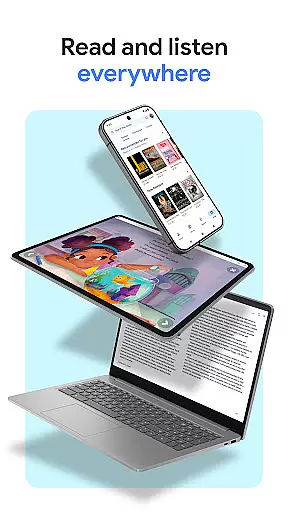
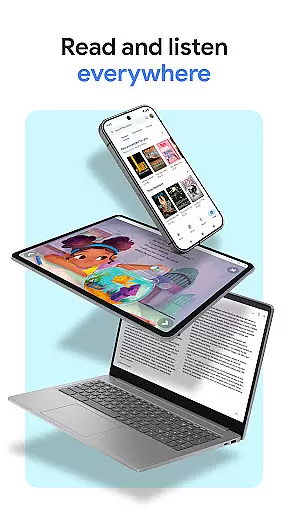
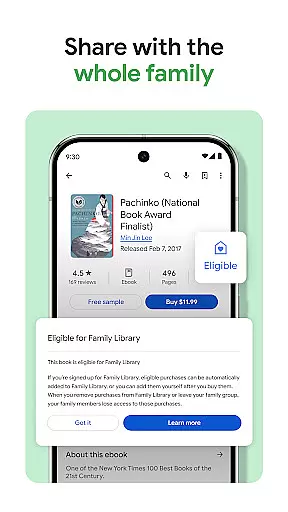
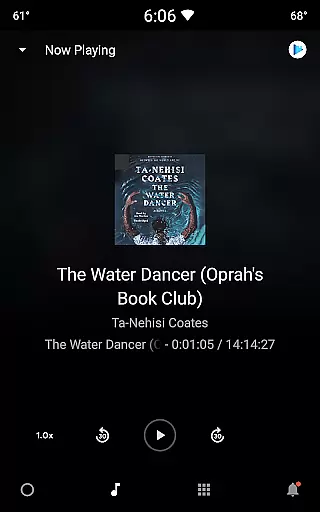
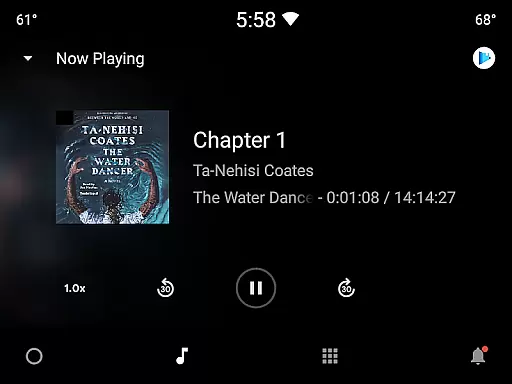
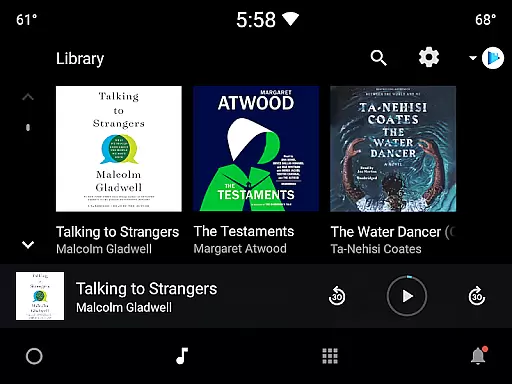
Google Play Books & Audiobooks is a comprehensive reading platform that offers millions of ebooks, audiobooks, comics, and manga. The app allows users to access their library across multiple devices including phones, tablets, computers, and even in-car systems through Android Auto. A standout feature is the ability to download books for offline reading, making it perfect for travelers or commuters.
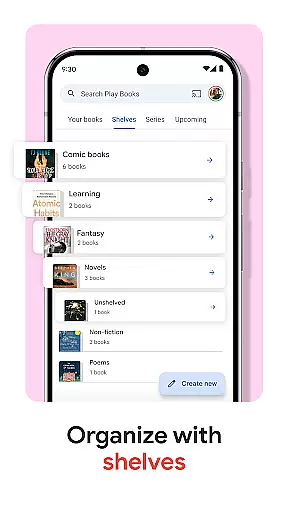
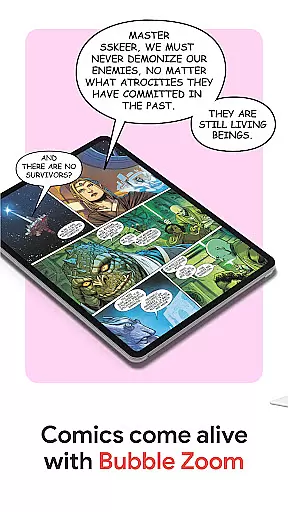
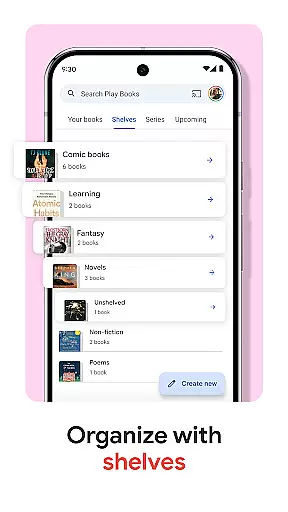
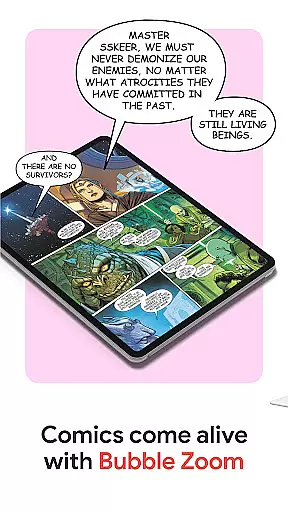
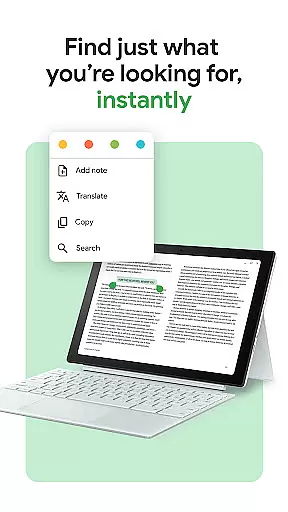
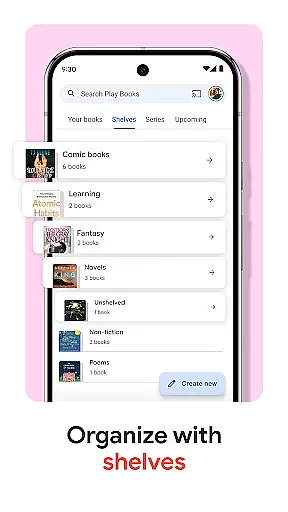
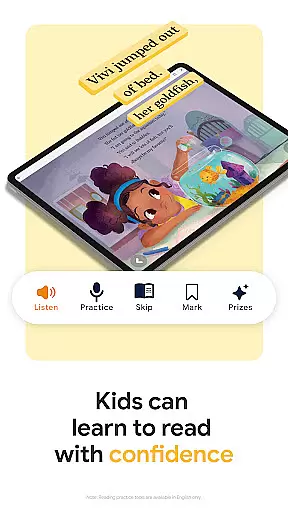
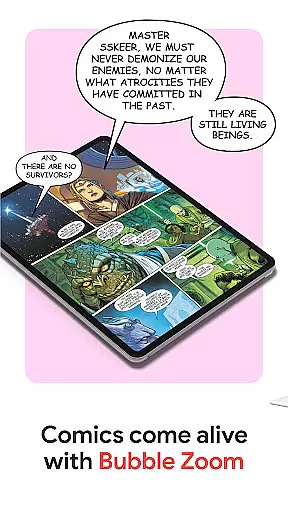
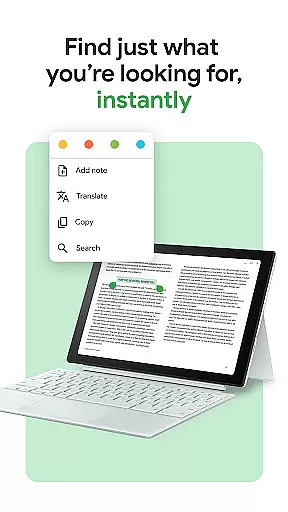
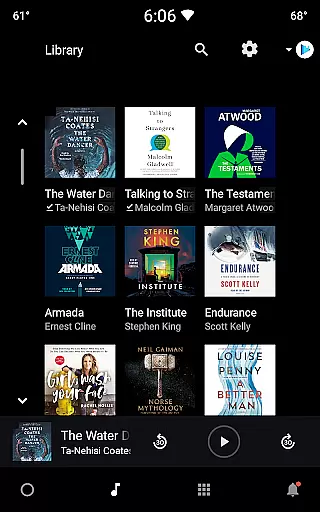
The service provides unique organizational tools such as custom shelves, letting readers categorize their collection by genre, author, or personal themes. With smart notes functionality, users can take notes that sync with Google Drive, enabling easy sharing and collaboration. Additionally, the app supports kid-friendly reading tools and immersive comic experiences with features like Bubble Zoom, enhancing engagement for younger audiences and comic enthusiasts alike.
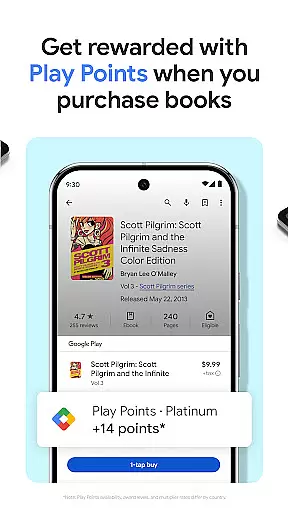
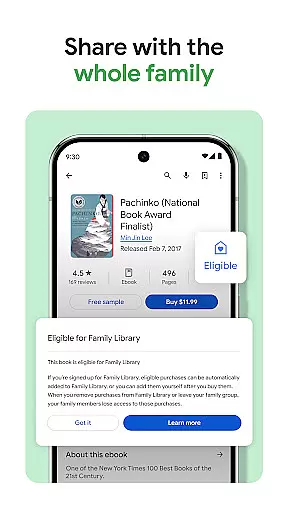
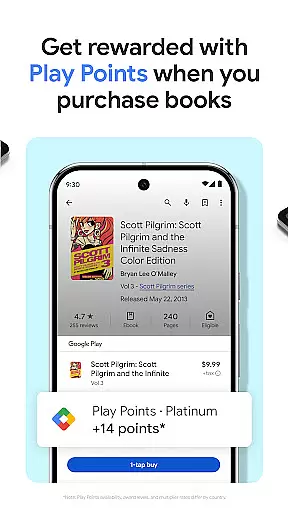
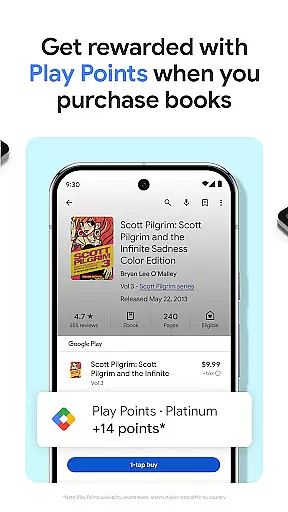
This versatile app caters to various reading preferences without requiring a subscription model. Readers can purchase individual titles at their convenience while enjoying extra benefits like earning Google Play Points on purchases. Whether you're commuting, traveling, or relaxing at home, Google Play Books & Audiobooks delivers a personalized and accessible reading experience.
Google Play Books & Audiobooks stands out with its robust set of features designed to enhance the reading experience. One of the key highlights is the cross-device synchronization, allowing seamless transitions between phone, tablet, computer, and car systems via Android Auto. This ensures that your library is always accessible wherever you go, with the added convenience of offline downloads for uninterrupted reading.
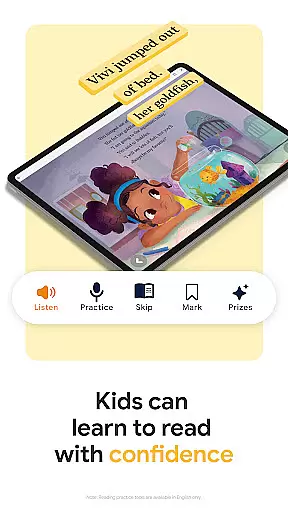
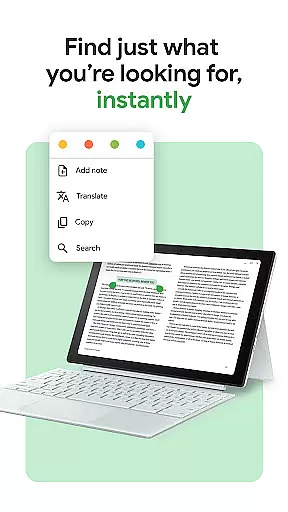
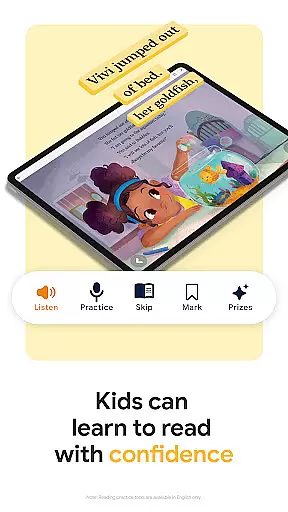
The app's organizational capabilities are exceptional, offering customizable shelves where users can sort their books based on different criteria such as genre or author. Another innovative feature is the smart notes system, which integrates with Google Drive, facilitating note-taking and sharing. For younger readers, the app includes specialized tools like word definitions and read-aloud functions, although these are currently available only in English.
Additional notable features include Bubble Zoom for an immersive comic reading experience and hands-free audiobook control using Google Assistant. Users also have the flexibility to personalize their reading environment by adjusting fonts, text sizes, and brightness settings. These thoughtful additions make Google Play Books & Audiobooks a top choice for diverse reading needs, combining convenience, customization, and accessibility in one powerful platform.
Google Play Books offers an extensive e-book library with millions of titles across various genres and categories. This vast collection ensures that readers of all interests can find books that suit their preferences. The platform partners with reputable publishers and authors to provide users with authentic content, ensuring the highest standards of copyright compliance.
The app's robust verification process guarantees that every e-book available for purchase or download is properly licensed. This commitment to copyright authenticity gives users peace of mind knowing they are accessing legitimate content. Furthermore, the inclusion of both popular bestsellers and niche publications demonstrates the platform's dedication to serving diverse reader communities.
Users benefit from having instant access to this comprehensive library through a single application. Whether searching for specific titles or browsing new releases, the extensive collection provides endless reading opportunities. The availability of preview samples allows readers to make informed purchasing decisions while maintaining the integrity of copyright protections.
Google Play Books excels in format compatibility, supporting various file types including EPUB, PDF, and audiobook formats. This versatility enables users to import their existing digital libraries and access them alongside purchased titles within the same application. The platform automatically optimizes different formats for seamless reading experiences across devices.
Advanced formatting options allow readers to customize their experience by adjusting font styles, text sizes, and background colors. These features ensure comfortable reading sessions regardless of the original file format. Additionally, the app maintains consistent formatting when switching between devices, preserving user preferences and place in the book.
The application's cross-platform synchronization capabilities enhance format compatibility by enabling uninterrupted reading sessions. Users can start reading on one device and continue on another without losing their place or experiencing formatting issues. This comprehensive approach to format support makes Google Play Books a versatile solution for managing diverse digital reading materials.
User-friendly interface
Extensive book selection
Cross-device syncing
Offline reading mode
Customizable shelves
Limited free content
No subscription option
Points not global
English-only tools
Occasional bugs

Cute bedtime story for kids
 4.30
4.30
University of North Carolina Herbarium presents the flora of TN, AL, & MS.
4.1
Improve your vocabulary and grammar with the 15 biggest Oxford Dictionaries.
4.30
Personalized Chat with Bible
4.80
Prime novels await! Fantasy & Romance on JoyRead. Immersive reads!
4.20
Liturgy of the Hours totally off-line
4.80
Daily Bible app: King James Version with verses and audio for studying&prayer
4.40
The Apostolic Lutheran Church hymnal
4.2
A highly sophisticated app for all of your mobile reading—any format, any time
4.50
Holy Bible, a KJIV Bible study, audios & daily verses, talk with God now.
4.80
The Original Tropical Freshwater Aquarium Fish And Plant Care Guide
4.80
Enjoy daily devotionals, Bible verses, audio courses, and more.
4.80
Contains the 365 daily readings and everything other thing needed for catholics
4.70
Translate into 100+ languages with the world’s most accurate AI translator.
4.70
Werewolf novels & romance stories in audiobooks for book lovers! Werewolf storie
4.60
7 Languages, Google, Wiki, Vocabulary.com, Cambridge & Urban Dictionary!
4.50
Read the romance stories on the go. Take my breath away, The Spoiled Girl
4.30
Essential Technical Rescue Field Operations Guide 6, the Industry Standard Guide
4.20
KJV Bible works offline with Audio, Hebrew & Greek lexicon (concordance) & more!
4.20


User Reviews