
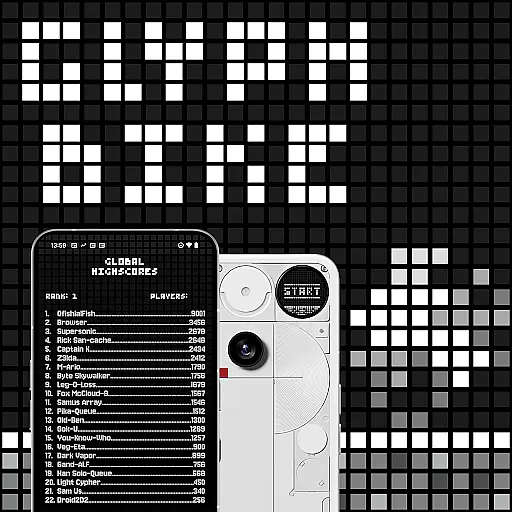
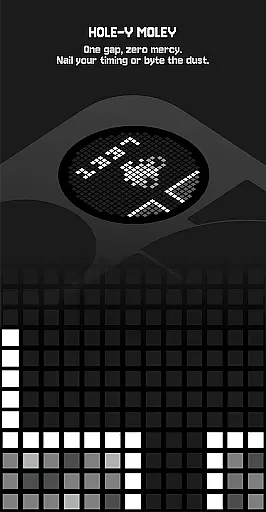
Glyph Toy - Glyph Bike offers an engaging arcade experience tailored for the Nothing Phone (3), leveraging its unique Glyph Matrix. This retro-styled infinite scroller challenges players to navigate through obstacles by tilting their device, aiming for high scores and leaderboard dominance.
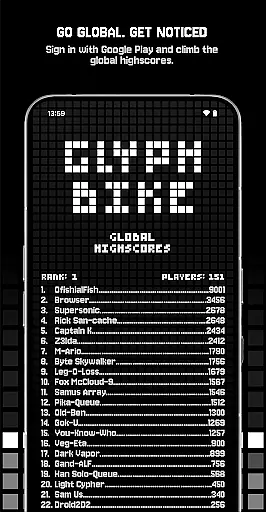
Players can unlock various characters, game modes, and track detailed stats, enhancing replayability. With both local and global leaderboards, as well as achievements tracked via Google Play, this game provides a competitive yet accessible environment for all skill levels.
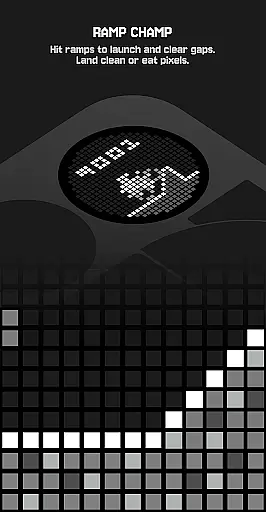
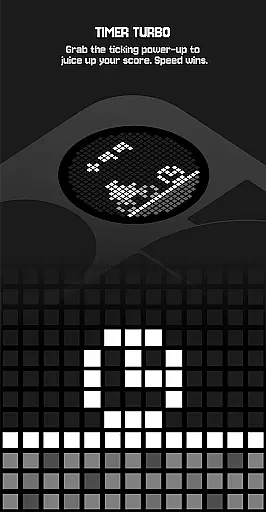
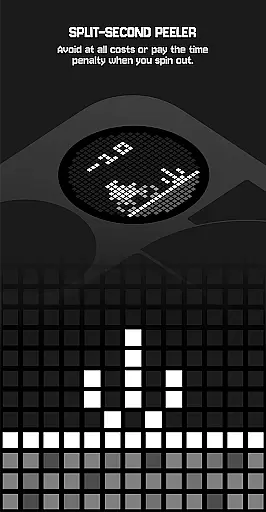
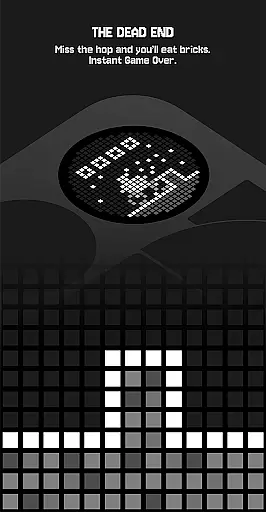
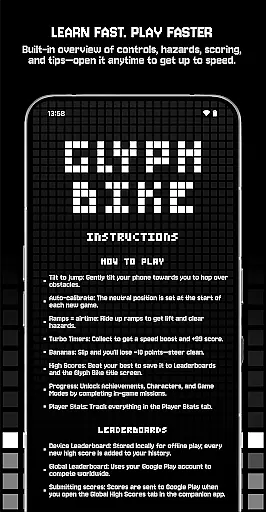
The app features auto-calibration for tilt controls, ensuring a smooth experience as you jump over hazards and collect turbo timers. Ramps provide airtime to clear obstacles, while bananas pose a slipping risk that could cost you points.
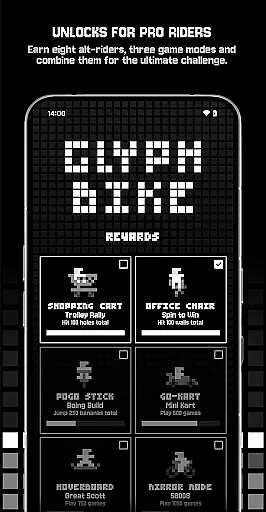
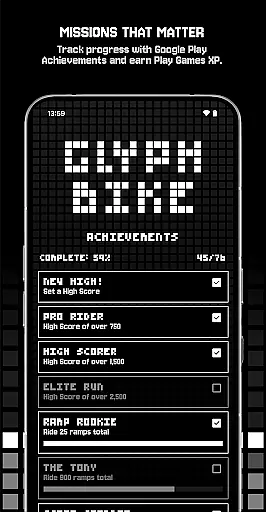
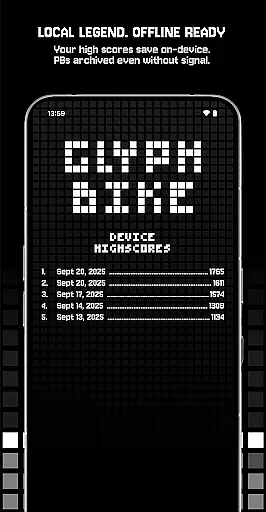
Leaderboards offer both offline device storage and global competition through Google Play. Achievements are integrated with Google Play Games, allowing players to earn XP and track mission progress. The game also includes unlockable characters and challenging game modes like Mirror Mode and The Upside Down.
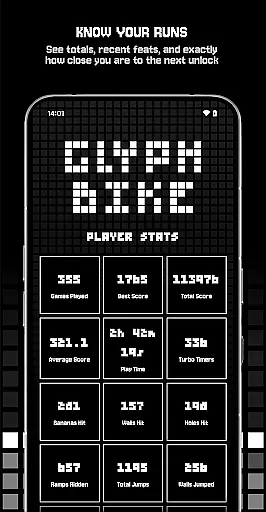
Player Stats deliver insights into your gaming performance, helping you strategize towards unlocking new content. Rewards such as alternative riders add variety to the gameplay, making each run distinct.
Arcade authenticity is crucial for creating an immersive retro gaming experience. Glyph Bike delivers this by combining clean lines and simple mechanics with a nostalgic infinite scroller format. The game's design draws inspiration from classic arcade titles, where players must navigate through hazards while aiming for high scores.
The game incorporates traditional elements such as ramps for airtime, Turbo Timers for speed boosts, and collectibles like bananas that affect scoring. These features are reminiscent of arcade classics, providing a sense of familiarity for seasoned gamers while remaining accessible to newcomers. Each element has been carefully crafted to evoke the golden era of arcade gaming.
Players benefit from this authentic experience by enjoying a game that feels both modern and timeless. The use of tilt controls for jumping adds a tactile dimension that enhances the retro feel. This blend of old-school gameplay with contemporary mobile technology creates an engaging experience that honors arcade traditions while pushing the boundaries of mobile gaming.
Control responsiveness is essential in fast-paced games like Glyph Bike, where split-second decisions can make or break a run. The game employs intuitive tilt controls that allow players to execute precise jumps by simply tilting their phone. This direct form of interaction ensures immediate feedback and accurate responses during gameplay.
The auto-calibration feature at the start of each game guarantees consistent control performance regardless of how the device is held. Players can focus on timing their jumps perfectly without worrying about inconsistent input behavior. Additionally, the responsive nature of the controls enables advanced techniques such as chaining perfect jumps and maintaining optimal speed.
This level of control precision significantly enhances the overall gaming experience. Players can fully immerse themselves in the challenge of navigating increasingly difficult levels, knowing that their success depends solely on skill rather than technical limitations. The responsive controls contribute to longer play sessions and higher scores, keeping players engaged and motivated to improve.
Intuitive tilt controls
Retro-style graphics
Engaging gameplay mechanics
Google Play integration
Unlockable content
Device-specific features
Limited offline functionality
Repetitive gameplay
Ads between sessions
Steep learning curve

Frenetic party game, pass the bomb to the other players!
 3.80
3.80
Mine planets, upgrade your space ship, battle others, and dominate the galaxy!
3.90
Granny keeps you locked in her house.
4.30
Flip and flail a rag doll through endless levels and plunge into outlandish fun!
4.60
The precise emulator of 8 bit handheld... Now even better!
4.50
Join the breathtaking chase!
4.80
A fast, full-featured GBA emulator with link cable emulation.
3.90
Jump and fly your way through danger in this rythm-based action platformer!
4.50
You control the ball! Dribble, shoot and score against eleven soccer players!
4.60
Gameboy Color Emulator
4.60
Merge bowmasters to win the bow and arrow war! Play the fun archery game!
4.60
NES Emulator
4.40
Antistress & relaxing games,stress relief; Antistress toys, calming games.
4.20
Slice up a juicy storm!
4.20
This app is a very fast emulator
3.40
Monster Run its a game for relax.
4.2
Snake Legacy, sans pub, repensé pour une expérience fluide et élégante.
4.1
Sharpen your mind and reflexes while playing 4Way Dash
4.3
Divine powers at your fingertips! An innovative and frantic shoot-'em-up!
4.2


User Reviews