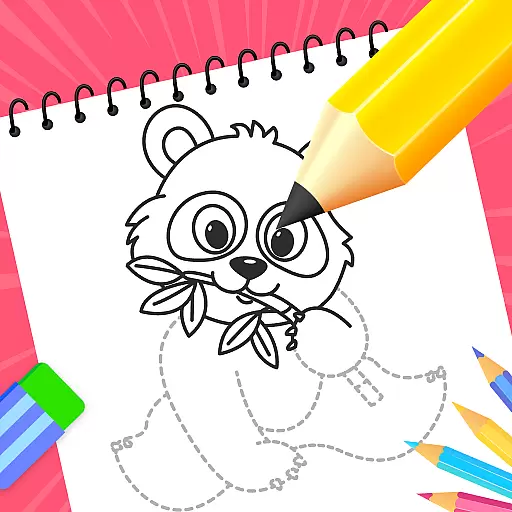
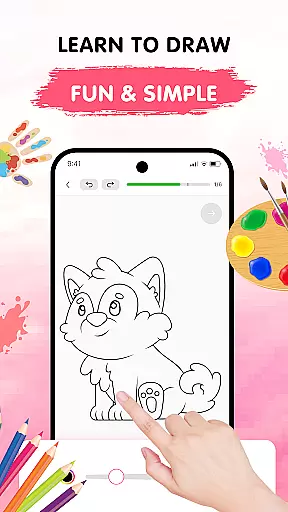
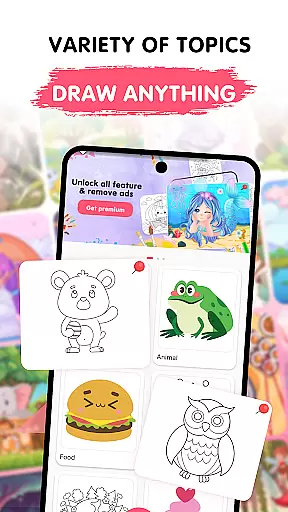
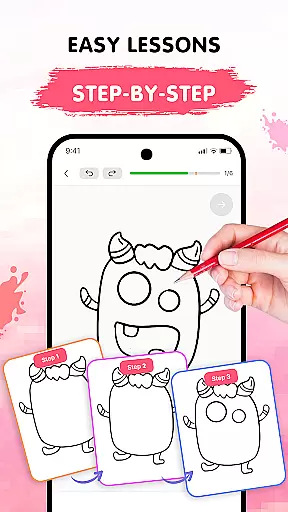
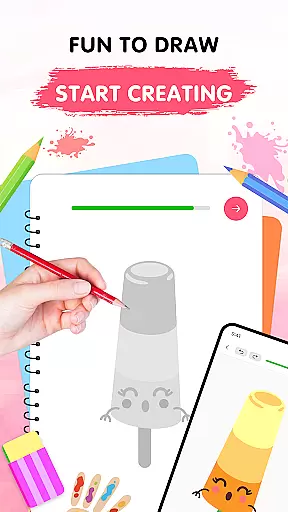
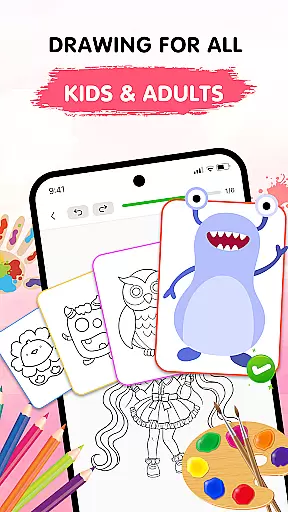
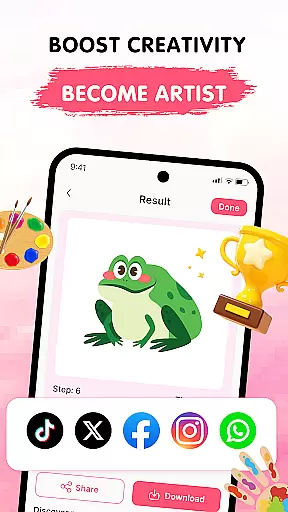
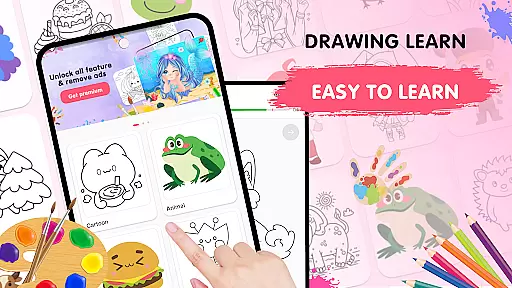
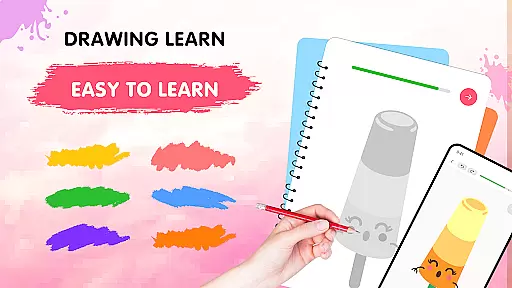
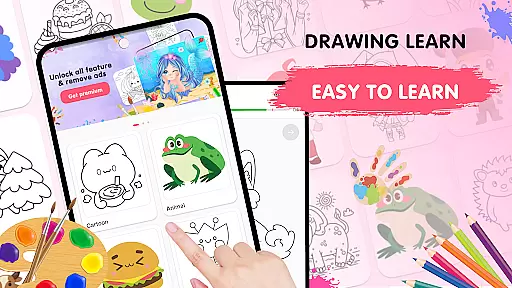
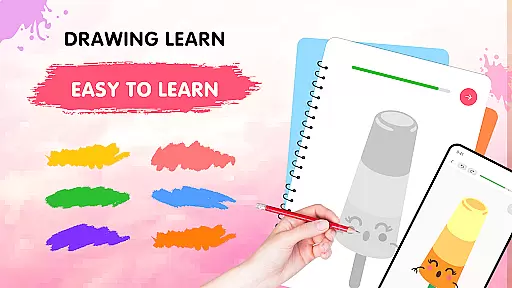
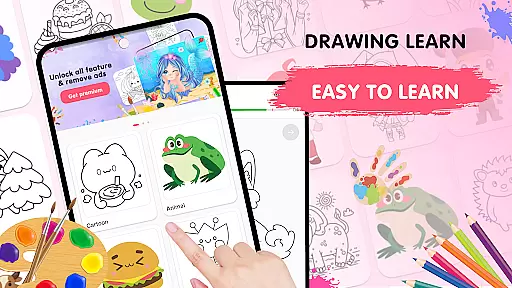
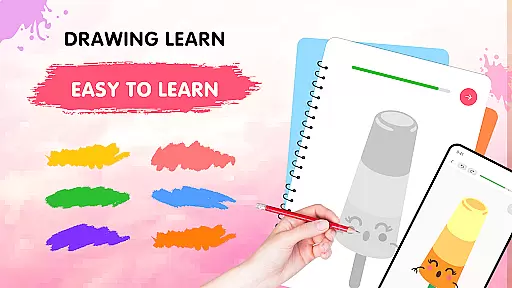
Easy Draw: Learn How to Draw is an innovative educational app designed to help users develop their artistic skills. This personal art tutor offers a guided experience through step-by-step drawing tutorials, making it suitable for beginners and those looking to refine their techniques. With a focus on ease of use and creative freedom, the app provides adjustable tools and a vibrant color palette that cater to various drawing styles.
The app features a growing library of themes, including animals, cartoons, food, and more, ensuring there's something for every interest. Its intuitive interface allows users to learn at their own pace while enjoying a relaxing sketching experience. Easy Draw stands out by combining structured lessons with expressive tools, enabling users to create personalized artwork that showcases their progress and creativity.
Easy Draw boasts an impressive range of features that enhance the learning experience. One standout aspect is its guided drawing steps, which break down each tutorial into manageable stages. This approach ensures that learners can follow along easily, regardless of their skill level. The app also includes easy-to-use drawing tools such as undo, redo, erase, and reset functions, allowing users to experiment freely without fear of mistakes.
Another key feature is the adjustable brush settings, which let users fine-tune their brushes and erasers for precise control. Combined with the expressive color palette, these tools enable detailed work and vibrant coloring options. Additionally, the save and share functionality empowers users to export their creations and showcase their progress. These comprehensive features make Easy Draw a versatile platform for both learning and expressing artistic ideas.
In the realm of digital learning, content accuracy is paramount, and Easy Draw: Learn How to Draw excels in this area. The app provides a comprehensive library of drawing tutorials that cover a wide range of topics, ensuring that users have access to lessons on various subjects such as animals, cartoons, food, the universe, and the environment.
Each tutorial within Easy Draw is crafted with attention to detail, offering step-by-step guidance that simplifies the drawing process for users at any skill level. This meticulous approach guarantees that learners are not just copying images but are also understanding the foundational principles behind each sketch.
The authority of Easy Draw's content is further reinforced by its structured lesson plans which are designed to progressively build a learner's skills. With clear instructions and an intuitive interface, users can trust that they are receiving quality education in art, making it an invaluable tool for both beginners and those looking to refine their techniques.
Easy Draw: Learn How to Draw doesn't just offer generic lessons; it creates personalized learning paths tailored to individual progress and style. As users engage with different tutorials, they can advance at their own pace, allowing for a customized educational journey that adapts to personal learning curves.
The appu2019s adaptive algorithm takes into account user interactions and preferences, suggesting new challenges and themes that align with oneu2019s evolving interests and abilities. This ensures continuous engagement and prevents stagnation in skill development.
Moreover, features like adjustable brush settings and an expressive color palette empower users to put their personal stamp on every piece they create. By facilitating freedom in creative expression, Easy Draw fosters an environment where learners feel encouraged to explore unique artistic avenues while steadily enhancing their drawing capabilities.
User-friendly interface
Step-by-step guidance
Vibrant color options
Adjustable drawing tools
Free sharing capabilities
Limited advanced features
Occasional ads
No offline mode
Few customization options
Basic tutorials only

FAR/AIM, FAR for Flight Crew and FAR for Aviation Maintenance Technicians
 3.80
3.80
Astronomy app ? Discover the universe scope, explore solar system model in 3D.
4.20
Learning the ancient Viking language made simple
4.70
An aviator’s preparation, study and test tool for FAA Knowledge Exams.
3.90
Astronomy Guide to the Night Sky
4.40
An interactive enhancement of the Sesame Street classic.
4.50
Engage in learning science and math with the award-winning PhET simulations!
4.70
Animals pop up and make sounds—learn names and noises in Peekaboo Barn!
4.0
Make your own game and world. Draw and animate characters
3.70
Hebrew Vocab
4.90
Experience the sky, planet earth and the solar system like never before
4.90
The best way to study for your amateur radio license exam.
4.90
Stack the States makes learning about the 50 states fun!
4.70
An easy to use yet powerful and full-featured flashcard study app.
4.50
The Fighter Verses Bible memory system helps you memorize God's Word.
4.50
An aviator’s preparation, study and test tool for FAA Knowledge Exams.
4.10
Break Language Barriers with AI—Learn Language Anytime, Anywhere!
4.00
An aviator’s preparation, study and test tool for FAA Knowledge Exams.
4.00
Your guide to thousands of satellites and spacecraft in orbit around Earth!
3.90


User Reviews