
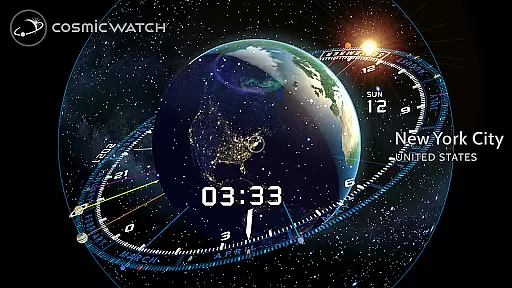
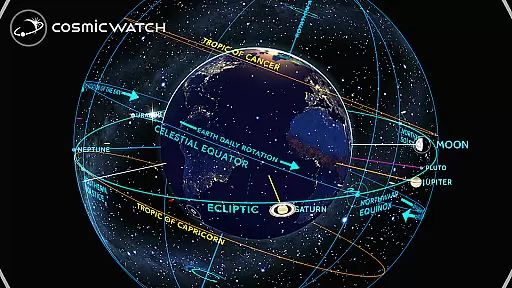
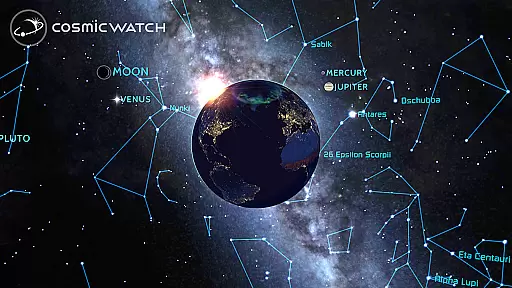
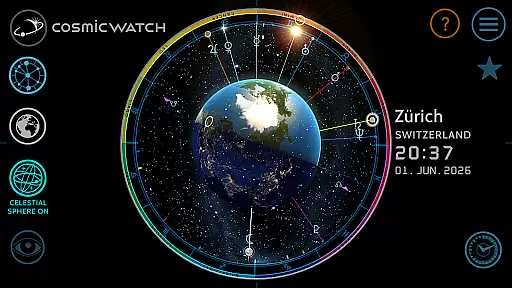
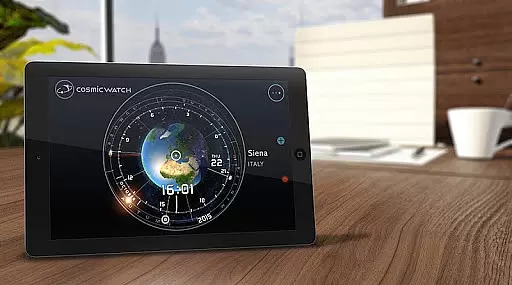
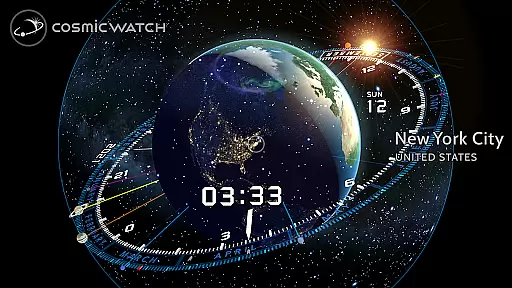
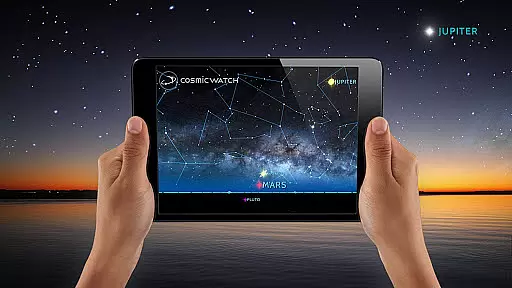
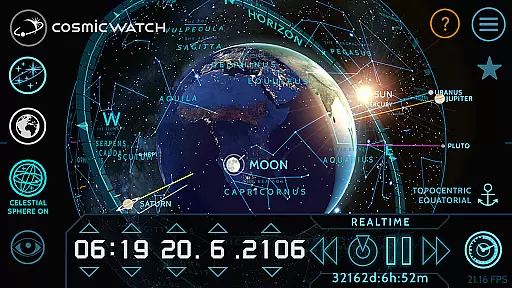
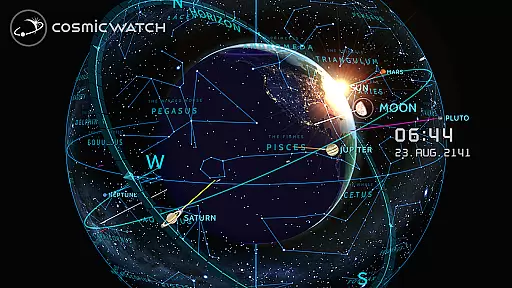
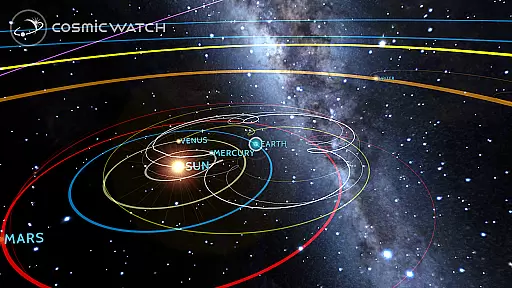
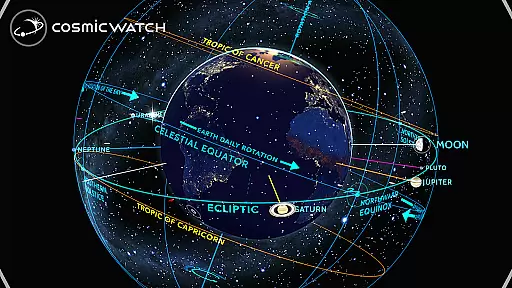
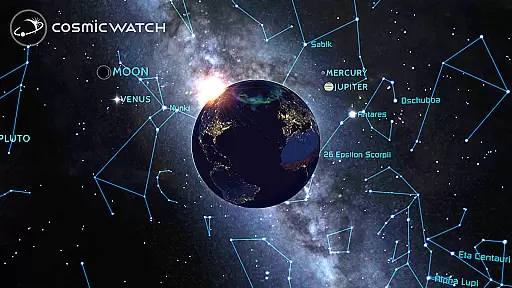
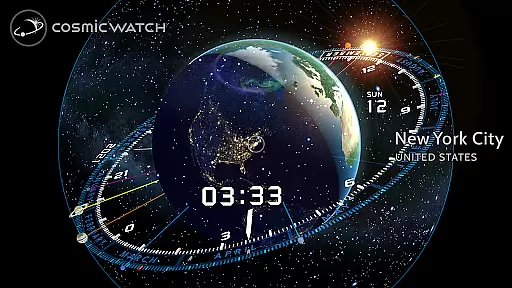
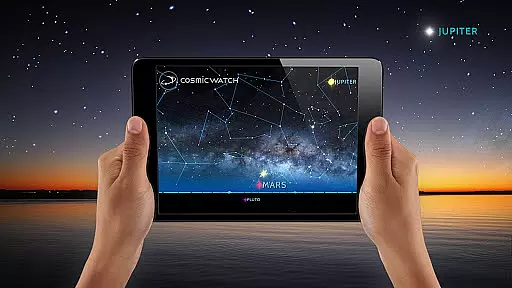
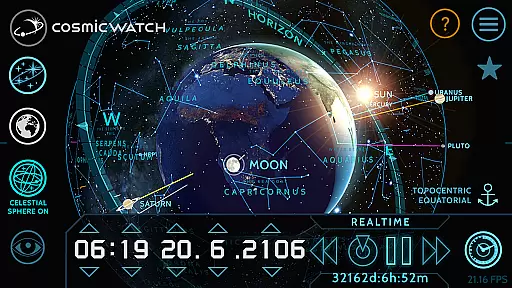
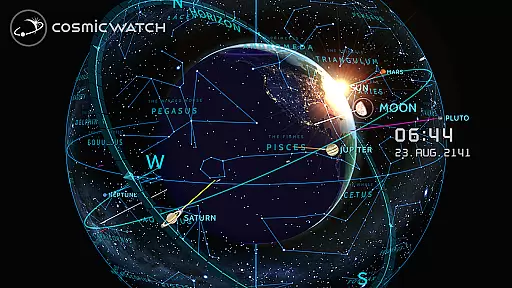
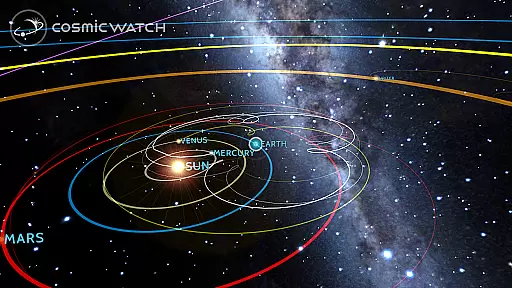
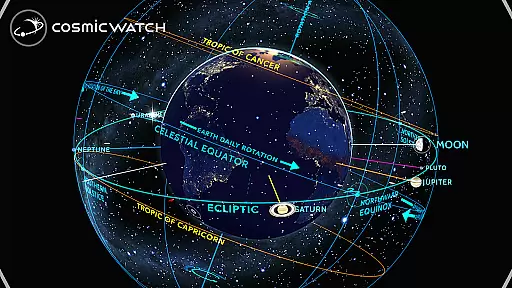
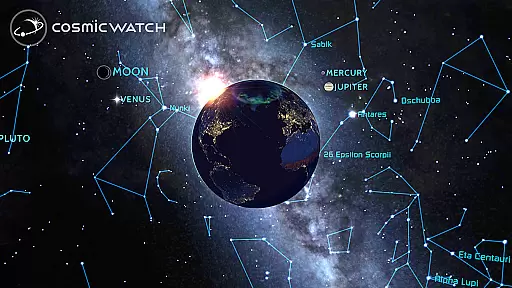
The COSMIC WATCH app is an innovative 3D planetarium, astronomical clock, and augmented reality sky guide that offers users a unique journey through space and time. This educational tool provides stunning real-time graphics of the Earth and sky, making it perfect for astronomy enthusiasts and nature lovers alike. With its interactive features, users can explore the solar system, identify constellations, and track astronomical events.
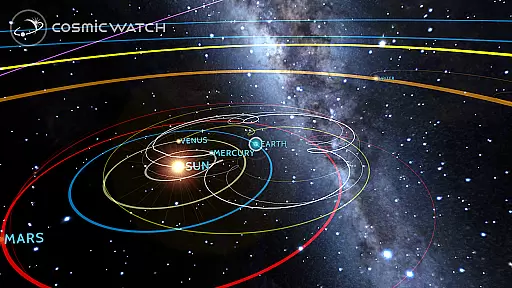
Designed for all ages, this app combines basic astronomy principles with time measurement to deliver an immersive experience. Whether you're a professional astronomer or simply curious about the cosmos, COSMIC WATCH allows you to visualize your position in the universe while learning about celestial movements. Its ability to display geocentric and heliocentric views adds depth to your exploration, making it a must-have for anyone interested in the secrets of the celestial vault.
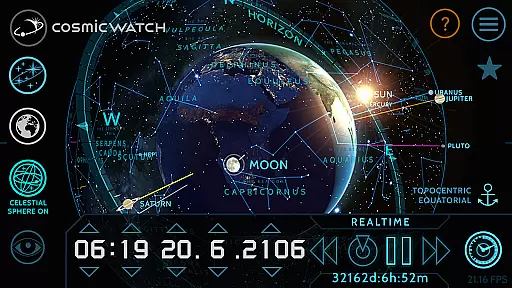
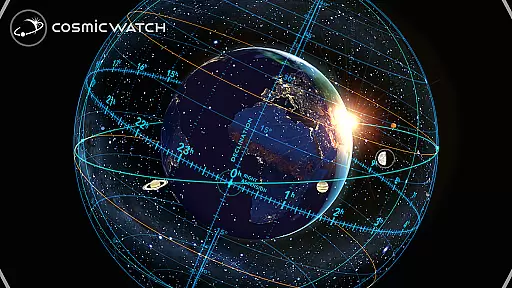
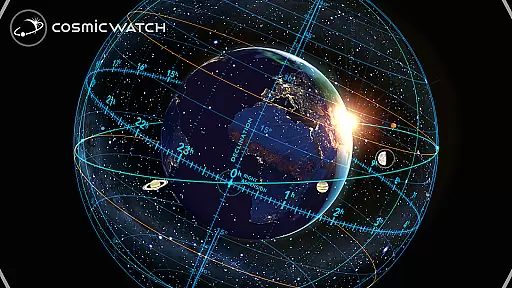
COSMIC WATCH stands out with its comprehensive set of features designed to enhance your understanding of the cosmos. The app includes a 3D celestial sphere for a complete overview of the sky, star maps, and an astronomical events calculator. Users can switch between different views such as sky, Earth, and solar system, providing flexibility in how they interact with celestial data.
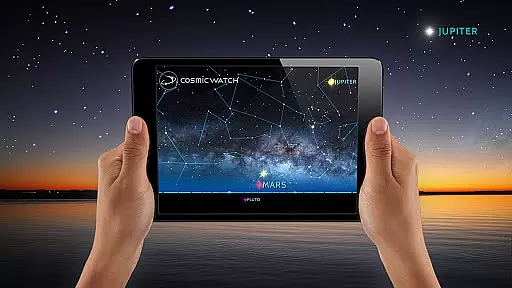
One of the key highlights is its augmented reality functionality, which lets you point your device at the sky to identify stars, planets, and constellations in real-time. Additionally, the app serves as a 3D interactive astronomical clock and world clock, offering both digital compass capabilities and informative layers about planetary movements. These features make COSMIC WATCH not just an app but a powerful educational companion for exploring the wonders of the universe.
The Cosmic Watch app stands out for its commitment to content accuracy and authority, making it a reliable educational tool for users of all ages. Developed by Celestial Dynamics, this app combines basic principles of astronomy with time measurement to provide real-time visualizations of celestial events. The 3D planetarium, AR sky guide, and astronomical clock offer precise representations of the earth, stars, and solar system, ensuring that users receive accurate information about their current sky view and cosmic phenomena.
One of the key features of the Cosmic Watch is its ability to calculate important astronomical events. This functionality not only enhances the learning experience but also ensures that users never miss significant cosmic occurrences. By providing geocentric and heliocentric views of the solar system, the app delivers comprehensive insights into planetary movements and retrogrades. These features are designed based on scientific principles, reinforcing the app's authoritative stance in the field of astronomy education.
Moreover, the Cosmic Watch has received several prestigious awards, including the WEBBY AWARD for Best Educational App in 2018. Such recognition highlights the app's dedication to delivering high-quality, authoritative content. Whether you're an amateur astronomer or a professional in the field, the Cosmic Watch app provides a trustworthy platform to expand your knowledge and explore the wonders of the universe with confidence.
While the Cosmic Watch app does not offer traditional personalized learning paths like adaptive quizzes or individualized lesson plans, it provides unique interactive experiences that cater to various learning styles. Users can customize their exploration of the cosmos by switching between different views such as sky, earth, and solar system modes. This flexibility allows learners to focus on areas of personal interest, whether they want to study constellations, track planetary movements, or understand astronomical events, creating a self-guided educational journey.
The app's augmented reality feature enables users to point their devices towards the sky and instantly identify stars, planets, and constellations in their current location. This interactive approach creates a personalized learning environment where users can progress at their own pace and according to their preferences. Additionally, the 3D celestial sphere offers an overview of the whole sky, allowing users to zoom in on specific areas of interest and delve deeper into particular astronomical subjects that intrigue them.
Furthermore, the Cosmic Watch includes many informative layers that users can toggle on or off, effectively customizing the depth and breadth of information displayed. This feature allows each learner to tailor the complexity of the material to their current understanding and interests. With these tools, the Cosmic Watch app creates a dynamic and personalized learning experience that encourages curiosity and fosters a deeper appreciation for astronomy.
Stunning 3D graphics
Real-time AR sky guide
Comprehensive astronomy tools
User-friendly interface
No in-app purchases
High battery consumption
Complex for beginners
Limited offline functionality
Heavy app size
Occasional bugs

Ignite curiosity, spark learning: All babybus videos &games
 4.30
4.30
Perform physics experiments with your phone. (by the RWTH Aachen University)
4.70
Practice Casino Roulette Payouts for Table Game Dealers and Croupiers
4.40
Intuitive Transformer Lab - By a Lineman, For Linemen & Apprentices
4.50
Explore the City of the Sun in Augmented Reality
3.70
Flashnote Derby is the fun way for kids to learn music notes and memorize them.
3.40
Prepare for the BCBA / BCaBA exam. Study ABA with the ABA Wizard app.
4.60
Courses, certificates, degrees
4.50
Adventures await with Spider-Man and other Marvel characters!
4.10
Childcare Management App: Daily sheets, sign in-out, billing and learning tools
4.70
Stargazing Guide App. Stars and constellations map. Solar system planets finder.
4.60
Astronomy Guide to the Night Sky
4.40
Pass your FAA written with flying colors - Study Buddy can help.
4.30
Monkey Preschool Lunchbox: 7 exciting educational games for your preschooler.
4.30
The "Go To" app for Airmen studying for promotion to SSgt and TSgt
4.30
Break Language Barriers with AI—Learn Language Anytime, Anywhere!
4.00
Listen, request and record pronunciations in more than 450 languages. Everywhere
3.90
Quiz App to help case managers studying for CCMC Certification, 200+ Questions
3.40
Study the questions most likely to be asked during the Oral & Practical Exams.
2.80


User Reviews