
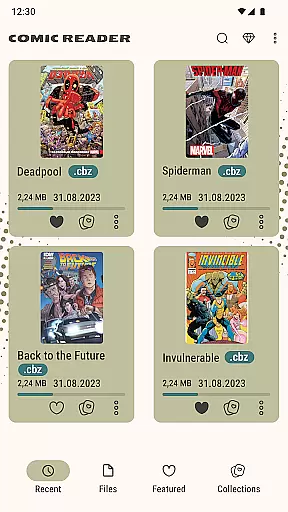
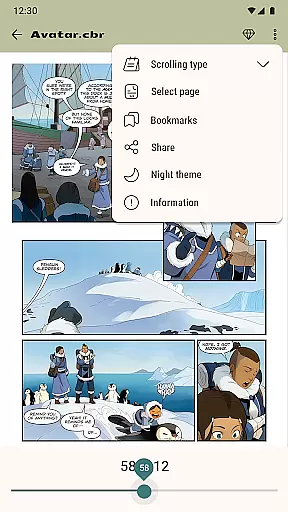
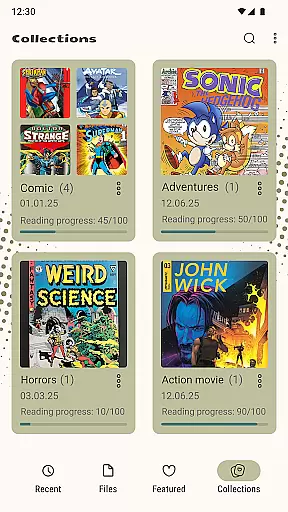
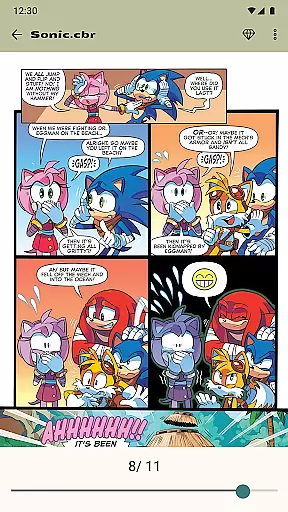
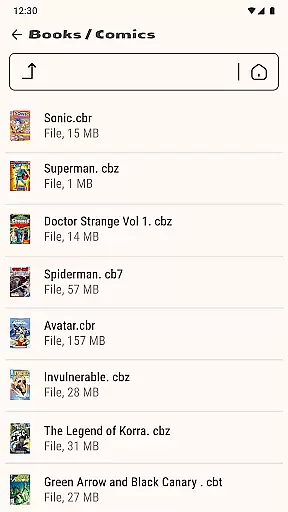

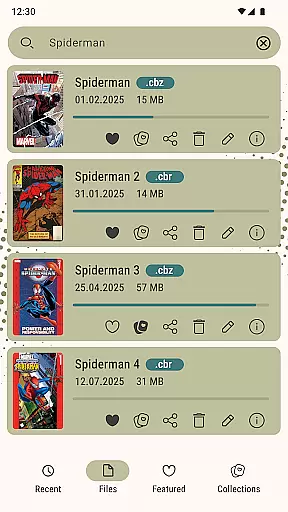
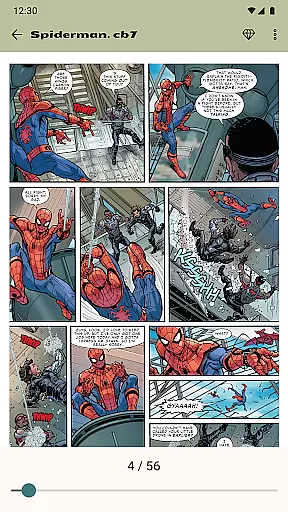
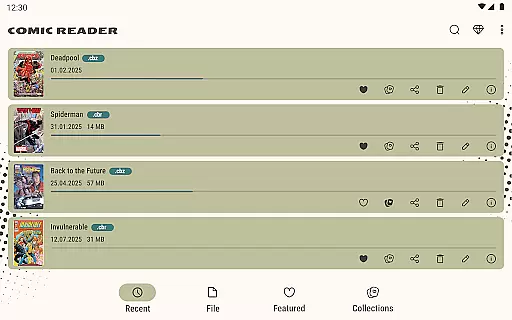
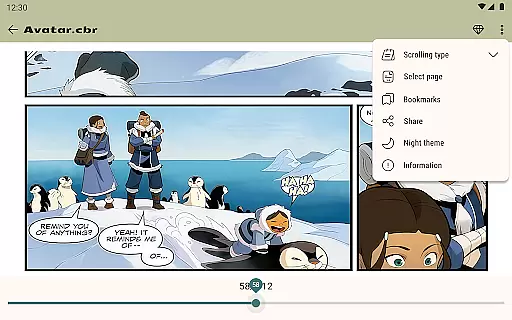
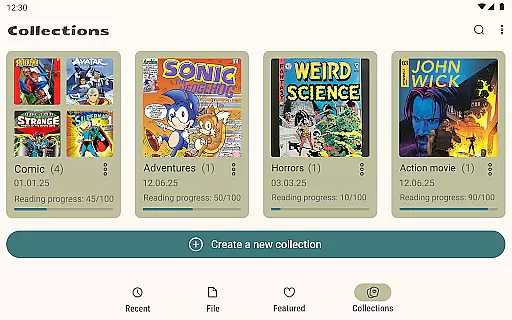
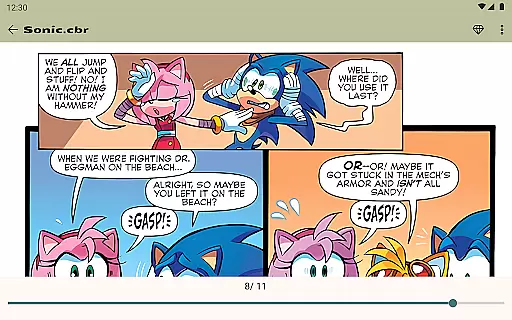
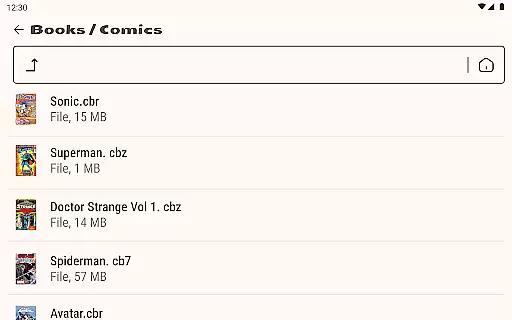
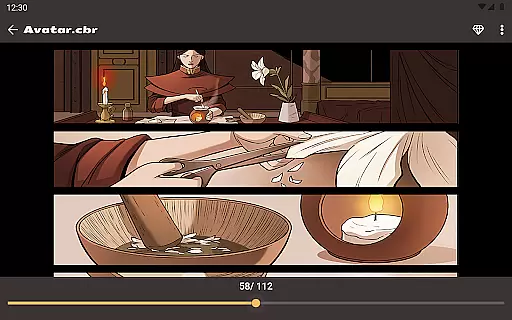
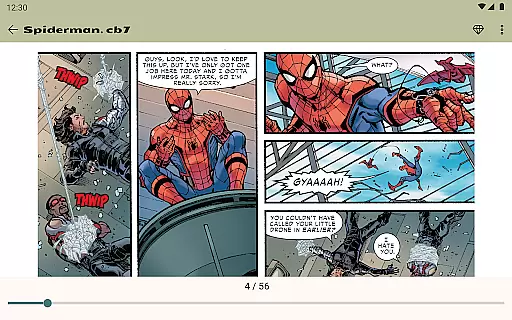
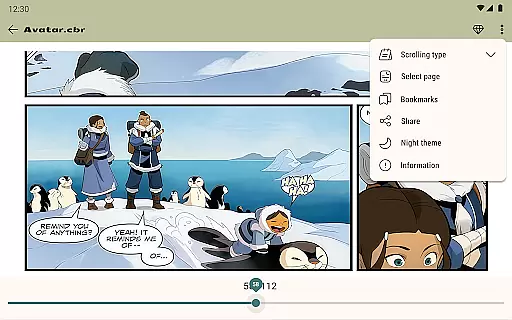
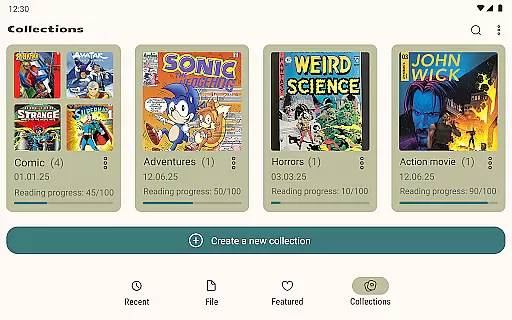
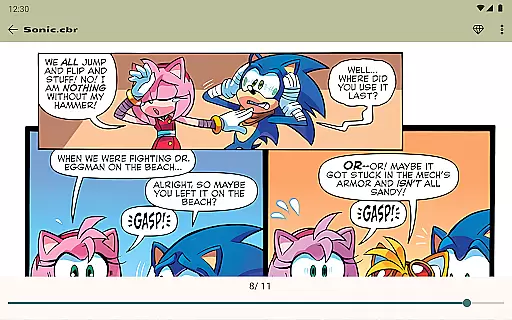

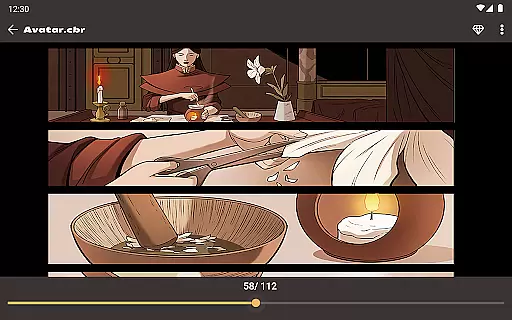
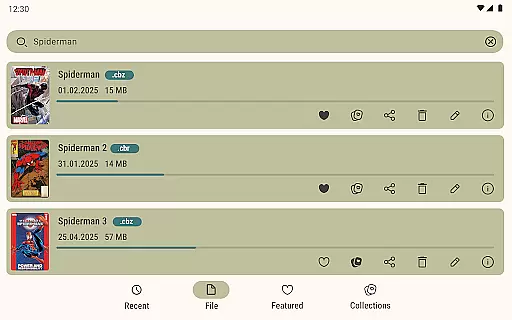
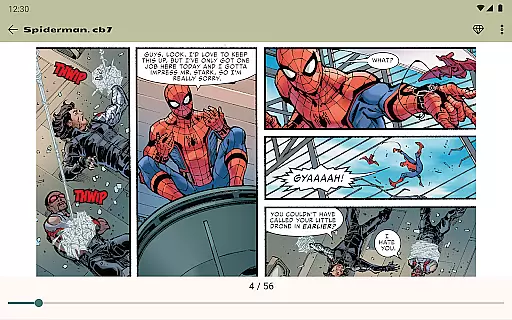
Comic Book Reader is a versatile offline comic and manga reader that supports multiple popular formats including CBR, CBZ, CB7, CBT, JPEG, PNG, and GIF. Designed for comic enthusiasts who need access to their favorite content without an internet connection, this app provides fast loading speeds and essential reading features.
The application offers practical functionalities such as saving reading progress, switching between night and day modes for better eye comfort, and a built-in file manager for easy organization. Users can zoom into pages, bookmark their favorite parts, and even jump to specific pages by number. With its ad-supported model, users can enjoy a free experience or opt for an ad-free version with a one-time purchase.
Perfect for travelers or anyone looking to enjoy comics on the go, Comic Book Reader ensures you never lose your place and can comfortably read in various lighting conditions. Its comprehensive format support makes it a reliable tool for accessing different types of digital comics and graphic novels.
Comic Book Reader stands out with its extensive format compatibility, supporting CBR, CBZ, CB7, CBT, JPG, PNG, and GIF files. This ensures that users can access virtually any comic or manga they own without worrying about format restrictions. The app's instant loading feature allows users to start reading immediately, which is particularly beneficial for those with large libraries.
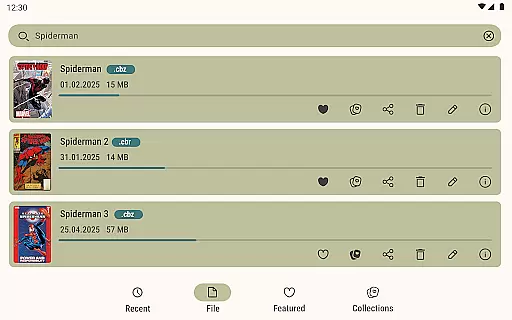
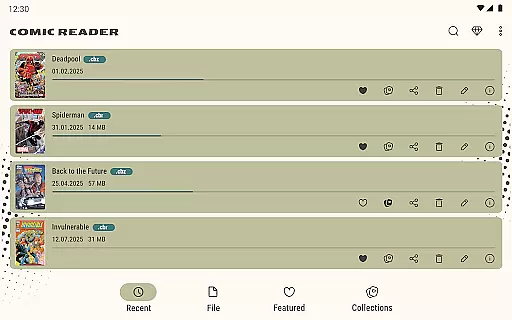
One of the key highlights is the full offline support, making it ideal for situations where internet access is limited or unavailable. The built-in file manager adds another layer of convenience, enabling users to add, rename, delete, and share files directly from the app. Additional features like page zoom, bookmarks, and the ability to jump to any page enhance the overall reading experience.
For user comfort, the app includes both night and day modes, allowing for extended reading sessions without straining the eyes. The search functionality helps users quickly find specific titles within their library, while the sharing option lets them distribute comics via messengers and social networks. These robust features make Comic Book Reader a top choice for comic aficionados seeking a seamless reading experience.
Comic Book Reader offers an extensive and versatile library that caters to a wide array of interests. The app supports all major comic formats including CBR, CBZ, CB7, CBT, JPEG, PNG, and GIF. This ensures that users have access to a vast selection of comics, manga, graphic novels, and magazines without any format restrictions.
The application's offline functionality allows users to download and store their favorite titles directly on their devices. With full offline support, readers can enjoy their comics during travel, subway rides, or flights without worrying about internet connectivity. This feature significantly enhances the accessibility and convenience of managing a personal comic library.
Additionally, Comic Book Reader provides instant loading capabilities for CBR & CBZ files, ensuring a seamless reading experience. Users can easily browse through their collection, save reading progress, and never lose their page. The built-in file manager further enriches the user experience by allowing users to add, rename, delete, and share their comic files effortlessly.
Authenticity and proper licensing are crucial aspects of any digital content platform, and Comic Book Reader takes these seriously. The app ensures that all the comics and manga available are properly licensed, providing users with peace of mind regarding the legality of their downloads and reads.
Moreover, Comic Book Reader includes a search function that allows users to find specific titles within their library quickly. This feature not only enhances user convenience but also ensures that the content they are accessing is genuine and correctly attributed to its creators. By supporting legitimate content distribution, the app fosters a healthy ecosystem for both creators and readers.
For those looking to remove ads, Comic Book Reader offers a one-time purchase option. This approach respects user preferences while maintaining a sustainable business model that supports ongoing development and content acquisition. Users can contact the support team at help.atools@gmail.com for any issues or suggestions, ensuring a responsive and reliable service.
User-friendly interface
Extensive format support
Full offline functionality
Instant loading speeds
Customizable reading modes
Ad-supported free version
Limited advanced features
No cloud sync option
Basic file management
Occasional bugs reported

Alpha Manga is a Japanese manga app where you can read isekai manga.
 4.10
4.10
Draw the comics with glow brushes! Easy and relax!
4.40
Create your personalized cartoon comic strips & comic books.
3.20
Goat sound simulator. This app makes for fun.
4.2
Discover manga stories & stream anime series with unlimited entertainment access
4.40
Browse and read all your comics and mangas from YACReaderLibrary
4.20
Artists wanting to use decent hand reference on the go, this app is for you!
4.70
The most popular comic book reader.
4.80
Read webcomics & webnovels
4.20
100k comics, manga & webcomics, including Batman, Invincible, Hellboy & more
4.60
Comics and stories from Japan
4.60
Read comics, manhwa, manga & novels Official webtoons with daily updates
4.30
The anime tv for fans Sud and Dub
4.20
Pose Tool 3D for the Artists, create any human figure pose quickly for your art.
4.00
Read official webcomics, webtoons, Korean manga & webnovels
3.70
Get the latest manga chapters daily, released simultaneously with Japan.
3.10
You can create comics, manga and manwha using AI with Arcstory comic book maker
2.70
A free paradise specially built for comic lovers. When you step into this comic universe full of surprises, it is like opening a door to endless joy. You are immediately immersed in the wonderful world brought by reading and enjoy the infinite charm of reading.
4.3
Welcome to SnapSaga - your ultimate manga and novel destination!
4.5


User Reviews