
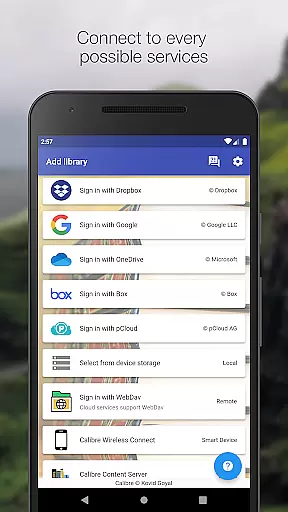
Calibre Sync is a powerful tool designed for book enthusiasts who want seamless access to their Calibre libraries across multiple cloud services. The app supports popular platforms like Google Drive, Dropbox, OneDrive, and more, allowing users to browse, sort, search, and read books directly from their devices. With its wireless connectivity feature, users can effortlessly connect to Calibre as if using a smart device emulator, even accessing libraries stored on external drives or servers.
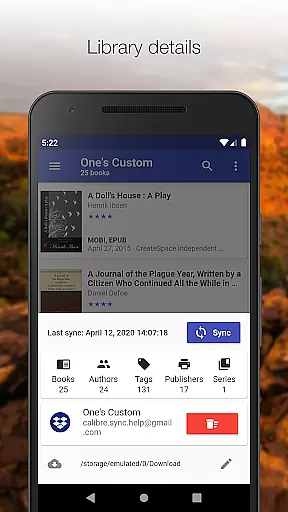
Beyond basic library management, Calibre Sync offers advanced functionalities such as automatic library updates, support for multiple accounts, and customizable layouts including list, grid, and carousel views. It also provides detailed library statistics, extensive filtering options, and the ability to download books for offline reading. Whether you're managing one library or several, this app ensures an efficient and enjoyable experience for organizing and enjoying your digital book collection.
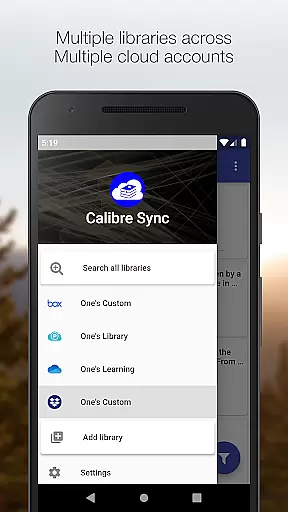
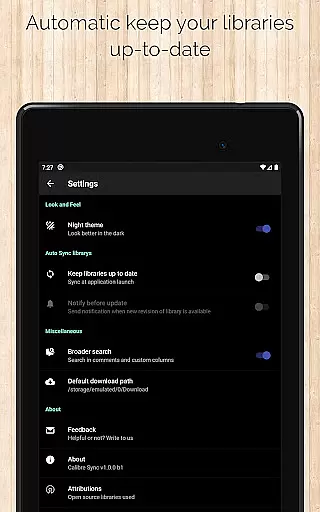
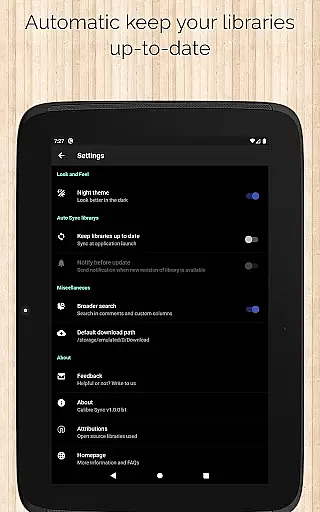
Calibre Sync stands out with its comprehensive set of features tailored for avid readers and library managers. One of its key strengths is the ability to handle unlimited Calibre libraries across various cloud services, enabling users to switch between accounts and libraries with ease. The app automatically checks for updates when launched, ensuring that users always have the latest version of their libraries at hand.
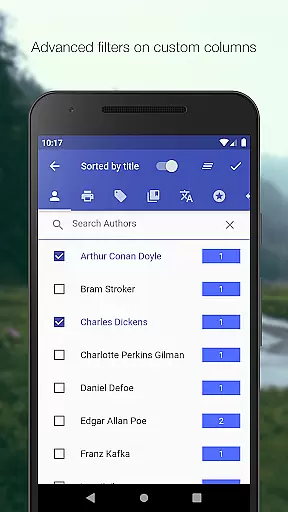
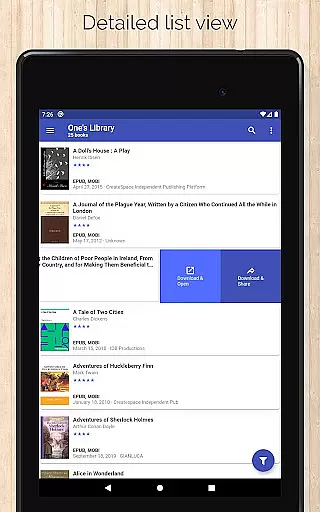
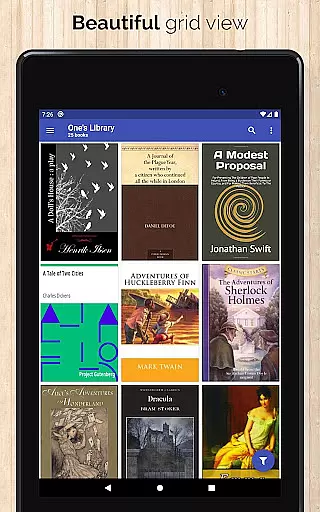
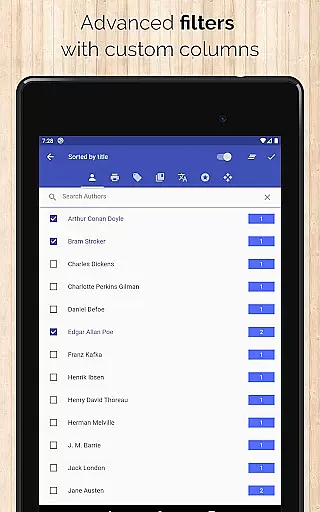
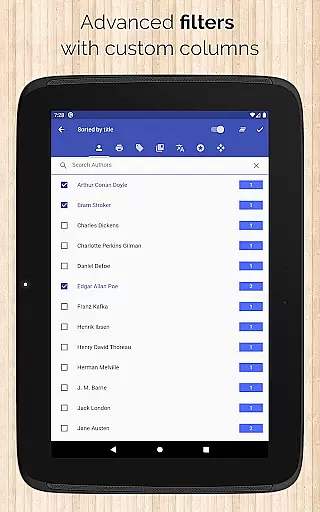
Another notable feature is the highly customizable user interface, which includes different book list layouts, sorting options by title or author, and filtering capabilities based on metadata such as tags, publishers, and formats. Additionally, users can zoom into book covers, swipe through book details, and share downloaded books via email. These robust features make Calibre Sync an indispensable tool for anyone looking to streamline their ebook management process while enjoying a rich reading experience.
Calibre Sync offers an impressive e-book library solution by allowing users to access unlimited Calibre libraries across multiple cloud services. This includes popular platforms like Google Drive, Dropbox, and Microsoft OneDrive, ensuring a vast repository of reading materials.
The application guarantees the authenticity of its content through direct synchronization with Calibre libraries, which are known for their robust management of copyrighted materials. Users can be confident that the books they access are legitimate copies, properly sourced from their own collections.
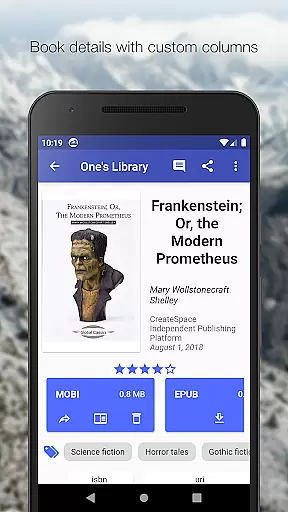
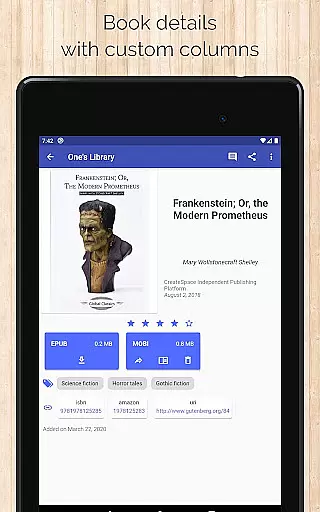
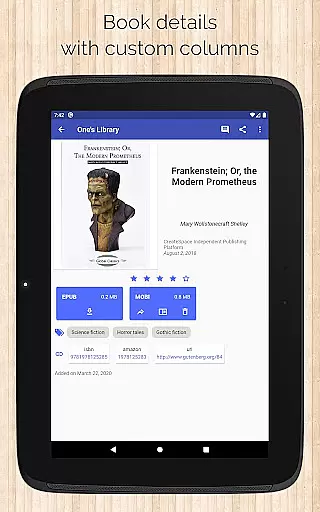
With support for custom columns and detailed book information, including ISBN and links to sources like Amazon and Google Books, Calibre Sync ensures that every book's copyright information is accurate and verifiable.
This extensive library support, combined with the ability to manage multiple accounts simultaneously, provides users with a comprehensive and authentic e-book experience that respects copyright integrity.
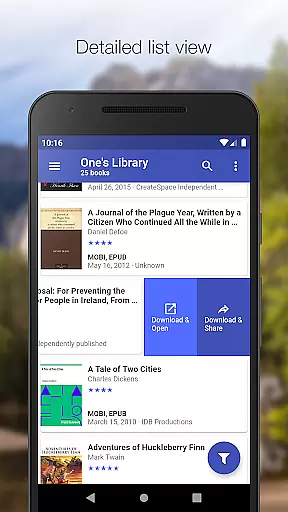
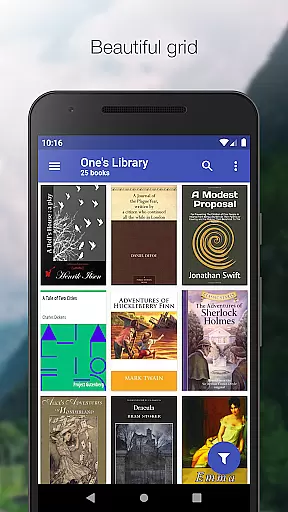
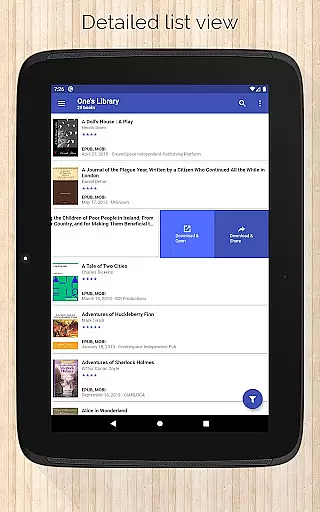
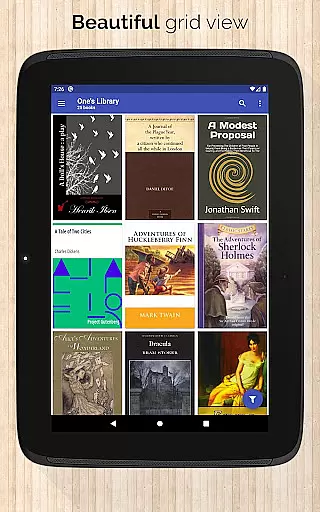
One of Calibre Sync's standout features is its exceptional format compatibility. The app supports various book list layouts such as detailed lists, grids, and carousels, catering to different user preferences and reading habits.
Users can enjoy flexibility in file formats, as Calibre Sync allows downloading and reading books in multiple formats. It even displays the file size of each format, helping readers make informed decisions about their downloads.
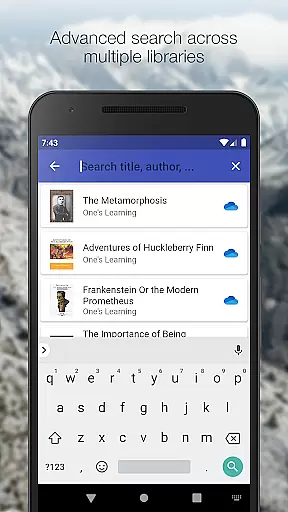
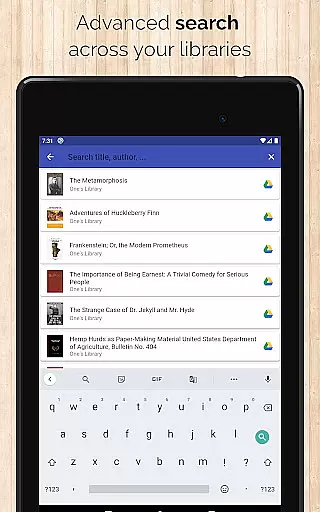
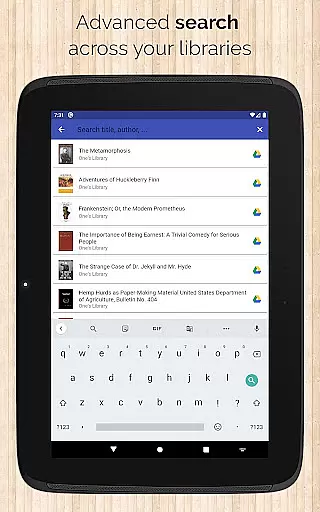
The application enables searching and filtering books not just by title and author but also through comments and custom columns. This comprehensive approach ensures that no matter how a book is categorized or formatted, it remains easily accessible.
Additionally, Calibre Sync's ability to open downloaded books directly in a user's preferred reader app enhances its format compatibility. Readers can seamlessly transition from library management to enjoying their books without worrying about format restrictions.
User-friendly interface
Extensive cloud support
Automatic library updates
Customizable layouts
Advanced filtering options
No built-in reader
Limited OneDrive support
Requires storage permission
Case-sensitive file system needed
External dependencies for full functionality

The Psalms for singing
 4.3
4.3
The favorite Christmas story comes to life!
4.80
Read the romance stories on the go. Take my breath away, The Spoiled Girl
4.30
Improve your vocabulary and grammar with the 15 biggest Oxford Dictionaries.
4.30
Universal Zoom, learn about sizes & distances of the universe and microcosmos
4.80
Manage collectibles, survey and treasure maps in Elder Scrolls Online.
4.40
Research your family history to explore ancestors and search for your heritage
4.50
Read books PDF, EPUB, WORD, KINDLE, MOBI! Your ebook reader among reading apps.
4.80
My Bible offers a comprehensive app by providing offline access, daily verses.
4.80
King James Bible read offline, AI Priest, Bible Quiz, Guiding Prayers & Plans
4.80
Track your Star Wars book collection across Canon & Legends
4.80
Read the KJV Bible with Strong’s offline: reading plans, audio Bibles, and more.
4.70
Words spoken by native English speakers and full definitions.
4.60
Unlock unlimited access to bestselling ebooks, novels, stories, and audiobooks
4.60
Pretty Moon information App with Complications and Tile
4.30
Knots 360 Pro ( 3D ) shows you animated 192 knots in 3D perspective
4.10
CleverBook Pro makes the popular guide for the game even better!
4.00
Read Trending Romance Stories
4.00
Guide for dōTERRA® Products
3.60


User Reviews