
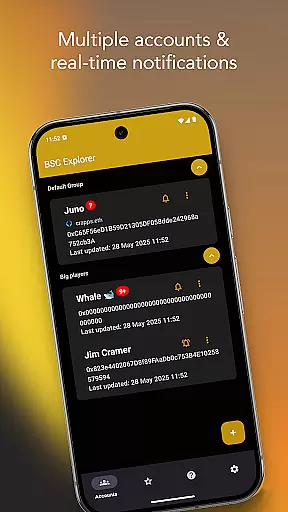
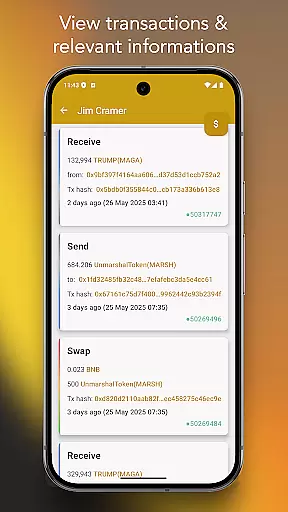
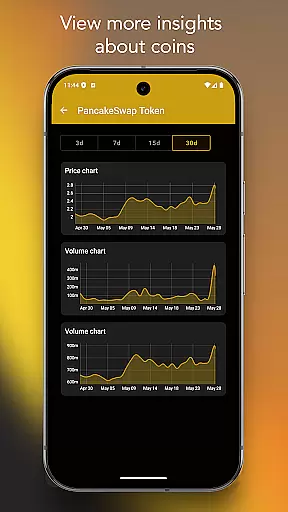
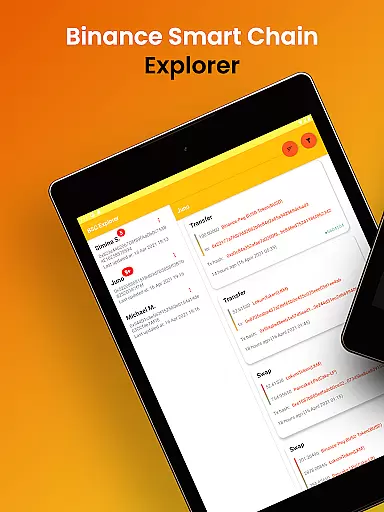
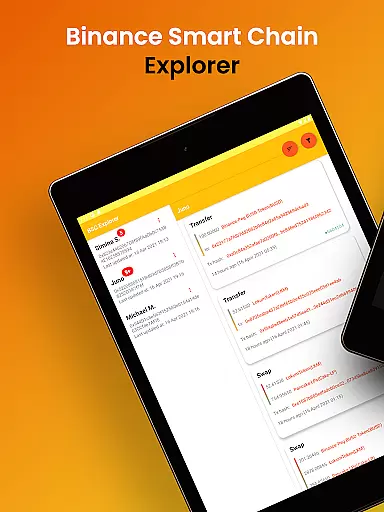
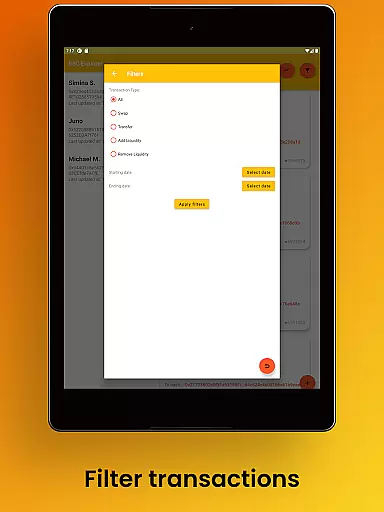
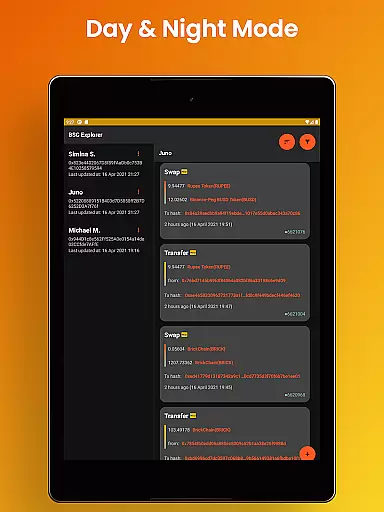
Binance Smart Chain Explorer is a powerful financial tracking application designed specifically for crypto investors and DeFi traders. The app enables users to monitor wallet transactions of public addresses on the BSC Blockchain with ease, offering real-time notifications and comprehensive portfolio management tools.
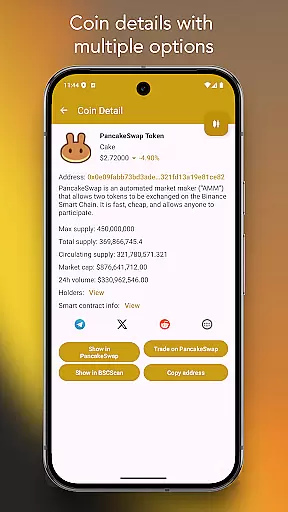
Key features include multi-wallet portfolio tracking, BEP-20 token balance monitoring, and detailed transaction insights. Users can view smart contract details, track token holders' data, and access PancakeSwap or BSC Scan directly from the app. With enterprise-grade security, it ensures complete privacy by using only public wallet addresses without storing private keys or personal data.
Ideal for managing investments in decentralized finance (DeFi), this app is essential for traders who need instant updates and professional-grade tools to optimize their crypto portfolios.
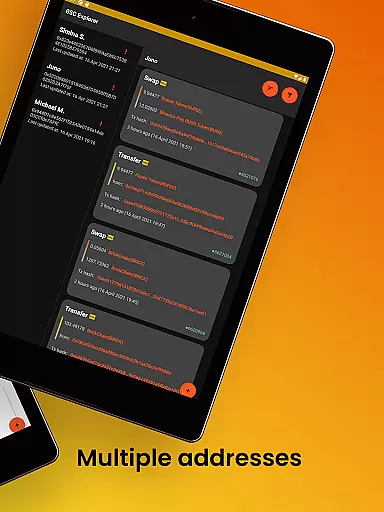
Binance Smart Chain Explorer stands out with its robust set of features tailored for both casual and professional crypto users. One of its core strengths is the ability to track unlimited wallet addresses, providing real-time transaction notifications that help users stay updated on all activities within their portfolios.
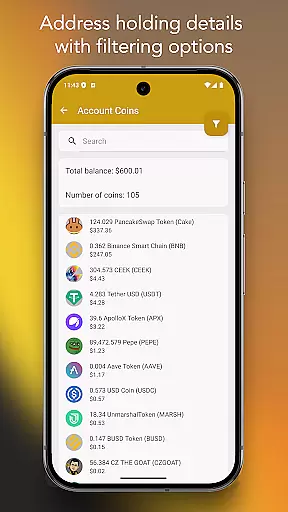
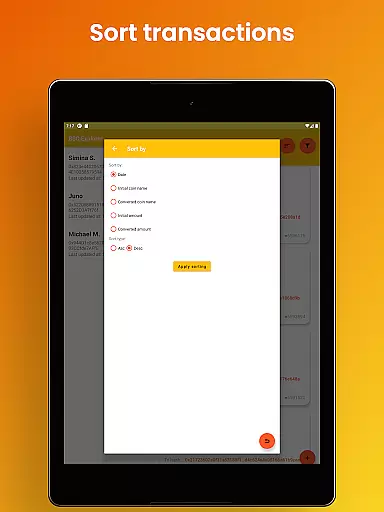
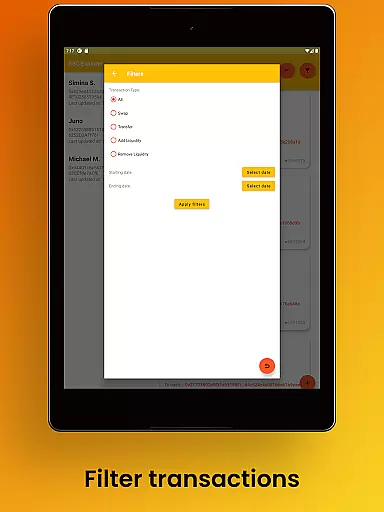
The app offers advanced functionalities such as BEP-20 token balance tracking with search and filtering options, enabling users to manage complex portfolios efficiently. It also provides detailed insights into token holders' data and smart contract codes, which are crucial for making informed investment decisions. Additionally, users can add aliases to wallet addresses and save notes for better organization.
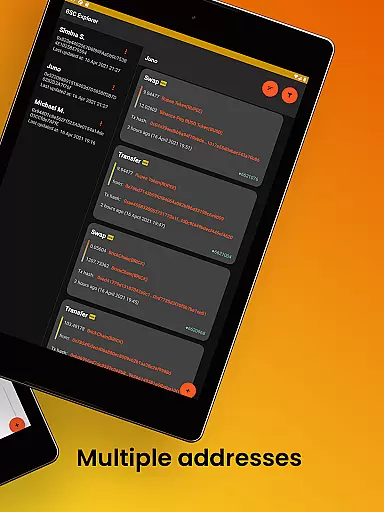
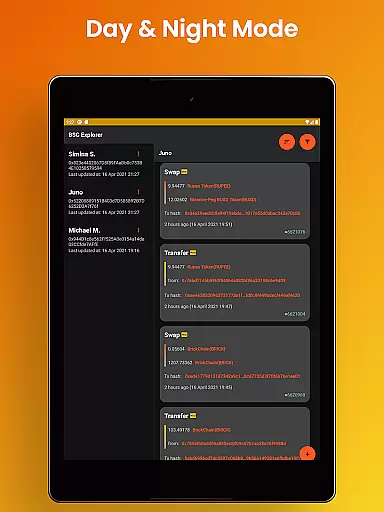
Designed with user experience in mind, the app features a sleek dark/light mode interface, supports multiple languages, and utilizes the latest material design principles. Its mobile and tablet-optimized layouts ensure seamless navigation across devices, making it an indispensable tool for modern crypto traders.
Account and fund security is paramount in the world of cryptocurrency, and Binance Smart Chain Explorer offers enterprise-grade solutions to ensure your assets remain safe. The app provides view-only access using public wallet addresses, meaning your private keys are never at risk. This approach eliminates the possibility of unauthorized transactions or access to your funds.
The application avoids collecting or storing any personal data, further enhancing user privacy and security. By focusing solely on public blockchain information, it ensures that even if there were a data breach, no sensitive personal information would be compromised. This method aligns with best practices in cybersecurity for financial applications.
Users can track wallet transactions and manage their portfolios without exposing their private keys, thanks to the app's design. With features like alias assignment for wallet addresses and smart contract detail viewing, users gain comprehensive control over their investments while maintaining top-notch security standards. These capabilities make Binance Smart Chain Explorer an essential tool for those serious about protecting their digital assets.
Binance Smart Chain Explorer revolutionizes the transaction experience by offering real-time notifications for unlimited wallets, ensuring you never miss a critical movement in your portfolio. This feature requires a subscription but proves invaluable for active traders who need instant updates to make timely decisions. Additionally, periodic notifications provide non-subscribers with essential alerts without needing a subscription.
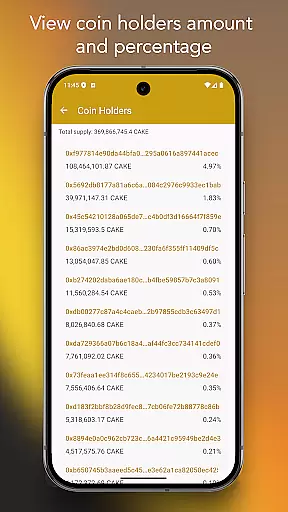
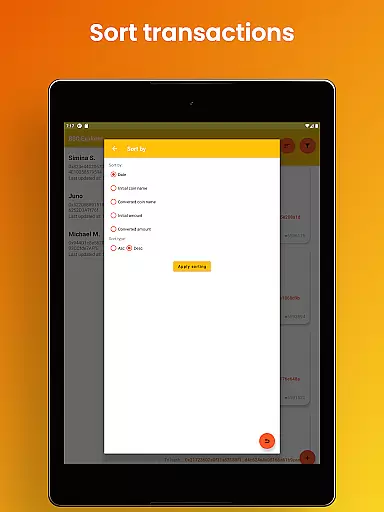
The app supports complete BEP-20 token balance tracking, allowing users to monitor their holdings with advanced search and filtering options. This functionality simplifies managing diverse portfolios by presenting all necessary information in one place. Users can also view token holders' data relative to the total supply, providing insights into market distribution and potential price movements.
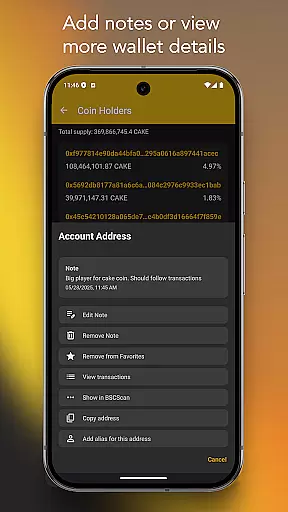
For a more personalized experience, users can add notes and favorites to specific coins, transaction hashes, or wallet addresses. This organizational feature helps better manage complex portfolios and enhances overall usability. Coupled with beautiful dark/light mode interfaces and multiple language support, Binance Smart Chain Explorer delivers a premium user experience tailored to both novice and experienced crypto enthusiasts alike.
Real-time notifications
Unlimited wallet tracking
Enterprise-grade security
User-friendly interface
Multi-language support
Premium subscription required
Limited free features
Advanced knowledge needed
No iOS version available
Occasional bugs reported

Payday cash advance & Instant cash advance: Borrow money instantly, Get cash now
 4.60
4.60
Easily invest, save, and plan—all in one app.
4.60
Put crypto to work & earn rewards. Stake crypto like Ethereum, Solana & Cardano
4.40
Invest, bank & save in one app. Trade stocks, earn high APY & budget smarter.
4.00
Mine Bitcoin in the cloud! Earn BTC daily with high-speed mining power.
4.30
Easy budgeting planning on a calendar!
4.80
NFC mobile payment app Use your phone as a contactless bank card
4.00
Loan Calculator, Mortgage Calculator, Compound Interest Calculator
4.70
Real-time tracking: Stocks, Indices, Futures, Commodities, ETF, & Funds prices.
4.60
Wells Fargo Mobile allows you to access your investment and bank accounts.
4.80
The DailyPay app lets you access earned wages before your next payday.
4.70
Early payday cash advance up to $150 a day with a max of $1,000 per pay period
4.70
“Money Manager” is an optimized application for personal asset management.
4.70
Send money and bitcoin easily. Invest, bank and do more with your money
4.70
Manage your prepaid cards and add to Google or Samsung Wallet.
4.60
Access State Farm accounts, policies, ID cards and more
4.60
Make Real Cash by Playing Games! Fetch Playful Rewards, Win & Triumph
4.50
Get, Earn, and Save Money
4.30
Registration of your debts and Mdionatk and assembled, as well as a significant reports
4.30


User Reviews