
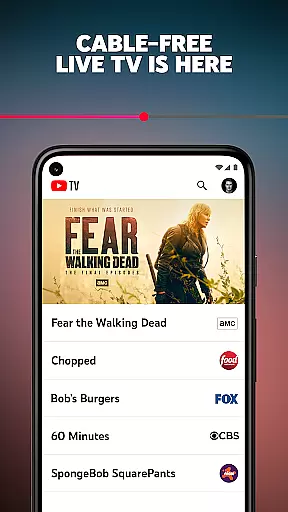
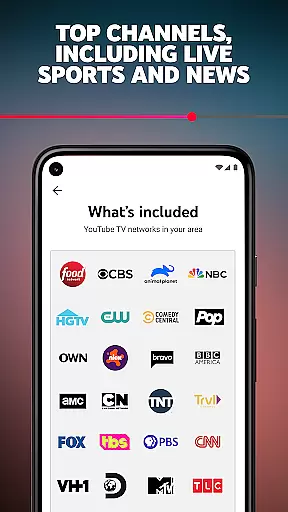
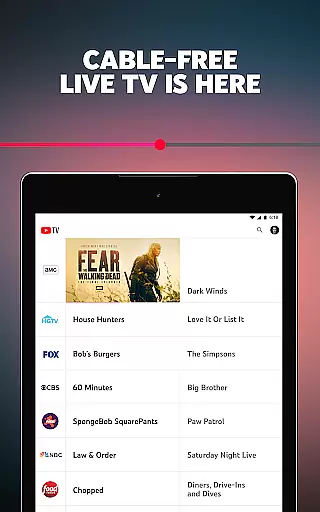
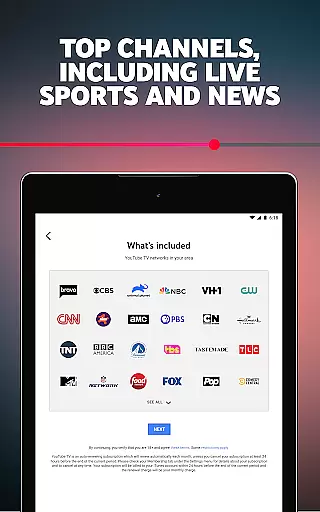
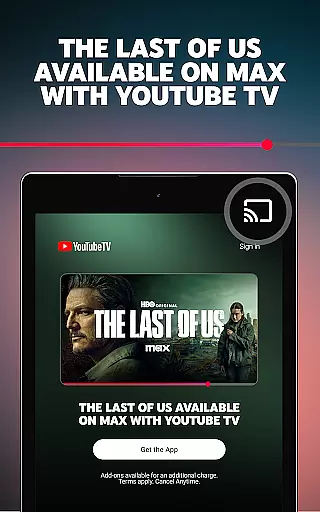
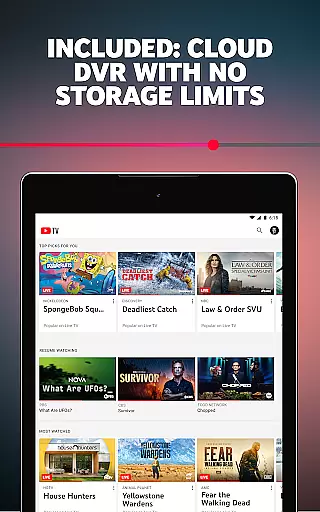
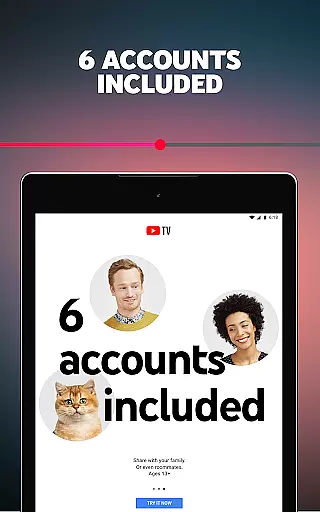
YouTube TV is a cable-free live TV streaming service that offers access to over 100 networks, including major broadcast channels like CBS, FOX, and NBC. Subscribers can enjoy live sports, news, entertainment, and lifestyle programming on multiple devices, including smartphones, tablets, computers, and TVs. The service includes cloud DVR functionality with recordings stored for up to 9 months, and supports up to 6 accounts per household, each with personalized login credentials, recommendations, and DVR settings.
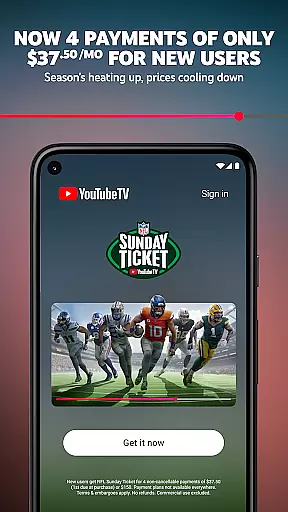
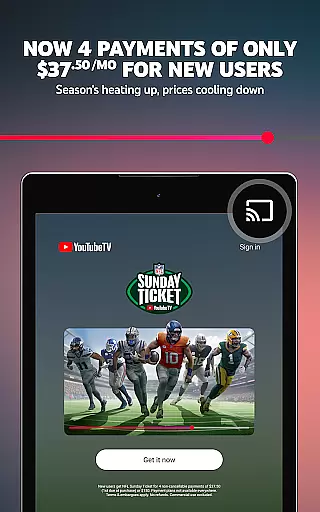
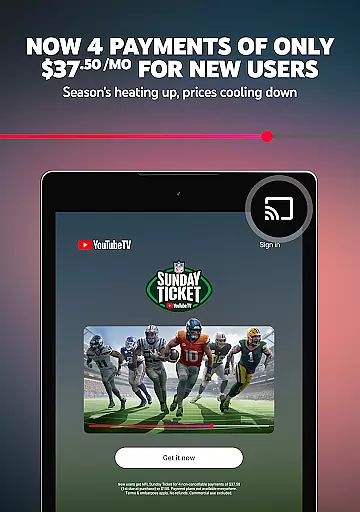
The platform provides an extensive selection of sports channels, regional sports networks, and exclusive content such as NFL Sunday Ticket, allowing users to watch out-of-market games. With no long-term contracts or cancellation fees, YouTube TV operates on a month-to-month subscription model, offering flexibility and convenience for its users. Available nationwide across the United States, it serves as a comprehensive alternative to traditional cable packages.
YouTube TV stands out with its robust feature set tailored for modern television consumption. One key feature is its multi-device compatibility, enabling users to stream content seamlessly across smartphones, tablets, computers, and smart TVs. This ensures that viewers can access their favorite shows and live events wherever they are, without being tied to a physical cable box or specific location.
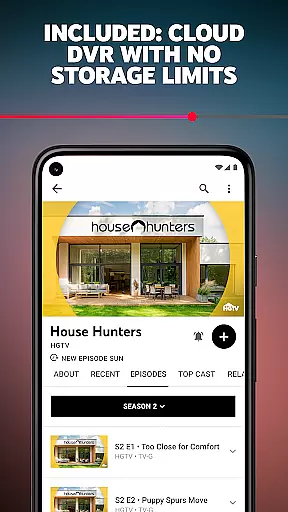
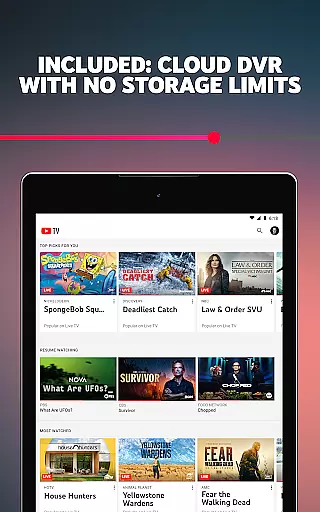
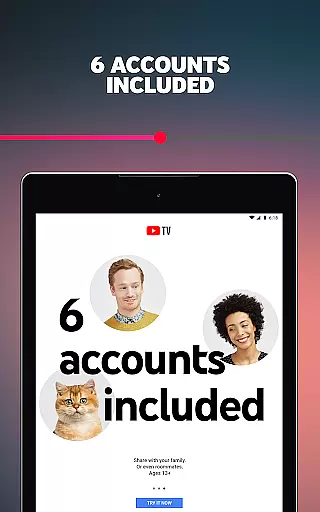
Another notable aspect is the unlimited cloud DVR storage, which retains recordings for 9 months. Unlike traditional DVR systems with limited storage capacity, this feature allows users to save an extensive library of content without worrying about space constraints. Additionally, the service supports up to 6 individual profiles per household, giving each user their own personalized experience with unique login credentials, viewing recommendations, and saved content. These features collectively enhance user convenience and customization options.
Furthermore, YouTube TV's inclusion of exclusive content like NFL Sunday Ticket adds significant value for sports enthusiasts. By providing access to every out-of-market Sunday game, the service caters specifically to fans who want comprehensive coverage beyond what local broadcasts offer. Combined with a diverse channel lineup spanning news, entertainment, lifestyle, and kids' programming, YouTube TV delivers a well-rounded and versatile viewing experience.
Content variety and freshness are crucial for any entertainment platform, ensuring users have access to a diverse range of programming that keeps them engaged. YouTube TV excels in this area by offering over 100 networks spanning multiple genres including sports, news, entertainment, lifestyle, and kids' content.
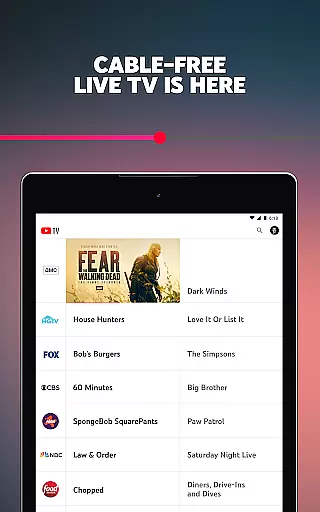
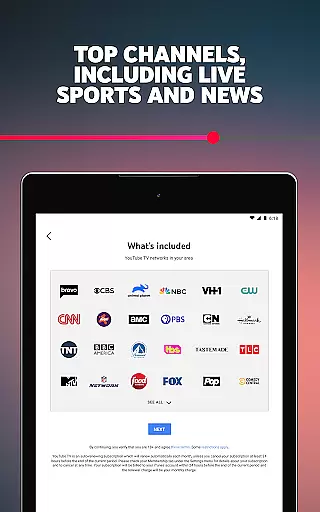
The service includes major broadcast and cable networks such as CBS, FOX, NBC, NFL Network, HGTV, TNT, AMC, and more. This extensive selection ensures that there is something for everyone, whether you're a sports enthusiast, a news junkie, or a fan of popular TV shows and movies.
YouTube TV also provides local sports and news channels, which are essential for staying updated with regional events and teams. The inclusion of these channels enhances the overall user experience by catering to both national and local interests.
Moreover, YouTube TV continuously updates its offerings to include new and trending content. With features like cloud DVR, users can record live TV without storage limits, ensuring they never miss out on their favorite shows. Each recording is stored for nine months, providing ample time to catch up on missed episodes or rewatch beloved content.
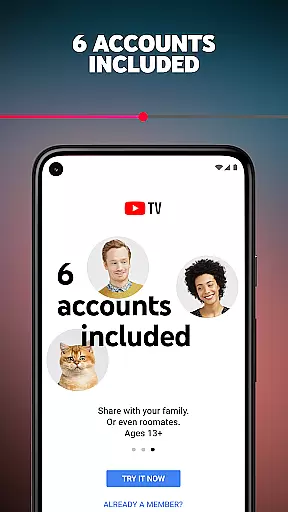
User engagement duration and retention are key metrics for evaluating the success of an entertainment platform. YouTube TV addresses these aspects through several innovative features designed to keep users hooked and coming back for more. One standout feature is the ability to create up to six individual accounts per household, each with its own login, personalized recommendations, and DVR.
This multi-account system allows family members to enjoy customized experiences tailored to their preferences. Personalized recommendations ensure that users are constantly discovering new content aligned with their interests, thereby increasing the likelihood of prolonged viewing sessions.
In addition to personalized accounts, YouTube TV offers seamless streaming across various devices, including smartphones, tablets, computers, and TVs. This flexibility enables users to watch their favorite shows anytime, anywhere, further enhancing engagement and convenience.
Furthermore, YouTube TV's month-to-month subscription model with no long-term contracts provides users with the freedom to cancel anytime. This approach reduces barriers to entry and encourages continued usage, as customers feel empowered and in control of their entertainment choices. Combined with regular content updates and a vast library of networks, YouTube TV successfully fosters high user engagement and retention rates.
User-friendly interface
Flexible subscription
No contract lock-in
Multi-device support
Exclusive sports content
Higher cost than some competitors
Limited international availability
Occasional buffering issues
Requires stable internet
Some channels not included

A wonderful collection of the most beautiful sounds of animals and birds
 4.1
4.1
Live TV, sports & holiday movies — stream on phone, tablet & TV
4.60
Watch short films, dramas, reels, series and movies anytime on Micro Drama.
4.60
Find out if you're on Santa's Naughty or Nice List with this magical scanner!
4.60
Best of icon for christmas
4.30
The Xbox app keeps you connected to your gaming community.
4.50
NFL, NBA, NHL, MLB, local sports coverage, shows, movies & news!
3.20
Browse popular images and videos from Reddit on Android TV!
3.90
Create your Songs. Cover Maker with any Voice, Song Generator
3.30
Exclusive creator communities
4.70
Direct access to the most complete Guitar Tab Archive in Spanish: LaCuerda.net
4.60
Create, chat & bond with AI souls who truly listen.
4.50
Fetch money rewards all just for playing games. Cash out for gift cards in app.
4.50
Fool your friends & Family with Fake ultrasound test report
3.60
Binaural Brainwave Doses for Every Imaginable Mood
3.60
Connect. Discover. Control.
3.60
Stream videos to VIDAA & VEWD TVs from Hisense, Sharp, Skyworth, Vestel & TiVo
3.00
Journey to the world’s oldest rainforest and meet its Indigenous Custodians.
4.3
Collaboration with popular VTubers
4.3


User Reviews