



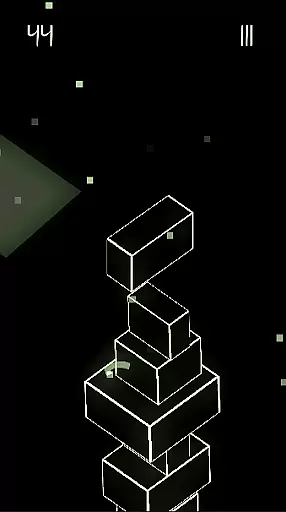
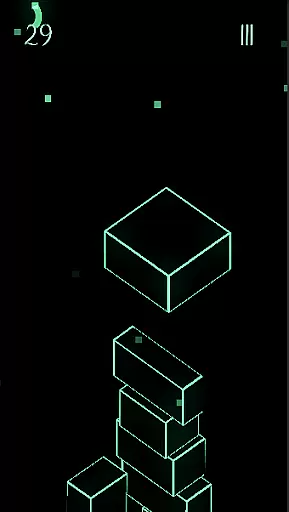



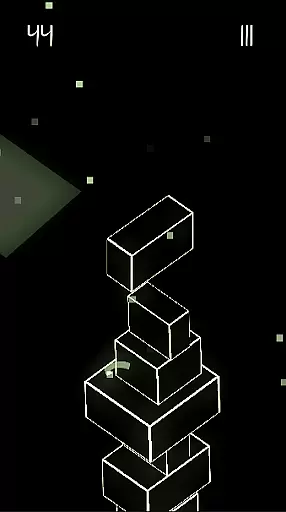
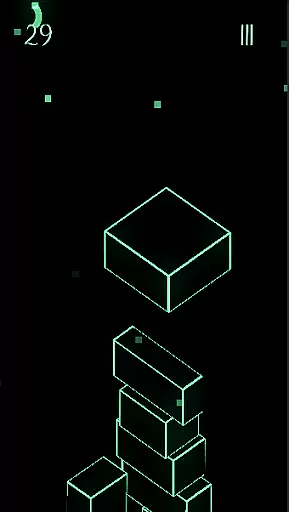



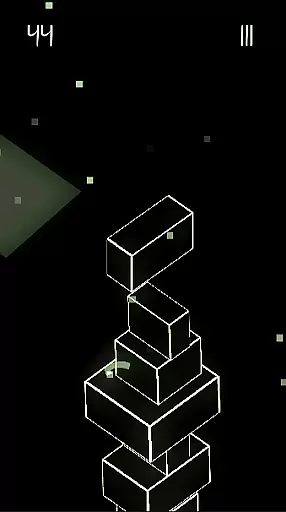
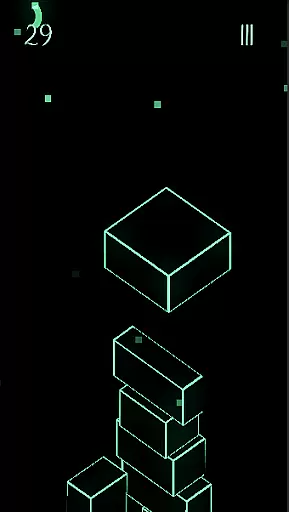
Upping Floors is an arcade-style block stacking game that combines realistic physics with a sleek neon aesthetic. The core gameplay revolves around precision stacking, where each move directly impacts the stability of your tower. With its challenging mechanics and visually appealing design, the game caters to players who enjoy testing their reflexes and strategic thinking.
Beyond the main stacking feature, Upping Floors offers a competitive edge through its global leaderboard, allowing players to compare their tower-building skills with others worldwide. The premium experience is further enhanced by the absence of ads or interruptions, ensuring uninterrupted focus on the gameplay. Whether you're a casual gamer or a dedicated arcade enthusiast, this app provides an engaging experience optimized for mobile performance.
One of the standout features of Upping Floors is its incorporation of realistic gravity and physics into the block stacking gameplay. Each block reacts naturally to player input, requiring careful timing and precision to maintain balance as the tower grows taller. This mechanic adds depth and challenge, making every session unique and rewarding.
In addition to its core mechanics, the game boasts stunning neon visuals designed to shine on modern AMOLED screens. The vibrant colors and sharp contrasts create an immersive experience, particularly in low-light environments. Furthermore, the app's lightweight design ensures smooth performance even on older devices, offering a seamless experience without compromising on visual quality.
For competitive players, the inclusion of a live global leaderboard adds replayability and motivation to improve. Combined with its no-ads policy and affordable premium pricing model, Upping Floors delivers exceptional value while maintaining a fair and enjoyable gaming environment.
Arcade authenticity in Upping Floors brings players back to the golden era of gaming with its simple yet challenging mechanics. The game captures the essence of classic arcade experiences while infusing modern elements.
With realistic gravity and physics, every block placement requires precision and timing, reminiscent of traditional arcade games that demand quick reflexes and strategic thinking. This creates a sense of nostalgia for players who appreciate the timeless appeal of arcade gaming.
The neon aesthetic enhances this nostalgic journey by providing a visually striking environment that echoes the vibrant graphics of retro arcade machines. Players can immerse themselves in an experience that feels both familiar and refreshingly new.
Control responsiveness is at the heart of Upping Floors, ensuring that every touch and swipe translates instantly into in-game actions. This immediacy is crucial for a game that relies on precise movements and split-second decisions.
The intuitive interface allows players to focus on stacking blocks without being hindered by unresponsive controls. As towers grow taller, maintaining balance becomes increasingly challenging, making responsive controls essential for success.
This level of responsiveness not only enhances gameplay but also contributes to the overall satisfaction of playing Upping Floors. Gamers can fully engage with the tower-building challenge, knowing their inputs are accurately reflected in the game world.
Premium no-ads experience
Realistic physics engine
Vibrant neon visuals
Global leaderboard competition
Lightweight performance
Limited free content
No multiplayer mode
Repetitive long-term
High difficulty curve
Offline only play

Genesis, Mega Drive, Mega CD, Master System, Game Gear Emulator!
 4.20
4.20
A retro-flavoured infinite scroller Glyph toy for the Nothing Phone (3)
4.2
Sharpen your mind and reflexes while playing 4Way Dash
4.0
Get into your tractor to cut grass and harvest the crops in our mowing simulator
4.10
Reach high, and shine in the neon world in 3D!
4.2
Suck the other’s blood and be the longest surviving mosquito!
4.40
Meet Snake Run Race! Slither through an obstacle course in our fun running game!
4.70
The precise emulator of 8 bit handheld... Now even better!
4.50
This is an emulator for a certain 64 bit console with online cloud backup.
4.80
Amid the vastness of the universe, you are a Black Hole about to be swallowed!
5.00
Master the skies in this epic airplane shooting game! Join the air force now!
4.80
Cool car builder & racing simulator: make a car to win the obstacle course race!
4.60
Hit as hard as you can and make the penguin learn to fly! Arcade jumping game
4.50
Challenge your friends across the world to see who can jump the farthest!
4.50
Outrun cops, ignite the thrill of a high-speed chase!
4.50
Nostalgia.GBA Pro is a high quality GBA emulator.
4.40
Sega Saturn Emulator
4.20
John GBC is GB/GBC emulator. This emulator is easy to use.
3.80
Neogeo MVS/AES Emulator
3.30


User Reviews