
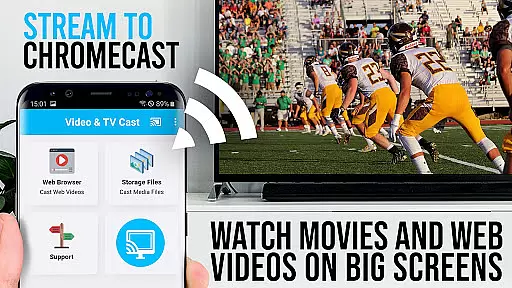
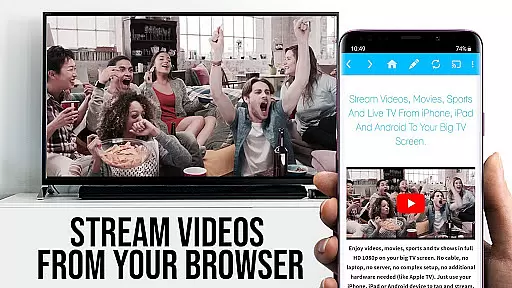
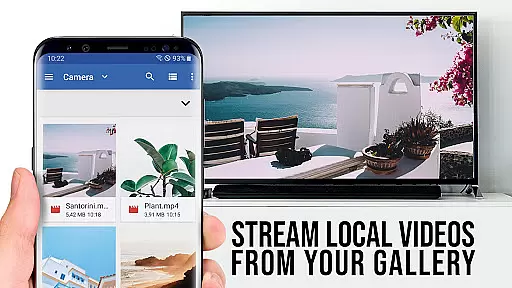
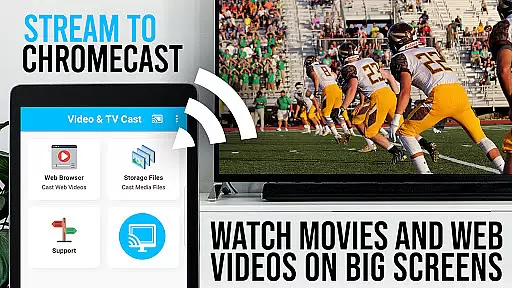
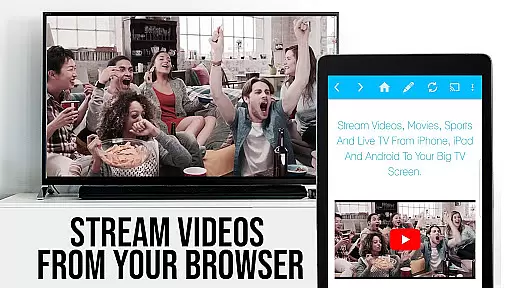
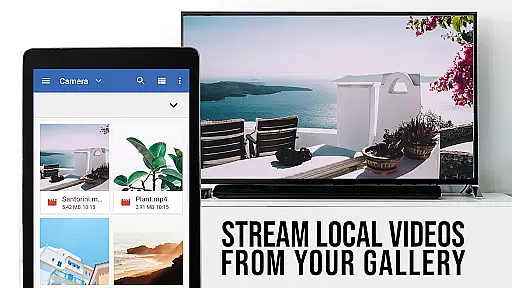
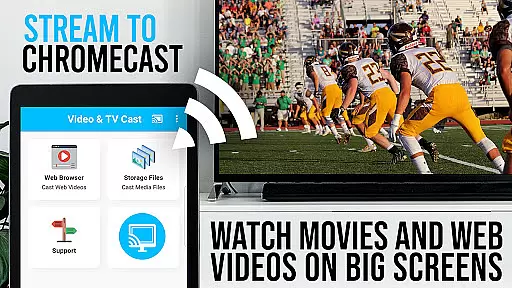
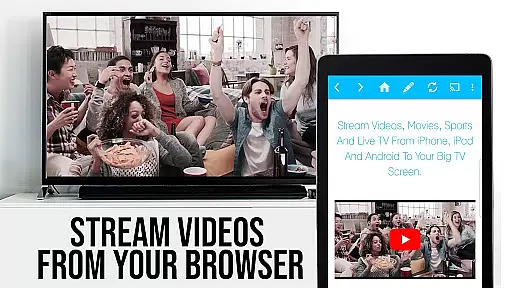
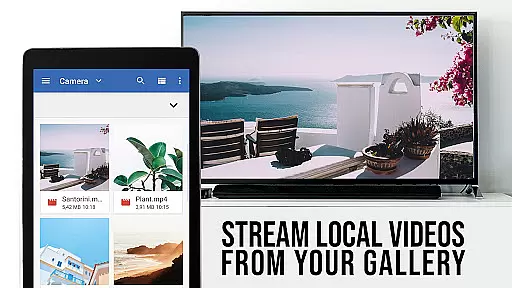
TV Cast Pro for Chromecast is the premier browser app designed specifically for streaming video content to Chromecast-enabled devices. With over 10 million users across Android and iOS platforms, this application allows you to cast web videos, online movies, IPTV, livestreams, and live TV shows directly to your TV screen. Supporting formats like MP4, M3U8, HLS livestreams, and Full HD video over HTTPS, it transforms your Chromecast into a versatile media player.
The PRO edition offers all premium features unlocked, providing advanced functionalities such as remote playbar control, an ad-blocker, bookmarks management, desktop mode, and customizable homepage settings. Whether you're looking to stream content from popular websites or lesser-known sources, TV Cast Pro ensures seamless casting with minimal device permissions, prioritizing user safety and convenience.
TV Cast Pro stands out with its comprehensive feature set tailored for an optimal casting experience. The Remote Playbar functionality allows users to control video playback effortlessly, including options for scrubbing, forwarding, rewinding, playing, pausing, and stopping. This feature syncs across all Android and iOS devices running the app, ensuring consistent control regardless of the device in hand.
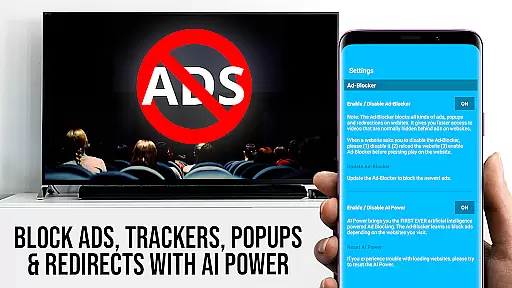
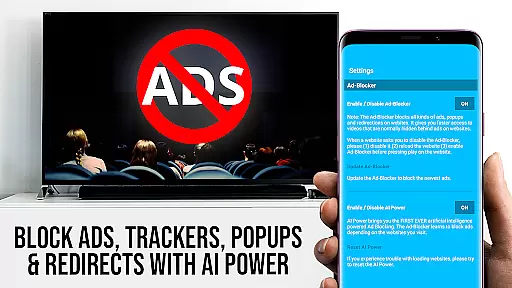
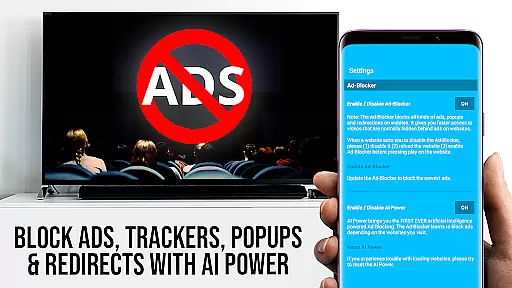
In addition to advanced playback controls, the app includes a robust Ad-Blocker that eliminates ads and popups on most websites, enhancing the viewing experience without interruptions. Users can also manage an unlimited number of bookmarks directly within the browser, switch to Desktop Mode to access full desktop websites, and personalize their homepage for quicker access to favorite content. These features collectively ensure that TV Cast Pro delivers both flexibility and ease of use, making it the go-to solution for streaming web-based video content to your Chromecast.
TV Cast Pro for Chromecast excels in delivering a diverse range of content, ensuring users have access to the latest web videos, online movies, IPTV, livestreams, and live TV shows. The app supports various formats including mp4, m3u8, hls livestreams, and Full HD video over https, catering to different user preferences.
The application's strength lies in its ability to browse the web and cast any video with a single tap, making it easy to stream content directly on your biggest screen. This feature not only enhances user convenience but also ensures that the content remains fresh and up-to-date as users can navigate to their favorite websites and instantly send embedded videos to their Chromecast.
Moreover, the PRO edition offers advanced features such as an Ad-Blocker, which blocks ads and popups on most websites, ensuring a seamless viewing experience. With the ability to add and manage bookmarks, users can quickly return to their preferred content, further enhancing the variety and accessibility of entertainment options.
One of the standout features of TV Cast Pro for Chromecast is its focus on maximizing user engagement duration and retention. By offering a Remote Playbar, users gain advanced video control while browsing, including functions like video scrubbing, forward, rewind, play, pause, and stop. This level of control keeps users engaged and allows them to interact with content more effectively.
The app's support for casting a wide array of video formats, coupled with its Desktop Mode, ensures that users can enjoy an uninterrupted streaming experience. By cloaking the Android device as a desktop PC, the app loads desktop websites, providing a richer content experience that encourages longer viewing sessions.
Additionally, the PRO version includes features like the ability to change the homepage and manage bookmarks, which contribute to user retention by personalizing the interface and making it easier to access frequently visited sites. These features collectively enhance user satisfaction and encourage prolonged use of the app.
User-friendly interface
Advanced video controls
Effective ad-blocking
Customizable homepage
Desktop mode available
No support for DRM videos
Limited to Chromecast
Device mirroring absent
Occasional connectivity issues
Refunds only within 24 hours

Heroclix search units with multi filter , team builder, collection manager.
 4.40
4.40
Stream over 80 hours of exclusive mashups and remixes by DJ Rehab.
4.5
Watch short films, dramas, reels, series and movies anytime on Micro Drama.
4.60
Collaboration with popular VTubers
4.0
Stream Live TV, News & Documentaries. Watch Full Seasons with PBS Passport.
4.80
NFL, NBA, NHL, MLB, local sports coverage, shows, movies & news!
3.20
Alice Box is an Instrumental Trans Communication app.
3.80
Official KennysGifs Stickers
4.20
Hand-drawn, cartoon OC creator - original character creator
4.70
Wodfix Air aggregates popular online content for you.
4.80
Tarot & Oracle Card Readings
4.50
Create, chat & bond with AI souls who truly listen.
4.50
Stream Online TV - Watch Live IPTV Playlist & Channel with Built-In Player
4.50
The Xbox app keeps you connected to your gaming community.
4.50
Atomus is a 10-finger multi-touch interactive visualizer.
4.30
Create and play realistic-looking mock Emergency Alert System messages.
4.30
Browse popular images and videos from Reddit on Android TV!
3.90
EVP Recorder / Voice Recorder for ghost hunting, to communicate with ghosts.
4.0
Music visualizer and party effects for your Nanoleaf devices
4.0


User Reviews