
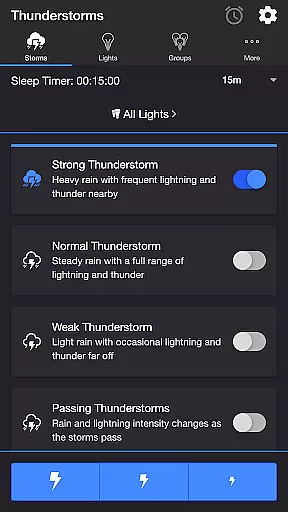
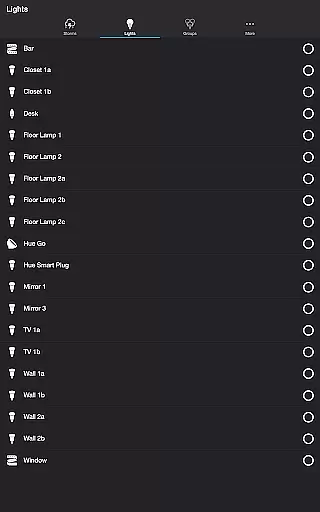
Thunderstorm for Hue is an innovative entertainment app that transforms your Philips Hue lights into a dynamic thunderstorm light show. The app simulates various storm intensities, from weak to strong, with corresponding light and sound effects.
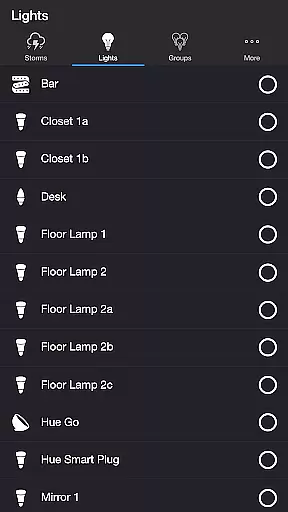
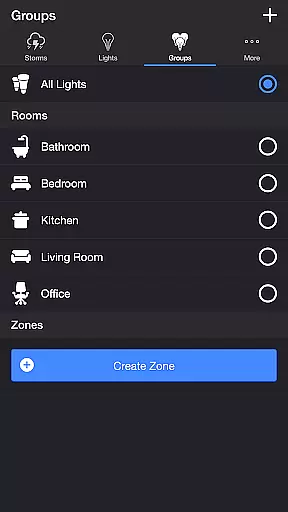
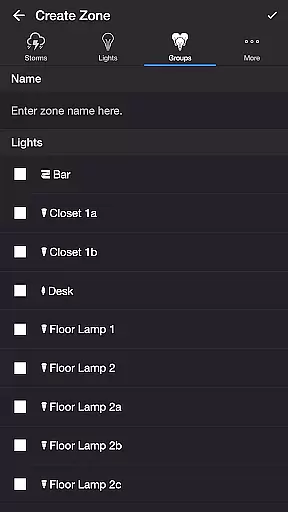
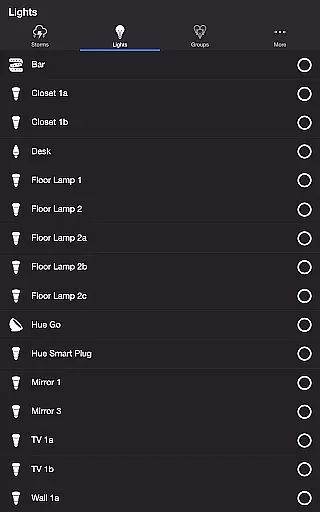
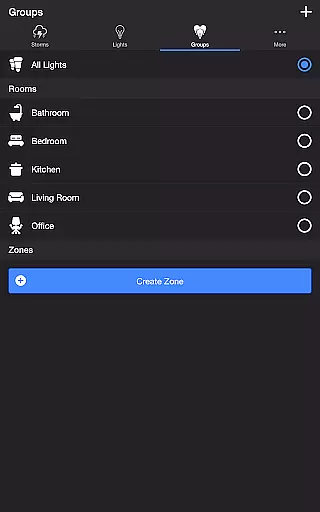
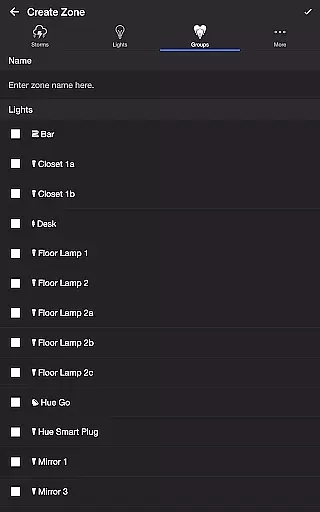
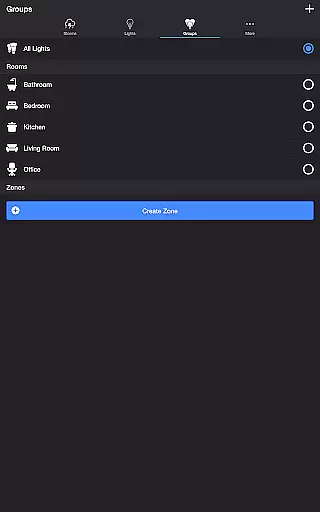
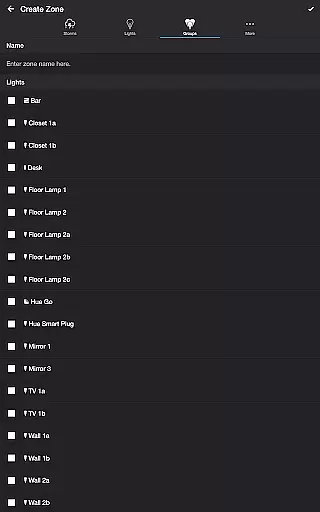
Users can customize every aspect of the experience through detailed settings. Adjust rain intensity, lightning frequency, thunder volume, and background sounds like birds or crickets. The app supports both individual lights and groups/zones, making it versatile for different room setups.
This application is particularly useful for creating immersive environments for parties, relaxation, or home theater experiences. Its precise control over lighting effects and synchronization with audio creates a truly engaging atmosphere.
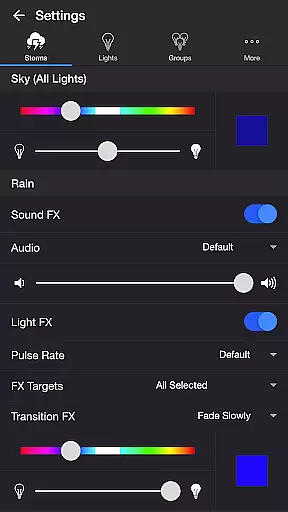
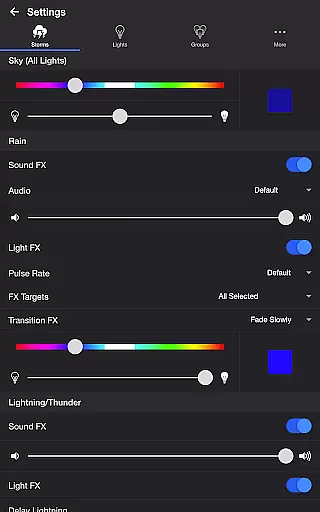
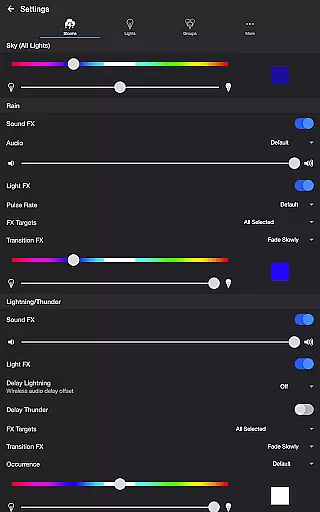
The app offers comprehensive customization options across multiple categories. The Sky settings let you adjust base color and brightness, while Rain controls manage sound effects, pulse rates, and transition effects.
Lightning/Thunder settings provide granular control over visual and audio elements. Users can modify thunder volume, lightning delay, and occurrence frequency. The Passing Thunderstorms feature adds dynamic pattern changes over time.
Additional features include Bluetooth speaker support, Chromecast integration, and a unique Lightning on Demand function. These capabilities, combined with the sleep timer and automatic mode cycling, make it a complete solution for creating customizable lighting experiences.
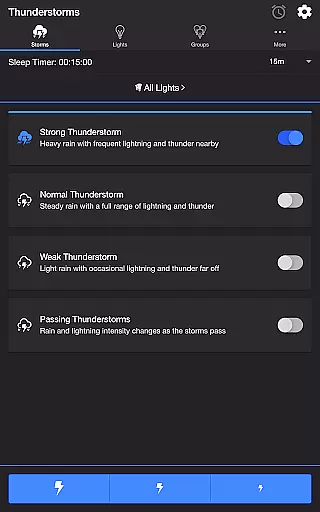
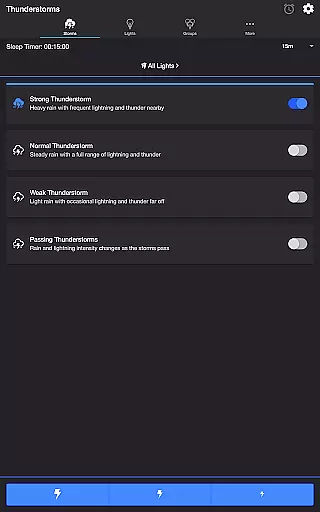
Thunderstorm for Hue offers a diverse range of content that caters to different user preferences. The app provides multiple thunderstorm scenarios, including Strong, Normal, Weak, and Passing Thunderstorms, each with unique light and sound effects.
The application's strength lies in its detailed customization options. Users can adjust various settings such as base color, brightness, rain sound effects, lightning occurrence, and background sounds. This level of personalization ensures that the experience remains fresh and engaging over time.
With frequent updates and new features, the app maintains a high level of content freshness. Recent additions include Bluetooth and casting support, expanding the ways users can enjoy their customized thunderstorm experiences.
Thunderstorm for Hue excels in maintaining long user engagement durations through its immersive light and sound shows. The realistic simulation of thunderstorms, combined with customizable Philips Hue lighting effects, creates an engaging atmosphere that encourages extended use.
The app incorporates several features that enhance user retention. The Sleep Timer function allows users to set automatic shutdown times, while the recurring cycle option keeps the experience consistent without requiring manual restarts. These thoughtful additions help maintain regular usage patterns.
Additional features like Lightning on Demand provide interactive elements that keep users engaged. The ability to manually control lightning effects adds an extra layer of involvement, making each session unique and encouraging repeated use.
Highly customizable settings
Realistic storm simulation
Wide compatibility with Hue products
Intuitive user interface
Regular feature updates
Requires Hue Bridge
Premium version needed
Complex for beginners
Occasional bugs
Resource intensive

Stream Online TV - Watch Live IPTV Playlist & Channel with Built-In Player
 4.50
4.50
Find out if you're on Santa's Naughty or Nice List with this magical scanner!
4.60
Atomus is a 10-finger multi-touch interactive visualizer.
4.30
Direct access to the most complete Guitar Tab Archive in Spanish: LaCuerda.net
4.60
Come and watch short dramas, reels with diverse genres!
4.40
Raise Christmas Magic with daily missions, magical scanners, and kindness.
4.0
The classic game of rock, paper, scissors
4.2
Geooh GO is the most feature rich geocaching app available today.
4.50
Scary prank camera & on face app: Shoot videos, selfies with spiders & scorpions
4.60
Open-source, fast, simple and powerful IPTV app
4.90
Stream Live TV, News & Documentaries. Watch Full Seasons with PBS Passport.
4.80
The JBL Portable app works with JBL portable Bluetooth speakers.
4.60
Everything FOX in one place. Watch FOX News, NFL, MLB, TV shows and more.
4.50
Browser for Chromecast to stream webvideos, online movies, IPTV & HD livestreams
4.40
Practice and master your ESP and intuition with five mode trainer.
4.20
Daily immersive workout plan: Body warm up & finger yoga exercises
3.80
Watch New Episodes & Live TV
3.80
Your choice of 350+ networks plus movies and full TV series on-demand.
3.70
Neon Christmas Tree Animated: Festive Wear OS watch face with fitness info
4.4


User Reviews