
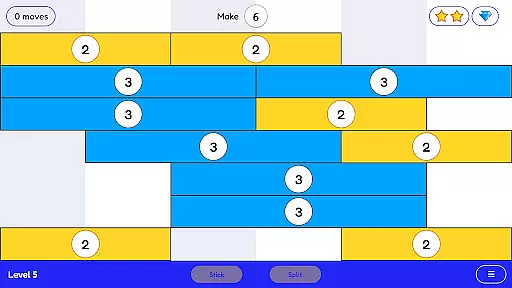
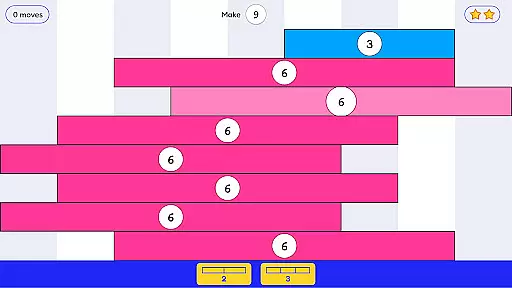
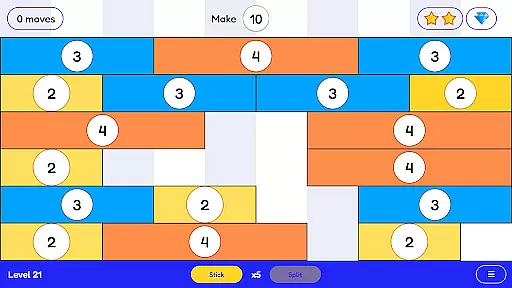
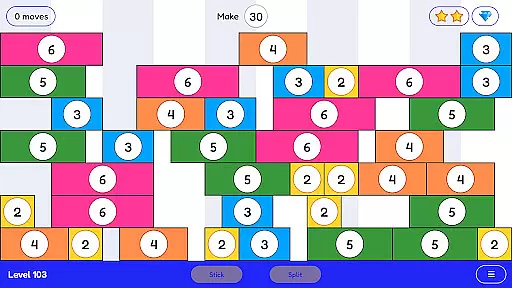
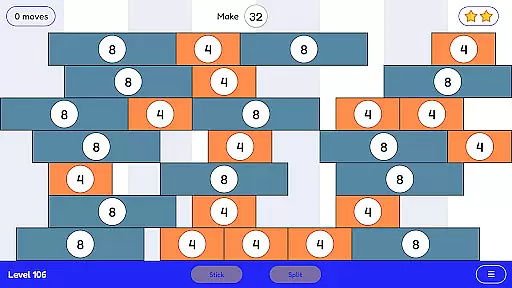
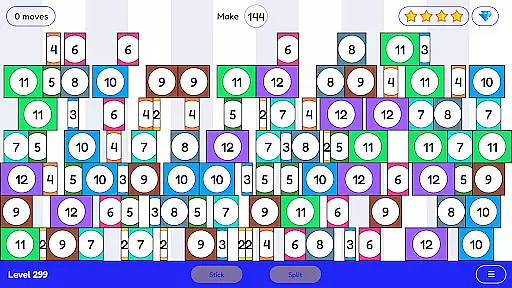
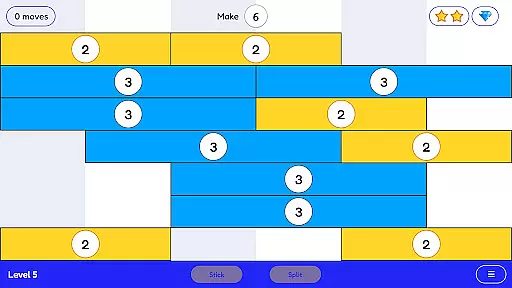
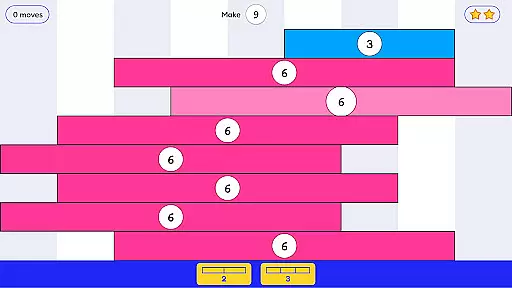
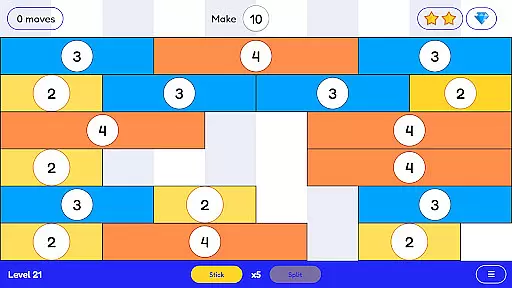
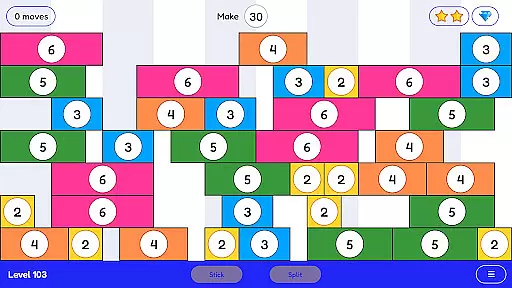
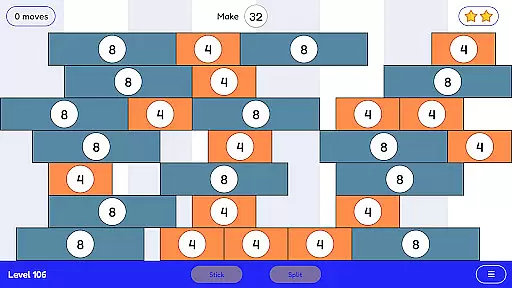
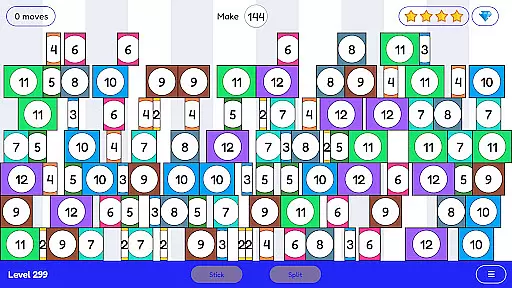
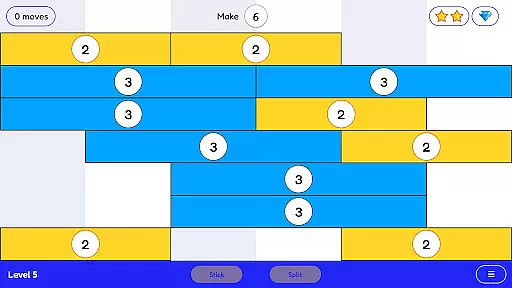
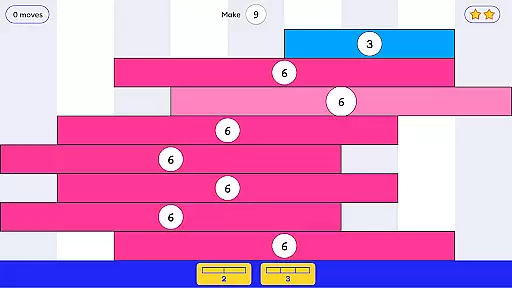
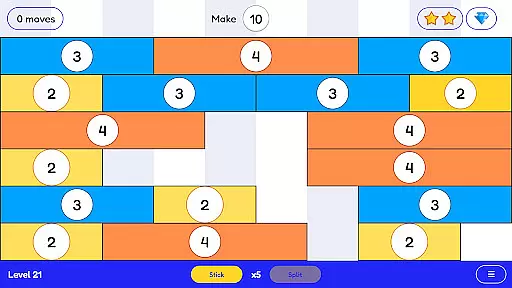
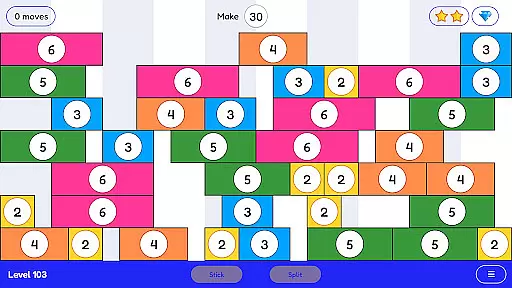
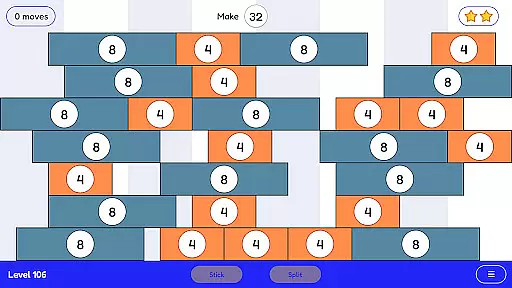
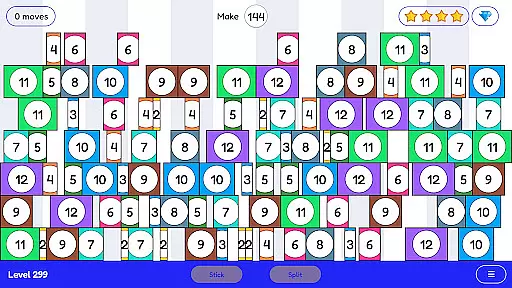
Stick and Split is an innovative educational game designed to make learning math engaging and intuitive. The app focuses on teaching multiplication and division through a highly visual and interactive approach. Users can stick numbers together to form larger values or split them into smaller components, creating an enjoyable learning experience.
With over 300 levels available, the app provides extensive practice opportunities that are both absorbing and thought-provoking. Its simplicity masks the depth of its educational value, making it suitable for learners of all ages who want to master math concepts with confidence. Stick and Split transforms traditional math drills into a fun, game-like environment.
Stick and Split stands out with its unique gameplay mechanics tailored for mathematical learning. The core feature allows users to visually manipulate numbers by sticking or splitting them, offering a hands-on way to understand multiplication and division. This method helps solidify foundational math skills while keeping users engaged.
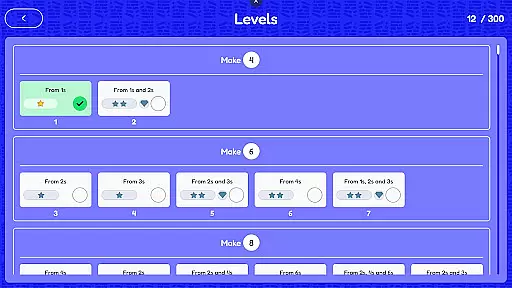
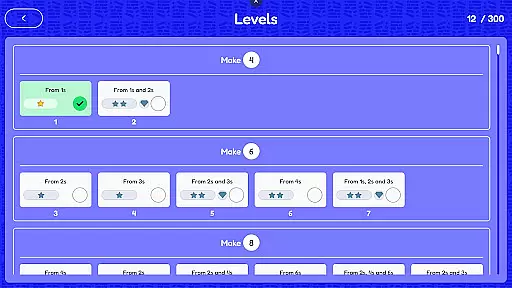
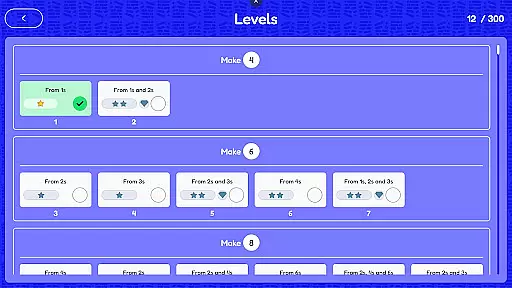
The app includes over 300 progressively challenging levels, ensuring long-term use and continuous learning. Each level is crafted to reinforce specific math concepts without overwhelming the learner. Additionally, the game's vibrant visuals and responsive design create an immersive experience, making it ideal for both casual play and structured education.
In the realm of educational gaming, content authority and curriculum alignment are paramount. Stick and Split excels in this area by offering a mathematically rich environment that aligns seamlessly with educational standards. The game's 300+ levels are meticulously crafted to ensure that each puzzle contributes to a deeper understanding of multiplication and division concepts.
The game employs a highly visual approach to teach mathematical operations, which aids in demystifying abstract concepts for learners. By sticking numbers together or splitting them apart, players engage with the fundamental principles of arithmetic in an interactive manner. This method not only reinforces basic math facts but also promotes strategic thinking and problem-solving skills.
Stick and Split bridges the gap between play and structured learning, ensuring that every session is both enjoyable and aligned with curricular goals. As players progress through increasingly complex puzzles, they build confidence in their mathematical abilities, all while adhering to a structured learning path that educators can trust.
Gamification has revolutionized the way we approach learning, and Stick and Split stands at the forefront of this innovation. By integrating game mechanics with educational content, the app transforms traditional math practice into an engaging experience. Players are motivated to advance through levels as they would in any captivating game, unaware that each step forward is a step deeper into mathematical proficiency.
The application rewards players for solving puzzles using multiplication and division, effectively disguising the repetitive nature of arithmetic drills. This gamified approach ensures sustained engagement and encourages regular practice, which is crucial for mastering math facts. Moreover, the increasing complexity of challenges keeps players intellectually stimulated and eager to progress.
Ultimately, Stick and Split demonstrates how gamification can be leveraged to create a harmonious blend of entertainment and education. Learners benefit from a non-traditional teaching method that feels more like leisure than study, leading to improved knowledge retention and a positive attitude towards mathematics as a discipline.
User-friendly interface
Engaging gameplay
Over 300 levels
Deeply educational
Highly visual learning
Limited to basic operations
No advanced math topics
Repetitive for some
Offline mode missing
Premium version costly

Absorbing, highly visual, effective learning of multiplication, division
 4.5
4.5
Pretend play in Pepi City: become a doctor or a patient. Our city, your stories!
4.30
Welcome to the dollhouse! Unboxing, doll games, dress up & cute pets await!
4.00
Educational game for children about emergency and other service vehicles
3.80
Practice Early Literacy Skills and Build Vocabulary with Elmo & Cookie Monster!
3.90
Explore Dopples World, build your avatar life & create endless stories!
4.70
Discover the infinite cycles of the universe
4.0
Endless runner fun packed with animal facts, exciting wildlife, & adventure.
4.10
Create, customize & explore your Toca Boca story! Endless fun & creativity await
4.30
Pro Doctor Dentist for PetsGame
4.60
Play and build with Bluey & friends in this fun LEGO® game!
4.40
Kids letter tracing technique, which is the first step in learning how to write.
4.30
Fun educational game: Learn, imagine, create, draw and color!
4.20
Games, music, crafts and coloring with cats
4.10
The Squirrels have been learning how to look after animal, now it's your turn!
3.90
Daycare full of baby games! Take care of cute toddlers & play fun mini-games!
3.90
Safe, fun, ad-free games for kids! For babies, toddlers, & kids age 2-6
3.60
Join Duggee and the Squirrels as they practice their counting!
4.2
Fun step-by-step drawing & coloring app to learn and create art!
4.5


User Reviews