
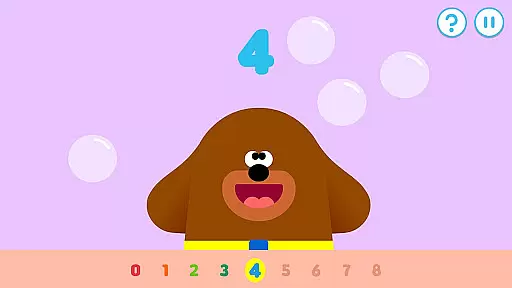
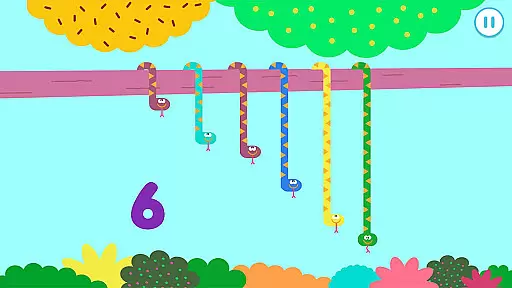
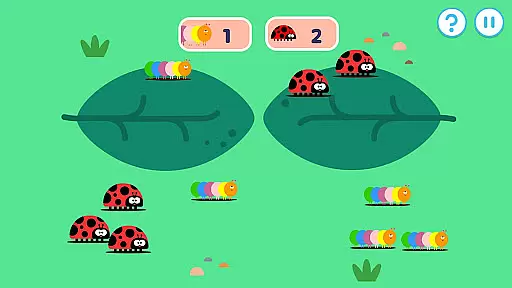
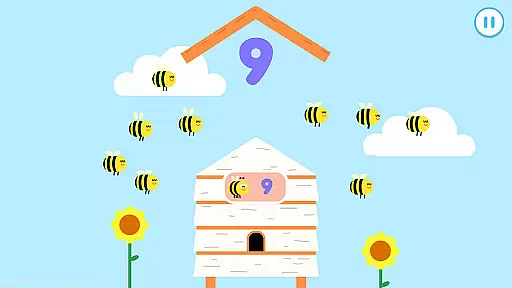
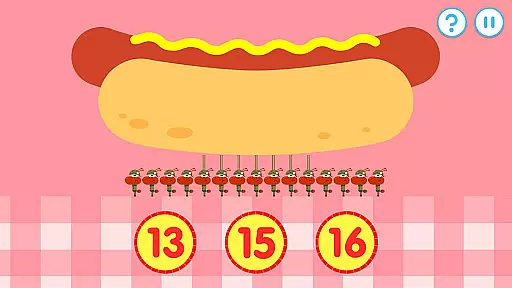
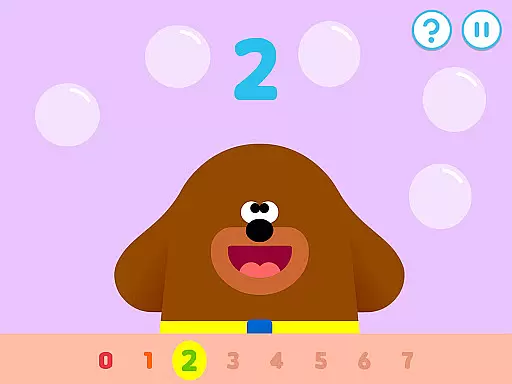
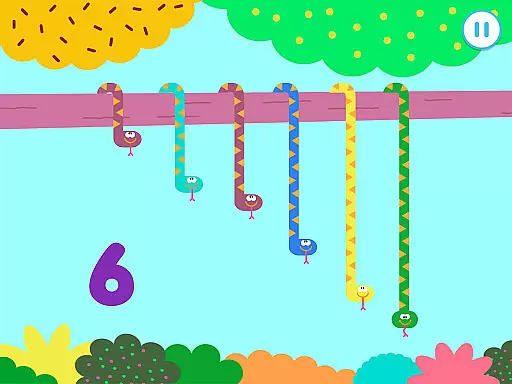
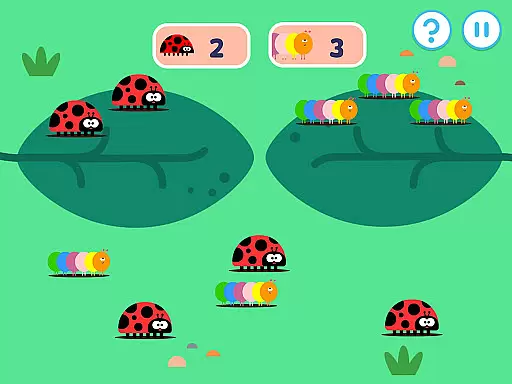
Hey Duggee: The Counting Badge is an educational app designed to make learning numbers fun for young children. It aligns with Early Years Foundation Stage learning outcomes, offering a variety of counting tasks that automatically adjust in difficulty. With 36 different activities spread across nine counting tasks, the app ensures content remains fresh and engaging for users of all ages.
The app provides a safe, ad-free environment for kids, focusing on numeracy skills through interactive games. Children can earn Gold Stars and work towards earning their Counting Badge by completing activities. Features like profiles for up to three players allow personalized progress tracking, making it easy for kids to continue where they left off.
By incorporating elements such as days of the week, weather recognition, and sorting tasks, Hey Duggee promotes essential cognitive skills while keeping the experience playful. This makes it an ideal educational tool for preschoolers, helping them develop foundational math skills in an enjoyable way.
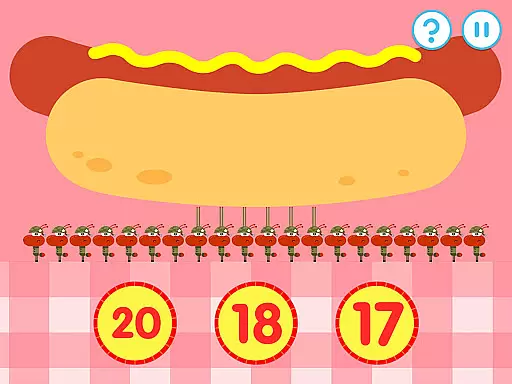
Hey Duggee: The Counting Badge offers a rich set of features tailored to early learners. The app includes nine core counting tasks, each with four variations, providing a diverse mix of activities such as tapping objects, matching numbers, and sorting items. These tasks are designed to cater to different skill levels, ensuring that children remain challenged yet not overwhelmed.
One standout feature is the automatic difficulty adjustment, which evolves based on the child's performance. This ensures sustained engagement and allows the app to grow with the child. Additionally, the app encourages routine play by rewarding users with Gold Stars and badges, reinforcing positive learning habits.
Other notable features include player recognition of dates and weather, profiles for multiple users, and a secure environment free from ads or data collection. These aspects make Hey Duggee a comprehensive educational tool that balances fun with foundational learning objectives.
In the realm of educational applications, content authority and curriculum alignment are paramount. Hey Duggee: The Counting Badge app is meticulously designed to align with Early Years Foundation Stage learning outcomes. This ensures that the activities presented are not only engaging but also pedagogically sound and age-appropriate.
The app offers a diverse mix of counting tasks, each crafted to match numeracy learning objectives for children aged 2 to 6 years. With nine distinct counting activities, each having four variations, the app provides a comprehensive approach to early numeracy skills. These tasks encourage recognition of numbers, understanding quantity, and simple arithmetic operations, laying a solid foundation for mathematical learning.
By incorporating automatically adjusting difficulty levels, the app caters to individual learning paces, ensuring that every child can progress comfortably. This personalized approach helps maintain engagement and motivation, as children are neither overwhelmed by too much complexity nor bored by tasks that are too simple.
Ultimately, Hey Duggee: The Counting Badge supports structured learning through play, making it an invaluable tool for parents and educators who seek authoritative and curriculum-aligned content for young learners.
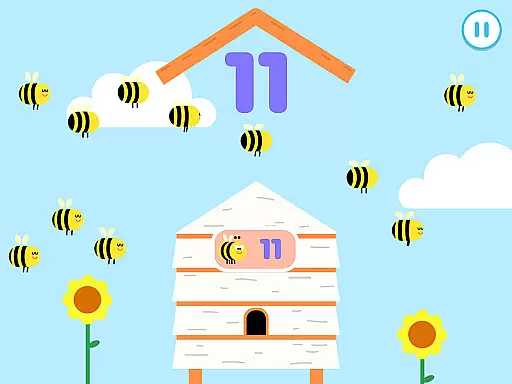
Gamification in educational apps transforms learning into an enjoyable and immersive experience. Hey Duggee: The Counting Badge excels in this area by integrating game-like elements that captivate young minds while imparting essential counting skills. Through interactive tasks such as tapping tadpoles or catching bees, children practice counting in a dynamic and entertaining environment.
The app employs a reward system where players earn Gold Stars and work towards earning their Counting Badge. This mechanic not only motivates repeat plays but also instills a sense of achievement and progression. By completing five activities, children earn a Gold Star, and every fourth star awards them a badge, encouraging consistent engagement and reinforcing positive learning habits.
Profiles for up to three players allow personalized tracking of progress, ensuring that each child's learning journey is acknowledged and rewarded. This feature enhances the gamified experience by providing a tailored path that adapts to each learner's pace and ability.
Overall, Hey Duggee: The Counting Badge demonstrates how effective gamification can seamlessly blend education with entertainment, resulting in sustained user engagement and effective learning outcomes.
Engaging counting tasks
Automatic difficulty adjustment
Safe ad-free content
Multiple user profiles
Reward system motivates kids
Limited to counting skills
No advanced math concepts
Graphics may feel basic
Only suitable for young kids
Requires frequent updates

A world to build at the tip of your fingers!
 3.80
3.80
A game to memorize
4.5
Draw shapes, mix colors, and dodge traps to defeat foes in the vibrant Art Zone!
4.3
Enjoy the fun kid's hospital play game with Cocobi, the little dinosaurs!
4.00
Educational game for children about emergency and other service vehicles
3.80
Baby Phone Game for Kids & Toddlers to Learn Sounds, Numbers, ABCs, Phone Calls
3.80
OG Trail - Lets you play the classic Oregon Trail simulation game on Android
4.20
Amazing learning and educational games for children of all ages.
4.70
Coloring book for kids! Learn Color, paint, neon drawing with educational games.
4.40
Design dreamhouses and dress up creatively in the ultimate role-playing game!
4.70
Fun game for preschoolers to learn addition, subtraction, counting and math!
4.50
Kids math games, abc games for kids 4-5 years old. Kindergarten learning games
4.50
This will quickly become your kids' favorite animals game!
4.40
Pretend play in Pepi City: become a doctor or a patient. Our city, your stories!
4.30
Imagine, build and ride your own Rollercoaster!
3.90
Spark your little ones’ imagination!
3.80
Featuring the Numberblocks
3.60
Explore the world of reading and writing with Booker!
4.1
Little Explorer – Garage, Kitchen and Bathroom
4.4


User Reviews