
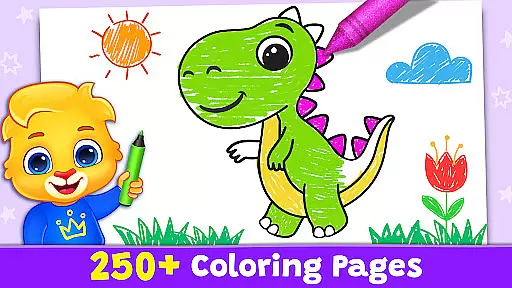
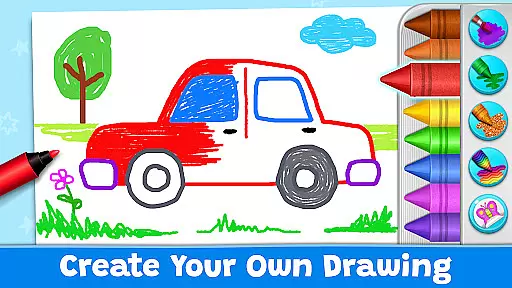
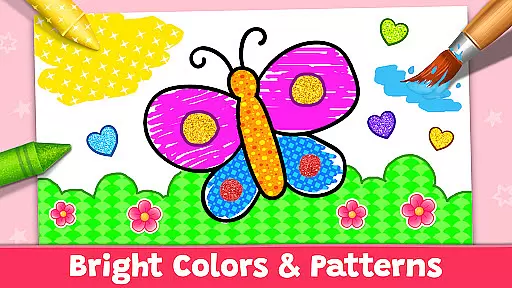
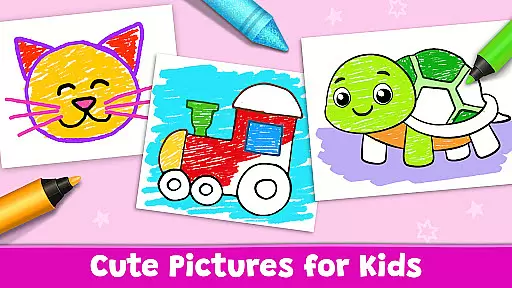

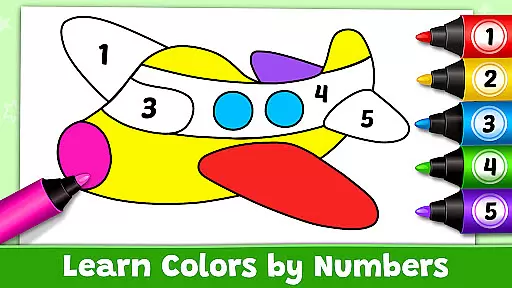
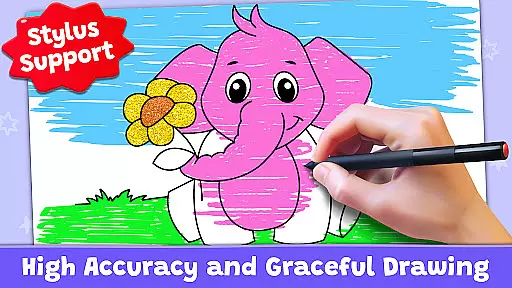
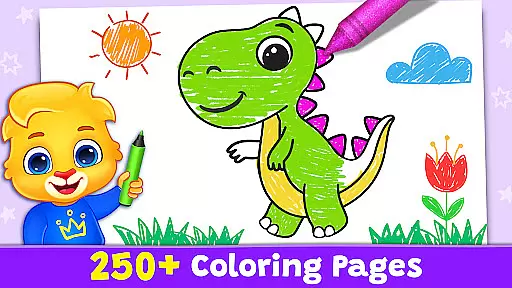
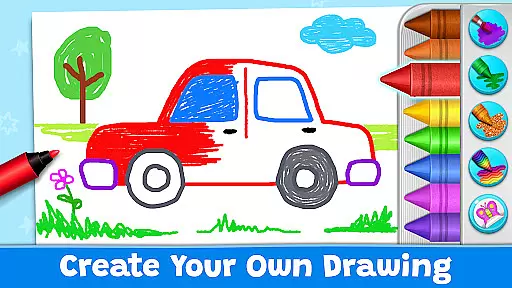
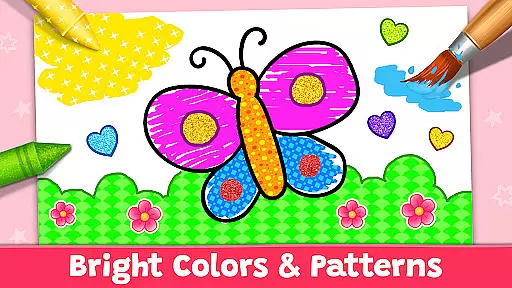
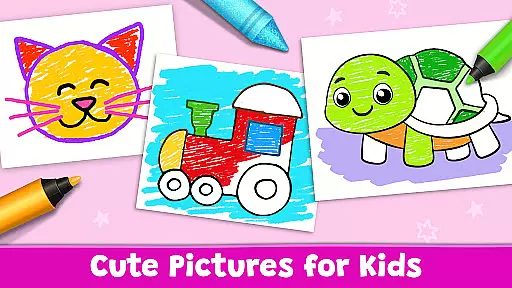

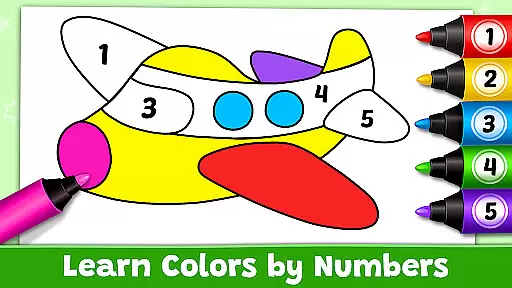
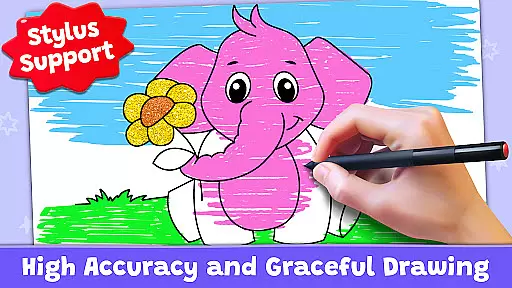
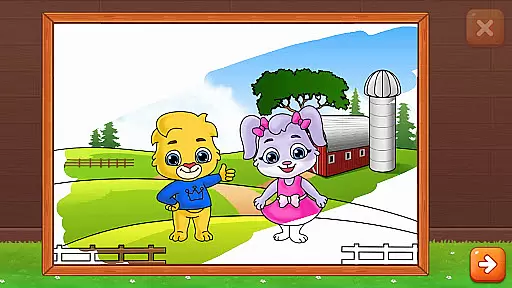
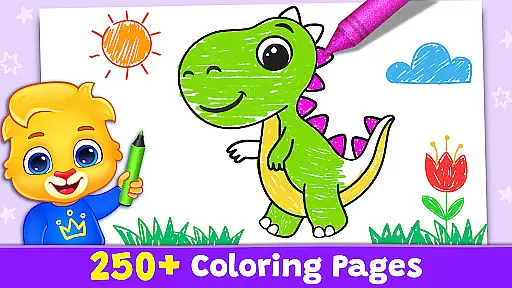
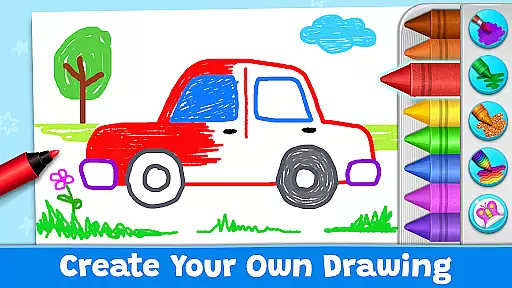
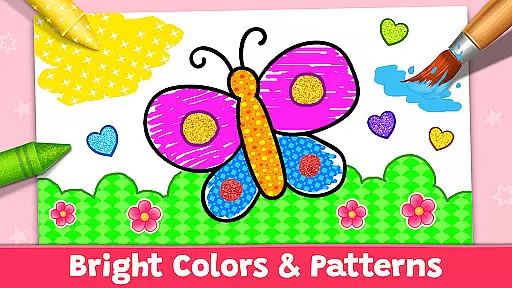
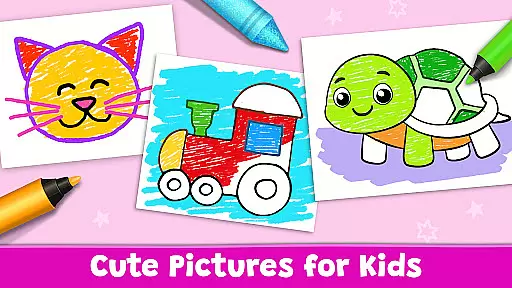

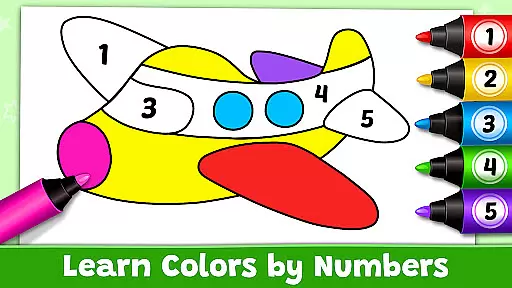
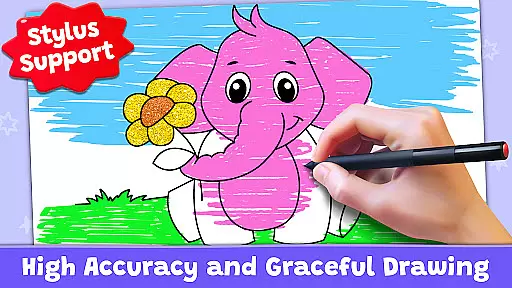
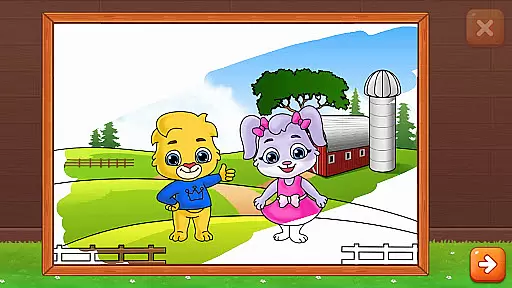
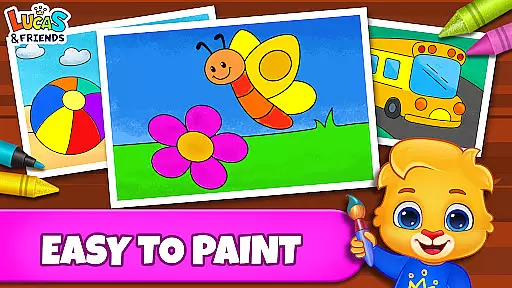

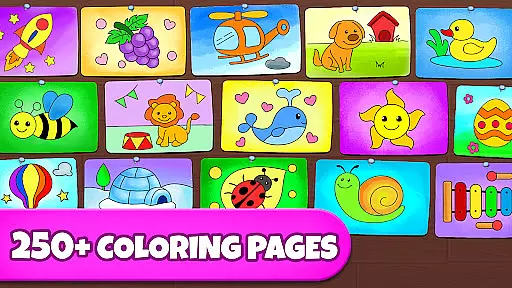
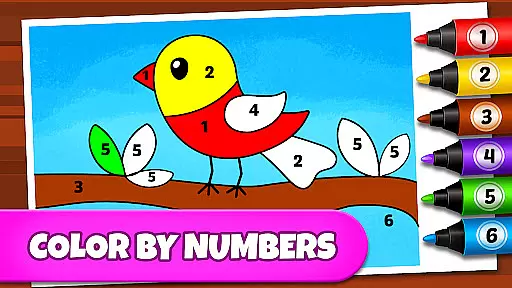
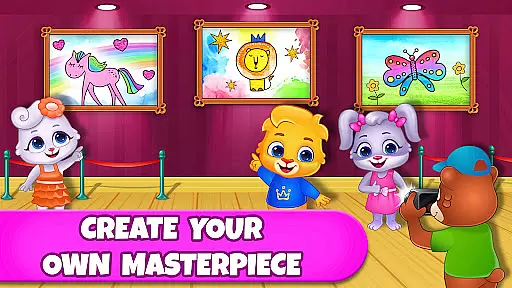
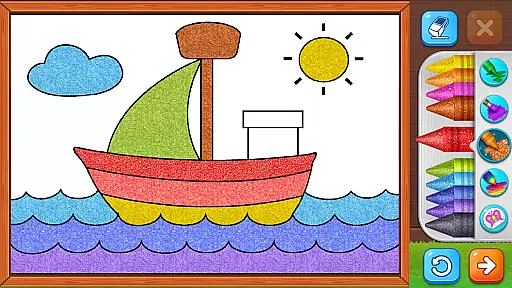
Coloring Games: Color & Paint is an educational app designed specifically for children, offering a delightful blend of creativity and learning. This free coloring book and painting app provides young users with an engaging platform to explore their artistic talents through various drawing and painting tools.
The app features multiple modes such as paint by numbers, color by numbers, doodling, and free coloring, catering to toddlers, preschoolers, and the whole family. With an intuitive interface, even one-year-olds can easily navigate and enjoy activities like Fun Paint, Color Fill, Drawing, Glow Pen, and Number Paint.
Besides fostering creativity, Coloring Games also emphasizes child safety and parental control. It includes features that allow parents to monitor progress, customize settings, and manage individual profiles for each child. Completely free from ads and in-app purchases, this app ensures a safe and enjoyable experience for kids of all ages.
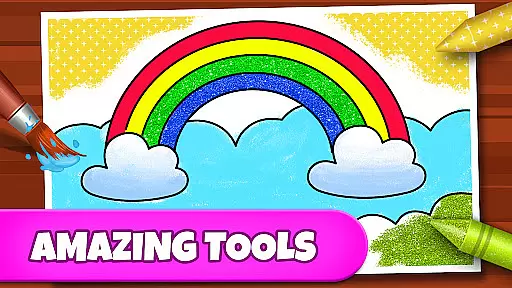
Coloring Games stands out with its rich set of creative features tailored for young minds. The app offers a variety of modes including Fun Paint, where kids tap to fill colors, and Color Fill, which provides extensive options like stickers, glitter, crayons, and patterns.
Additional features include Drawing on a blank slate with a full palette, Glow Pen for neon artwork on dark backgrounds, and Number Paint for color-by-numbers activities. These modes not only entertain but also enhance cognitive skills and hand-eye coordination.
Parents appreciate the app's commitment to safety and education. With no ads or in-app purchases, it provides a secure environment. Customizable settings and individual child profiles enable tailored experiences, making Coloring Games a trusted choice for families seeking quality educational content.
In the realm of educational gaming, content authority and curriculum alignment are crucial for ensuring that learning is both effective and credible. Coloring Games: Color & Paint rises to this challenge by providing a platform where creativity meets education. The app offers a variety of coloring modes such as paint by numbers and color by numbers, which subtly introduce young users to fundamental concepts in math and art.
The application's design focuses on an easy-to-understand interface that even toddlers can navigate, making it an ideal tool for early childhood education. By engaging with the appu2019s multiple coloring mini-games, children are not only entertained but also develop essential skills like color recognition, fine motor skills, and basic counting abilities. These activities align well with preschool curricula that emphasize hands-on, exploratory learning.
Parents can take comfort in knowing that their children are interacting with a resource crafted specifically for educational enrichment. The absence of ads and in-app purchases ensures that the focus remains solely on learning and fun, without any distractions or additional costs. This commitment to purity in educational content makes Coloring Games a trustworthy companion in nurturing your child's artistic and cognitive development.
Gamification in learning transforms the educational experience into an engaging journey, merging enjoyment with knowledge acquisition. Coloring Games: Color & Paint exemplifies this approach through its diverse selection of interactive coloring activities. Each mode within the app, from Fun Paint to Number Paint, serves as a gamified learning module designed to captivate the interest of children while simultaneously enhancing their developmental skills.
This seamless integration of play and pedagogy encourages kids to immerse themselves in creative tasks that bolster their understanding of colors, patterns, and shapes. For instance, using glow pens on dark backgrounds not only creates visually striking images but also stimulates visual-spatial reasoning. Similarly, drawing on a blank slate promotes original thought and artistic expression, key components in fostering innovation from a young age.
By incorporating features that allow adults to monitor progress, Coloring Games bridges the gap between solo play and guided learning. Customizable settings enable parents to adjust difficulty levels according to their child's needs, ensuring that each session remains challenging yet achievable. As children advance through various stages of complexity within the game, they build confidence alongside competence, all underpinned by the joy found in creating colorful artwork.
User-friendly interface
Variety of creative modes
No ads or in-app purchases
Parental monitoring features
Safe and educational content
Limited advanced features
Basic color options
Simple drawing tools
Few customization settings
Occasional performance issues

Spark your little ones’ imagination!
 3.80
3.80
Create stories and build your own virtual world for your avatar!
3.00
Play the fun healthy habits game for kids with Cocobi the little dinosaurs.
3.40
Enjoy the fun kid's hospital play game with Cocobi, the little dinosaurs!
4.00
Have fun learning Alef Beit
4.4
Join Rus and his friends to save Pear Island!
4.3
Design dreamhouses and dress up creatively in the ultimate role-playing game!
4.70
Play virtual baby daycare simulator & be a babysitter, take care of cute babies!
4.60
Kids age 2-8 can create, explore, and play Toca Boca games their way!
3.50
Cute coloring games for girls! Draw, paint & decorate with endless colors.
4.70
Kids coloring games for boys! Fun drawing, painting & learning book for kids.
4.60
Play the fun princess party game for kids with Cocobi the little dinosaurs.
4.10
Where Little Healers can Make a Big Difference!
4.00
Baby Phone Game for Kids & Toddlers to Learn Sounds, Numbers, ABCs, Phone Calls
3.80
Join the pirate math adventure!
3.60
Safe, fun, ad-free games for kids! For babies, toddlers, & kids age 2-6
3.60
Wind down, relax and snuggle up with your favourite Blocks characters.
3.30
A game to memorize
4.5
Perfect for Dino fans of all ages.Vivid illustrations.Fascinating_Facts.Narrated
4.0


User Reviews