
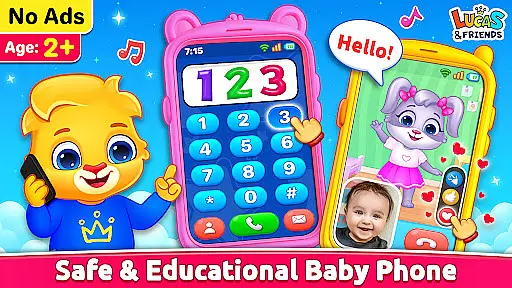
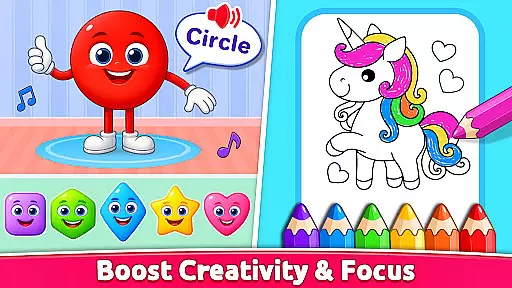
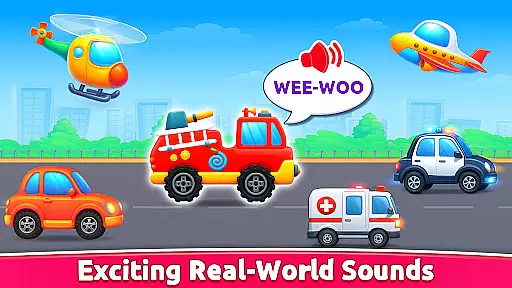
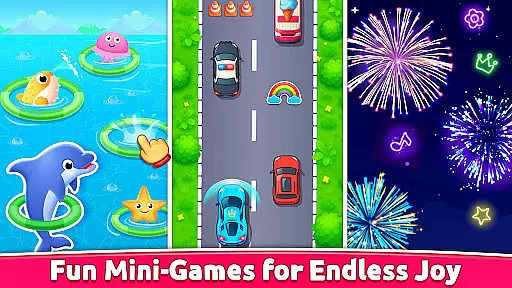
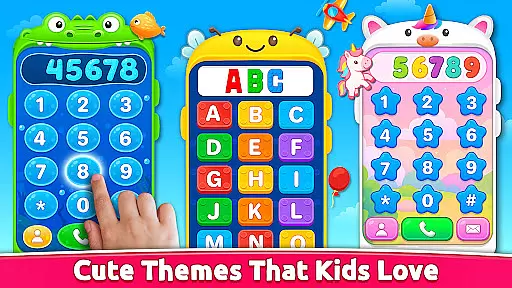
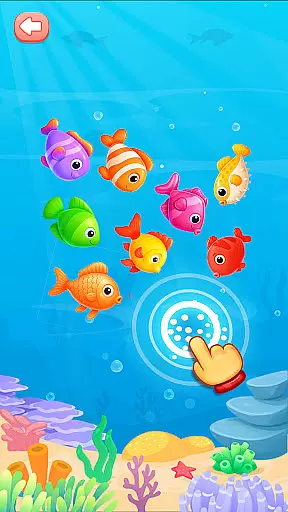
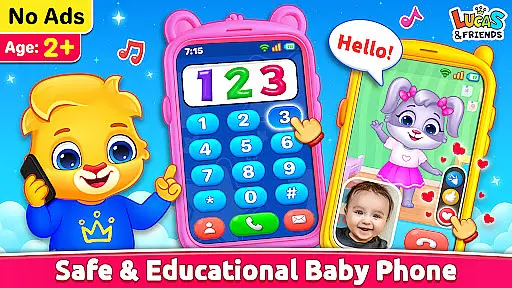
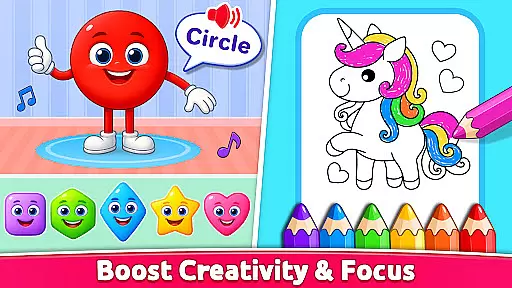
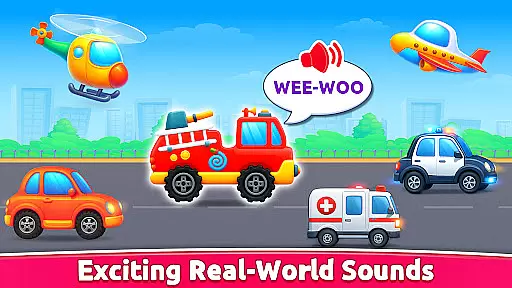
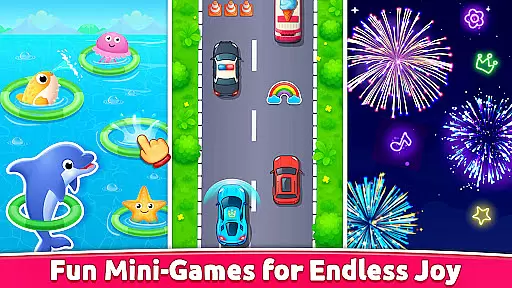
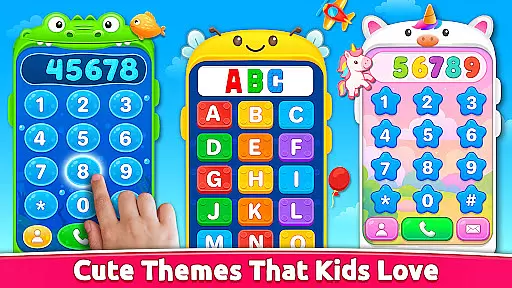
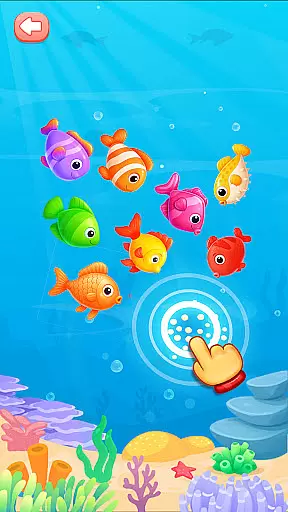
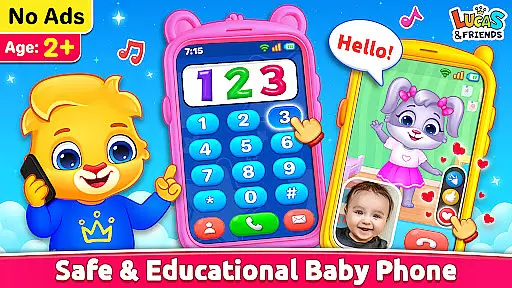
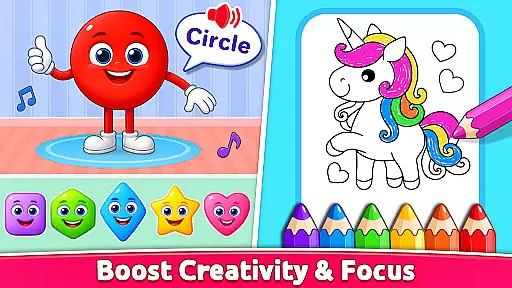
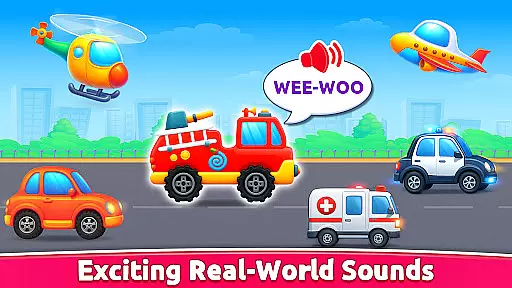
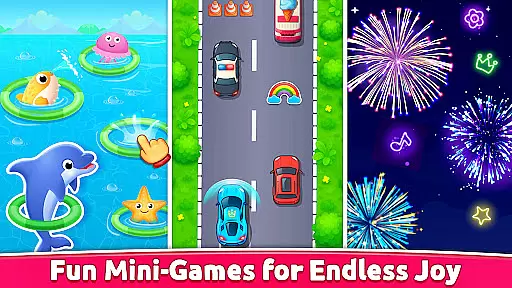
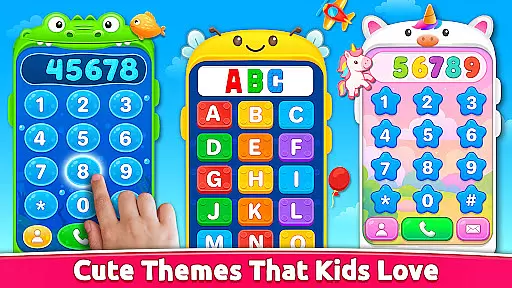
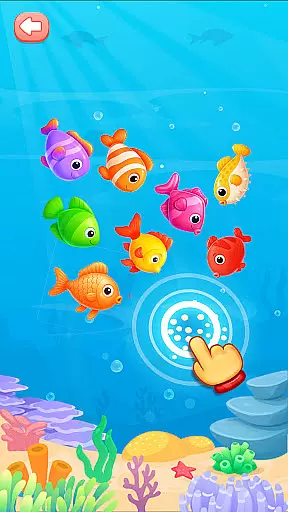
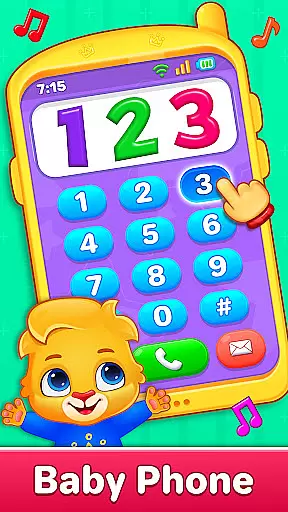
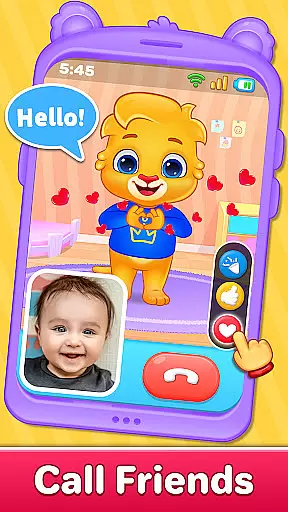
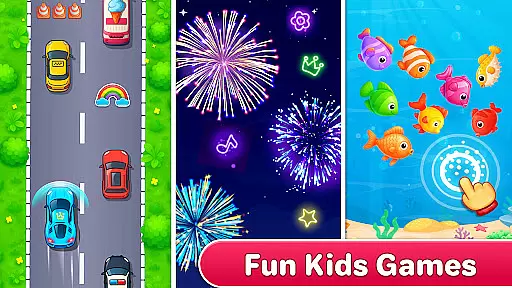
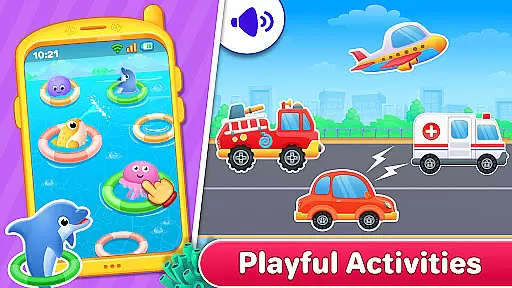
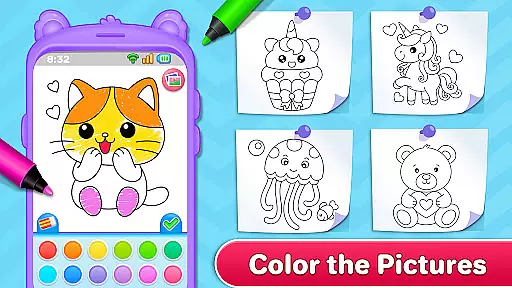
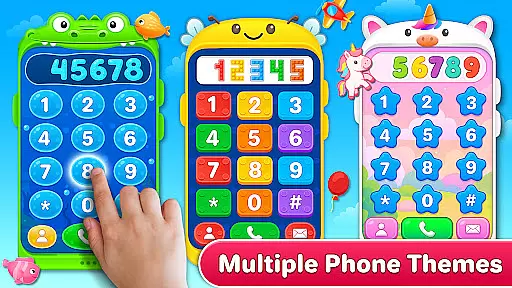
Baby Phone & Kids Games is an innovative educational app designed specifically for toddlers aged 1 to 5, turning screen time into a meaningful learning experience. This all-in-one app transforms smartphones into a virtual toy phone, offering features like pretend calls, video chats, ABCs, music, coloring, and more, all guided by the cheerful characters Lucas and Friends.
The app provides a safe and engaging environment where toddlers can interact with adorable characters through phone calls, video chats, and playful activities. With its vibrant visuals, simple tap controls, and educational content like phonics learning, color and shape recognition, and creative coloring options, it supports early childhood development while ensuring fun. The app's ad-free, offline functionality makes it a reliable choice for parents seeking wholesome digital entertainment for their children.
Baby Phone & Kids Games stands out with its diverse range of interactive features tailored for young learners. One of its core highlights is the Phone Call feature, allowing kids to engage in pretend conversations with Lucas and Friends. Each call includes cute voice interactions, music, and playful dialogue, fostering imaginative play and social interaction skills.
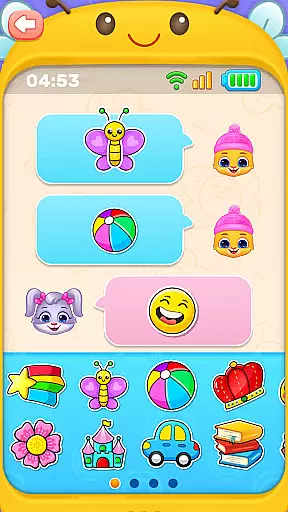
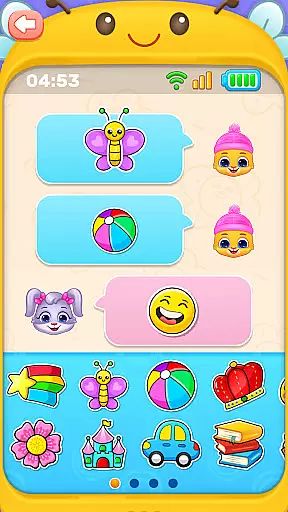
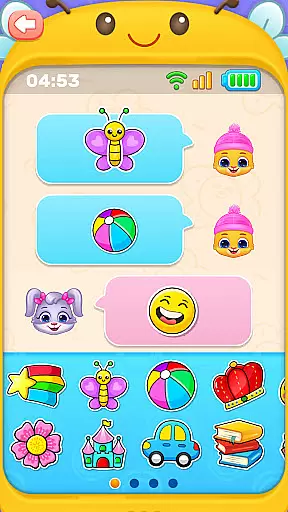
In addition to phone calls, the app offers an Interactive Video Call Mode where characters respond with giggles, expressions, and playful reactions, creating an immersive experience. The Tap-to-Chat feature introduces toddlers to basic digital communication using emojis and stickers. Educational modules like ABC & 123 Phonics Learning, Learn Colors & Shapes Through Play, and Toddler Coloring Fun further enhance cognitive development. Parents will appreciate the toddler-friendly design, including large buttons, bright visuals, and a completely ad-free interface, ensuring a seamless and secure experience for young users.
In the realm of educational apps for toddlers, content authority and curriculum alignment are paramount. Baby Phone & Kids Games excels in this area by offering a suite of activities that align with early learning objectives. The app's ABC & 123 Phonics Learning feature is meticulously crafted to introduce young minds to letters and numbers through sound, ensuring that each phonetic lesson is both accurate and engaging.
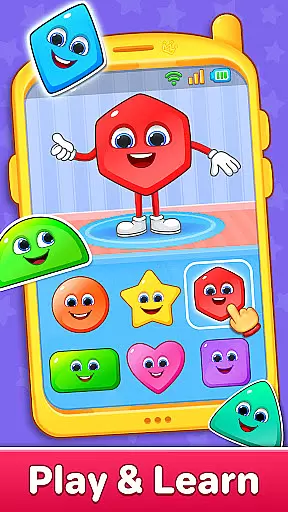
Furthermore, the Learn Colors & Shapes Through Play section provides an interactive platform where cognitive development is seamlessly integrated into fun activities. These exercises are designed not only to entertain but also to educate, adhering to recognized pedagogical standards that support early childhood education.
The app's commitment to authoritative content is evident in its comprehensive approach to child development. By incorporating features such as toddler coloring fun and vehicle sounds, it ensures a holistic learning experience that stimulates creativity and sensory play. Parents can trust that these activities have been thoughtfully designed to foster foundational skills in a manner consistent with developmental milestones.
Ultimately, Baby Phone & Kids Games stands out as an educational tool that combines enjoyment with essential learning outcomes. Its dedication to providing age-appropriate, curriculum-aligned content makes it an invaluable resource for parents seeking to enrich their children's playtime with meaningful educational experiences.
Gamification has become a pivotal strategy in merging entertainment with education, and Baby Phone & Kids Games leverages this approach to great effect. The app integrates learning objectives into playful interactions, ensuring that toddlers remain engaged while acquiring new skills. For instance, the Tap-to-Chat with Emojis & Stickers feature introduces basic digital communication concepts through a simple, enjoyable interface that encourages expression and social interaction.
Moreover, the Toddler-Friendly Video Scroll presents a curated selection of short videos featuring beloved characters Lucas and Friends. This safe, ad-free environment not only entertains but also reinforces educational themes through visual storytelling, which is crucial for maintaining young attention spans.
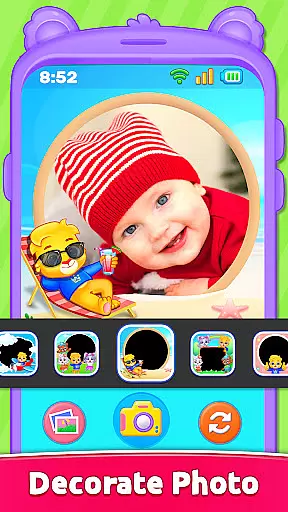
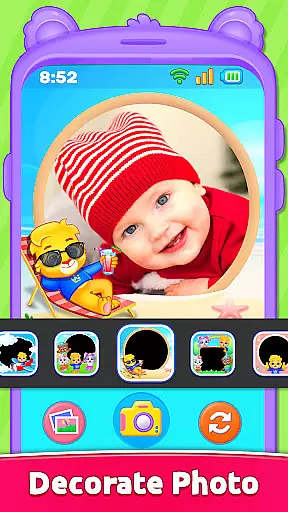
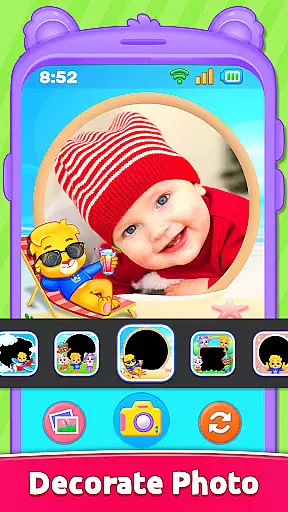
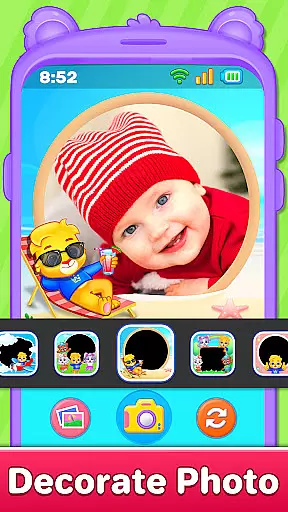
Baby Phone & Kids Games further enhances gamified learning by including creative activities like Photo Frames with Lucas & Friends. Here, kids engage in imaginative play by decorating pictures with fun frames, subtly promoting artistic exploration and memory-making within an educational context.
By transforming routine screen time into smart playtime filled with pretend calls, emoji chats, and various games, the app successfully embeds educational elements into every aspect of its design. This seamless blend of gaming and learning ensures that each interaction contributes positively to a child's developmental journey, making Baby Phone & Kids Games an exemplary model of gamification in early childhood education.
Engaging characters
Educational content
Ad-free experience
Offline functionality
Easy navigation
Limited advanced features
No multi-language support
Basic parental controls
Repetitive animations
Few customization options

Monkey Preschool Fix-It is an early learning game for ages 2 to 5.
 4.40
4.40
Draw shapes, mix colors, and dodge traps to defeat foes in the vibrant Art Zone!
4.3
Play the fun healthy habits game for kids with Cocobi the little dinosaurs.
3.40
Where the beloved world of Peppa Pig meets the creativity of LEGO DUPLO!
4.00
Learn numbers, letters, and shapes playing toddler balloon pop games ►NoAds◄
4.60
OG Munchers - Play classic Number Munchers game on Android
4.40
A speed-learning English vocabulary game designed for user to reach proficiency
4.4
Games, music, crafts and coloring with cats
4.10
Create, customize & explore your Toca Boca story! Endless fun & creativity await
4.30
Explore Dopples World, build your avatar life & create endless stories!
4.70
Explore, create, and play with Hello Kitty and all her friends!
4.60
Creative beauty & fashion
4.50
A fan of cute games? Try animal games & take care of fluffy virtual pets!
4.20
Fun dentist game with Cocobi friends!
4.10
CASHFLOW - The Investing Game
4.00
The Squirrels have been learning how to look after animal, now it's your turn!
3.90
Daycare full of baby games! Take care of cute toddlers & play fun mini-games!
3.90
Cure the patients to create your hospital story!
3.90
Join the pirate math adventure!
3.60


User Reviews