
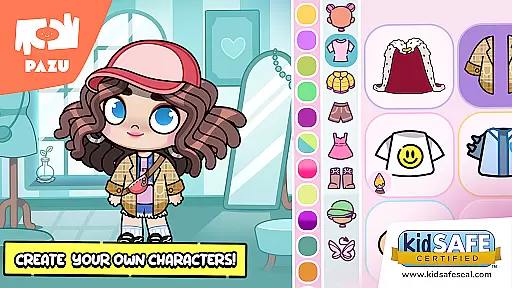
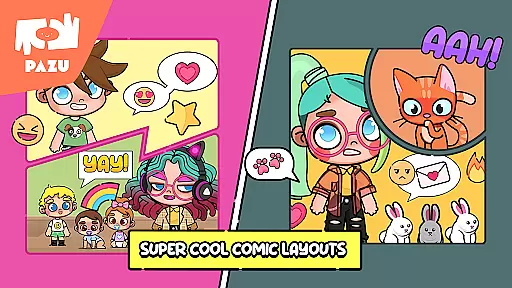
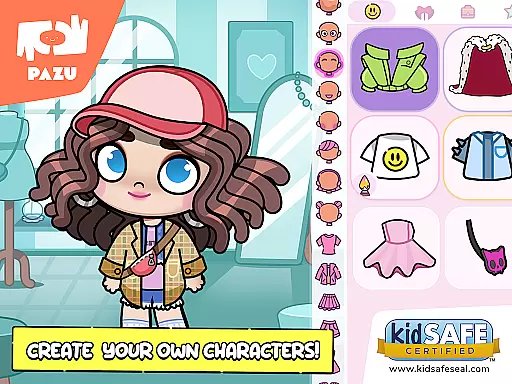
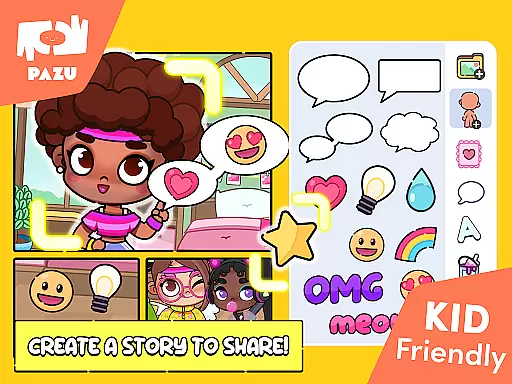
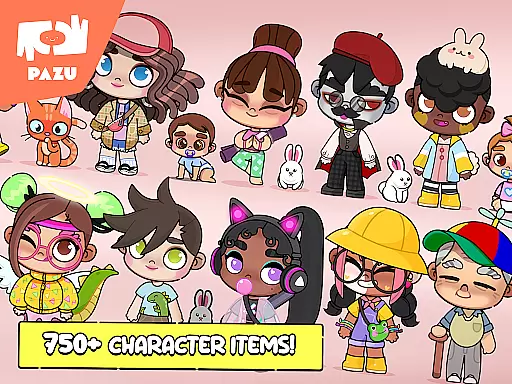
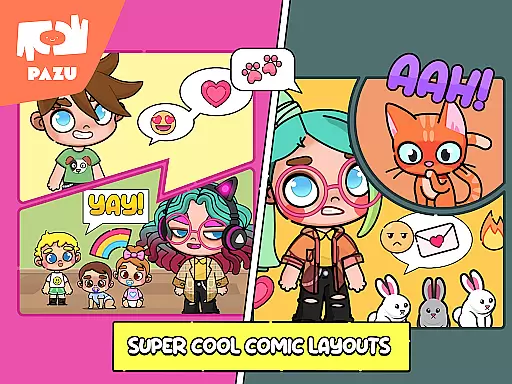
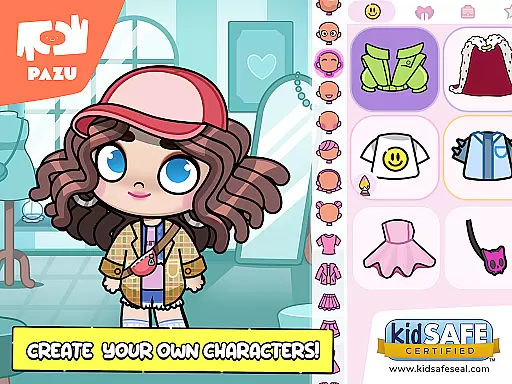
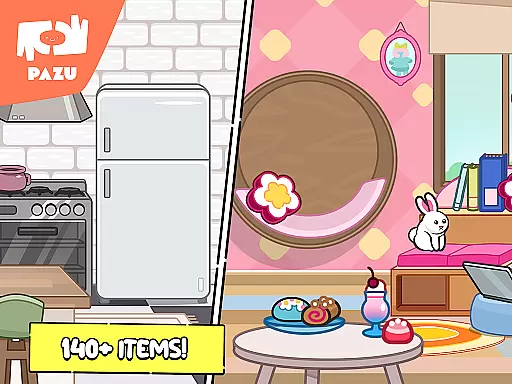
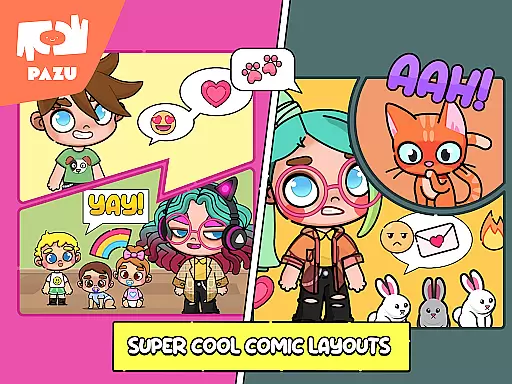
Avatar Maker Dress up for kids is an innovative educational app that allows children to design and customize their own cartoon characters. This engaging platform offers a magical world where kids can recreate any style they imagine, choosing from a vast array of accessories, hairstyles, facial expressions, and more.
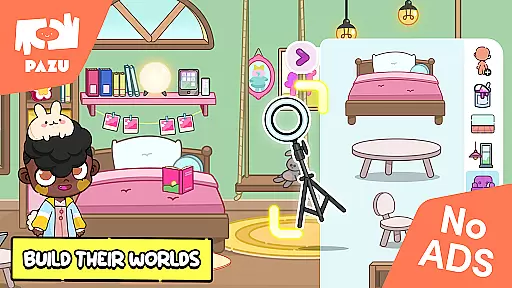
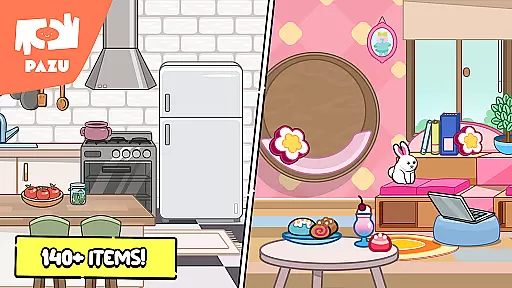
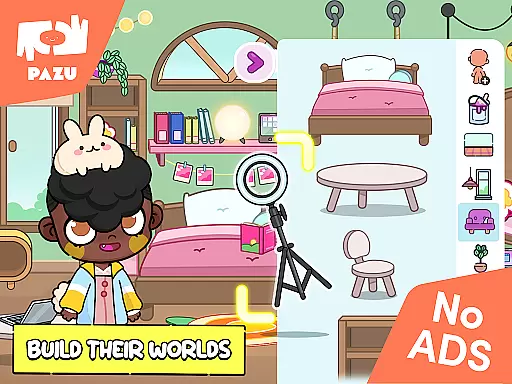
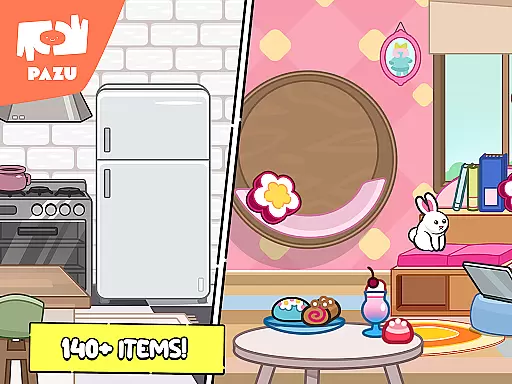
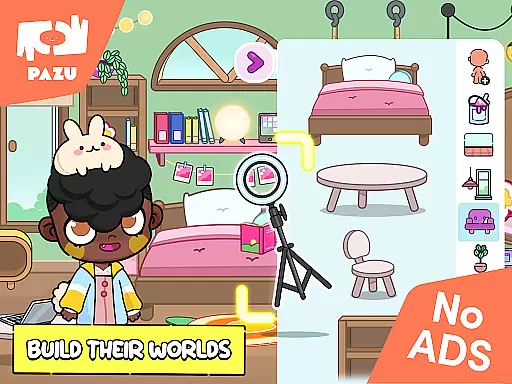
The app provides endless creative possibilities, enabling young users to express various emotions through customizable avatar features such as eyebrows, eyes, and mouth shapes. Beyond character creation, children can also decorate virtual rooms with numerous furniture items, making it a comprehensive creativity tool that develops artistic skills while entertaining.
Designed for both boys and girls, this app serves as an excellent educational resource that promotes imagination, fashion sense, and personal expression in a safe environment. The inclusion of parental controls and the absence of ads make it a trusted choice for millions of parents worldwide.
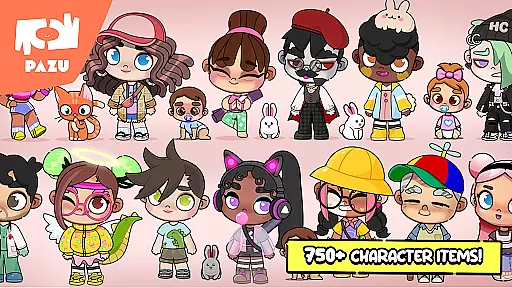
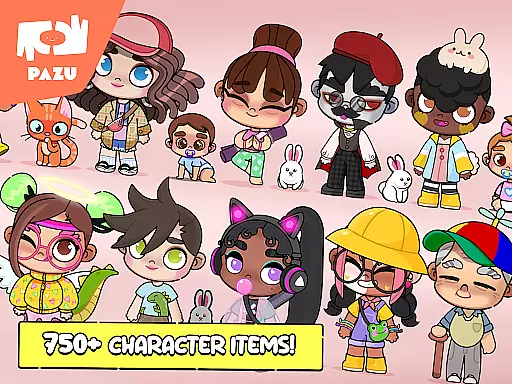
Avatar Maker Dress up for kids stands out with its extensive customization options. The app allows full personalization of skin color, hairstyle, and clothing, giving children the freedom to create truly unique avatars. With a vast pool of items and accessories, including masks, hats, glasses, and wings, kids can experiment with different styles endlessly.
Beyond character creation, the app offers various background decoration options and a wide selection of clothing items specifically designed for anime-style avatars. The high variety of accessories and customization elements ensures that each child can develop distinct personal styles while exploring their creativity.
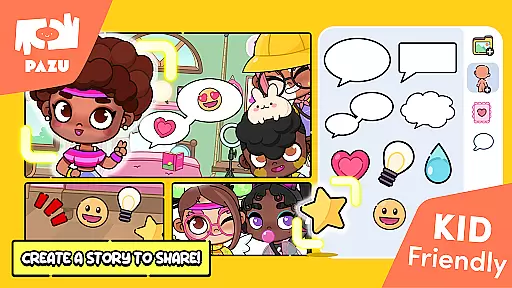
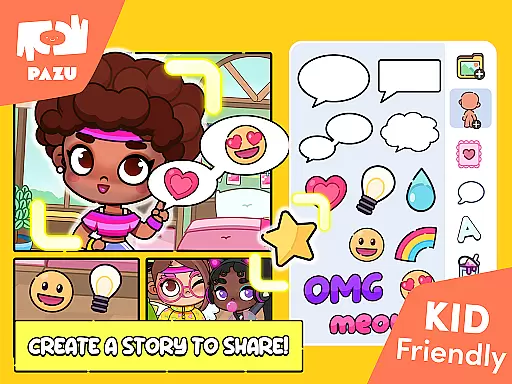
Additional features include the ability to use created avatars as wallpapers or profile pictures, and the option to share them with friends. The app's integration of parental controls and its ad-free environment make it a safe and enjoyable educational tool for children, supporting both artistic development and digital literacy.
In the realm of educational gaming, content authority and curriculum alignment are crucial for ensuring that learning is both effective and credible. Avatar Maker Dress up for kids establishes its authority through a variety of features designed to engage and educate children about creativity and self-expression.
The app offers an extensive customization system where children can experiment with different styles, colors, and accessories. This not only fosters creativity but also aligns with art curriculums that emphasize color theory, design, and personal expression. The ability to customize avatars with endless combinations mirrors the creative processes taught in art education, making it a valuable tool for learning.
Furthermore, the app's focus on avatar creation and room decoration allows children to explore spatial awareness and design concepts, which are key components in design and technology subjects. By engaging with these features, children inadvertently learn about composition, aesthetics, and functionality, all while having fun.
Avatar Maker Dress up for kids also includes parental controls, ensuring that the content remains appropriate and educational. With no ads and a trusted reputation among parents, this app provides a safe environment for children to express themselves and learn important artistic skills aligned with educational standards.
Gamification-learning integration represents the fusion of game mechanics with educational content, creating an engaging and interactive learning experience. Avatar Maker Dress up for kids excels in this area by transforming the process of learning about fashion, style, and design into an enjoyable game-like experience.
Children using the app can choose from a vast array of hairstyles, facial expressions, and clothing options, each decision teaching them about different cultural styles and fashion trends. This interactive dress-up game encourages experimentation and decision-making, core skills in problem-solving and critical thinking.
The app further enhances learning by allowing users to decorate rooms, thus integrating elements of interior design and spatial planning. As children select furniture and accessories, they gain insights into design principles such as balance, contrast, and harmony, all presented in a playful manner.
By incorporating features like sharing avatars as profile pictures and wallpapers, Avatar Maker Dress up for kids motivates children to take pride in their creations, reinforcing positive learning outcomes. This seamless blend of gaming and education ensures that children remain engaged while acquiring valuable life skills.
User-friendly interface
Extensive customization
Safe learning environment
Parental control included
No ads or in-app purchases
Limited advanced features
Basic drawing tools
Occasional performance issues
Fewer adult options
Offline functionality limited

Monkey Preschool Fix-It is an early learning game for ages 2 to 5.
 4.40
4.40
A world to build at the tip of your fingers!
3.80
Get points, learn Spanish, repeat. Speedrun your way to knowledge.
4.1
Educational game for children about emergency and other service vehicles
3.80
Explore, create, and play with Hello Kitty and all her friends!
4.60
Practice Early Literacy Skills and Build Vocabulary with Elmo & Cookie Monster!
3.90
A cube building game for small (and large) builders.
4.40
A fan of cute games? Try animal games & take care of fluffy virtual pets!
4.20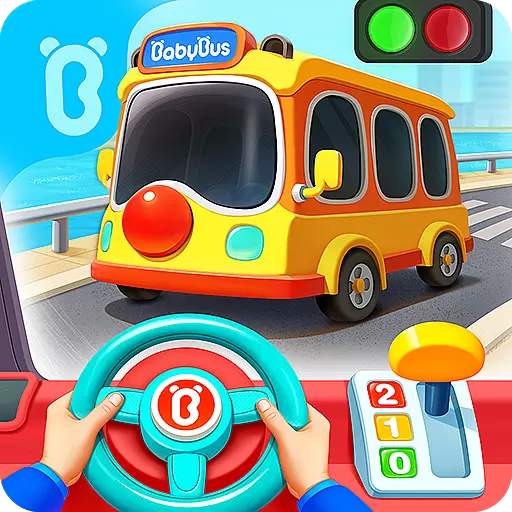
3D school bus driving game for kids!
4.50
Puzzles, Cats and Programming
4.80
Math Games For Kids To Learn Addition, Subtraction, Multiplication and Division.
4.30
Find Carmen - Play the classic detective game, stop VILE and find Carmen
4.10
Spark your little ones’ imagination!
3.80
Woof! The very first official Hey Duggee app for CBeebies' new favourite show.
3.70
Find the hidden Numberblocks, add them together and see what happens.
3.50
Explore & build the cute kitty city, create fun stories & discover surprises!
4.5
Draw shapes, mix colors, and dodge traps to defeat foes in the vibrant Art Zone!
4.5
Absorbing, highly visual, effective learning of multiplication, division
4.4
Creating emotional connections
4.0


User Reviews