
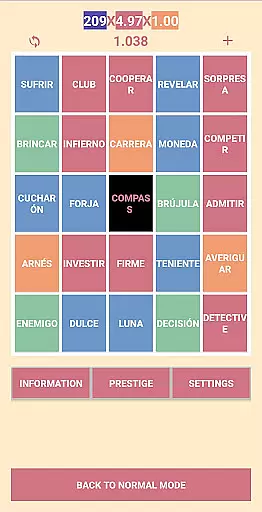
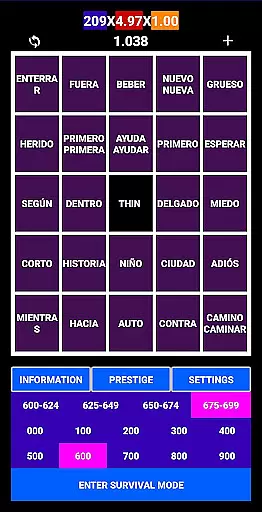
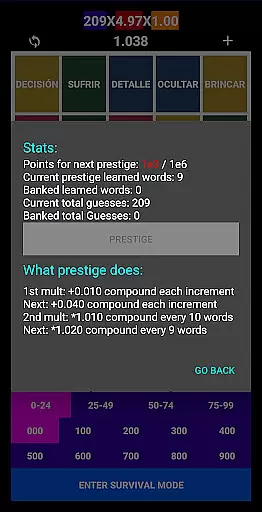
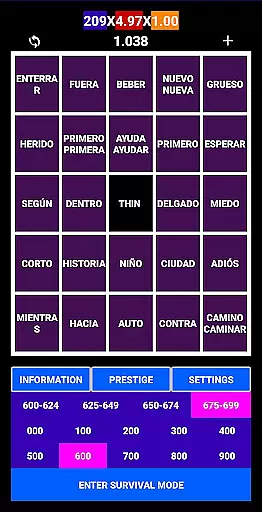
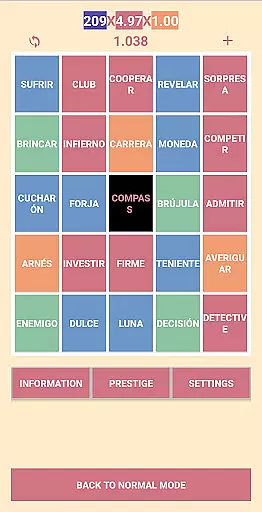
Spanishfier is an educational app designed to help users learn the 1000 most popular Spanish words through an addictive language game. The app offers a unique learning experience by combining gamification elements with practical language tools. Users can earn points and gain prestige as they progress, while also having the option to add their own words for a personalized learning journey.
A key feature of Spanishfier is its integrated pronunciation guide for every word, ensuring users can master correct Spanish pronunciation. The app provides two UI color themes for customized visual comfort, a fast mode for those with prior knowledge, and a survival mode that prevents repetition of learned words. Whether you're a beginner or looking to enhance your existing Spanish vocabulary, Spanishfier offers a comprehensive and engaging solution.
Spanishfier stands out with its innovative approach to language learning. The app incorporates gamification through point systems and prestige levels, motivating users to consistently engage with Spanish vocabulary. Its unique 'add your own words' feature allows for personalized learning paths tailored to individual needs.
The app's dedication to proper pronunciation is evident in its inclusion of audio guides for every word. Two distinct UI color themes cater to user preferences, enhancing the overall experience. Fast mode enables efficient learning for those familiar with basic Spanish, while survival mode ensures continuous learning without unnecessary repetition. These features collectively create an optimal environment for mastering essential Spanish vocabulary.
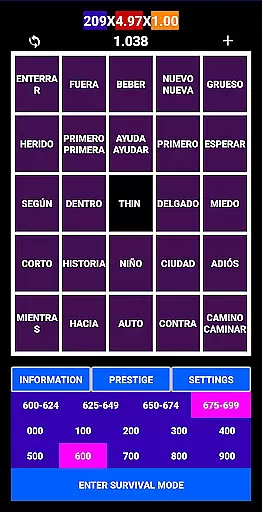
Spanishfier provides a structured learning experience by focusing on the 1000 most popular Spanish words, ensuring that users acquire essential vocabulary first. This selection of words is carefully curated to align with practical language usage, making it highly relevant for beginners and intermediate learners.
The app also includes pronunciation guides for every word, which ensures that users can learn correct articulation. This feature significantly enhances the authenticity of the content, as accurate pronunciation is crucial in language acquisition.
With additional modes like Fast Mode and Survival Mode, the app caters to different learning styles and paces. These features help maintain curriculum alignment while offering flexibility to users who may already have some knowledge of the Spanish language.
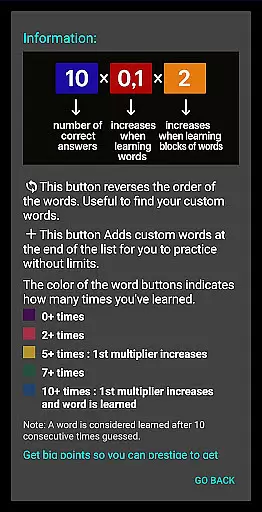
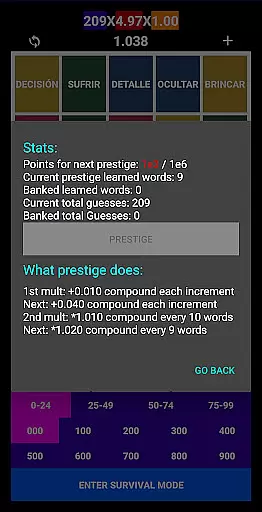
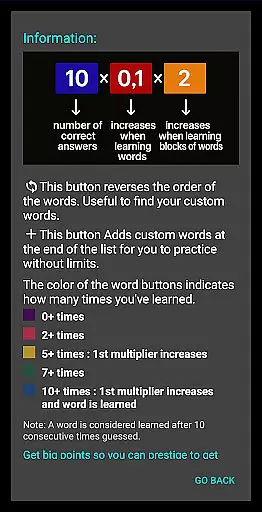
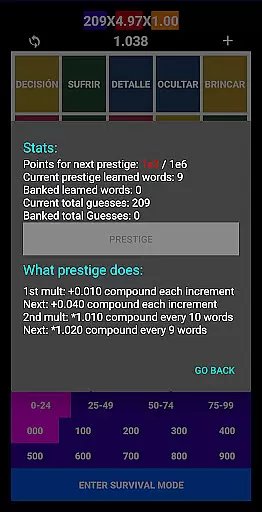
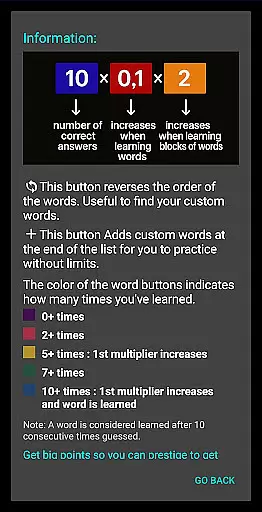
One of the standout features of Spanishfier is its gamified approach to learning. Users can earn points and gain prestige as they progress through the vocabulary lists, creating an addictive and motivating learning environment. This gamification aspect transforms traditional memorization into an engaging experience.
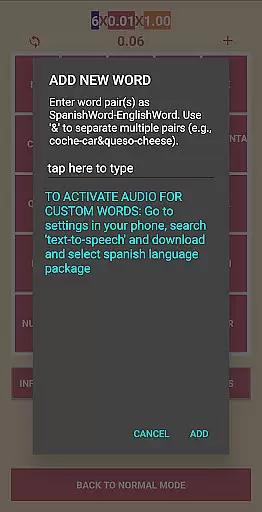
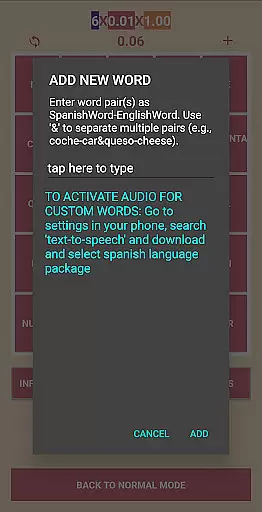
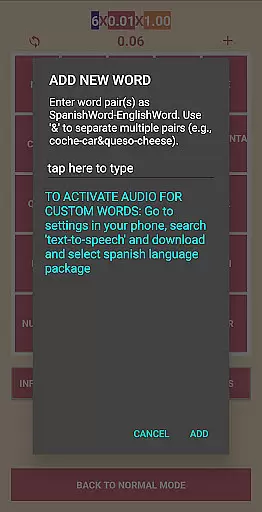
The ability to add custom words further enhances user engagement by allowing personalized learning paths. This feature not only increases the app's educational value but also empowers users to tailor their learning journey according to their specific needs and interests.
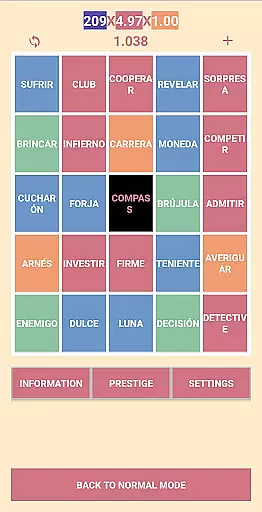
Additionally, the app offers two UI color themes, providing a customizable interface that can keep the learning experience fresh and visually appealing. These elements collectively contribute to a dynamic and effective learning process, seamlessly integrating gaming mechanics with educational goals.
User-friendly interface
Comprehensive pronunciation guide
Customizable learning options
Engaging gamification elements
Survival mode for advanced learners
Limited to top 1000 words
No offline functionality
Premium features require subscription
Occasional app crashes reported
Ads present in free version

 2.80
2.80
Stack the States® 2 makes learning US geography fun!
4.50
Explore & build the cute kitty city, create fun stories & discover surprises!
4.3
Math Games For Kids To Learn Addition, Subtraction, Multiplication and Division.
4.30
Welcome to the dollhouse! Unboxing, doll games, dress up & cute pets await!
4.00
Educational game for children about emergency and other service vehicles
3.80
Cute coloring games for girls! Draw, paint & decorate with endless colors.
4.70
CASHFLOW - The Investing Game
4.00
Play and build with Bluey & friends in this fun LEGO® game!
4.40
Explore, create, and play with Hello Kitty and all her friends!
4.60
Kids math games, abc games for kids 4-5 years old. Kindergarten learning games
4.50
OG Munchers - Play classic Number Munchers game on Android
4.40
Fun drawing games with coloring book, glow and paint by numbers! Color for kids.
4.20
Animal games! Adopt virtual pet dog, cat & rabbit to create your pet world!
4.10
The Squirrels have been learning how to look after animal, now it's your turn!
3.90
Magical girl game where dreams come true. Collect & care for cute princesses!
3.80
Create, design & explore Mia’s avatar game world! Dress up a dreamhouse you love
3.80
Help your child improve their number literacy with Numberblocks: Card Fun!
2.60
A logic puzzle game for 1 - 3 players
4.1


User Reviews