
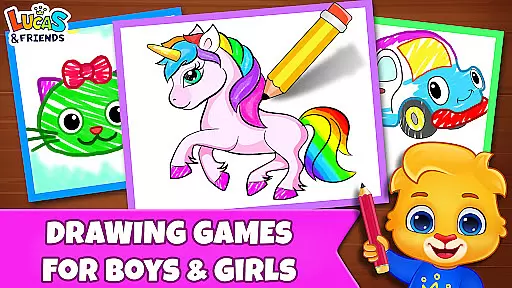
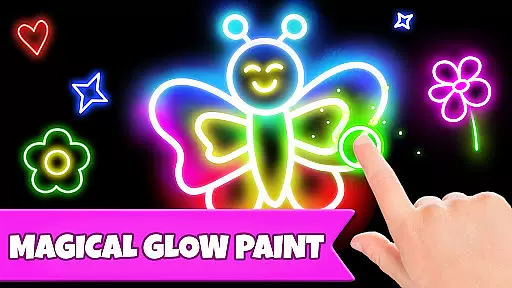
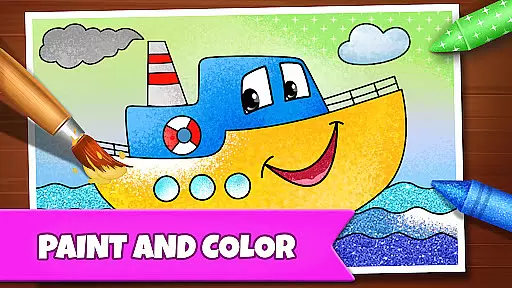
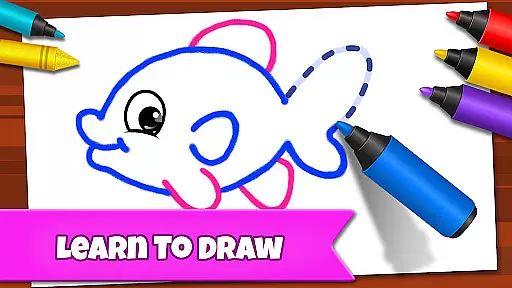
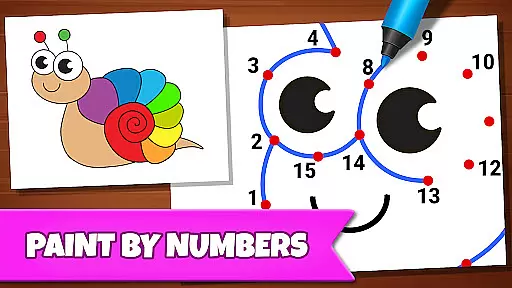
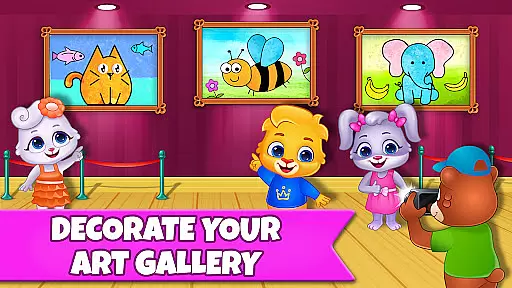
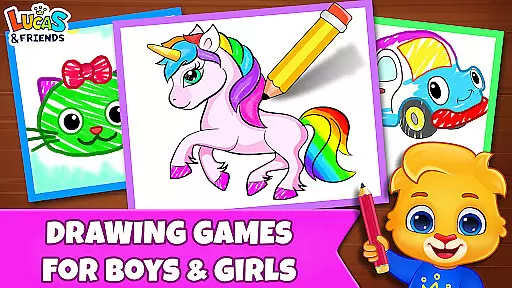
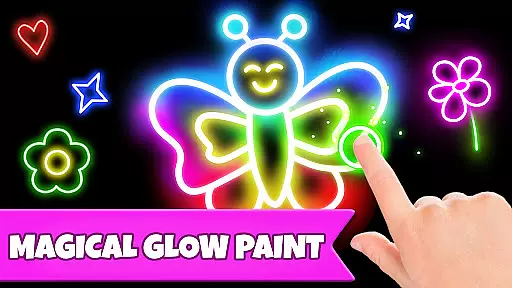
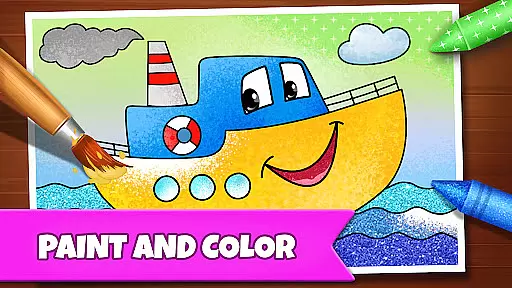
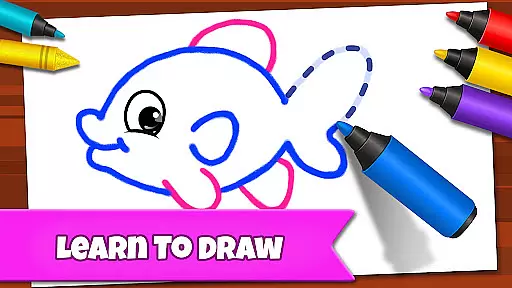
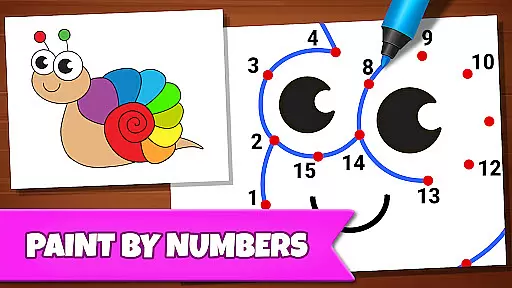
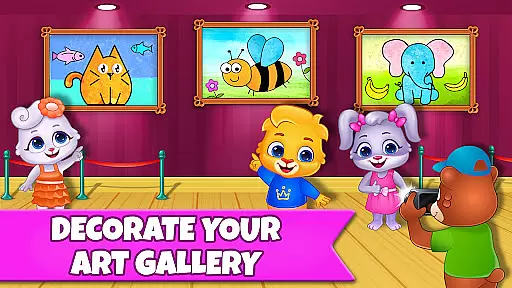
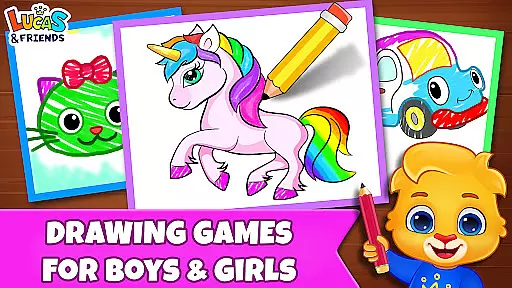
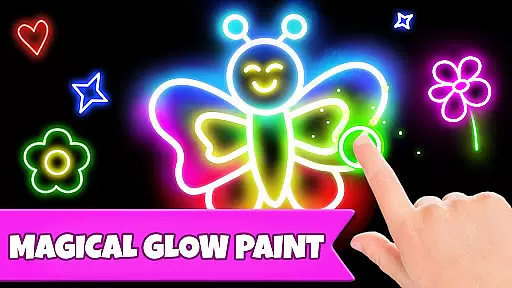
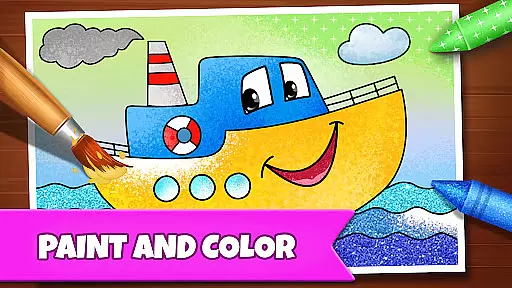
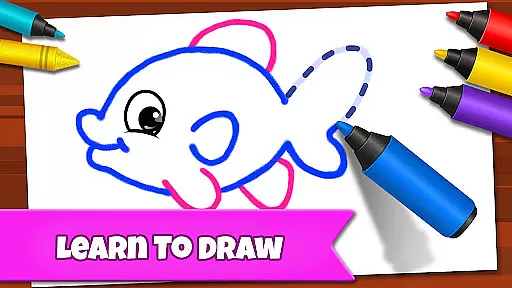
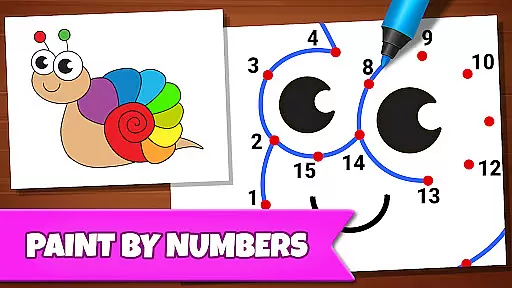
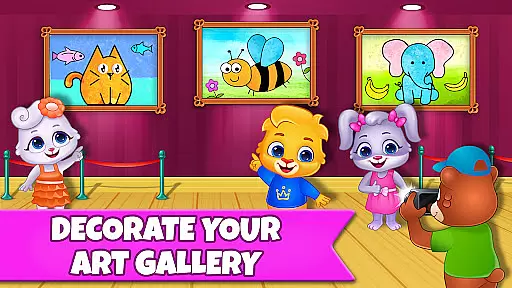
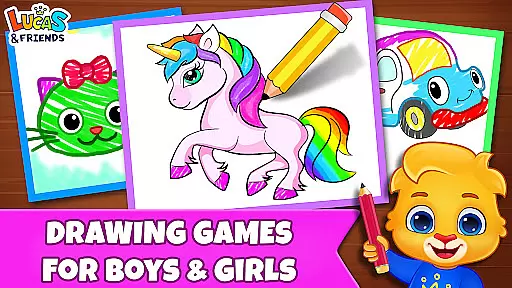
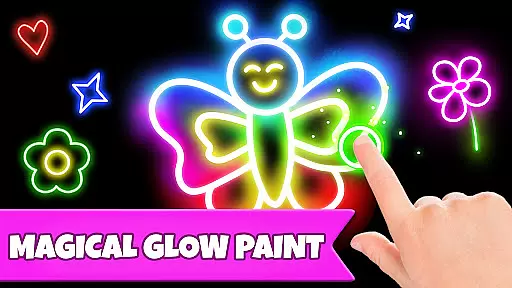
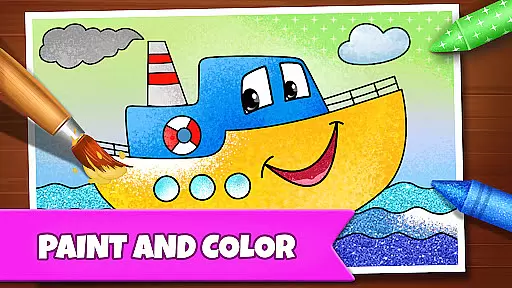
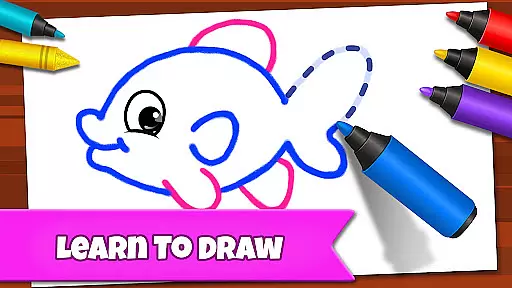
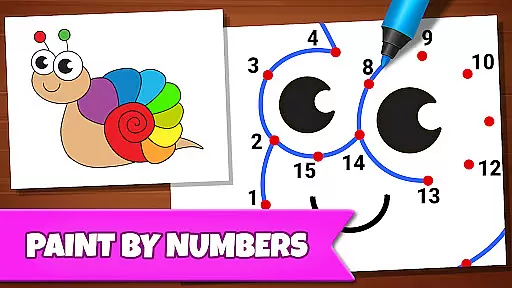
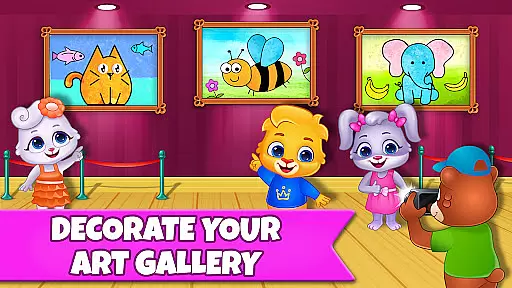
Drawing Games: Draw & Color is an educational app designed to engage children in creative learning through drawing and coloring activities. The app offers a variety of modes including Learn to Draw, Auto Draw, Connect & Color, Connect the Dots, Memory Drawing, and Glow Paint, each crafted to develop different skills such as shape recognition, number familiarity, and memory enhancement.
Children can enjoy a safe and fun environment where they can express their emotions and build confidence by painting and coloring. With interactive features like stickers, crayons, and glowing pens, kids remain engaged for hours. This app is suitable for toddlers, preschoolers, and kindergartners, providing an enriching experience without any in-app purchases or ads.
The app's comprehensive approach ensures that children not only have fun but also learn essential skills through play. Parents can feel confident that their children are using a valuable educational tool that combines entertainment with learning, making it an ideal choice for young learners.
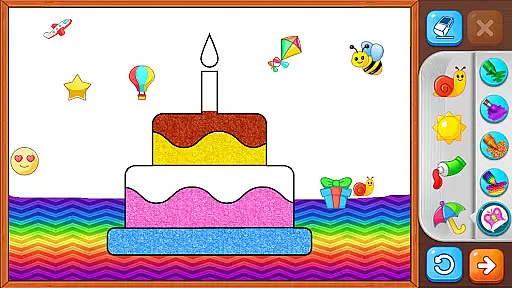
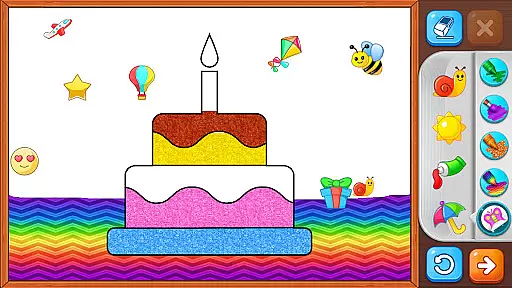
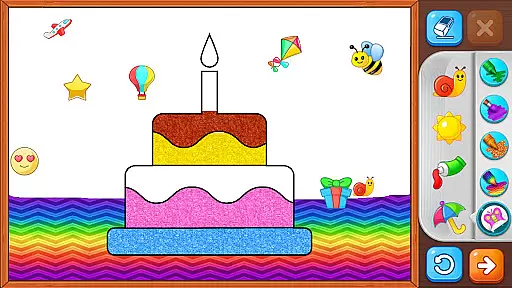
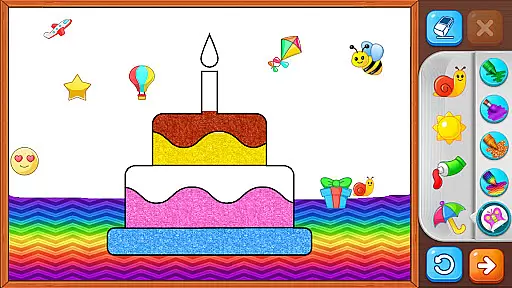
Drawing Games: Draw & Color stands out with its diverse range of interactive modes tailored for young learners. Each mode serves a unique educational purpose, from teaching step-by-step drawing techniques to enhancing memory through quick-draw challenges. The inclusion of glowing paint colors adds an element of excitement and creativity.
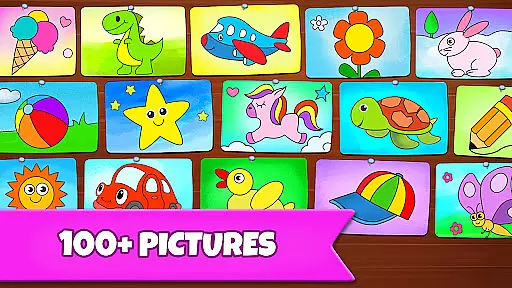
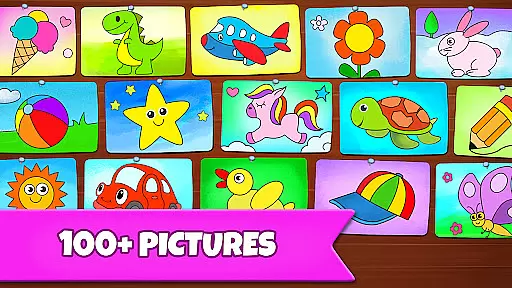
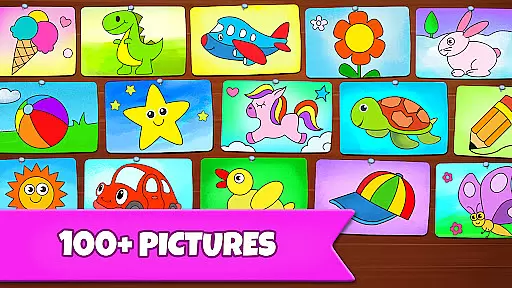
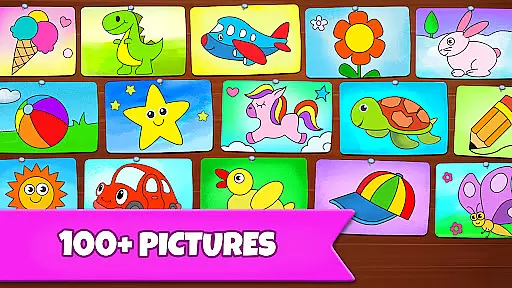
The app provides a rich selection of beautiful pictures to draw and color, keeping children engaged with vibrant visuals and interactive tools. Features like stickers, crayons, and glowing pens ensure that kids have a variety of options to explore their artistic sides. Furthermore, the absence of in-app purchases and ads guarantees an uninterrupted and focused learning experience.
Designed with safety and education in mind, Drawing Games: Draw & Color ensures that children can learn and grow creatively without distractions. The app's intuitive interface and engaging content make it accessible for toddlers while still offering enough depth for older children, creating a balanced and enriching environment for all young users.
In educational apps, content authority and curriculum alignment are crucial for ensuring that children receive accurate and relevant learning experiences. Drawing Games: Draw & Color offers a robust selection of drawing activities that align with early childhood education goals.
The app provides various modes such as Learn to Draw, Auto Draw, and Connect the Dots, which teach fundamental skills like picture recognition, shapes, and numbers. These activities are designed by educational experts to ensure they meet the developmental needs of toddlers, preschoolers, and kindergartners.
Parents can trust that their children are engaging in activities that not only entertain but also educate. The absence of in-app purchases and ads ensures an uninterrupted and focused learning environment, making it a safe space for kids to develop essential skills through play.
Gamification in learning transforms traditional educational content into engaging and interactive experiences. Drawing Games: Draw & Color excels in integrating gamification elements to enhance the learning process for young children.
Features like Memory Drawing and Glow Paint add layers of fun and challenge, encouraging kids to practice memory recall and explore creative expression. These gamified modes keep children motivated and excited about learning new skills.
By combining entertainment with education, this app ensures that children remain engaged over extended periods. The variety of modes, including coloring and connecting dots, supports different learning styles, allowing each child to progress at their own pace while enjoying the journey of artistic discovery.
User-friendly interface
Educational and entertaining
No in-app purchases
Engaging drawing modes
Safe for children
Limited advanced features
Basic color options
Occasional bugs
Simple graphics
Fewer updates

Stack the States® 2 makes learning US geography fun!
 4.50
4.50
Absorbing, highly visual, effective learning of multiplication, division
4.0
Puzzles, Cats and Programming
4.80
Create stories and build your own virtual world for your avatar!
3.00
Enjoy the fun kid's hospital play game with Cocobi, the little dinosaurs!
4.00
Educational game for children about emergency and other service vehicles
3.80
Fun educational game: Learn, imagine, create, draw and color!
4.20
Amazing learning and educational games for children of all ages.
4.70
Create, Style, Repeat!
3.70
Explore, create, and play with Hello Kitty and all her friends!
4.60
Pro Doctor Dentist for PetsGame
4.60
Fun phonics & alphabet tracing game for toddlers, preschool & kindergarten kids!
4.60
Fun baby care game for kids with dinosaur friends. Enjoy the fun kids game.
4.00
Create, design & explore Mia’s avatar game world! Dress up a dreamhouse you love
3.80
Wind down, relax and snuggle up with your favourite Blocks characters.
3.30
Explore & build the cute kitty city, create fun stories & discover surprises!
4.2
Draw shapes, mix colors, and dodge traps to defeat foes in the vibrant Art Zone!
4.4
Perfect for Dino fans of all ages.Vivid illustrations.Fascinating_Facts.Narrated
4.5
Have fun learning Alef Beit
4.0


User Reviews